Fishing in Anime Expeditions starts with the Normal Rod. Open the Fishing control, step fully into a water spot, cast, and keep the blue bar over the fish until the white meter fills. Catches give Sand Dollars and move your Summer Siege progress.
Equip a rod and keep the catch bar on the fish
Equip a rod and find a fishable water spot
The Normal Rod is available at the start. Open the Fishing or Rod control at the bottom left and equip it.
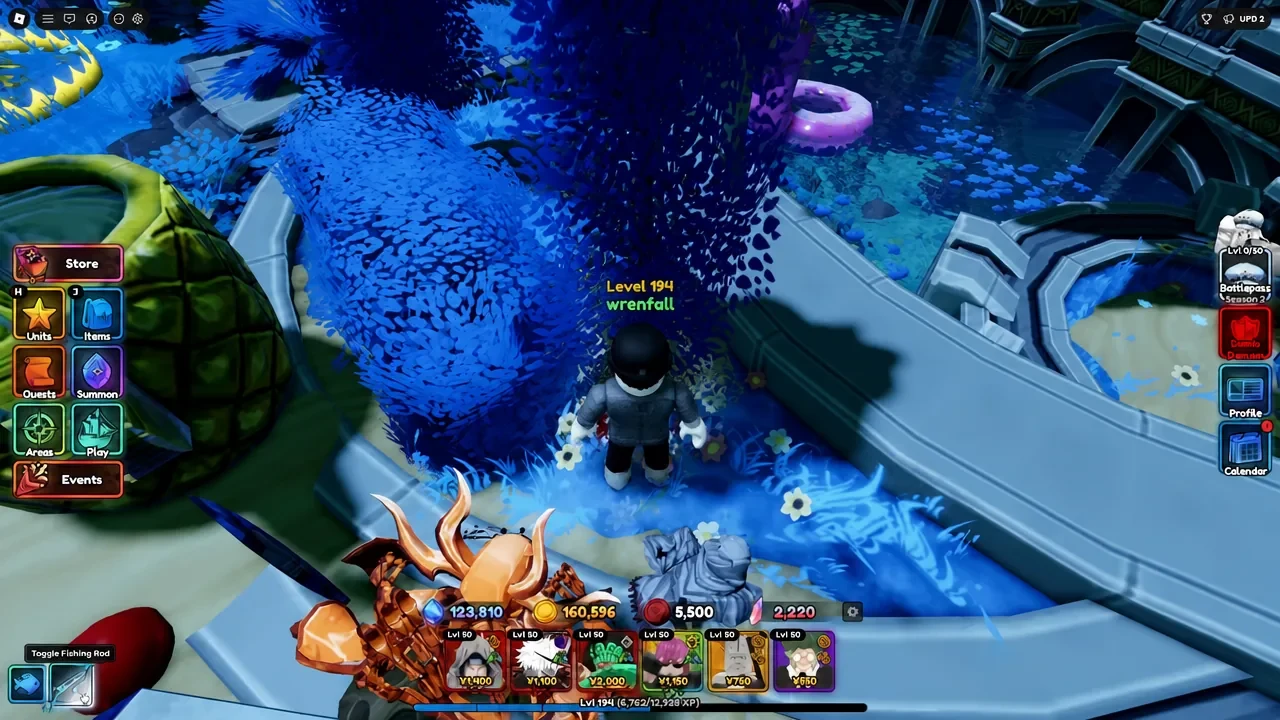
- Move into a pool. Walk into the water instead of stopping on the land edge. The pool behind the Carrot Summer NPC in the lobby is one spot to try.
- Start a map first. On a game-mode map, press Start and wait for the waves to begin before fishing.
- Cast the line. With the rod out and your character in the water, press the left mouse button.
If the prompt does not respond, move farther into the pool and try again after the map starts. A character standing just beside the water can make a working rod look broken.
Complete the catch minigame
After the bite, the blue bar follows your input while the fish moves. Keep the two aligned until the white progress meter fills.
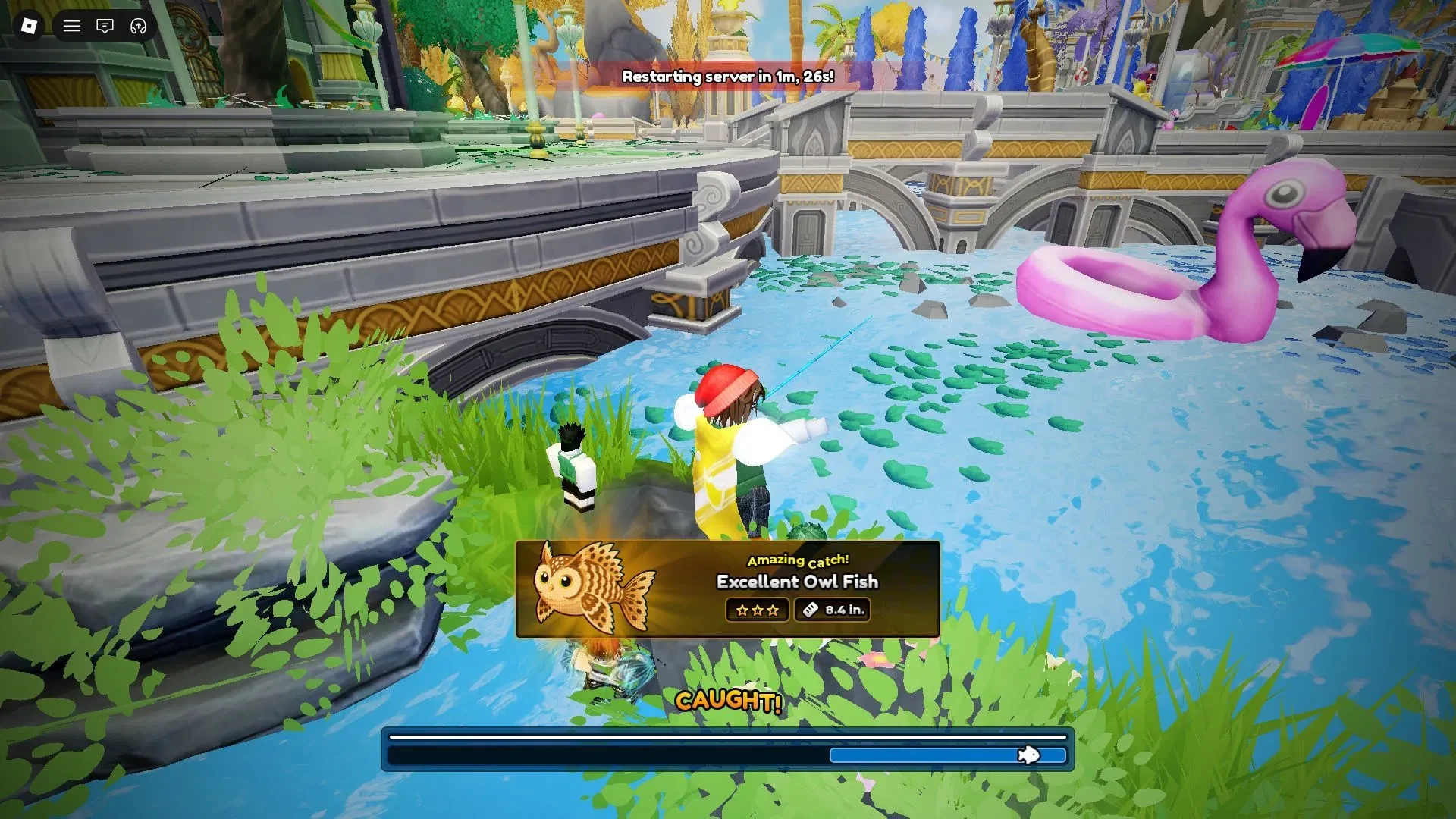
- Wait for the bite. Leave the line cast until the fish takes it.
- Hold left click. Use the blue bar to stay over the fish icon.
- Release and correct. Let go when the bar needs to slow down, then hold again until the white meter is full.
Upgrade through five rods and claim fishing rewards
The fishing menu shows five rod choices. Use the in-game rod card as the final check for each route and perk.
| Rod | Unlock route | Listed use or perk |
|---|---|---|
| Normal Rod | Available at the start | Manual casting and catch-bar control. |
| Auto Rod | Tidal Siege; check the card for the wave requirement. | Faster lure and a skipped manual minigame. |
| Advanced Rod | Summer Shop; check whether the card shows 100 Sand Dollars before buying. | Check the shop and rod card for its displayed stats. |
| Lucky Rod | Check its rod card for the unlock condition. | Check for the 1% post-catch chance and every-eighth-fish Mythic perk. |
| Recycling Rod | Unlock after 100 fish. | Every 10 sold items recycle into a random high-tier item. Confirm the output tier in the rod card. |
The rod cards also show Lure Speed, Control, and Control Zone. Read those values in your server before spending, especially for the Normal Rod, instead of comparing rods from memory.
Use Normal to learn the timing, then choose the next rod whose requirement matches your play. Auto is tied to a long Tidal Siege target, Advanced uses event currency, and Lucky or Recycling make more sense when you plan to catch often.
The Fish Index groups catches by area. Higher-star catches provide more EXP, so the index helps you decide which area to visit next.
Track milestones and Event Ranks
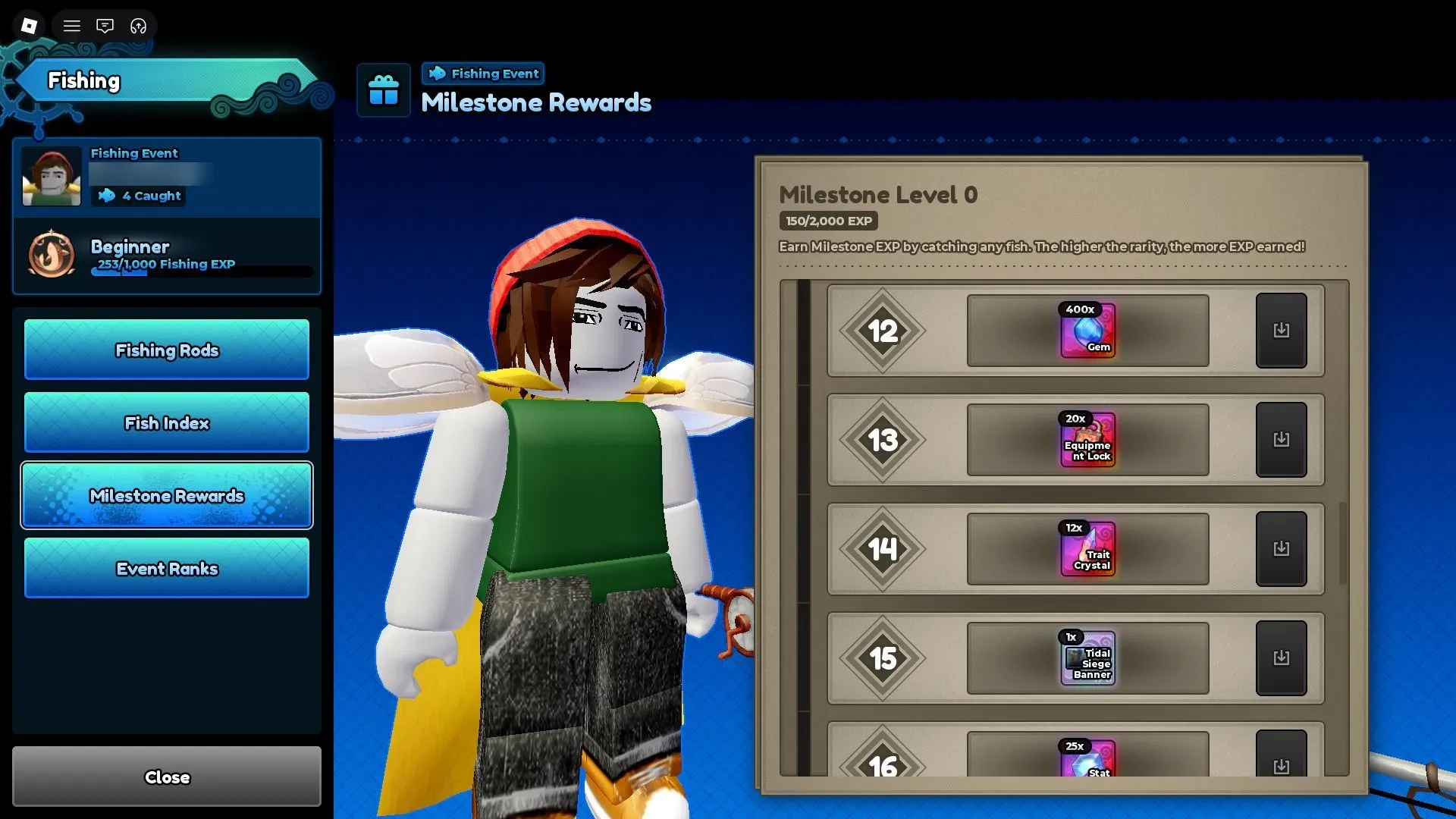
Open the Fishing Event menu to see Fishing EXP, milestones, and Event Ranks. The milestone track reaches Level 25: Level 1 gives 250 Sand Dollars, Level 15 gives a Tidal Siege Banner, and Level 25 gives the Flamingo. Use the in-game panel for every other reward row before claiming it.
Event Ranks run from Beginner, Novice, Experienced, Veteran, Master, and Grandmaster. Higher ranks increase event-currency benefits. The Event Ranks panel shows each threshold and percentage, so use it for the exact values.
Fish during Tidal Siege while your towers handle the waves
Tidal Siege lets you combine tower defence with fishing. Start the mode, place your units, then use nearby water while your waves are being handled.
- Start Tidal Siege. Enter the event mode and press Start.
- Place your units. Set up enough defence for the active waves before switching attention.
- Fish nearby. Cast at the water spot and return when your towers need help.
The Auto Rod's listed unlock is Wave 150 in Tidal Siege, giving you a clear long-term rod target. If you are still setting up a team, the Anime Expeditions beginners guide covers early progression. For combat details, use the Anime Expeditions raids guide, then check the game modes wiki and Anime Expeditions maps wiki for related systems and water-spot context.