RIVALS is a Roblox FPS from Nosniy Games where you can play 1v1 to 5v5 duels. In a standard match, the first side to win five rounds wins. Start with the free four-slot loadout, practise in the Shooting Range, and play a few matches before spending Keys.
Start in the Shooting Range with the free loadout
RIVALS uses four loadout slots. The current free setup is:
| Slot | Free item | Simple job |
|---|---|---|
| Primary | Assault Rifle | Main firearm for general fights. |
| Secondary | Handgun | Backup firearm. |
| Melee | Fists | Close-range option when you have no firearm out. |
| Utility | Grenade | Throwable for pressuring an area or position. |
These items are enough to learn the basics. Open the Shooting Range before queueing. If Beginner Tasks or onboarding prompts appear, follow them while you learn the range and its interface.
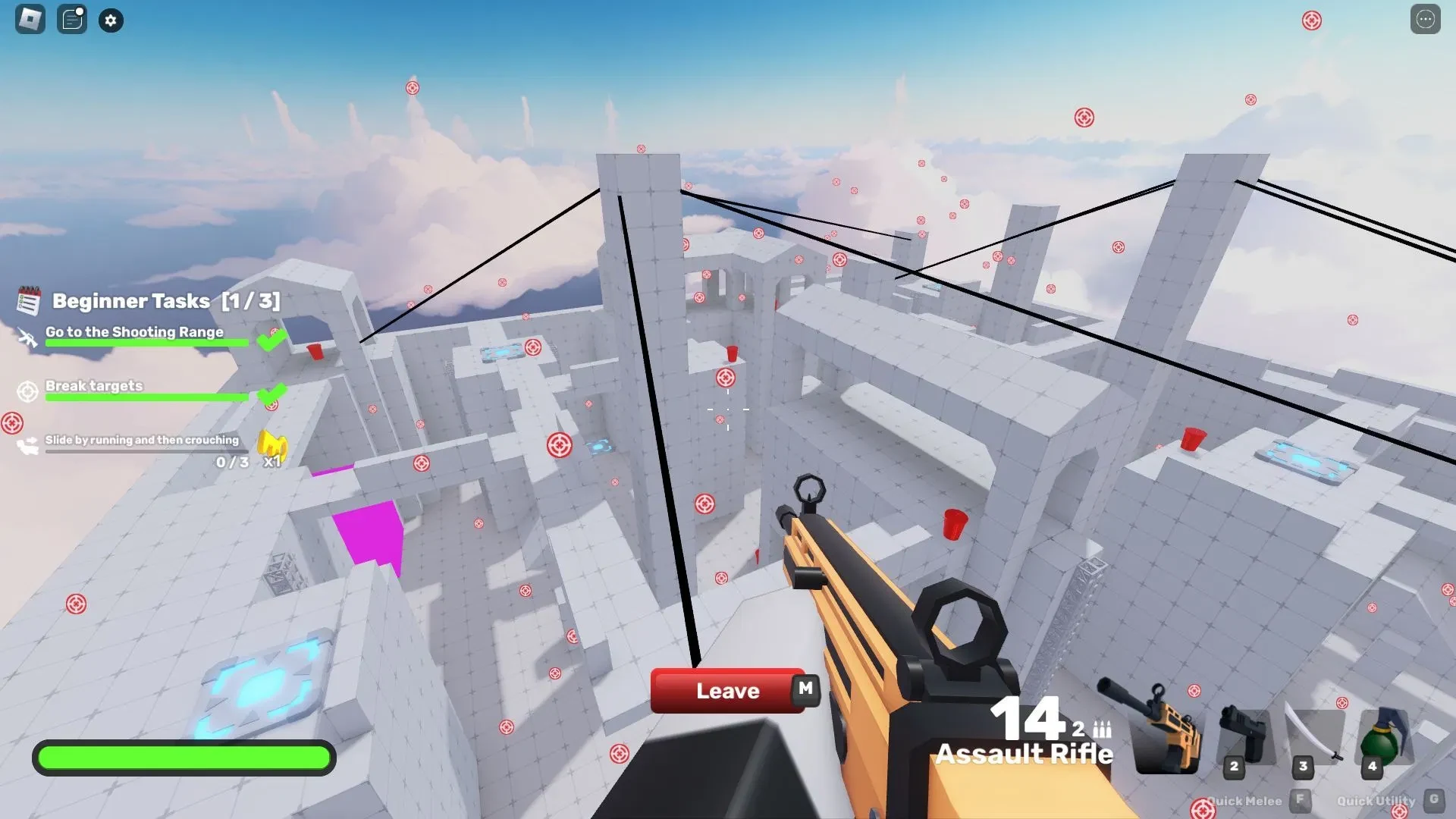
Fire at the red targets and move between cover such as walls or containers. Switch from the Assault Rifle to the Handgun before you need to reload. Practise sprinting, sliding, and jumping one at a time, with a clear reason for each move.
On PC, WASD moves you, the mouse aims, left-click fires, and right-click aims down sights. Shift usually sprints, C or Ctrl crouches or slides, Space jumps, and R reloads.
Bindings can change, so check Settings or the in-game Help screen if a key does something different. Mobile, controller, and console players should follow the current on-screen layout.
Once you know which slot feels awkward, browse RIVALS weapons and look for an unlock that fills that specific gap.
Use cover, learn one round at a time, and save Keys for useful unlocks
Give each round one simple job: find cover, watch a likely angle, take your shot, and move when the fight shifts.
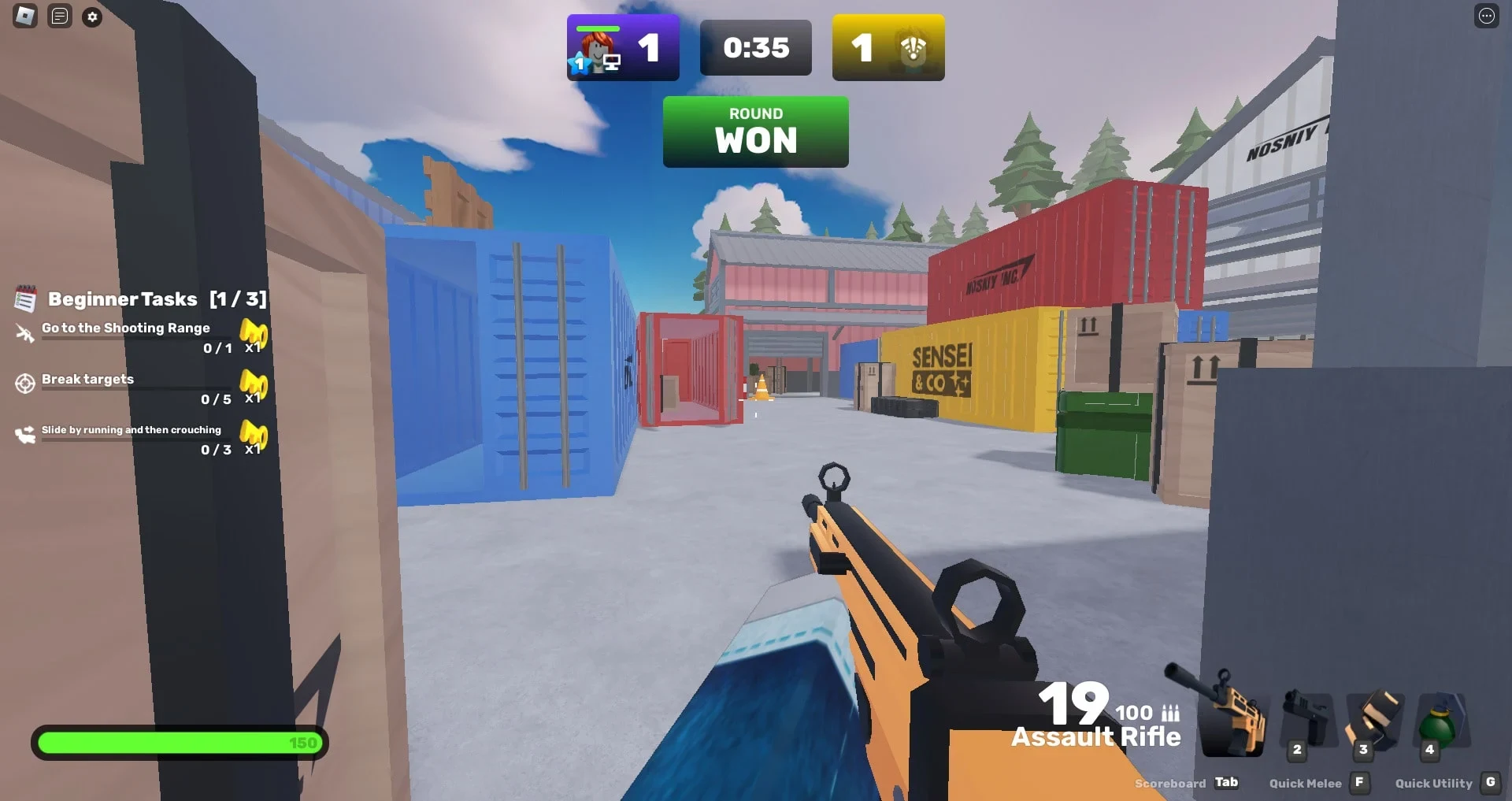
Keep your crosshair, the small aiming mark, near the angle where an opponent may appear. If someone spots you at one angle, move before trying again from the same place. Repeating a peek gives the opponent a very polite invitation.
Use deliberate strafing, moving side to side, when you are exposed. Jump or slide when it helps you cross space or break an opponent's aim, not every time you feel nervous. If your Primary needs a reload during a live fight, switch to the Secondary when it can keep you safe. Reloading in the open gives the other player time to take the shot.
Play regular duels while you learn the round rhythm. If Beginner 2v2 appears in the current menu, it is another small-team format for practising with teammates without jumping straight into a larger match.
Keys support weapon and cosmetic progression. Save your first unlock decision until you can name the gap you want to fix, such as a slot that feels awkward or a range you cannot cover. Check the live in-game cost before confirming it. A shiny icon still cannot aim for you.
When Beginner Tasks or contracts point you towards a reward, How Weapon Contracts Work in RIVALS explains how to handle that progression. After a few matches, learn one arena at a time with the RIVALS Big Crossroads Map Guide.
For a specific weapon, How to Unlock the Exogun in RIVALS covers its focused route. Leave Ranked until regular rounds feel comfortable, then check How to Qualify for Ranked in RIVALS for the current requirements.
Steady aim, cover, and one familiar loadout matter more than chasing a perfect setup. Learn what each slot does, test one change at a time, and let your first unlock solve a real gap.