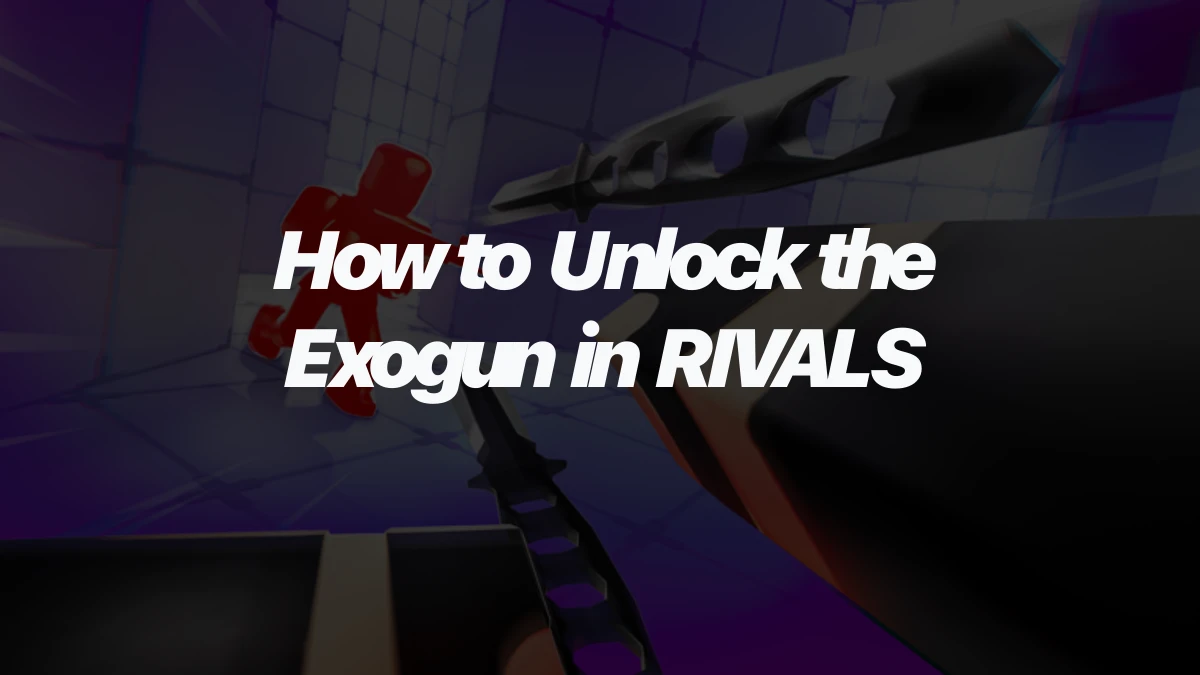
Exogun is a Prime Secondary weapon in RIVALS, so the unlock decision is really about your backup slot. It is not a free starter weapon. You either save Keys for the weapon itself or buy the Exogun Bundle with Robux if you also want the themed extras.
What Exogun is before you spend on it
Exogun sits in the Secondary slot, the same loadout position used for backup weapons and sidearms. That matters because it does not replace your Primary weapon. It gives you a different option when your main weapon is reloading, when you need quick pressure, or when a projectile-style backup fits your round plan better than a normal pistol.
The important unlock label is Prime Secondary. Prime weapons usually sit higher on the cost ladder than early Standard weapons, so treat Exogun like a planned purchase rather than a random first buy. For the wider slot list, compare it against the other Secondary options in the RIVALS weapons page.
How to unlock Exogun with Keys or Robux
Exogun has two main unlock routes: a direct Keys purchase or the Robux bundle. The bundle is optional. If you only care about owning the weapon, the Keys route is the cleaner target.
| Unlock route | Cost | What you get |
|---|---|---|
| Direct weapon unlock | 350 Keys | Exogun as a Secondary weapon |
| Exogun Bundle | 649 Robux | Exogun plus themed cosmetics, Wrap Boxes, and bonus Keys |
A simple unlock plan looks like this:
- Open your weapon or loadout menu and go to the Secondary slot.
- Find Exogun in the Prime Secondary choices.
- Choose the 350 Keys unlock if you only want the weapon.
- Check the Exogun Bundle contents before spending Robux.
- Equip Exogun in your Secondary slot after it is unlocked.
Keys are earned and spent across more than one RIVALS system, including weapons and cosmetics, so do not spend them as if Exogun is the only future unlock you will want. If you are still missing basic weapons in other slots, compare those costs before committing 350 Keys to one Secondary.
What to check before buying the Exogun Bundle
The Exogun Bundle is more than a shortcut to the weapon. It includes Exogun, the Wondergun skin for Exogun, a Nebula wrap, an Alien Head charm, a Low Gravity finisher, Wrap Boxes, and bonus Keys. That can be useful if you want the full space-themed set, but it is easy to overpay if you only wanted the weapon.
Before buying the bundle, check three things:
- Whether you want the cosmetics along with the weapon.
- Whether 350 Keys is realistic for you to save instead.
- Whether the in-game purchase screen shows exactly what you expect to receive on your account.
That last check matters because Robux purchases are harder to undo than waiting for more Keys. If the weapon is the only thing you care about, saving for the direct unlock keeps the decision simpler.
How contracts and skins connect after unlock
Unlocking Exogun gives you the weapon. Contracts and skins are follow-up systems around using or customizing it.
Exogun contracts are tied to eliminations and playtime, so they reward progress from actually using the weapon rather than buying the bundle and stopping there. You do not need to memorize every contract reward before unlocking Exogun, but you should know that contract progress belongs to weapon use.
Skins are cosmetic. Exogun has skins from routes such as skin cases, bundle sources, special case sources, and ranked or shop-style sources, but those skins do not replace the weapon unlock. If you mainly care about cosmetic sources, use the RIVALS skins page after you understand how you are getting Exogun itself.
Quick answer for Exogun unlocks
To unlock Exogun in RIVALS, buy it as a Prime Secondary weapon for 350 Keys or get it through the 649 Robux Exogun Bundle. Pick the Keys route if you only want the weapon. Consider the bundle only if the extra skin, wrap, charm, finisher, boxes, and Keys are worth the Robux to you.
Exogun is a focused Secondary-slot purchase, not a full loadout plan by itself. Before spending, make sure your Primary, Melee, and Utility slots are not being ignored just because one flashy backup weapon caught your eye.