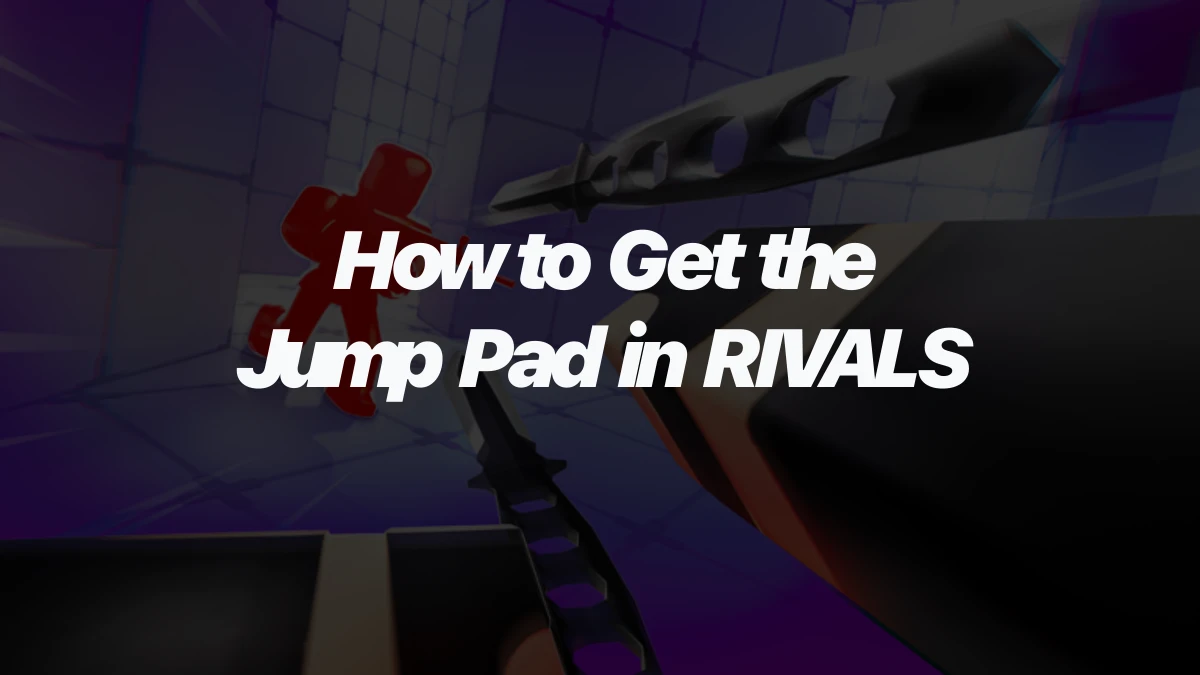
The Jump Pad in RIVALS does not unlock through Keys or a weapon bundle. You need to collect all 9 hidden Jump Shards, then equip Jump Pad from the Utility section of the weapons menu.
That makes the unlock more like a short scavenger hunt than a normal weapon purchase. Grab the lobby shards first, then treat the map shards as targets whenever the right public match appears.
Jump Pad unlock requirements
Jump Pad is a Standard Utility weapon, but its unlock route is different from the rest of the normal weapon list. You need 9 Jump Shards total. Three are in the lobby, and six are hidden on specific maps.
The important rule is that Jump Shards are tied to public servers. Do not plan the hunt around a private server run. For the map shards, queue into public matches and go for the shard when Docks, Crossroads, Construction, Onyx, Bridge, or Station appears.
All nine Jump Shard locations
Use this table as the checklist for the unlock. The lobby shards are the easiest because you can collect them before waiting on map rotation.
| Shard | Area | Location |
|---|---|---|
| 1 | Lobby | Behind crates in the Weapons room |
| 2 | Lobby | Behind the Winstreak board |
| 3 | Lobby | Near the 3v3 pads |
| 4 | Docks | Behind one of the green crates, out of bounds |
| 5 | Crossroads | Behind the gray rock structure on the side wall, out of bounds |
| 6 | Construction | On the tip of the crane |
| 7 | Onyx | In the large lava pool, held by a sinking Shady Chicken |
| 8 | Bridge | On top of the left pillar on the Nosniy INC side of the map, out of bounds |
| 9 | Station | Next to one of the fence corners, out of bounds |
Several map shards are placed in spots where you may fall, die, or leave the normal play area right after touching them. The useful part is touching the shard. Do not overthink the escape route if the pickup counts before the round punishes you.
A clean route for collecting the shards
Start with the three lobby shards so you are not mixing easy pickups with match-dependent ones later. After that, keep the six map names in mind while you queue. You do not need to force every shard in one sitting.
- Collect the Weapons room shard in the lobby.
- Walk behind the Winstreak board for the second lobby shard.
- Check the area near the 3v3 pads for the third lobby shard.
- Queue public matches until one of the six shard maps appears.
- Go for that map's shard early in the round if the spot is dangerous or out of bounds.
- Repeat until all six map shards are collected.
- Open the weapons menu and equip Jump Pad from the Utility section.
Movement weapons can make some shard runs less painful, especially when a location sits high up or outside the normal path. Still, the requirement is the shard pickup itself. If a risky jump gets you the shard and then drops you out of the map, the run has still done its job.
How to equip Jump Pad after the last shard
Once you have all 9 Jump Shards, open the weapons or loadout menu and go to Utility weapons. Jump Pad should be available there as the shard-unlocked utility option.
If you are comparing it with the rest of the loadout pool, the full RIVALS weapons list is the better place to check slots, costs, unlock routes, and contract notes. For this unlock, the main thing to remember is simple: Jump Pad is the 9-shard Utility weapon, not a Key purchase.
What Jump Pad is useful for
Jump Pad places a bounce pad that players can step on during a round. That gives it a different job from damage utilities like Grenade or Molotov. It is mainly about movement, disruption, and bounce setups.
Use it when you want to:
- reach or contest a vertical angle faster;
- create an awkward bounce path near a doorway or route;
- help teammates move through a fight;
- work on Jump Pad contracts that track players bounced and playtime.
It is not an elimination-focused weapon. If you are trying to build a full combat loadout, think of Jump Pad as a movement utility that changes positioning rather than a tool that wins damage trades by itself.
What to check next
The broader RIVALS wiki is useful if you want the game hub after finishing the unlock. For Jump Pad specifically, the next practical step is testing where the bounce helps on maps you already play, then deciding whether it deserves your Utility slot over damage, healing, traps, or cover.