Betty's Gemstone is easy to miss because the quest starts on a ledge above the river, but the item is fixed underwater below the waterfall. Reach Betty at level 10, follow the left riverbank past the red bridge, then dive from the rocky cliff and use the pickup prompt on the riverbed.
Where to find Betty and start the Gemstone quest in Slayers 2
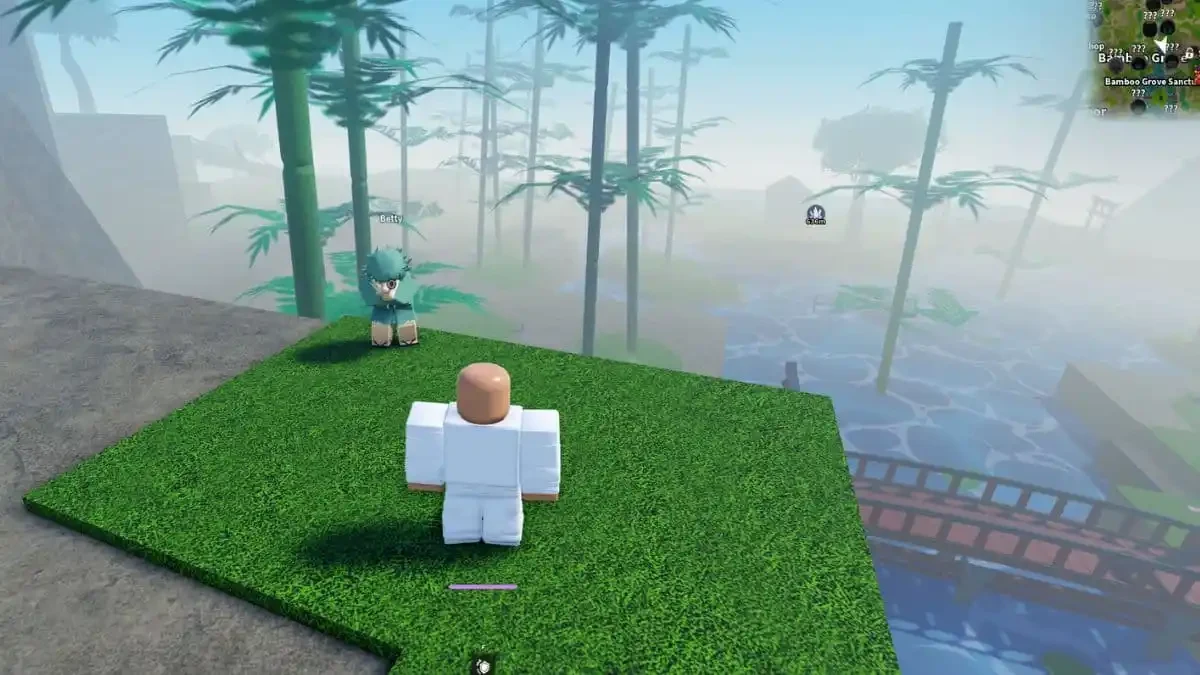
You need to be level 10 before Betty will give you the gemstone task. Head to the Bamboo Grove area, which some guides also call Bamboo Forest Path, and look for the raised grassy ledge above the waterfall and river. Betty is standing on that ledge.
The minimap can help you line up the search: stand above the R in “Grove.” If you are using Windy Peak as your landmark, Betty is roughly 600 units to its left. Once you find her, speak with Betty to start the quest. Your tracker should change to Find Betty's Gemstone 0/1 before you leave the ledge.
How to reach Betty's Gemstone in Bamboo Grove
Use the river and bridge landmarks in order instead of searching every part of the Bamboo Grove water.
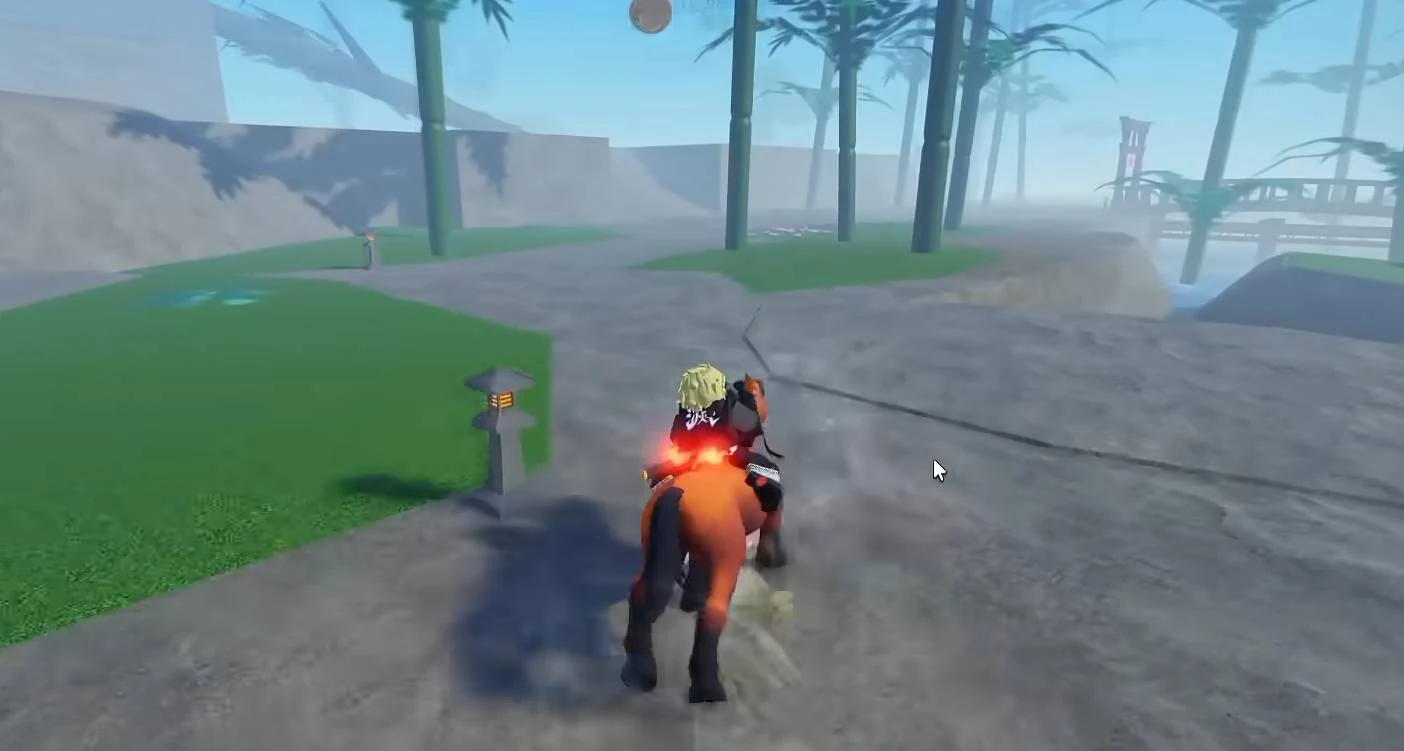
- Jump down from Betty's ledge. Drop to the lower path beside the waterfall.
- Follow the left side of the river. Keep the water beside you and continue until you pass the red bridge. Some guides describe this same landmark as the red torii gate or torii bridge.
- Continue to the rocky corner on the left bank. The correct jump point is the rocky cliff along the river after the bridge.
- Line up with open water and jump in. Move away from the bank rocks, then swim and dive straight down to the riverbed. The gemstone is below the surface near the submerged rock wall, so swimming across the top of the river will not collect it.
The jump into the river is survivable. The rocky left-bank corner is the important navigation cue: if you reach the bridge but cannot see the gemstone, keep following that bank until the cliff gives you a clear entry into open water.
How to pick up Betty's Gemstone in Slayers 2
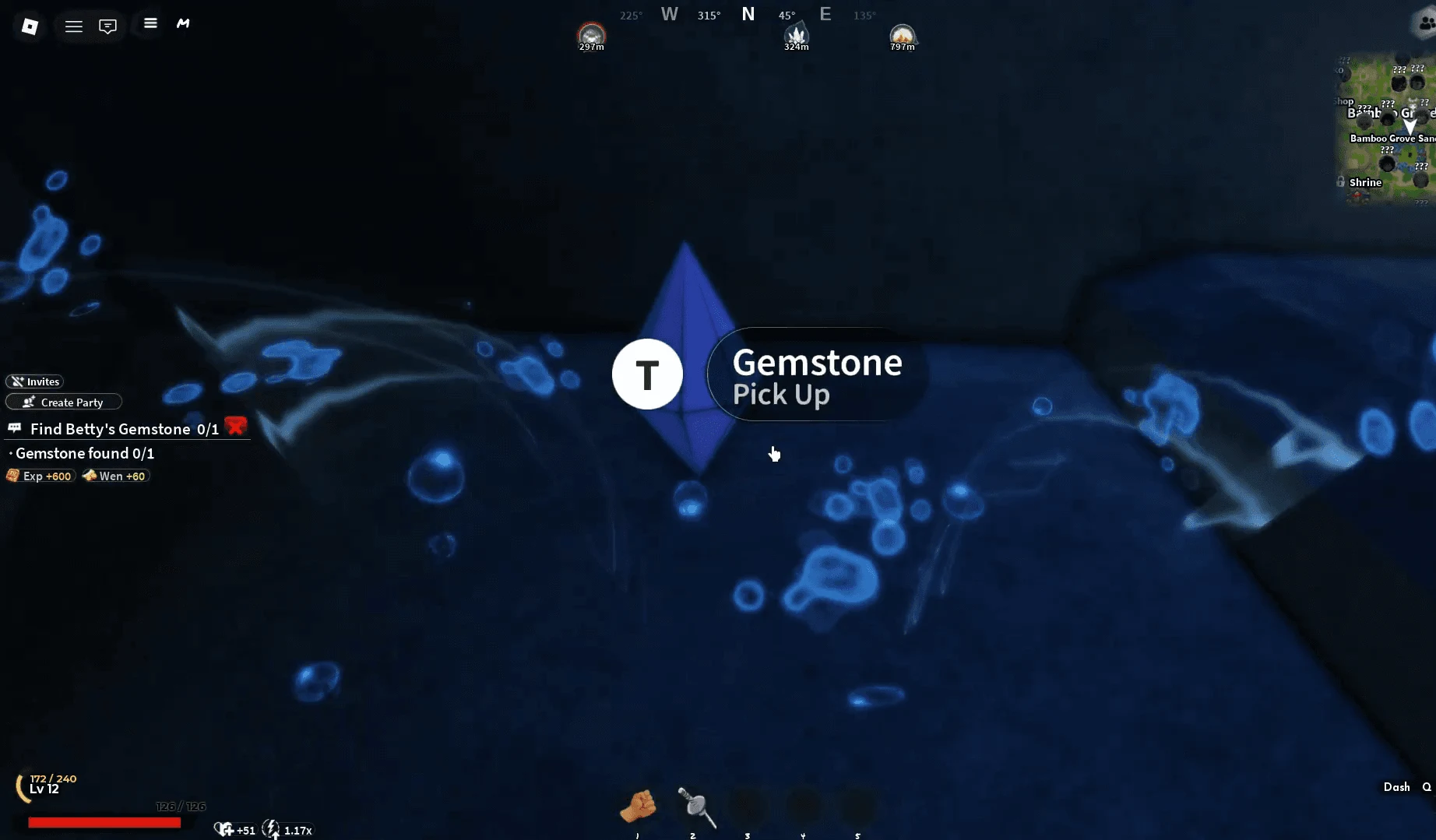
At the bottom of the river, search beside the submerged rock wall for a dark-blue, diamond-shaped crystal. It looks like two pyramids joined at their bases and gives off a faint glow against the rocks.
The gemstone does not collect just because you swim into it. Swim close enough for the Gemstone Pick Up prompt to appear, then press T. If the prompt is missing, reposition near the crystal and approach it again rather than returning to the surface.
How to confirm Betty's Gemstone quest progress
Check the quest tracker immediately after pressing T. A successful pickup should change the objective to Gemstone found, and an XP/Wen notification should appear. If neither changes, the game has not confirmed the collection yet.
If the tracker still shows the gemstone objective as active, make sure you actually pressed T while the pickup prompt was visible. If the pickup registered but the game leaves the objective active, return to Betty and speak with her. Use the tracker and notification as your final check instead of assuming the pickup always ends every step.
Once the tracker confirms the gemstone, the underwater part of Betty's quest is complete and you can leave the river.