Dressing Booths are where a lot of Dress To Impress wardrobe management happens now. They are useful for saved outfits, redeemed code items, reward pieces, currency items, Robux items, and quick outfit setup, but they can also eat your timer if you open them without a plan.
The main trick is to separate prep from the live round. Save reusable outfit bases when you have time, learn which booth tabs hold your owned pieces, then enter the booth during a round only when the theme actually needs something from that collection.
The full Dress To Impress wiki covers the wider game loop. For item lookups, the code items list and reward items list are better places to check individual wardrobe pieces.
What Dressing Booths actually control
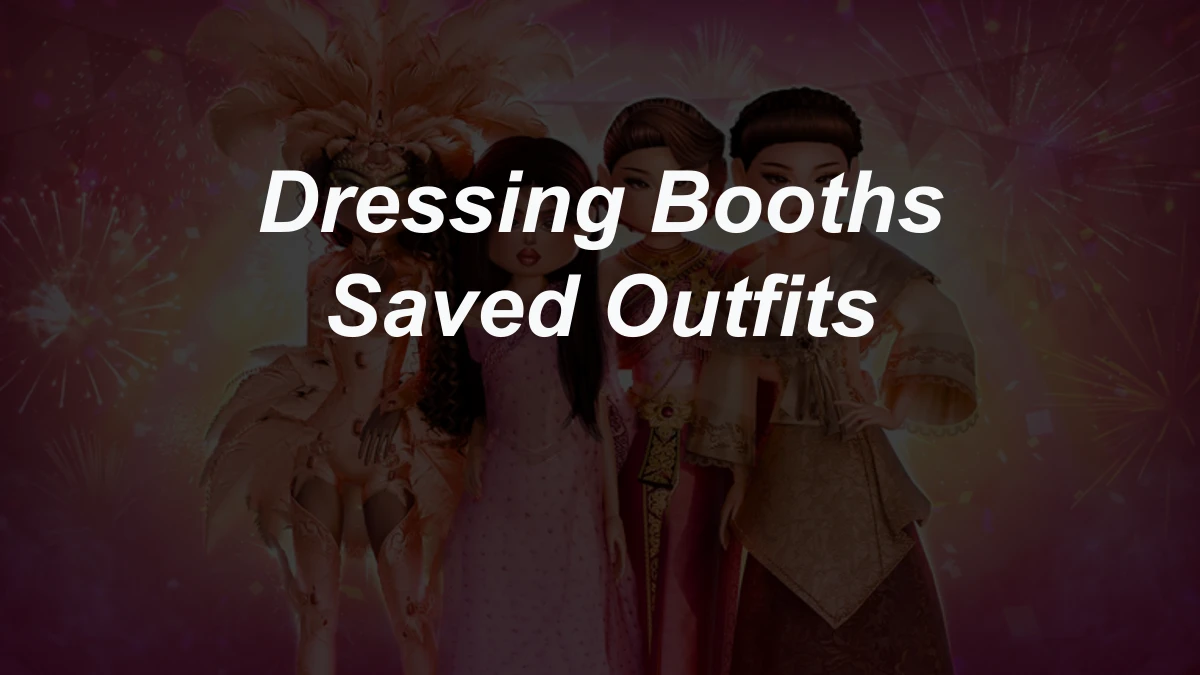
Dressing Booths are more than changing-room decoration. They replaced the older code inventory flow and now act like a menu for saved outfits and several owned item groups. That matters because a redeemed or unlocked item may not sit on a normal rack. It can be waiting inside a booth category instead.
| Booth area | What it helps with | Best use |
|---|---|---|
| Saved outfits | Named outfit slots for looks you want to reuse, edit, or study later | Freeplay planning, quest spaces, custom practice, and quick outfit references |
| Code Collection | Items unlocked through the code system after redemption | Finding code reward pieces without hunting normal room racks |
| Reward or Achievement items | Quest, mode, challenge, collaboration, and older reward-route cosmetics | Checking special items you earned through gameplay |
| Currency and Robux item groups | Owned paid or currency pieces that are not standard free-room items | Adding specific purchases without walking every display |
| All items view | A broader owned-item view | Last resort when you do not remember the category |
The documented Dressing Booth system supports up to 35 saved outfit slots. That sounds like a lot until every slot is named something vague like cute fit or pink. Treat the slots like tools, not a photo album. The best saved outfits are templates you can actually recognize under pressure.
How to save an outfit without losing the setup
Save the outfit after the useful pieces are already on your avatar. If you enter the booth first, you may end up saving an unfinished look or wasting time jumping back and forth between racks.
- Build the outfit you want to save, including clothing, accessories, hair, makeup, and any special pieces you care about.
- Go to a Dressing Booth or changing room and interact with it. On keyboard, the usual interaction key is
E; on mobile, tap the booth prompt. - Open the wardrobe, outfit, or saved-outfits area in the booth menu.
- Press the plus button for a new saved outfit.
- Give the outfit a name that describes its job.
- Save it, then reload or inspect it later from the same saved-outfits area when the mode allows it.
A good save name tells you why the outfit exists. Royal white gold, school blazer base, spooky lace black, beach casual, or fairy pastel wings is much easier to use than fit 7. When a theme appears, you need to know the outfit's purpose before the timer makes you panic-scroll.
When saved outfits help and when they do not
Saved outfits are strongest in Freeplay, quest places, custom practice, and any server or mode where the booth lets you load the look. They are also useful as references. Even when you do not load the full outfit, a saved look reminds you which silhouette, hair, makeup, colors, and accessories worked for a similar prompt.
Do not rely on saved outfits as a guaranteed one-click answer for every normal runway round. Dress To Impress still asks you to match the current theme, and source pages disagree on exactly how saved outfit loading behaves across competition modes. The safe habit is to use saved outfits as prep, then adjust the look live.
That adjustment matters. A saved royal outfit might help with Queen, Royal Ball, or Dripping in Gold, but it probably needs different colors for Ice Queen, softer pieces for Princess, and darker styling for Villain. Loading or copying the base is only the start.
Where code and reward items went
Redeemed code items are wardrobe pieces, not the code text itself. After a code item is unlocked, look for the item through the Dressing Booth's Code Collection area. The live Dress To Impress codes page should handle working code strings and code status; the booth is where the owned reward becomes wearable.
Reward items work the same way from a player point of view: finish the requirement first, then look for the piece in the booth or Achievement Collection area. A quest dress, Style Showdown piece, collaboration item, or older challenge reward can be useful in outfits even when the original route is not something a new player can complete anymore.
That is why source route and ownership matter. If you already redeemed or unlocked the item, the booth is the place to check. If the item is not in your collection, you may need the live codes flow, a quest, a mode win, a special claim route, or nothing at all if the route is retired.
A fast round routine for Dressing Booth items
The booth is fastest when you enter with one target. If you open it before deciding the theme direction, every collection starts looking useful and the timer disappears.
- Read the theme first. Decide the outfit type before touching the booth.
- Pick the main shape from the normal room, VIP room, or free-item racks before digging for tiny extras.
- Enter the booth only for owned pieces that clearly support the prompt.
- Use the narrow collection tab when you know the item type: Code Collection for redeemed code items, Achievement or Reward items for quest and challenge pieces, and currency or Robux groups for owned purchases.
- Add one or two high-signal pieces, then leave the menu.
- Spend the remaining time on colors, patterns, hair, makeup, nails, pose choice, and final cleanup.
A good booth item should make the theme clearer. Wings can sell fairy, angel, fantasy, or creature prompts. A prop can sell school, food, sport, music, or job prompts. A full set can save time only when the whole set matches the theme. If one item explains the prompt better than five random rare pieces, choose the one item.
Saved outfit names should tell you the job
Saved outfit slots work better when you name them by use case instead of mood. You are not trying to impress yourself in the menu. You are trying to recognize the right skeleton fast.
Useful naming patterns:
Theme + color:fairy pastel,royal white gold,goth red blackRole + key item:teacher glasses bag,detective coat hat,chef apron propAesthetic + silhouette:acubi slim layers,coquette bow dress,vkei black bootsBase + missing step:formal base needs makeup,beach base recolor,spooky base add prop
The last pattern is underrated. If a saved outfit always needs a new face, hair, or color palette, put that reminder in the name. You will make better choices when the slot tells you what still needs work.
Clean up old saves before the slots fill
Thirty-five slots are enough for serious prep, but not enough for every outfit you have ever liked. Old saves become clutter when they no longer match your style, use retired pieces you cannot easily adjust, or overlap with a better template.
Keep saves that do one of these jobs:
- start a common theme quickly
- remember a tricky silhouette
- preserve a full look for Freeplay or custom rounds
- test a code, reward, currency, or Robux item combination
- show a hair, makeup, and color pairing you want to reuse
Delete saves that only prove you liked an outfit once. If you never reach for a slot during practice, it probably will not help during a timer.
Common Dressing Booth mistakes
The biggest mistake is opening the booth as a substitute for choosing a theme direction. The booth can help you find owned pieces, but it will not decide whether your outfit should be royal, sporty, spooky, casual, fantasy, or streetwear.
Watch for these problems:
- Opening the all-items view when a narrower collection tab would be faster.
- Saving finished glam looks with names that do not explain the theme.
- Entering the booth in the final seconds for an item you have not practiced finding.
- Assuming a code item appears before you redeem or claim it.
- Assuming a retired reward route is still open because another player can wear the item.
- Forgetting to recolor, toggle, or simplify a saved look for the current prompt.
- Letting booth items replace the basics: silhouette, palette, hair, makeup, and runway pose.
If you often run out of time inside the booth, practice in Freeplay. Open each collection, learn where your favorite owned pieces sit, and save a few simple outfit bases. The theme strategy guide can help with the other half of the problem: deciding what the prompt wants before you start clicking.
The best use of Dressing Booths is control
Dressing Booths are not a shortcut around the theme. They are a control center for pieces you already own and looks you have already prepared. Use them to save good bases, find code and reward items, and pull one strong detail into a round without losing the whole timer.
The strongest setup is simple: know your saved slots, know your owned collections, and enter the booth with a target. That gives you more time for the parts voters actually see on the runway: a clear idea, clean colors, finished styling, and a pose that matches the outfit.