

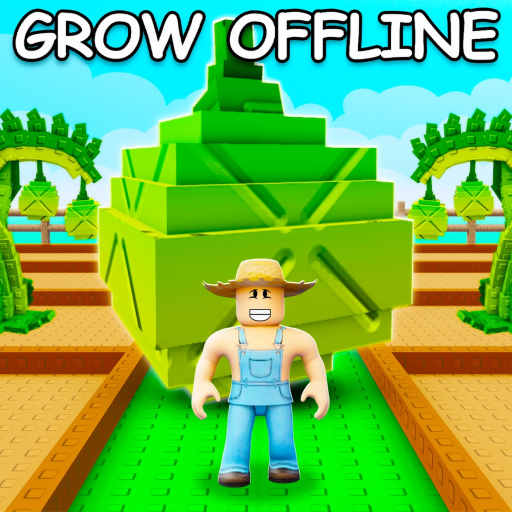
Grow a Garden is a farming game with a loop you can pick up in seconds: plant seeds on your plot, wait for the crops to grow, harvest them, and sell them for Sheckles. Those Sheckles buy better seeds, gear, pets, and eggs, which is how a starter patch slowly turns into a sprawling garden.
What keeps it interesting is mutations. Weather events, pets, and sprinklers can stack multipliers onto a crop and send its sale value way up, so a lucky harvest pays far more than a plain one. Multi-harvest crops like strawberries keep giving after one planting, while quick single-harvest crops are solid early cash.
- Creator
- The Garden Game
- Game Created
- March 25, 2025
- Last Updated On
- September 13, 2026
- Age Requirement
- All Ages
- Genre
- Simulation
- Subgenre
- Tycoon
- Supported Devices
- DesktopMobileTabletConsoleVR
Checked and verified on September 13, 2026
torigateThis code gives you One Whispering Torii (Cosmetic).
SUMMER_WAVE26This code gives you 5 Green Bean Seeds.
BEANORLEAVE10This code gives you 1 Green Bean Chamber.
Showing the latest 3 of 4 active codes. View all Grow a Garden codes
Game data
Crops:
Crops are the foundation of Grow a Garden because every profit route starts with what you plant. Use the crops catalog to compare value, weight, harvest behavior, and availability before you decide which seeds deserve your next stock check or mutation setup.





Seeds:
Seeds are the access layer behind every profitable crop. Use the seeds catalog to see which plants come from normal shop stock, which ones need crafting or packs, and which sources are worth checking when you are targeting a specific garden build.





Pets:
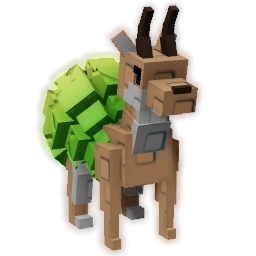
Pets add more than collection value in Grow a Garden. Use the pets catalog to compare rarity, egg sources, merchant routes, and passive notes so you can tell which companions are useful for hatching, mutation setups, or pure collection progress.




Eggs:
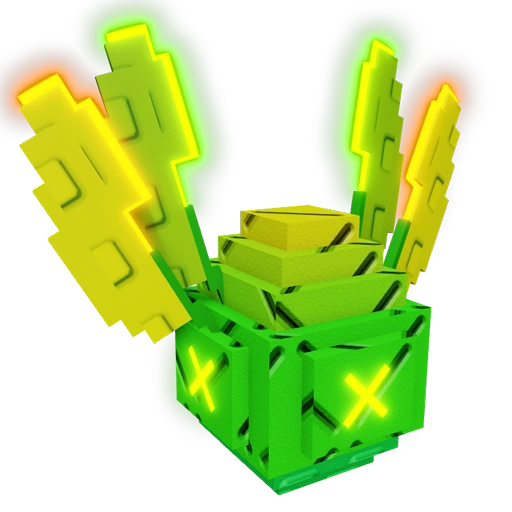
Eggs control most pet progression in Grow a Garden. Use the eggs catalog to compare hatch times, drop pools, and egg categories before you decide whether a pet target belongs to the normal shop loop or a rarer exotic or limited route.





Gears:
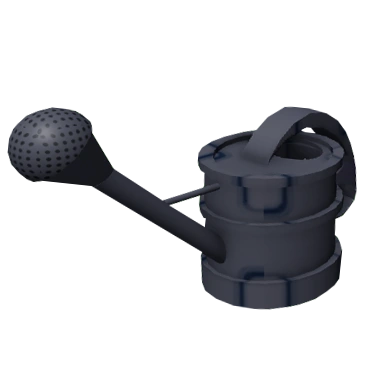
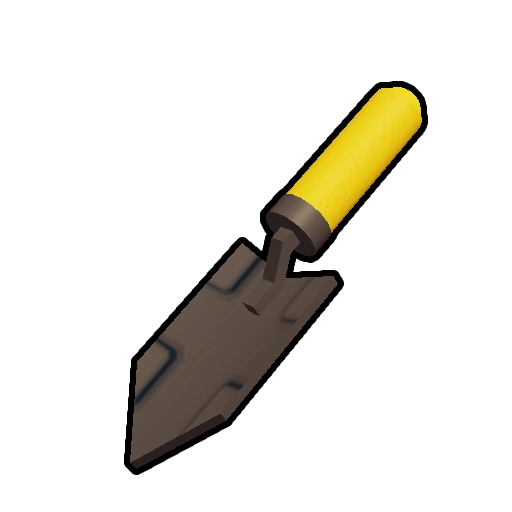
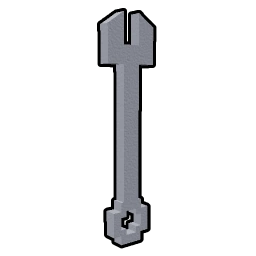
Gear is where Grow a Garden starts rewarding active planning instead of simple planting. Use the gears catalog to compare prices, stock, and tool effects when you are deciding which shop refreshes matter and which utility items are worth holding for longer setups.


Crop Mutations:
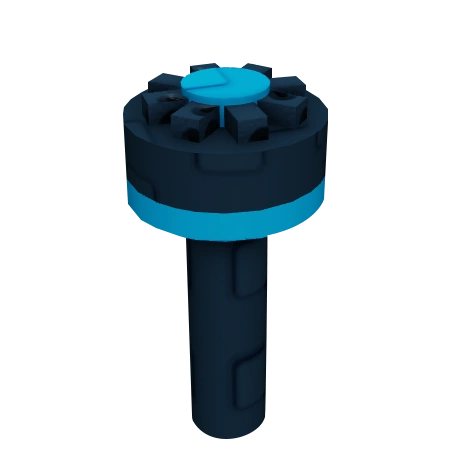
Mutations are what turn an ordinary harvest into a serious payout in Grow a Garden. Use the crop mutations catalog to compare multipliers, appearance cues, and trigger paths before you build around weather, pets, sprays, or special mutation setups.





Pet Mutations:
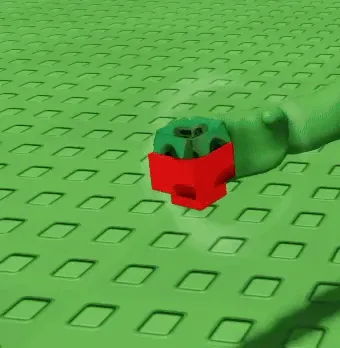
Pet mutations add a second progression layer on top of the pet list itself. Use the pet mutations catalog to compare mutation type, odds, XP boosts, and sell multipliers when you want to understand which rolls matter for levelling and long-term value.






Weather:
Weather is one of the main drivers behind mutation timing in Grow a Garden. Use the weather catalog to compare standard, event, and admin weather effects when you want to know which conditions speed growth, apply mutations, or change how a farming session behaves.






Merchants:
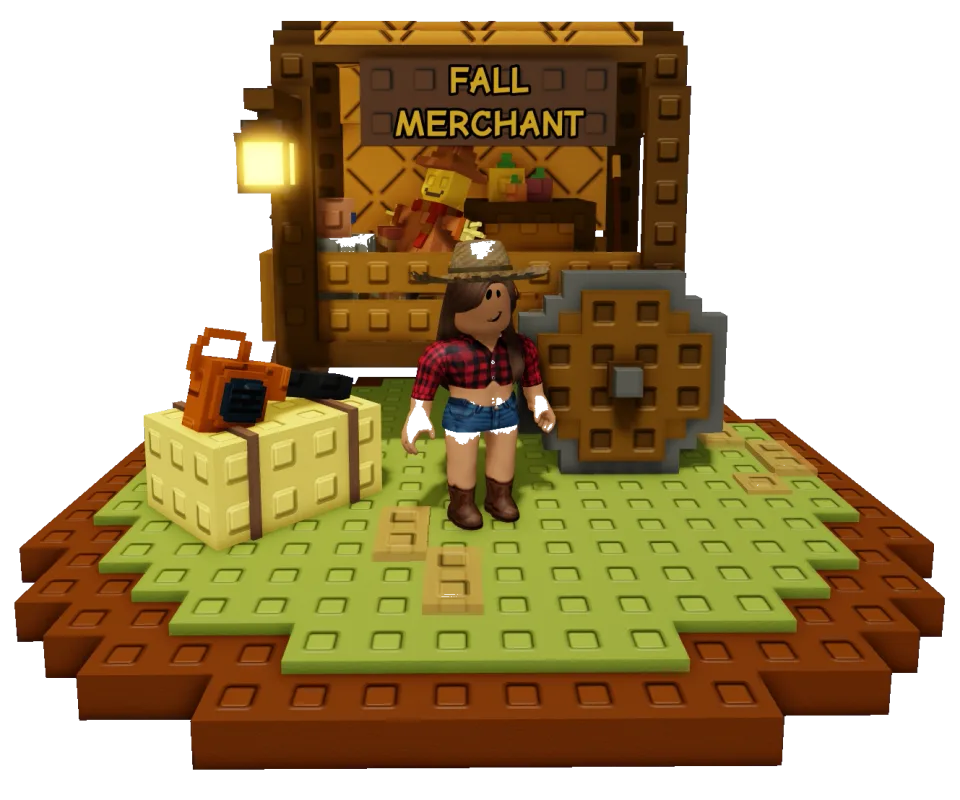
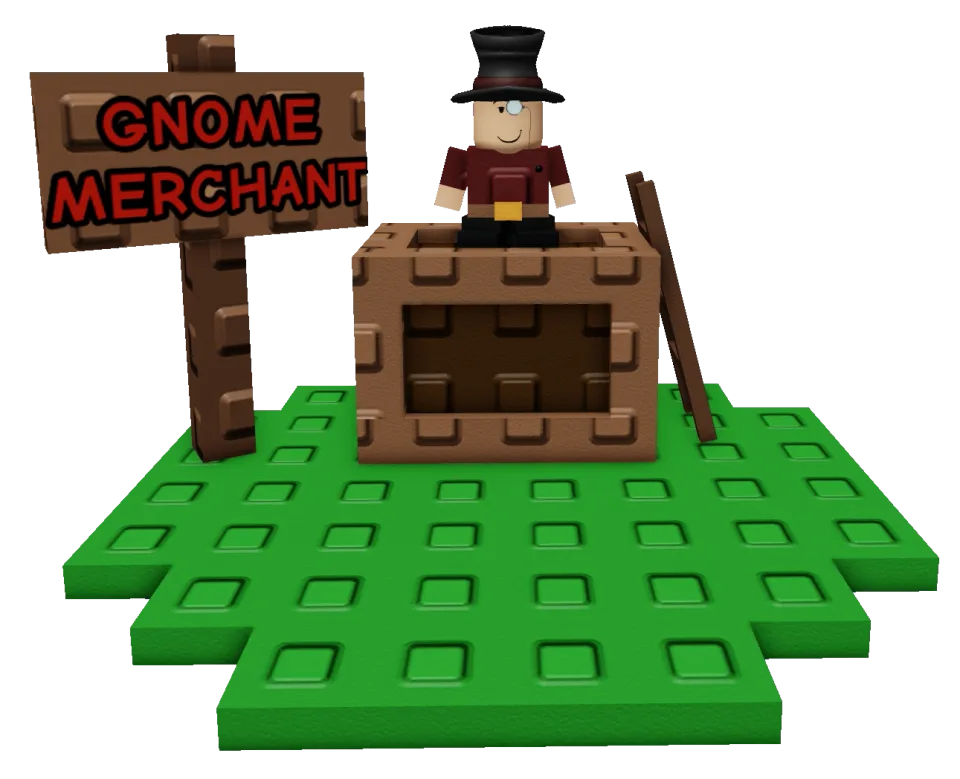
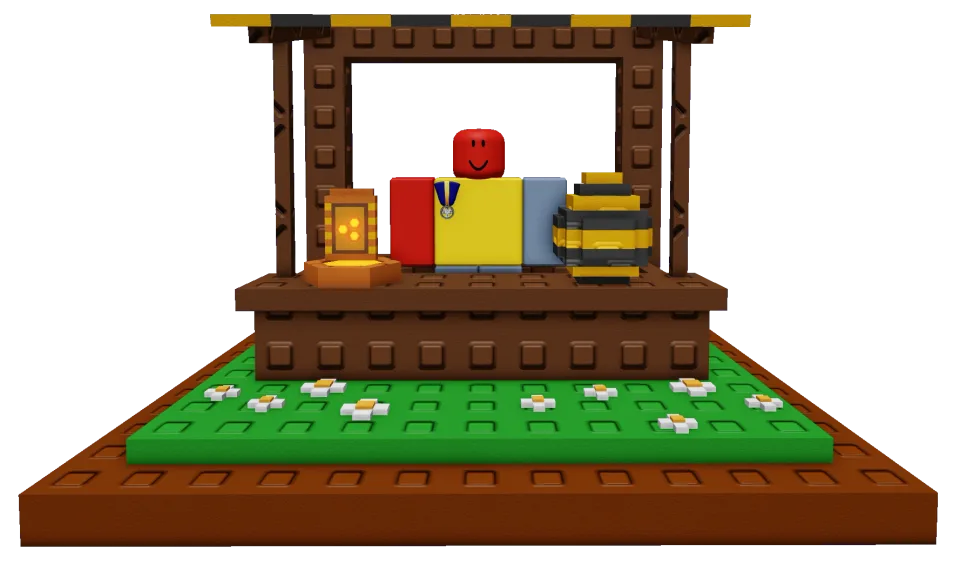
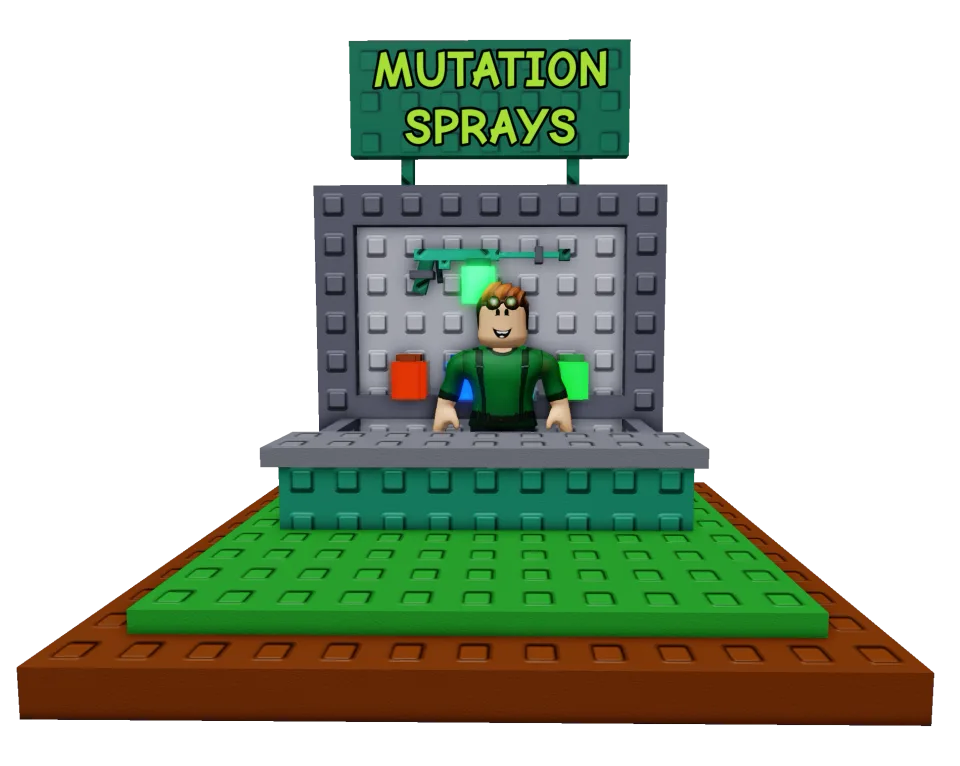
Merchants are the rotating sellers that sit outside Grow a Garden''s core shop loop. Use the merchants catalog to see which special sellers matter, what kind of inventory they bring, and why a merchant appearance can change your item route for the day.

NPCs:
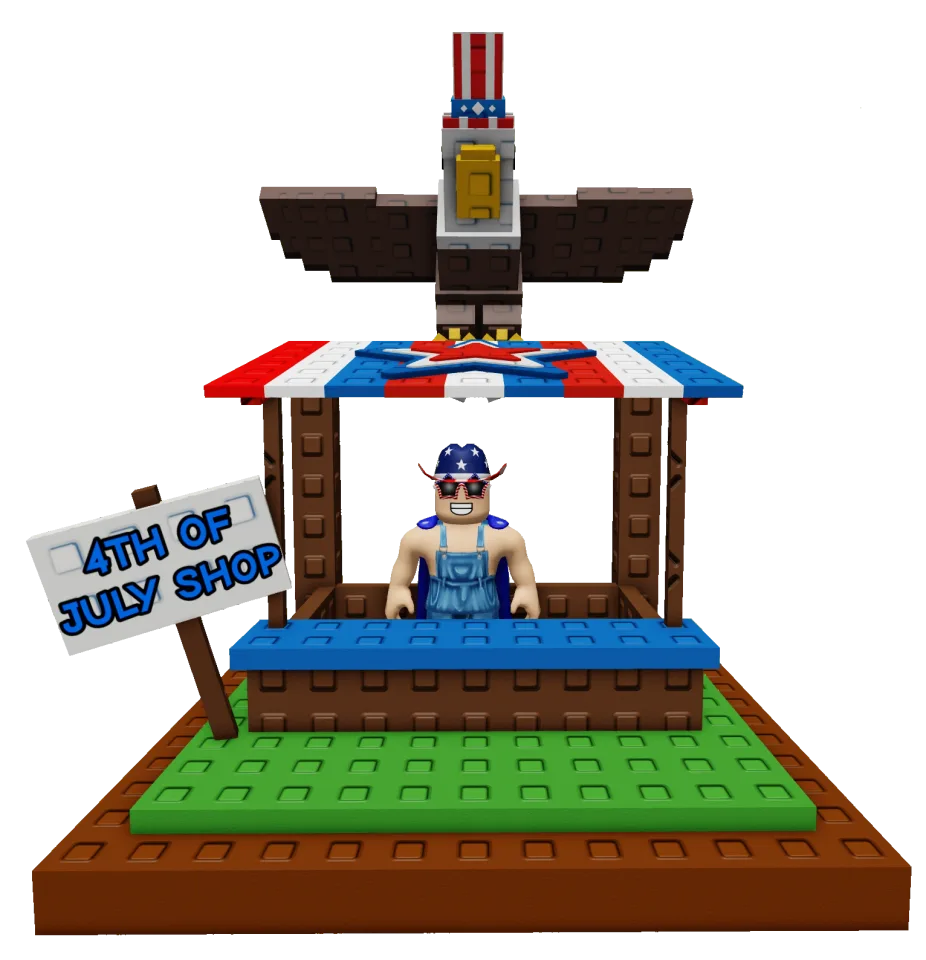
NPCs are the faces attached to Grow a Garden''s shops, exchanges, and themed systems. Use the NPC catalog when you need a fast reminder of which character matters for which mechanic without digging back through update history or scattered notes.



Shops:
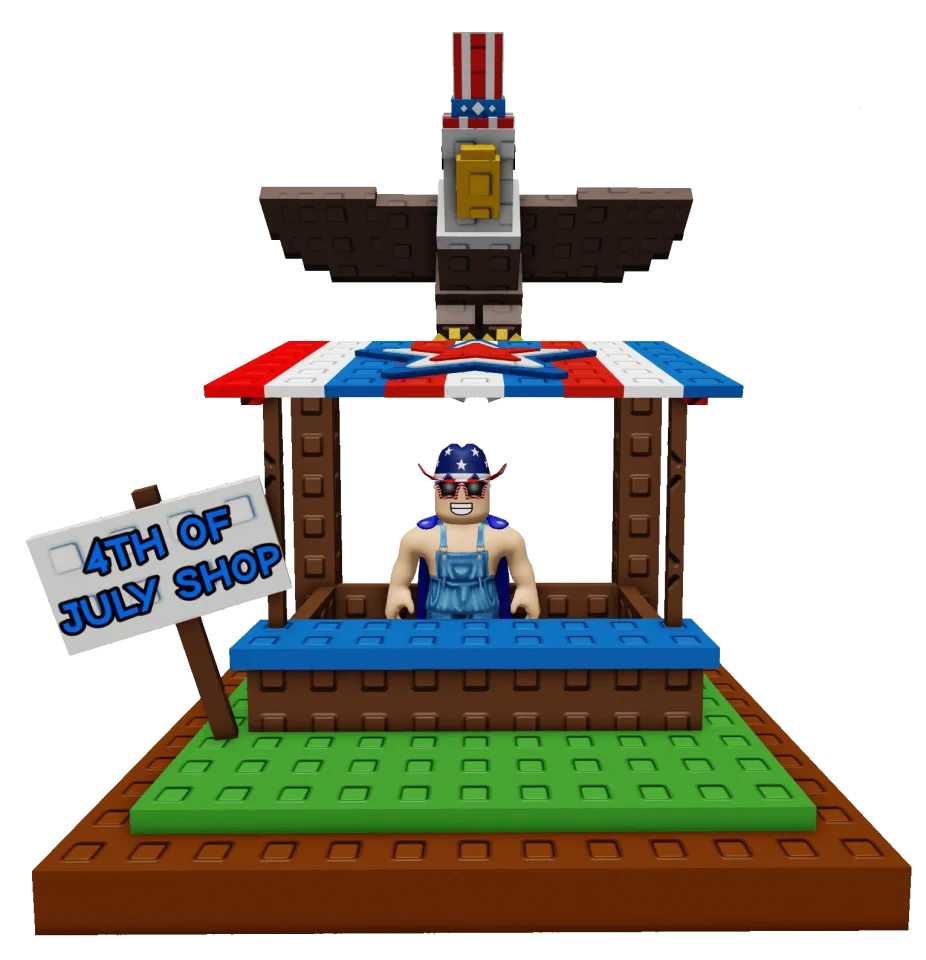
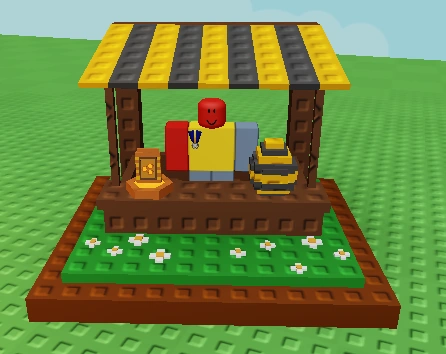
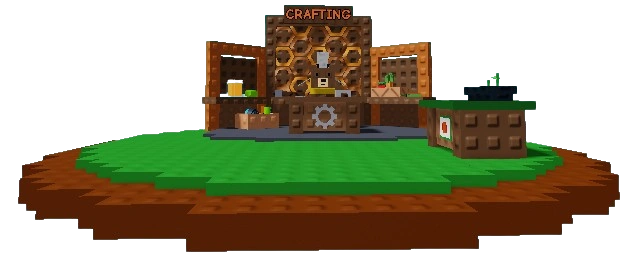
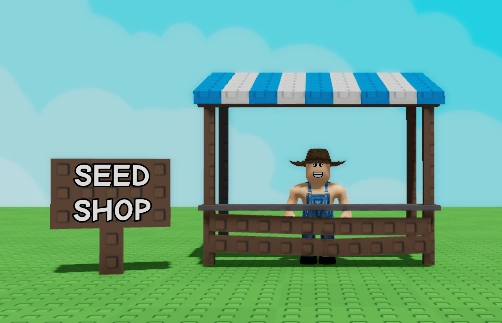
The shop network is the backbone of Grow a Garden''s everyday progression. Use the shops catalog to compare owners, currencies, and refresh timers so you know which stores are worth checking every few minutes and which ones sit on slower loops.

Seed Packs:
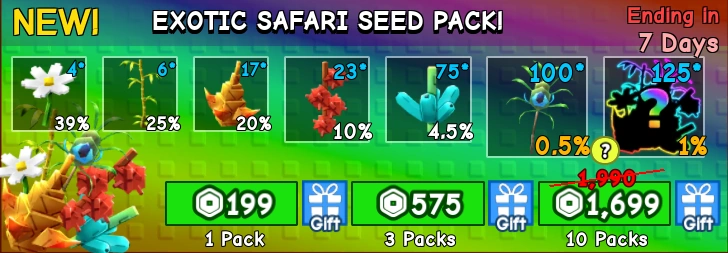
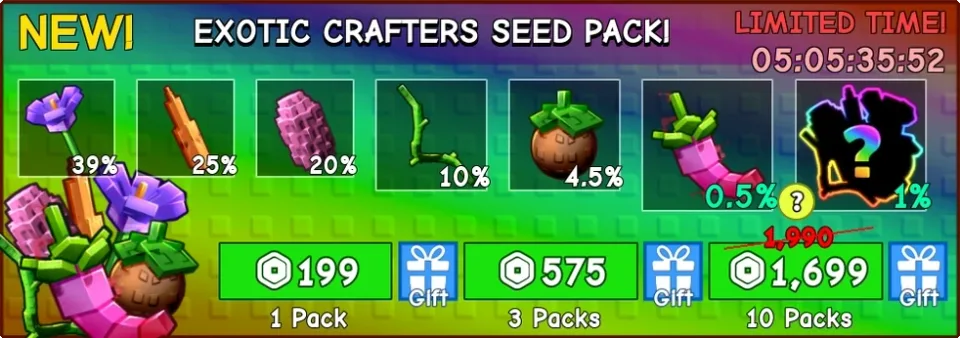
Seed packs are one of the easiest ways for Grow a Garden to introduce rare and seasonal plants. Use the seed packs catalog to compare pack types, access paths, and contents before you spend event effort, premium currency, or saved pack rewards.





Crafting Recipes:
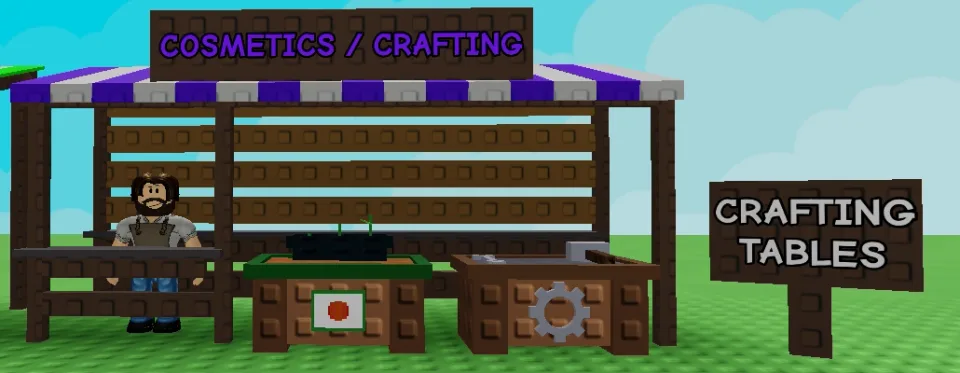
Crafting is the system that lets Grow a Garden players turn ingredients and currencies into more targeted progression. Use the crafting catalog to compare recipe categories, timers, and shortcut prices before you decide whether a route is worth grinding or skipping.

Food:
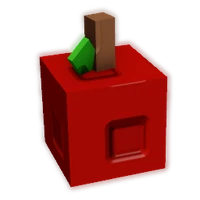
Cooking gives Grow a Garden players another way to turn harvested crops into progression. Use the food catalog to compare recipe groups, base cook times, and weight when you are deciding which plants are better used in recipes instead of sold raw.






Currencies:
Grow a Garden runs on more than one economy layer. Use the currencies catalog to see how Sheckles, Garden Coins, and other tracked currencies fit into selling, exchange systems, and later progression before you commit to one grind path.






Cosmetics:
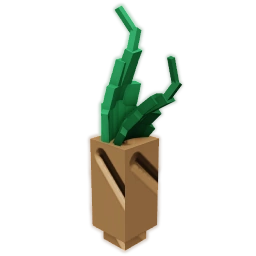
Grow a Garden's cosmetics catalog spans hundreds of plot decorations, organized by how each is obtained: rotating cosmetics-shop stock, crate drop pools, event and season pass rewards, promo codes, achievements, and odder routes like weathers and pets. Nothing here affects crops; it is the game's home-decorating layer, where event and code pieces quietly become the rare collectibles.




Cosmetic Crates:
Grow a Garden's cosmetic crates are placeable decoration gachas: each lists a Sheckle price (with a Robux shortcut), a tier, and a themed pool it rolls one piece from. Most seasons shipped their own crate, making the lineup an event history in loot-box form. Pool contents decide a crate's real value, and the cards surface them for judging before buying.






Ascension Upgrades:
The Garden Ascension shop spends the Garden Coins earned from Grow a Garden's trillion-Sheckle prestige loop on permanent capacity: extra plot save slots, egg slots, and pet, cosmetic, and plant inventory expansions, plus exclusive fence styles. Ascensions run once every four hours at a fee that grows two trillion per completion, and most upgrades cap at five buys, making the shop a finite endgame checklist.






Collectibles
Plot Expansions:
Plot expansions buy extra space around your Grow a Garden plot with Sheckles. Purchase the Right side and Left side in either order, then unlock Back 1 and Back 2 in sequence. The rear upgrades take 24 hours and 3 days to finish, with optional Robux skips if you do not want to wait.
Grow a Garden Gameplay Tips
- Seed Shop main stock refreshes every 5 minutes, while Daily Deals refresh every 24 hours.
- Gear Shop stock rotates every 5 minutes.
- Pet Egg Shop eggs are part of their own refresh cycle, with standard shop eggs rotating every 30 minutes.
- Garden Coins come from ascension and feed later progression, including extra egg-slot upgrades.
- Mutations can come from weather, pets, sprays, fertilizers, and more specialized limited systems, so profitable farming often depends on timing rather than just planting a high-value crop.
Grow a Garden Events
Recent updates, live events, and completed event history for Grow a Garden.
NEXT UPDATE
Starts in 7 daysStarts (PT): Sep 19, 2026, 1:30 PM.Ends (PT): Sep 26, 2026, 1:00 PM
🌱🧺BEANSTALK FINALE🧺🌱
Live nowStarts (PT): Sep 12, 2026, 1:30 PM.Ends (PT): Sep 19, 2026, 1:00 PM
WATERING WEDNESDAY
CompletedStarts (PT): Sep 9, 2026, 3:00 PM.Ends (PT): Sep 9, 2026, 3:30 PM
🌱🫛BEANSTALK P2🫛🌱
CompletedStarts (PT): Sep 5, 2026, 1:30 PM.Ends (PT): Sep 12, 2026, 1:00 PM
WATERING WEDNESDAY
CompletedStarts (PT): Sep 2, 2026, 3:00 PM.Ends (PT): Sep 2, 2026, 3:30 PM
🌱🫛BEANSTALK🫛🌱
CompletedStarts (PT): Aug 29, 2026, 1:30 PM.Ends (PT): Sep 5, 2026, 1:00 PM
WATERING WEDNESDAY
CompletedStarts (PT): Aug 26, 2026, 3:00 PM.Ends (PT): Aug 26, 2026, 3:30 PM