The exact experience is [DAILY] Spiral Difficulty Chart Obby by Jindijim. It has 240 stages that start easier and become harder as you climb. Focus on one checkpoint section at a time instead of trying to memorise the whole spiral in one heroic panic.
Learn the route one checkpoint at a time
A stage is one obstacle section. A checkpoint is the marker that gives you a nearby restart point. The course includes regular platforms, damaging or lava sections, shrinking platforms, and moving platforms, so each section asks for a different jump decision.
The listed difficulty names are Effortless, Very Easy, Easy, Medium, Hard, Very Hard, Advanced, Insane, Extreme, Stressful, Enraging, Tormenting, Hell, Impossible, and Unreal. Use them as broad signs of the climb, not as a confirmed map of exact stage numbers.
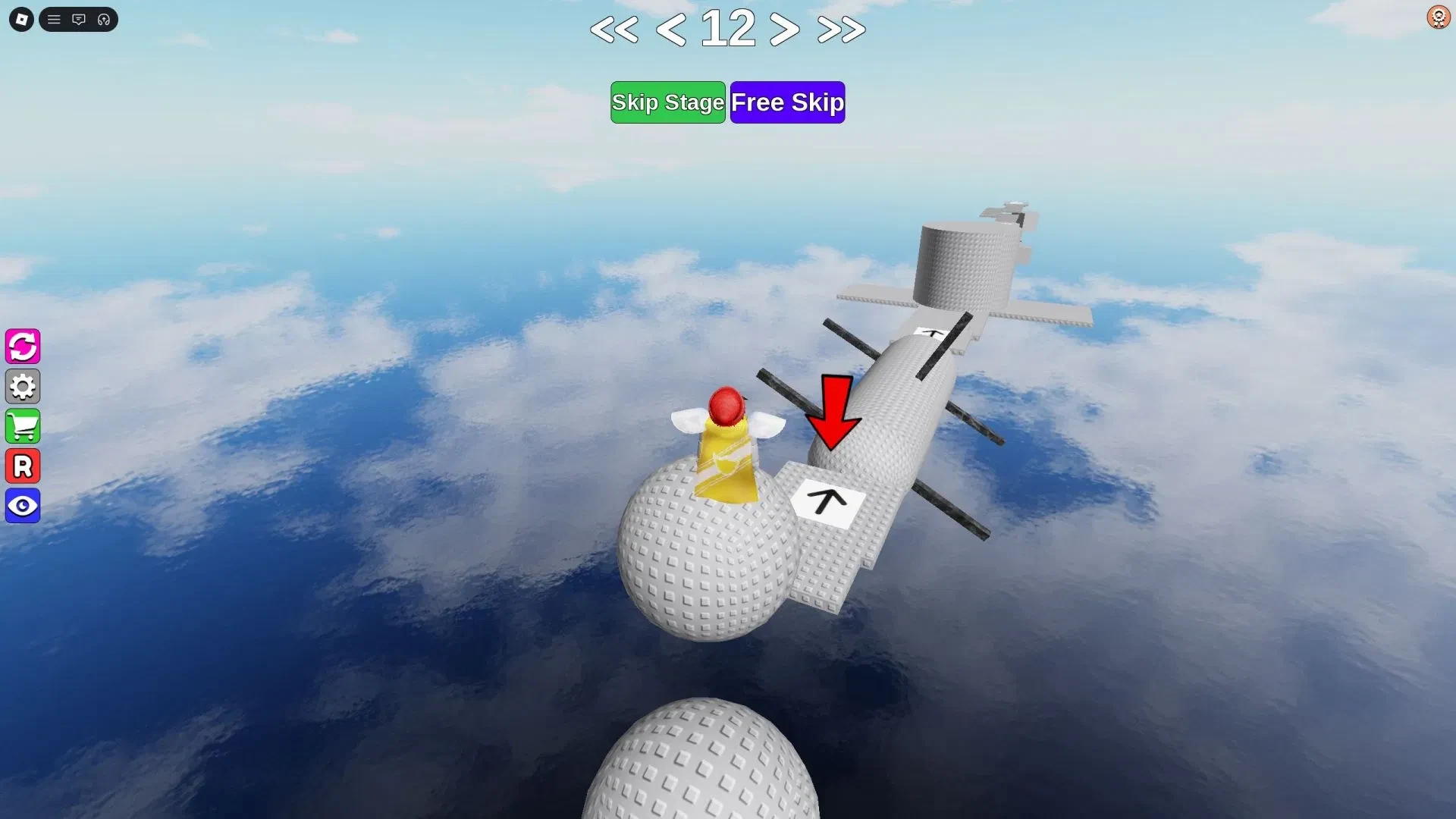
When you see a red arrow pointing towards the next checkpoint, follow it. In the shown layout, a white block with a black arrow marks the checkpoint. If your live HUD looks different, follow its visible checkpoint prompt instead of guessing.
On keyboard, use W/A/S/D to move and Spacebar to jump. If the HUD shows an R reset control, press it to return to the previous checkpoint. If your HUD shows another option, use that on-screen prompt. On mobile, use the on-screen controls and keep the camera steady before starting a jump.
Make every failed jump teach you something
Set the camera so you can see the takeoff edge and landing area before you jump. On vertical sections, tilt it to keep the next ledge in view.
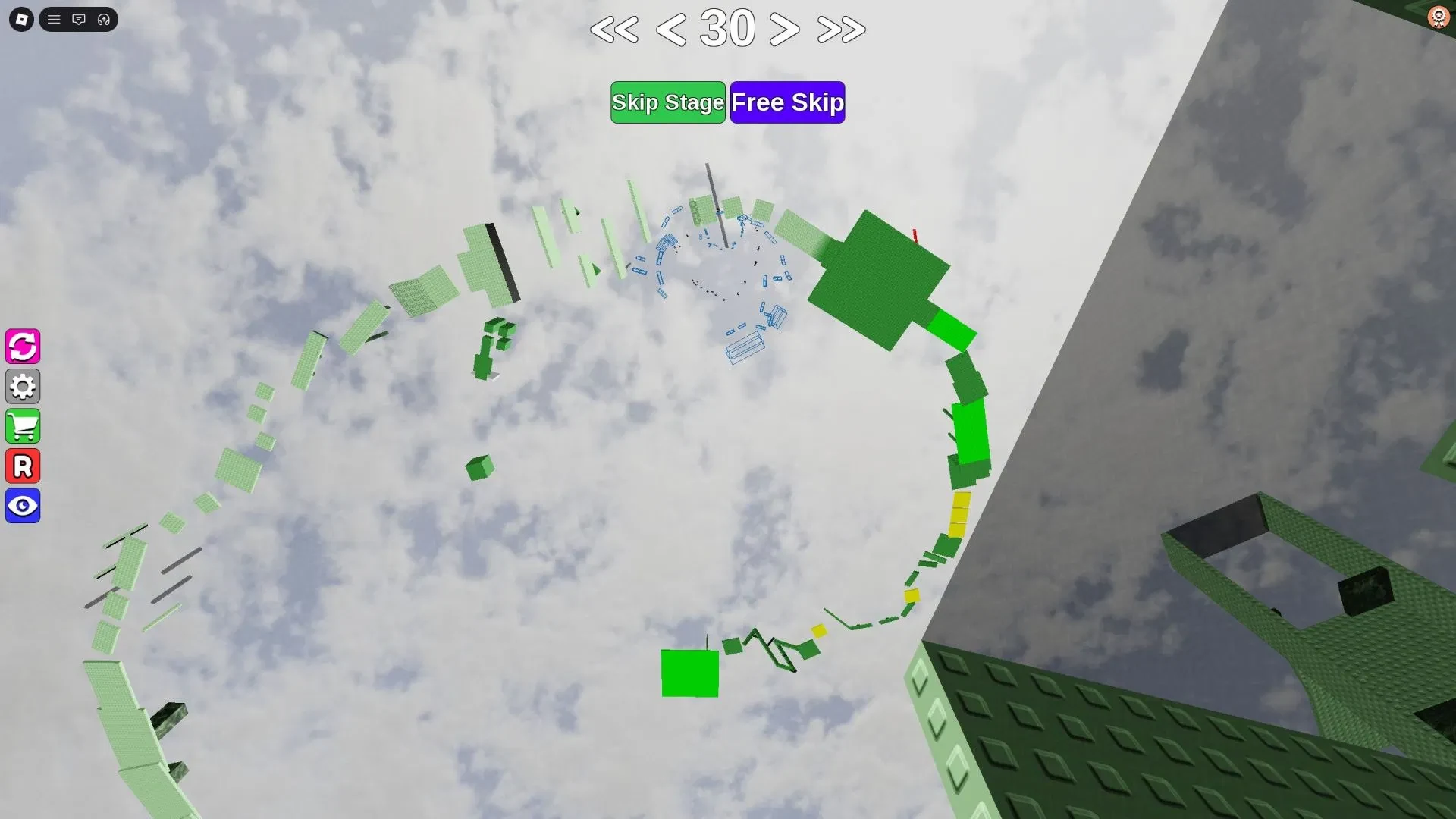
Use this practice loop when a jump keeps failing:
- Frame the jump. Zoom or tilt the camera until you can see the takeoff and landing.
- Watch one cycle. Observe a moving platform or hazard before choosing when to jump.
- Pick one marker. Use an edge, stripe, or block to line up the same takeoff.
- Repeat the setup. Keep your starting position and camera angle steady.
- Name the miss. Decide whether you fell short, went too far, drifted sideways, or touched a hazard.
- Change one variable. Adjust the takeoff point, timing, or camera angle, then try again.
For a short miss, try moving closer to the takeoff edge or waiting for a nearer moving-platform window. For an overshoot, start farther back or choose an earlier landing window. Re-centre before a sideways jump, or shift your landing line when a hazard gets you. Change only one thing so you know what fixed the jump.
A stage-matched walkthrough can help when the route is unclear from your camera. Match the stage counter and at least two nearby obstacle shapes before copying it. If they do not match, use the layout in front of you.
When you want another tower-style challenge, the Tower of Hell Beginner Guide explains a different obby format. You can also browse Roblox obby games with replay value when you are ready for another climb.