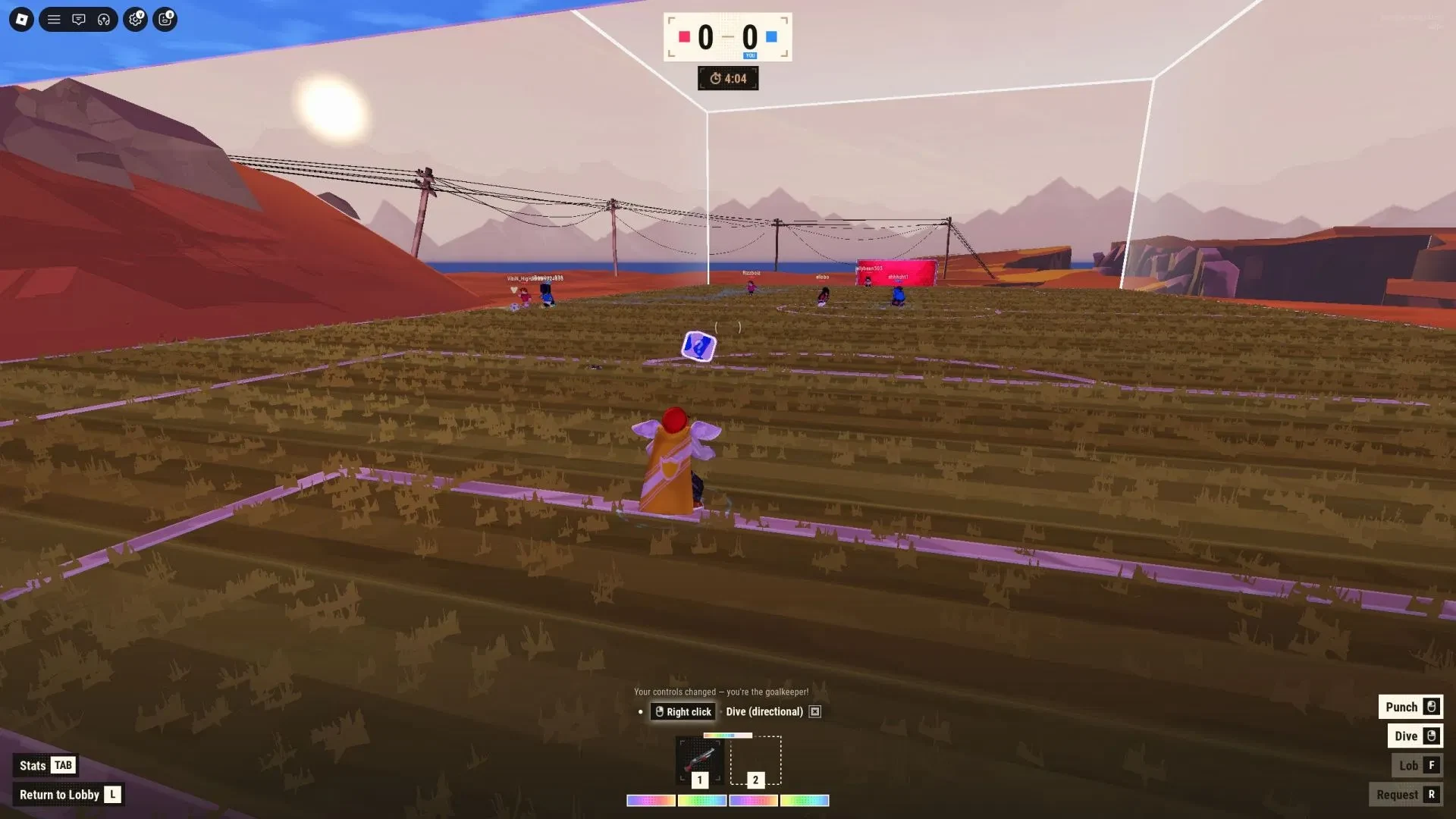
Repotted's Illegal Soccer is a Red-versus-Blue Roblox soccer match for up to eight players, with up to four on each side. Score more goals before the match clock ends. There are no traditional referee restrictions on tackles or sabotage, so even a clean attack can turn messy fast.
Start by learning where the ball is, what your buttons do, and when to stop sprinting. Its no-referee pressure sets it apart from Jump to Steal Soccer Players Beginner's Guide, which covers another Roblox soccer game. For more sports games to try, 20 Best Roblox Sports Games for Competitive Players has a wider set of picks.
How an Illegal Soccer match works
Matches revolve around possession and goal pressure. Move with the ball, give the carrier a passing option, and recover when the other color breaks forward. The no-referee setup can let tackles and disruption affect teammates too, so watch the traffic around the ball.
Question-mark blocks appear periodically and give an item opportunity when claimed. Take one when you can reach it without giving up the ball or leaving your defensive position open. Treat the item as an extra option, while scoring remains the main job.
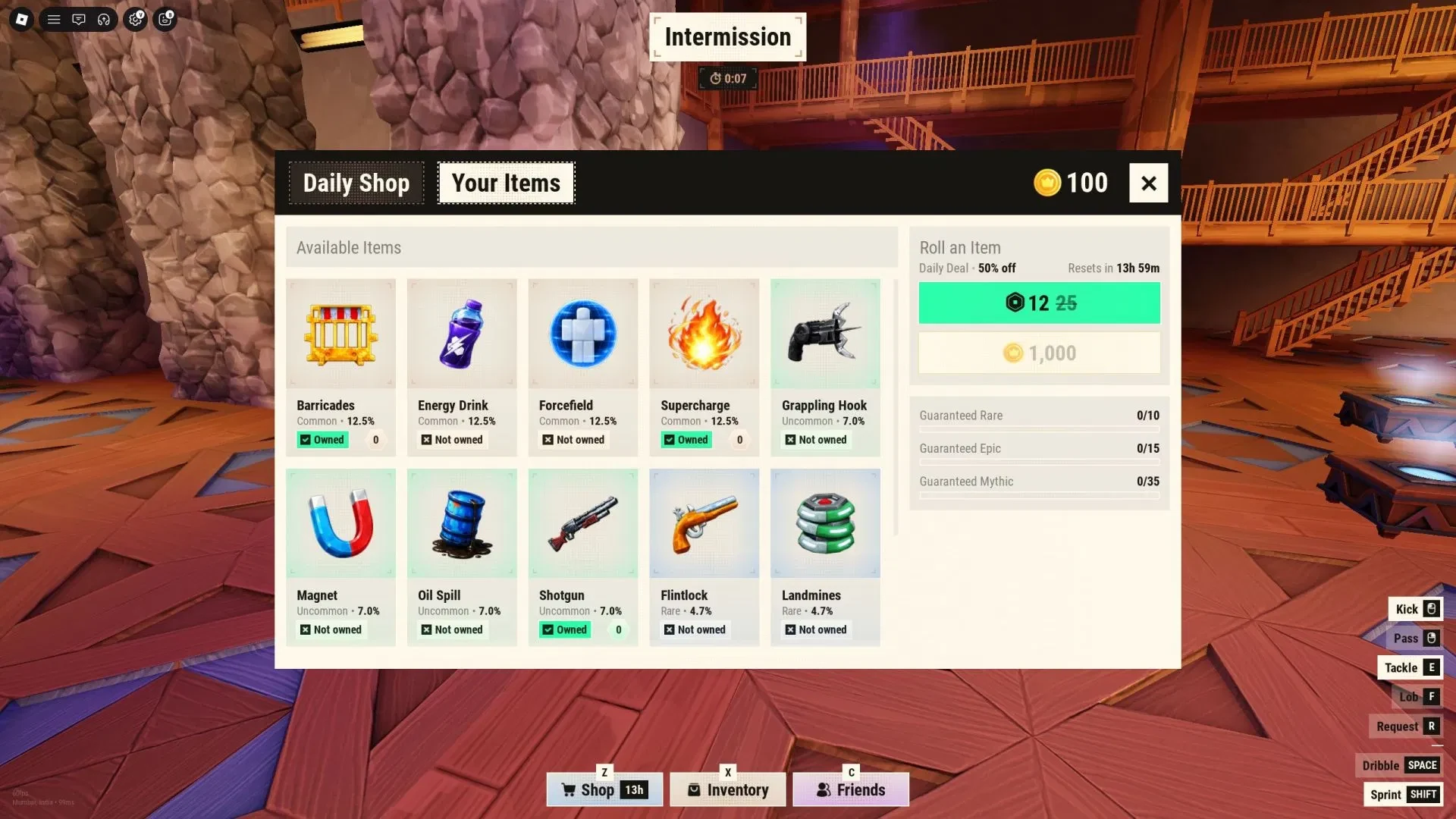
Coins are awarded after a match based on the result. They feed into the item and shop loop between games, so learn the match flow before you spend time chasing extra gear.
Learn the controls before your first challenge
On PC, use this layout as your starting point. If a prompt in your server differs, follow the in-game prompt because controls can change.
| Action | Input |
|---|---|
| Move | W/A/S/D |
| Kick | LMB |
| Charged kick | hold LMB |
| Pass | RMB |
| Flick | Q |
| Tackle | E |
| Lob | F |
| Request ball | R |
| Dribble | Space |
| Sprint | Shift |
Use LMB for a normal kick and hold it to charge a power shot. Charge it when a safe pass is not available, then release toward a real opening. More force does not make the shot automatic.
When a crowd closes in, RMB gives you a passing option. Press R to request the ball when you are off the ball and the prompt is available. Space dribbles, Q flicks, and F lobs. E tackles and Shift sprints, so use both with timing instead of panic.
First-match tips for stamina, passing, and tackle timing
Use the controls as a decision loop, not a checklist. The best early play is often one calm action followed by a recovery run.
Spend stamina in short bursts
The stamina meter has four bars or pips. Sprint in short bursts and save some for the scoring area, a recovery run, or a tackle contest. Holding sprint from kickoff leaves you slower when the useful moment arrives.
Pass before the crowd closes in
When defenders swarm, use RMB to pass or move into open space. If you are off the ball, press R to ask for it when the prompt appears. Trying to dribble through several players is usually harder than making the next simple pass.
Charge the kick when the lane is closed
If there is no safe passing lane, hold LMB for a charged kick. Face a useful opening before releasing. A power shot can solve a crowded moment, but it still needs a clear target.
Tackle only when the opponent is in range
Use E when the ball carrier is close enough to challenge. A tackle from too far away can miss and leave you in recovery while the other team attacks. Wait for range, then commit.
Use question-mark items without ignoring the ball
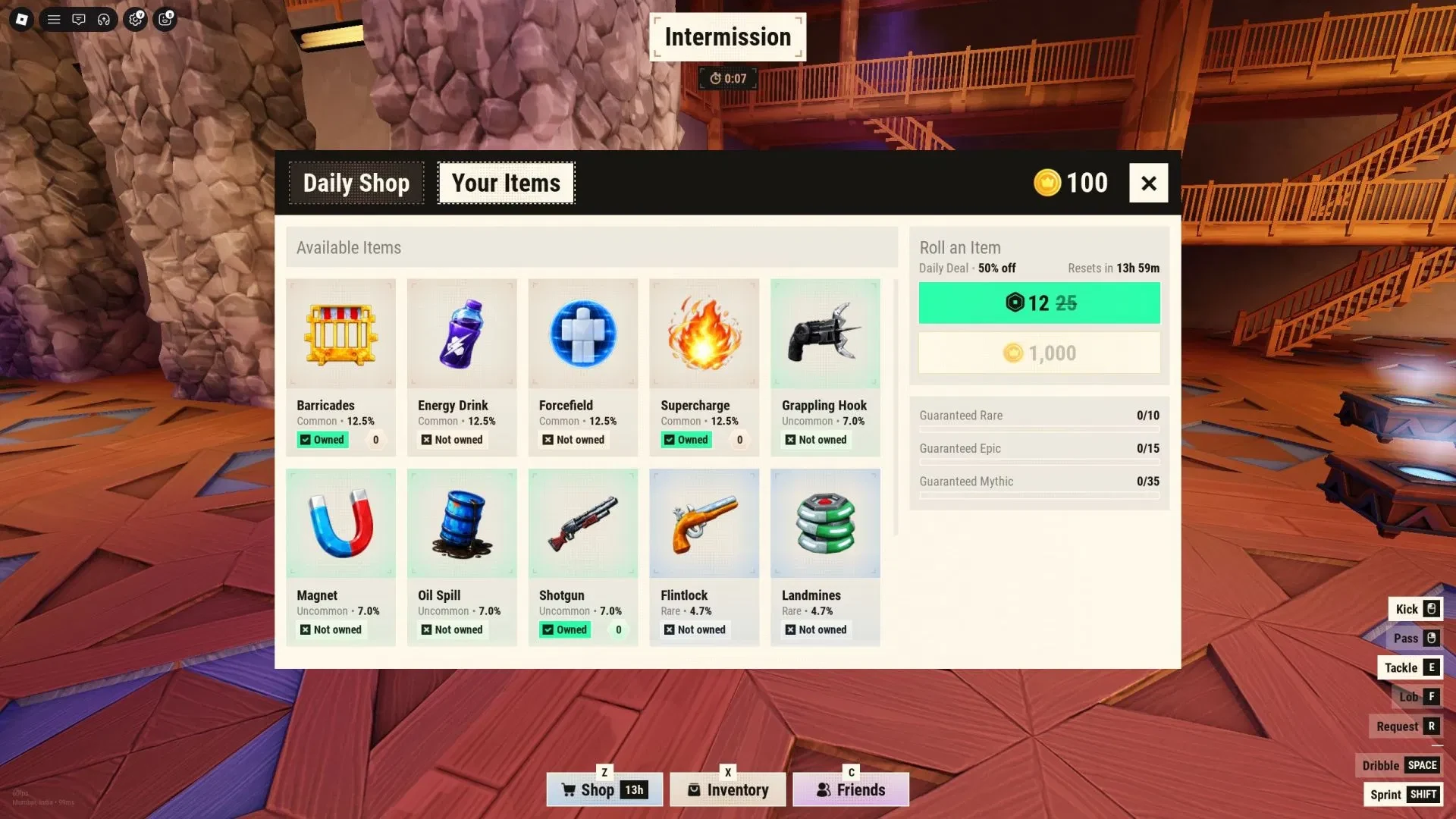
Treat a question-mark block as a chance, not a detour. Claim it when you can do so without abandoning possession or an open defensive position. Build your first routine around the ball, then use the item and shop loop to add options between matches.