The 2016 label in The Hunt: Roblox 20 refers to the Roblox High School era stop, not a return to the original event. To earn both rewards, you need to finish Chuck's graduation route inside Roblox High School [Legacy], then return to the Hunt hub: the experience awards the Chuck's Savior badge, while the hub contains the Time Travel Schoolpack UGC claim. You can also use this The Hunt: Roblox 20 UGC guide for the event's wider reward route.
The event is scheduled to run through September 28, 2026, at 1 p.m. ET / 10 a.m. PT. Finish both checkpoints before that window closes.
How to Enter the 2016 Roblox High School Challenge
Start in The Hunt hub's 2016 area. The portal does not open until you finish the nearby Tix minigame.
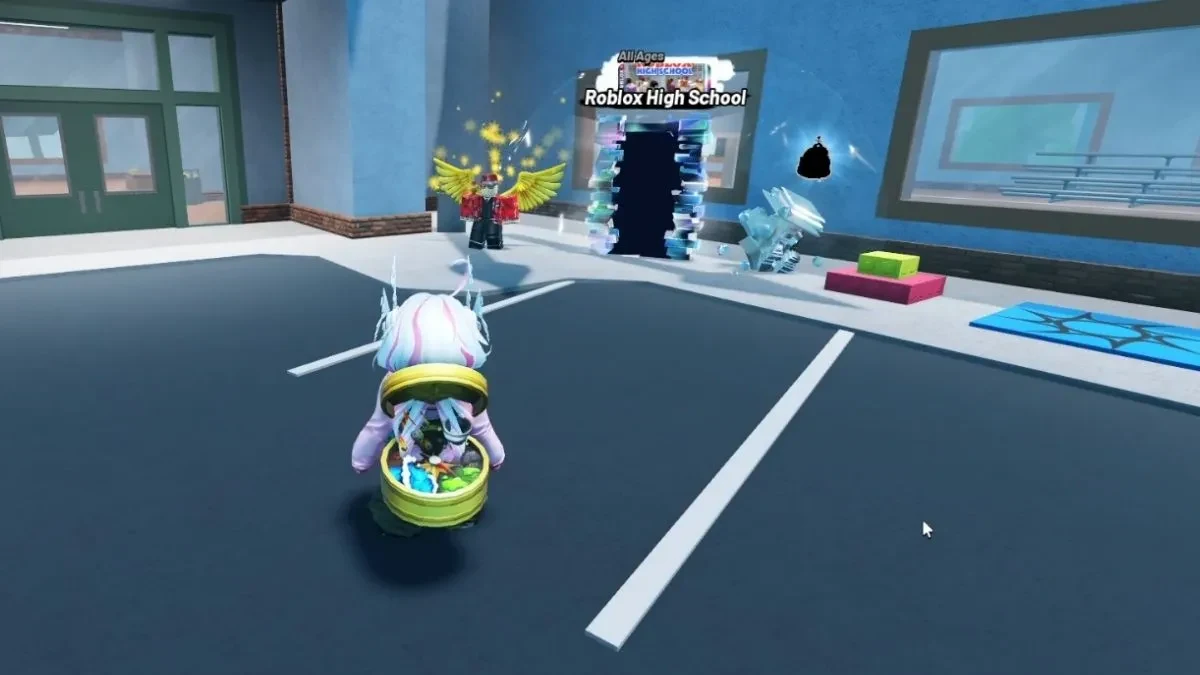
- Talk to the winged NPC beside the Roblox High School portal.
- Press the nearby green button repeatedly to spend all the Tix the NPC provides. Keep going until the supplied Tix are gone.
- Walk through the portal once the minigame is complete. This takes you into Roblox High School [Legacy], where Chuck's graduation route begins.
How to Start Chuck's Savior Quest in Roblox High School
Talk to Chuck outside the school before looking for any of the class objectives. He starts the graduation route and points you toward the Main Office.
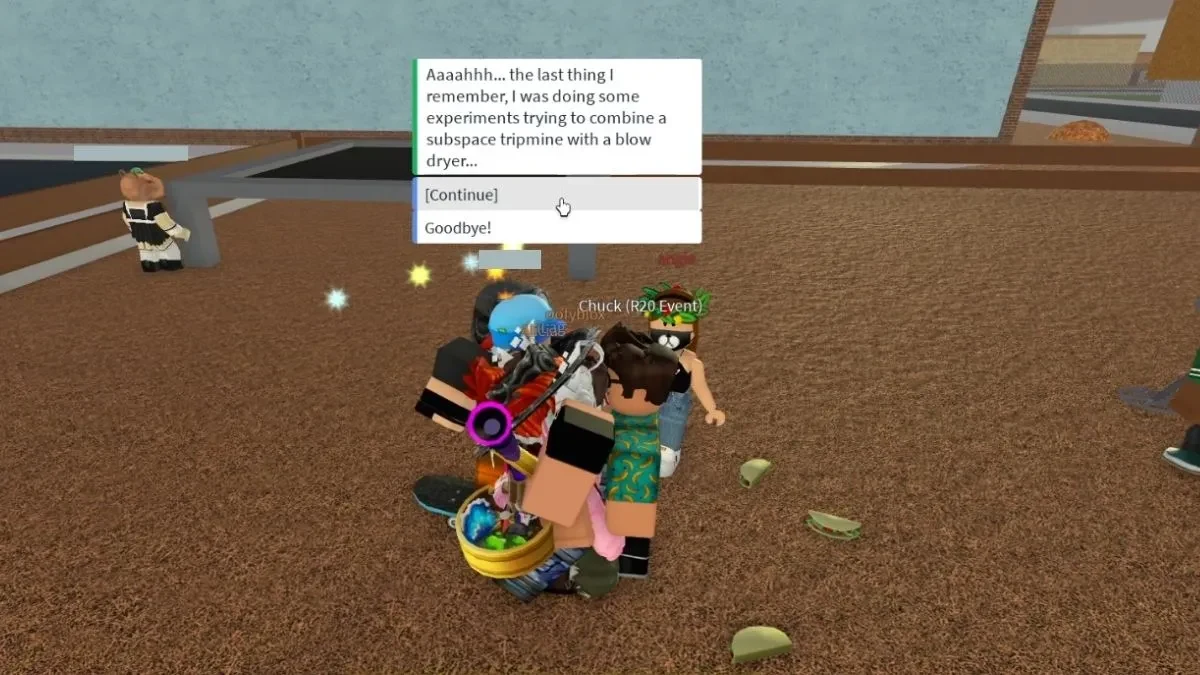
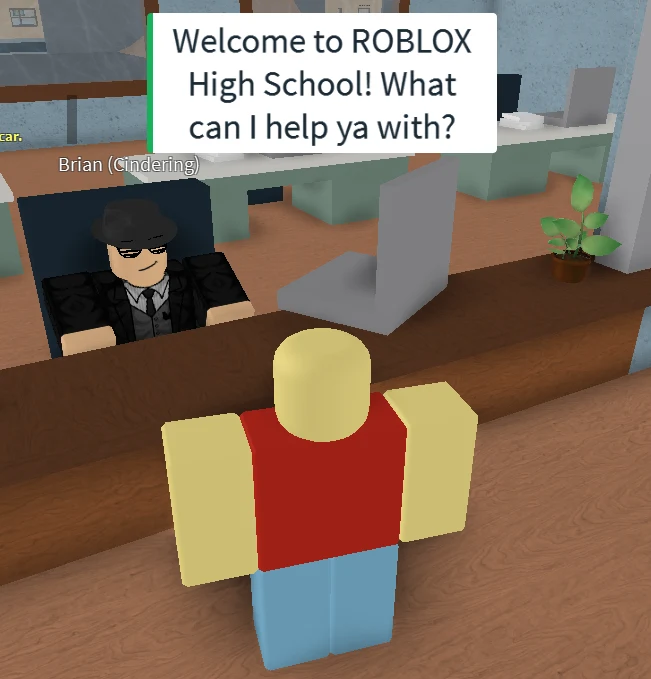
- Speak with Chuck outside the school and finish his opening dialogue.
- Go inside to the Main Office and talk to Brian at the front desk. Ask about the old student from the 2016 era, sometimes referred to in the dialogue as Chuck E.
- Take the class list or graduation requirements Brian gives you back to Chuck outside. The next schoolwork objective appears after this handoff.
The objective marker is useful for confirming the next destination, but it is not a substitute for these NPC handoffs. If you have only entered the school and spoken with Chuck, the science task has not started yet.
How to Find the Senior Chemistry Textbook
The science objective sends you upstairs to the Library. Bridgette, the librarian, has the book Chuck needs.
- Follow the objective to the upper-floor Library.
- Speak with Bridgette and interact with the green Senior Chemistry (Chem 2) textbook.
- Bring the book back to Chuck. The handoff advances the route to the math exam.
How to Pass the Roblox High School Math Exam
After the textbook handoff, complete the ten-question exam shown by the experience. The live question set can include arithmetic, order of operations, a square root, word problems, and a deliberately nonsensical final prompt. Read each prompt as it appears instead of relying on a permanent answer list.
Because the questions and passing score can vary, do not rely on a fixed percentage. The result screen is what matters: wait for the experience to report that you passed. A successful result advances Chuck's quest and gives you the metal detector for the history task.
Where to Find the Three Roblox High School History Relics
Chuck sends you to find three buried history relics and gives you a metal detector. Use its distance readout and hot/cold feedback to narrow each search, then dig when the detector indicates that you are close. The landmark descriptions are broad, so use the detector instead of looking for an exact coordinate.
| Relic | Search area | Landmark to follow |
|---|---|---|
| Pizza Delivery vehicle | School side of the map | Near the path leading from the school toward the woods |
| Old Linked Sword | Wooded area | Near a tree behind Club Red |
| Guest Shirt | Beach | At the right end of the beach, buried in the sand near the water |
At each location, move in the direction that makes the detector distance shrink. When the feedback turns hot or indicates that you are right on top of the spot, search the nearby ground and dig. Confirm that the relic has been collected before traveling to the next area.
How to Finish Chuck's Graduation and Get the Badge
Finding all three relics is not the final step. Do not leave Roblox High School after the third dig, because the graduation conversations still have to register.
- Return the Pizza Delivery vehicle, Old Linked Sword, and Guest Shirt to Chuck.
- Go back to Brian in the Main Office and submit the coursework as instructed.
- Return to Chuck once more and deliver the final graduation news.
- Wait for the graduation scene and the Chuck's Savior badge notification.
That notification confirms the in-experience reward. It does not automatically claim the event UGC, so finish the hub step below as well.
How to Claim the Time Travel Schoolpack in The Hunt Hub
After the Roblox High School progress registers and the Chuck's Savior badge appears, return to The Hunt hub. Find the 2016 Roblox High School reward station and interact with it to claim the Time Travel Schoolpack.
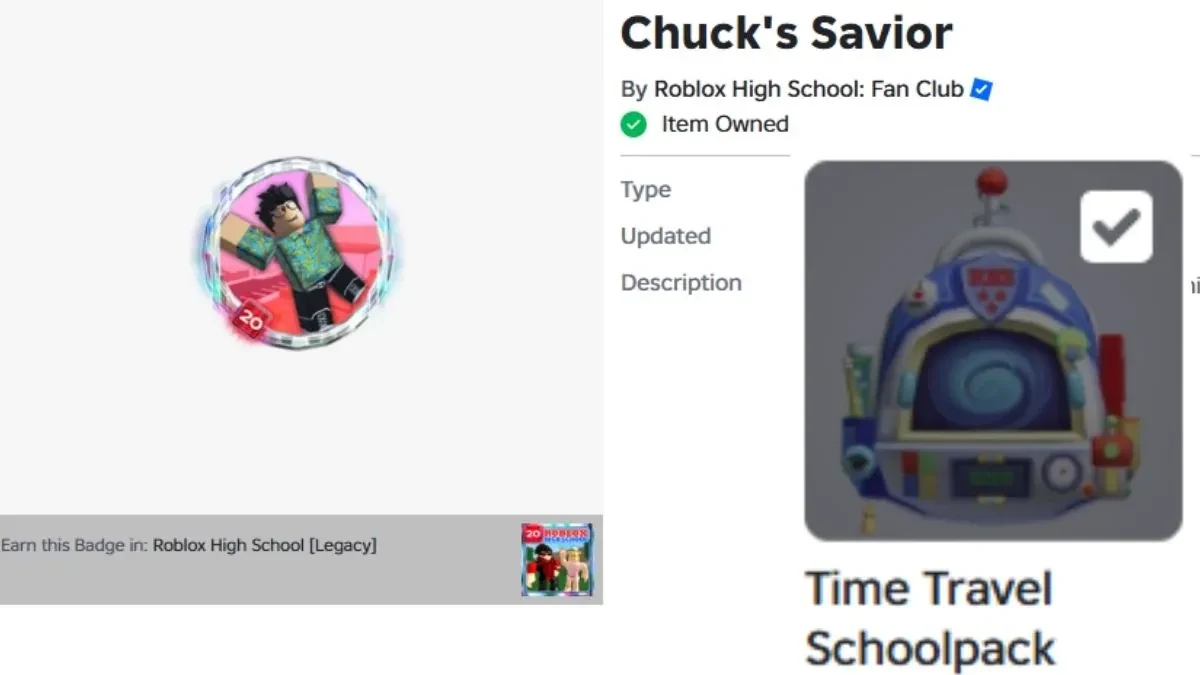
If the Schoolpack claim is missing, complete the full handoff after the relic hunt: return all three relics to Chuck, submit the coursework to Brian, and return to Chuck for the final graduation news. Wait for the badge notification, then try the 2016 reward station again.
Once the station accepts the claim, you have completed both parts of the Roblox High School challenge: Chuck's Savior in the experience and the Time Travel Schoolpack in The Hunt hub.