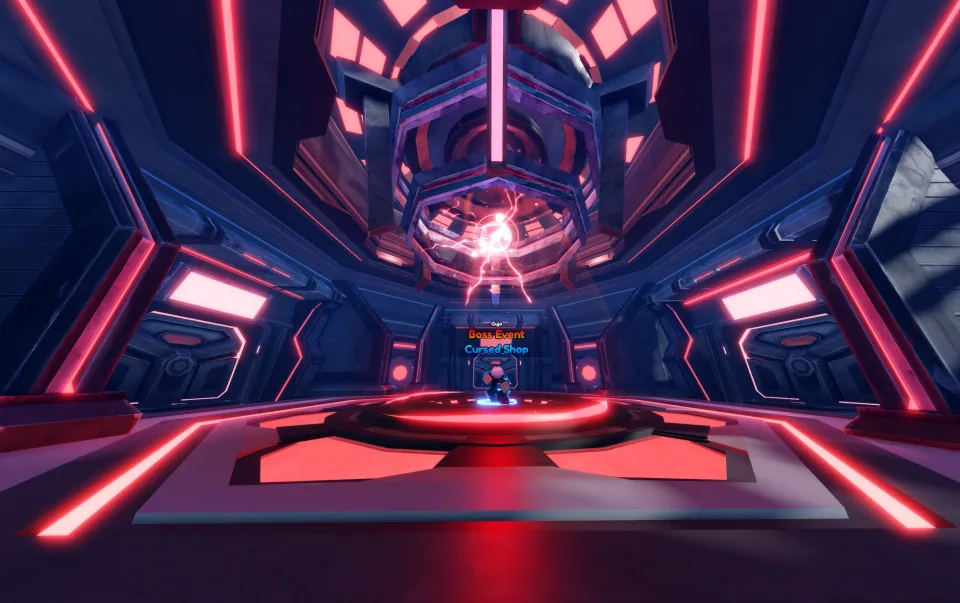
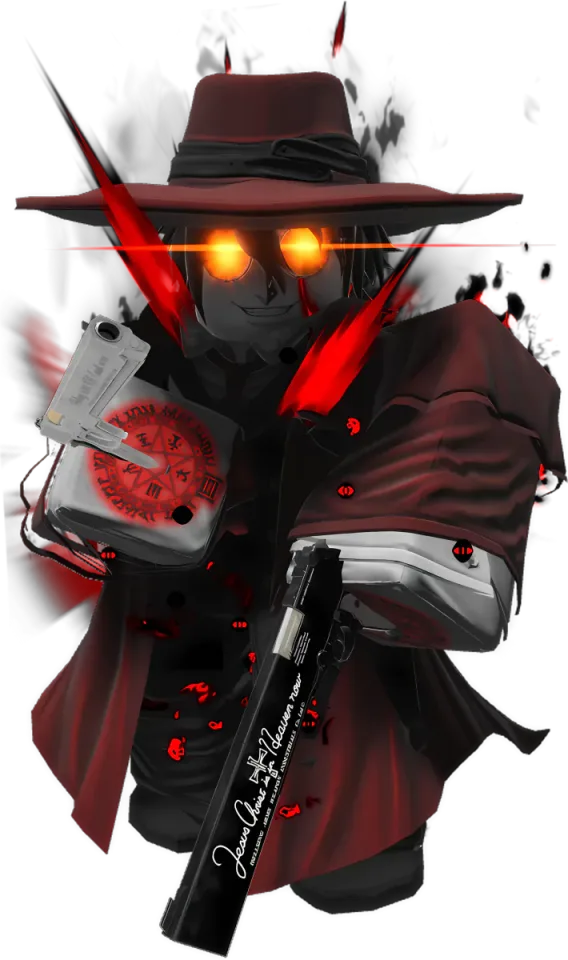
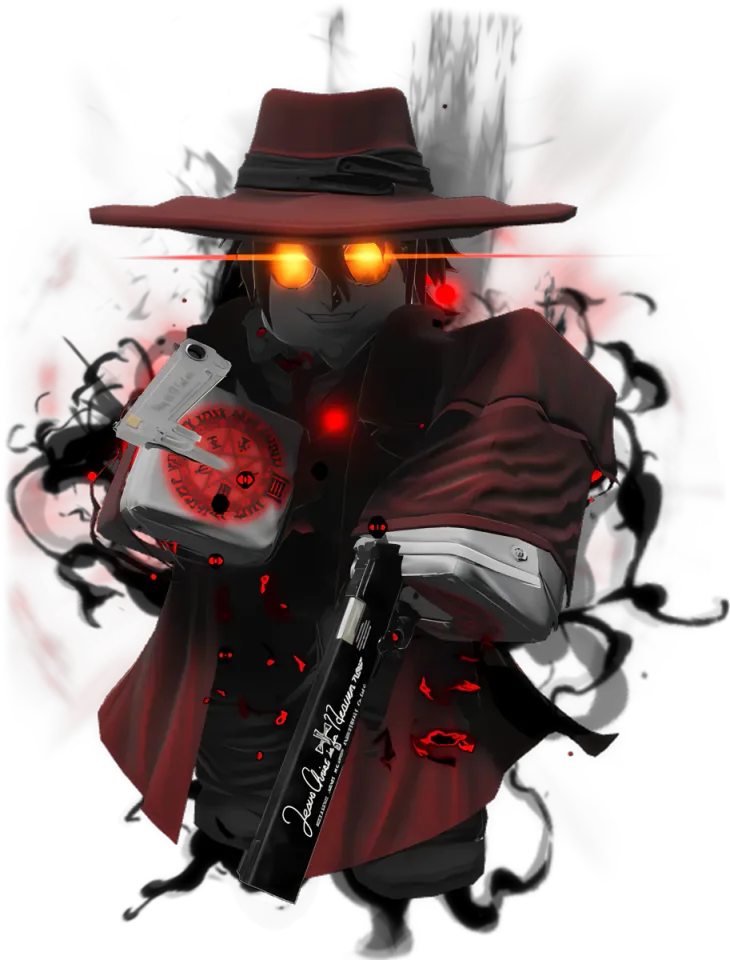
Banner choice decides what kind of roster progress you are chasing. Special and Selection use Gems for units, Event uses its own event currency, and Special Memoria is the pull route for Memorias. Check the active Index before spending, since featured names and rates can change.
Special Banner
The standard unit banner is the main Gem-based route for building a unit roster. Its featured units change every hour.
- Status
- Recurring standard banner
- Contents
- Summonable units
- Rotation
- Featured units rotate hourly.
- currency
- Gems
- Single pull
- 50 Gems
- VIP pull
- 40 Gems
- Featured slots
- The middle featured unit has a 50% chance at its featured rarity, while the left and right units each have 20%.
- Pity
- Legendary pity is 50 summons and Mythic pity is 400 summons. Selection Banner pulls share this pity counter.
- Level requirement
- Level 10 unlocks Secret, Vanguard, and Shiny summon results.
Selection Banner
The Selection Banner lets players set the middle Mythic for a day, which makes it useful when the standard hourly lineup is not the one they want.
- Status
- Recurring selection banner
- Contents
- Summonable Mythic units
- Rotation
- The selected middle unit stays for 24 hours. Side units rotate hourly when no unit is selected.
- currency
- Gems
- Single pull
- 50 Gems
- VIP pull
- 40 Gems
- Featured slots
- Choose an eligible Mythic unit for the middle slot instead of waiting for it to appear in the hourly standard rotation.
- Pity
- Shares Special Banner pity: Legendary at 50 summons and Mythic at 400 summons.
- Level requirement
- Level 10 unlocks Secret, Vanguard, and Shiny summon results.
Event Banner
Event banners use a separate currency and temporary contents. Each event's featured roster changes, so check the active event for its units.
- Status
- Available only while its event banner is active
- Contents
- Limited event units
- Rotation
- Featured units rotate hourly while the event is active, and the roster changes with the event.
- currency
- Event Currency
- Single pull
- Event-specific
- VIP pull
- No VIP discount
- Featured slots
- Uses the Special Banner-style featured layout and can include an event-specific Vanguard slot.
- Pity
- Legendary pity is 50 summons and Mythic pity is 400 summons, plus a one-time event-gated Vanguard pity.
- Level requirement
- Level 10 is required for Secret and Vanguard results and for the event Vanguard pity rule.
Special Memoria Banner
This is the dedicated pull route for Memorias. Keep it separate from unit banners because the reward pool and progression use are different.
- Status
- Recurring Memoria banner
- Contents
- Memorias
- Rotation
- Featured Memorias rotate hourly.
- currency
- Gems
- Single pull
- 50 Gems
- VIP pull
- 40 Gems
- Featured slots
- The middle featured Memoria has a 50% chance at its featured rarity, while the side Memorias each have 20%.
- Pity
- Legendary pity is 50 summons and Mythic pity is 400 summons. Vanguard Memoria pity is a separate rule.
- Level requirement
- Level 10 is required for Vanguard Memoria results.
Which banner should you use?
Use Special when you want the normal Gem unit pool and rotating featured slots. Use Selection when you already know which eligible Mythic you want and can wait for it in the middle slot. Event banners are worth checking while you have the matching event currency, but their contents change with the event. Special Memoria is for Memorias, so it does not help fill unit slots.
Pity and unlock rules
Special and Selection share the Legendary and Mythic pity counters. If you are saving for a target, keep your Gems on one unit route instead of splitting them between unit and Memoria pulls. Level 10 unlocks the higher result types listed on the cards, while Event and Memoria rules can add their own restrictions.
Smart summon habits
- Check the middle featured slot first. The standard layout gives it the strongest featured chance.
- Open the Index before spending. It shows the pool and rates that apply to the active banner.
- Keep event currency for the event banner that accepts it. It cannot replace Gems on the standard routes.
- Treat Normalize and the Unit Index as separate systems. They help manage or inspect units, but they are not banner types.
- Do not assume an hourly rotation guarantees a target. It is a reason to wait, not a promise that the next refresh will be better.
FAQ
Do Special and Selection Banner share pity?
Yes. Special and Selection use the same Legendary and Mythic pity counters. Legendary pity is 50 summons and Mythic pity is 400 summons.
What currency does each banner use?
Special, Selection, and Special Memoria use Gems. Event Banner uses the active event currency, and the VIP discount does not apply there.
Can I choose a featured unit?
Only on Selection Banner. Choose an eligible summonable Mythic for the middle slot, then summon while it remains selected. Special Banner follows its hourly lineup.
Are event banners permanent?
No. The banner type returns with events, but its event-specific units and currency are temporary.
What does Level 10 unlock?
Level 10 unlocks Secret, Vanguard, and Shiny summon results on the unit routes. Special Memoria also lists Level 10 for Vanguard Memoria results.
What is the Unit Index?
The Index lets you inspect the active summon pool and its rates. It is separate from the banner types and does not add another pull route.
What is Normalize in Anime Vanguards?
Normalize is a separate unit-management shop and system. It should not be treated as another banner.