Web Rush is easiest to learn in a small loop: move through the city, handle one readable thug encounter, collect Cash, then check the progression menus. The Roblox experience is still in early development, so bugs, labels, prices, and rewards can change.
The official description lists swinging and defeating thugs as Cash activities, with Cash used to buy suits. Start with the controls below, then build up your first session one test at a time.
Learn these PC controls before you fight
Roblox's public PC control map currently lists these inputs:
| Action | PC input |
|---|---|
| Attack | Left Click |
| Zip to Point | Shift or Right Click |
| Swing | Hold Shift or Right Click |
| Air Tricks | X |
| Dodge | Ctrl |
| Dive | C |
| Web Zip while airborne | Space |
| Camera Lock | V |
Practise in open space before you look for trouble. Tap Shift or Right Click to zip to a point, then hold and release the same input so you can feel the difference between a quick zip and a swing. Once that feels steady, try Space while airborne for Web Zip, then add X for Air Tricks and C for Dive. V can help keep the camera facing the action when the city starts moving past quickly.
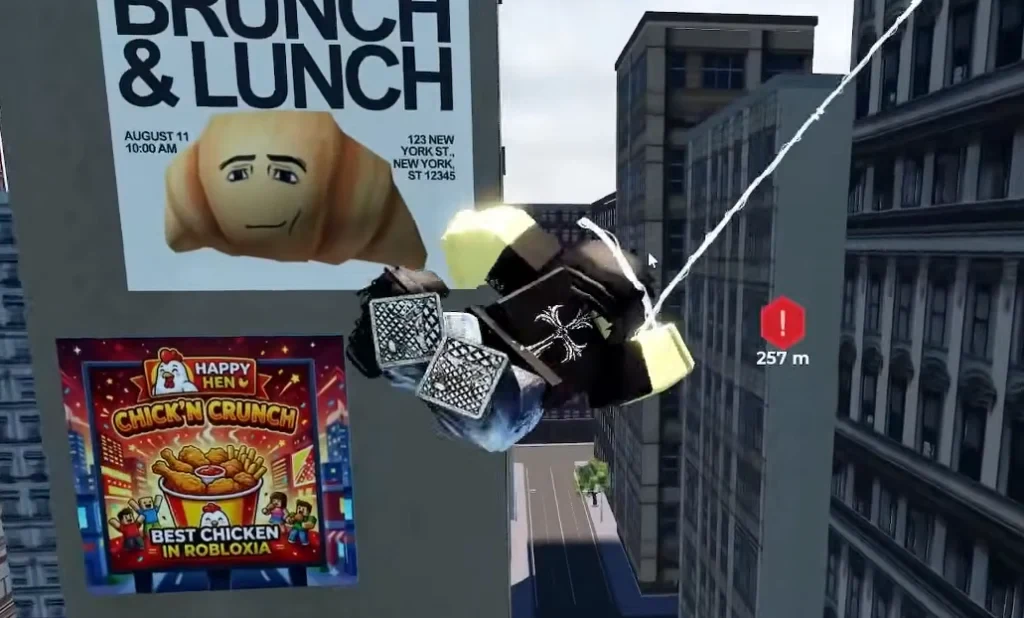
A short movement drill saves you from discovering the controls halfway through a fight. The city is very patient about letting you test that lesson on a wall.
Use movement and short fights to build your first Cash
Take a short route through open streets and keep a clear exit lane in view. If an objective marker appears, read the live prompt and follow its current direction instead of memorising a distance or reward from an older screenshot.
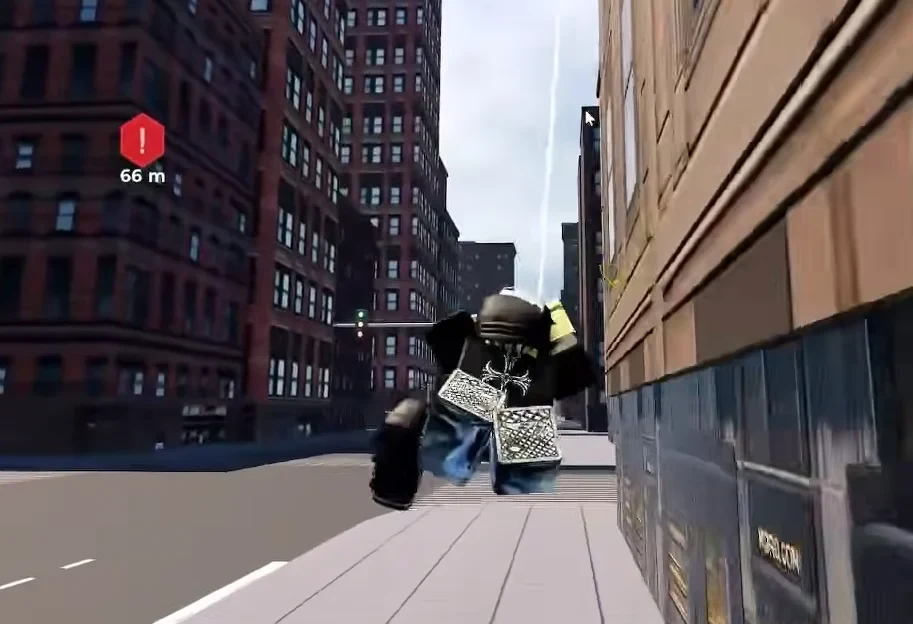
For a first thug encounter, start with short attacks and use Ctrl to dodge when a hit is coming. Break away after a few exchanges, then swing out while you still have a route to safety. This is practical advice for learning the rhythm, not a promise about damage, combos, or dodge timing.
Check your Cash balance before and after one activity. That simple comparison shows what your server is paying without relying on a fixed Cash-per-minute claim. The official loop supports swinging and defeating thugs as ways to earn Cash, while mission cards and other prompts can change as development continues.
Keeping an exit lane visible is a useful habit in open-world Roblox games too. The route-reading idea also appears in Jailbreak escape advice, but Web Rush has its own movement controls and encounters.
The video below shows the general beginner movement flow. Treat any Cash amount or route shown in it as version-specific.
Read the current suit menu before spending
Cash can be used to buy suits, but do not shop from a remembered price list. Open the live Suits menu and check the card's currency, acquisition requirement, and written effect before you spend.
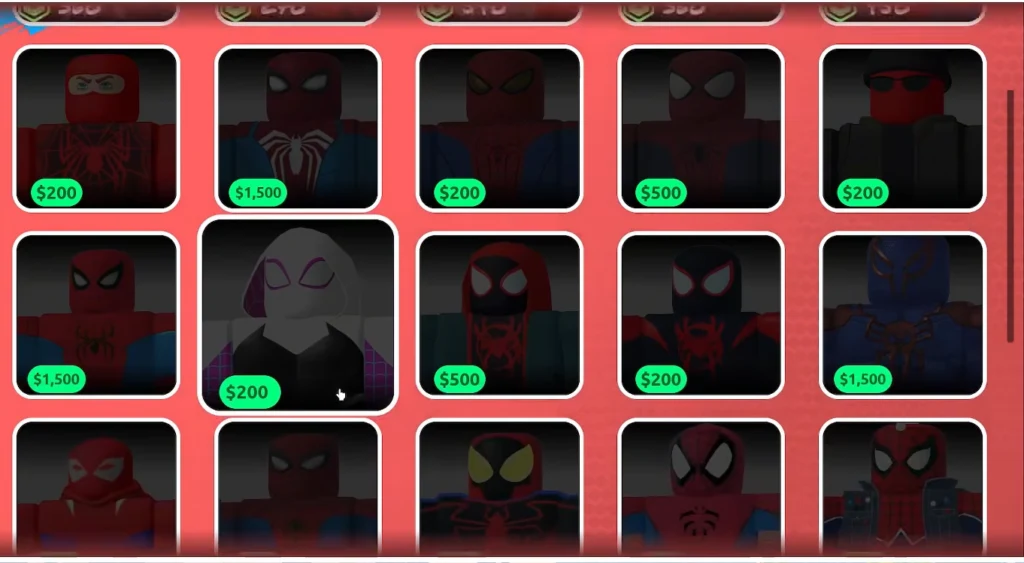
The visible card is the useful answer when prices or requirements change. If the menu shows abilities, mission goals, or a Web Wings objective, treat those as the next goals your current build is offering, not as a permanent progression order.
If Web Rush is your first Roblox game with movement tools, simple Roblox games for beginners can offer a lower-pressure warm-up before you return to the skyline.
Keep the first session small: learn one movement chain, finish one readable fight, compare your Cash, and inspect the current suit card. That gives you a reliable starting point even when the early-development menus decide to rearrange the furniture.