The Sakura Incubator is a Cherry Blossom machine that charges an egg toward a Bloom or Spirit Bloom mutation. The safe order is simple: reach Cherry Blossom, find a Crane, submit it at the Incubator, collect Sakura Crystals during Great Bloom, then charge your egg. These steps are for the current Steal An Egg experience by and Collect Rare Pets, not the separate older game with a similar name. The Steal an Egg wiki hub covers the wider steal, escape, hatch, and progression loop.
Unlock the Sakura Incubator with a Crane
Reach Cherry Blossom through the normal loop first. Steal eggs, return them to base, hatch pets, earn money, and train Speed as you open later areas. Some current guides place Cherry Blossom access around 3.5B Speed, but treat that as an update-sensitive estimate, not a permanent gate. Follow the live game requirement if it differs. The Speed guide and biome and Speed reference can help with that preparation.
Current guides identify Crane as an Epic pet from Cherry Blossom eggs. Keep one available in your inventory, then travel to the sealed Sakura Incubator and use its interaction prompt to submit the pet. Current guides say the machine remains unlocked after this step.
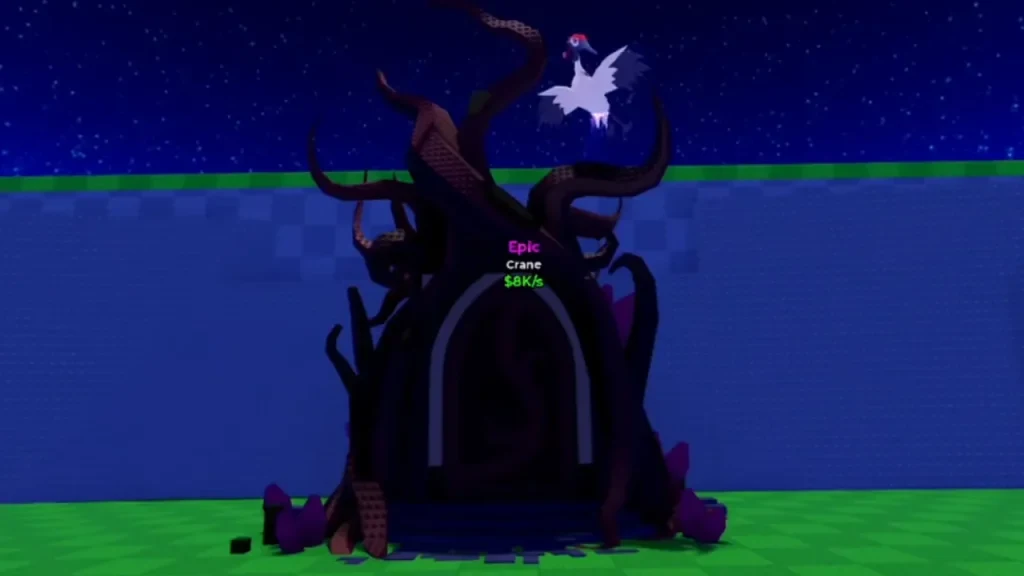
Use this order when you are ready:
- Reach the Cherry Blossom area.
- Open Cherry Blossom eggs until you get Crane.
- Keep Crane in your inventory and find the sealed Sakura Incubator.
- Interact with the machine and follow the prompt to submit Crane.
There is no safe universal answer on whether Crane stays in your inventory after submission. Check the live prompt and inventory result before using your only Crane.
Farm Sakura Crystals during Great Bloom
Great Bloom is the event window for Sakura Crystals. Current guides report that it appears about every 30 minutes and lasts about three minutes, but both timings can change with an update. Use the live event timer when it is available.
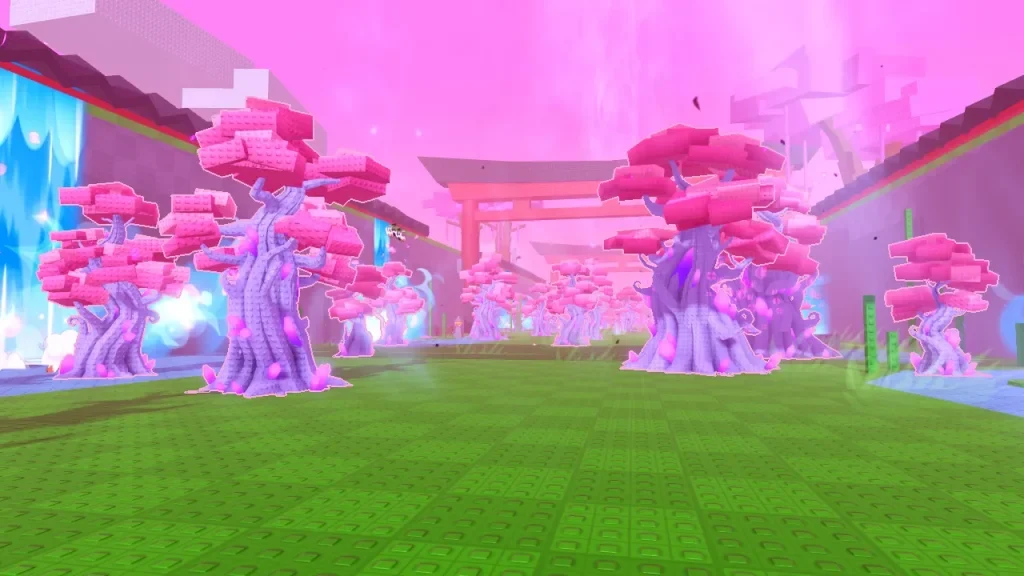
When Great Bloom begins, go to the Crystal Cherry Blossom Trees in Cherry Blossom and collect the Sakura Crystals they provide. Tree yields and timing can change, so use the amount shown by the live game instead of relying on a guessed farming route.
Charge an egg in the Sakura Incubator
After unlocking the machine, place an egg into the Sakura Incubator. Use the deposit control to add Sakura Crystals, then follow the charge meter until the live interface shows that the process is complete. Do not turn a single session's crystal count or percentage into a universal cost or conversion rate.
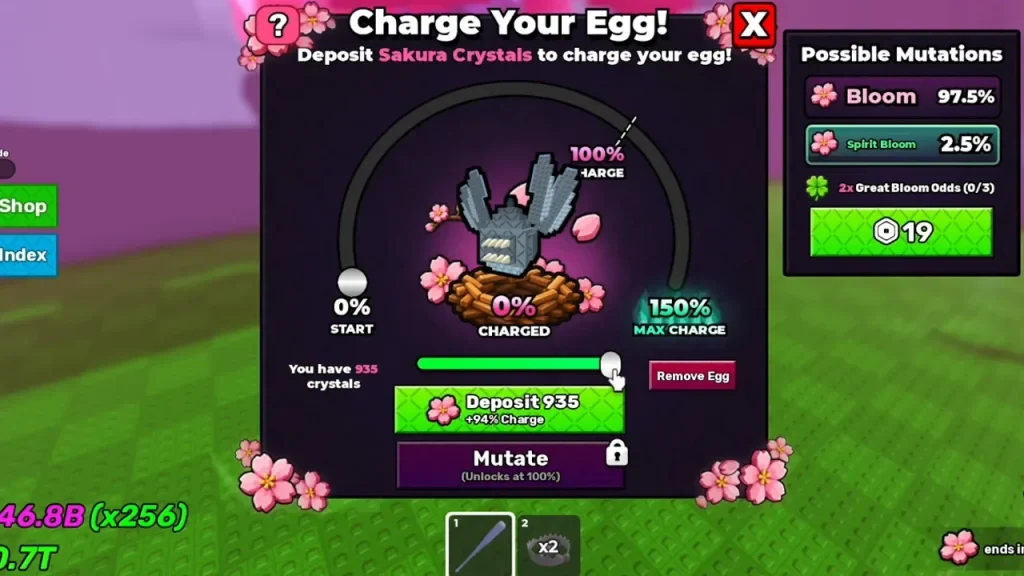
The machine can produce Bloom or Spirit Bloom. Odds, charge thresholds, and value changes can move with the feature, so use the current Incubator UI for the result on your egg. For a refresher on stealing an egg, returning safely, and hatching it, see the Steal an Egg beginner guide.