Reaching the bottom in Roblox SKI starts with learning the slope, not finding a quest or item. Your skis equip when you move onto the course, but steering around hazards, choosing when to jump, and landing cleanly are what keep a run alive. This beginner guide covers your first descent, keyboard, mobile, and controller controls, trick inputs, wipeout recovery, and the optional rewards and race systems around the core run.
The Roblox experience is labeled SKI (ALPHA), so its shop contents and other systems may change as development continues.
What Is Roblox SKI?
Roblox SKI is a fast downhill skiing game built around finding a good line through a long mountain course. The main objective is to stay upright and reach the bottom, while jumps, tricks, races, and faster lines give you more ways to improve your run. The official experience also frames the game around competing with friends and chasing world-record times.
You do not need a material level, item, currency, or NPC prerequisite to attempt the first descent. The hub can contain optional race and cosmetic areas, but your first priority is simply learning how the mountain responds to your steering.
How to Start Your First Run in SKI
Starting a run is quick, so do not wait for a quest marker before trying the slope. Follow these steps:
- Begin in the mountain hub. Move toward the top of the downhill route and the start of the course.
- Walk onto the slope. Moving down the slope automatically equips your skis and starts the descent.
- Settle into steering first. Use your device's movement controls to stay on the course and avoid obstacles before you worry about coins, tricks, or speed records.
- Repeat the route. The race station and shop areas are optional. You can return to them after you understand how a normal run starts and ends.
Your first successful goal is not a perfect score. It is learning where the course asks you to steer, jump, or slow your ambition enough to make the next landing.
Roblox SKI Controls for Keyboard, Mobile, and Controller
The official control list covers movement, camera changes, jumping, and tricks. Use the row for your device as a quick reference:
| Device | Ski and steer | Jump | Camera or view | Trick input |
|---|---|---|---|---|
| Keyboard | W, A, S, D, or the arrow keys | Space | Scroll the mouse wheel to change the camera or enter first-person view | Double-tap W, A, S, or D, or press Q/E |
| Mobile | Use the on-screen movement control | Use the on-screen Jump control | Use the normal touch camera to keep the course visible | Swipe on the right side, or hold or double-tap Jump |
| Controller | Left stick | A | Click the right stick | D-pad or X |
You may see E used for a contextual interaction in the hub, but it is not a universal skiing input. Once the run begins, use the movement, jump, camera, and trick controls above instead of treating a hub prompt as part of the descent controls.
How to Jump and Land Tricks in SKI
Tricks are an optional layer on top of steering. The course includes jumps, speed boosters, and bouncy or spring-like pads that can send you airborne, but airtime only helps if you can land without losing the run. On keyboard, use a double-tap movement input or Q/E; on mobile, swipe on the right side or hold or double-tap Jump; on controller, use the D-pad or X.
For a first attempt, jump normally and watch what happens to your line before trying to chain tricks. When you know where the landing will be, add one trick and prioritize getting back onto the course cleanly. A trick can improve your run score and XP potential, but forcing one while you are still learning the route is a poor trade for reaching the bottom.
How to Reach the Bottom and Recover From a Wipeout in SKI
The safest first-run plan is to preserve a controllable line, avoid hazards, and add speed or tricks only when you understand the next landing. Use the camera view that gives you the clearest look at the slope, then work through the descent in this order:
- Steer around the obvious hazards. Make your movement corrections early enough to stay on the route instead of waiting until an obstacle is directly in front of you.
- Jump when the course gives you a safe opportunity. Use
Spaceon keyboard orAon controller, and use the equivalent mobile jump control. Do not turn every jump into a trick until you can land it consistently. - Treat boosters and pads as route features, not requirements. They can create speed or airtime, but the primary objective is still a clean descent.
- Aim for the bottom. Reaching the end completes the run and gives you a clear time to improve later.
- Retry after a crash. A collision or bad landing can cause an instant wipeout and send you back to the hub. That ends the current attempt, but you can start the course again without searching for a new prerequisite.
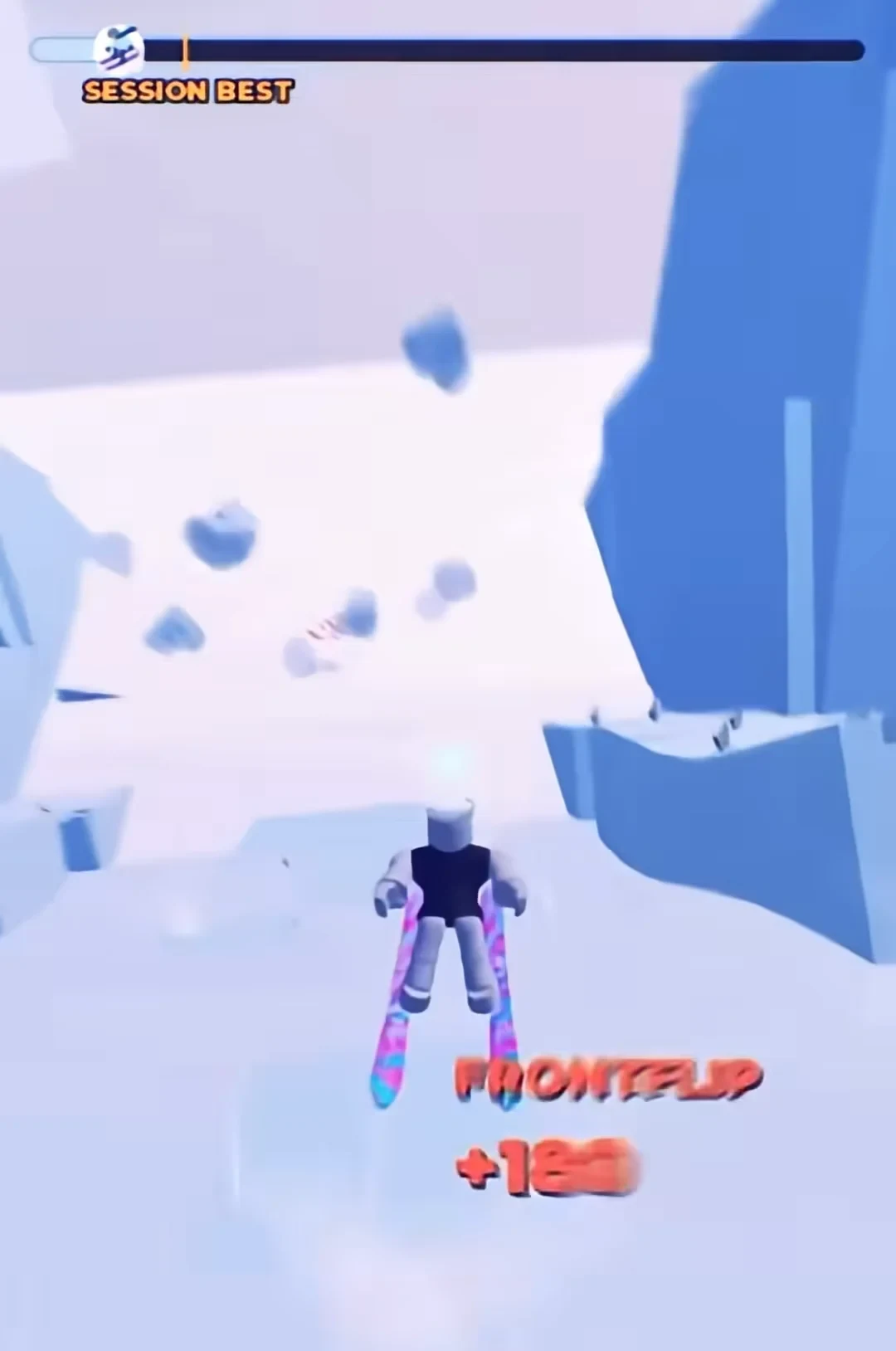
A wipeout is useful feedback about the section that broke your line. On the next run, focus on surviving that one section before trying to recover the lost speed with a trick chain.
SKI Rewards, Races, Leaderboards, and Cosmetic Unlocks
Once you can control a descent, the surrounding systems give you reasons to keep repeating the mountain:
- Coins and XP: Runs can award Coins and XP, and tricks can improve your run score and XP potential. Exact payout timing and amounts are not defined in the official control information, so do not plan around a specific total.
- Clear times and leaderboards: SKI tracks how quickly you reach the end. Finding a faster line and improving your time is the main competitive goal when you are ready to optimize.
- Races: Races let you compete with friends or other players on the mountain. A Quick Race pad in the hub can be used to enter matchmaking, but racing is optional and is not needed to start or complete a normal first run.
- Shop and hub unlockables: The hub and shop areas can offer skis, skins, trails, and other unlockables. Because the experience is in Alpha, avoid assuming that a particular cosmetic has a permanent effect, price, or availability.
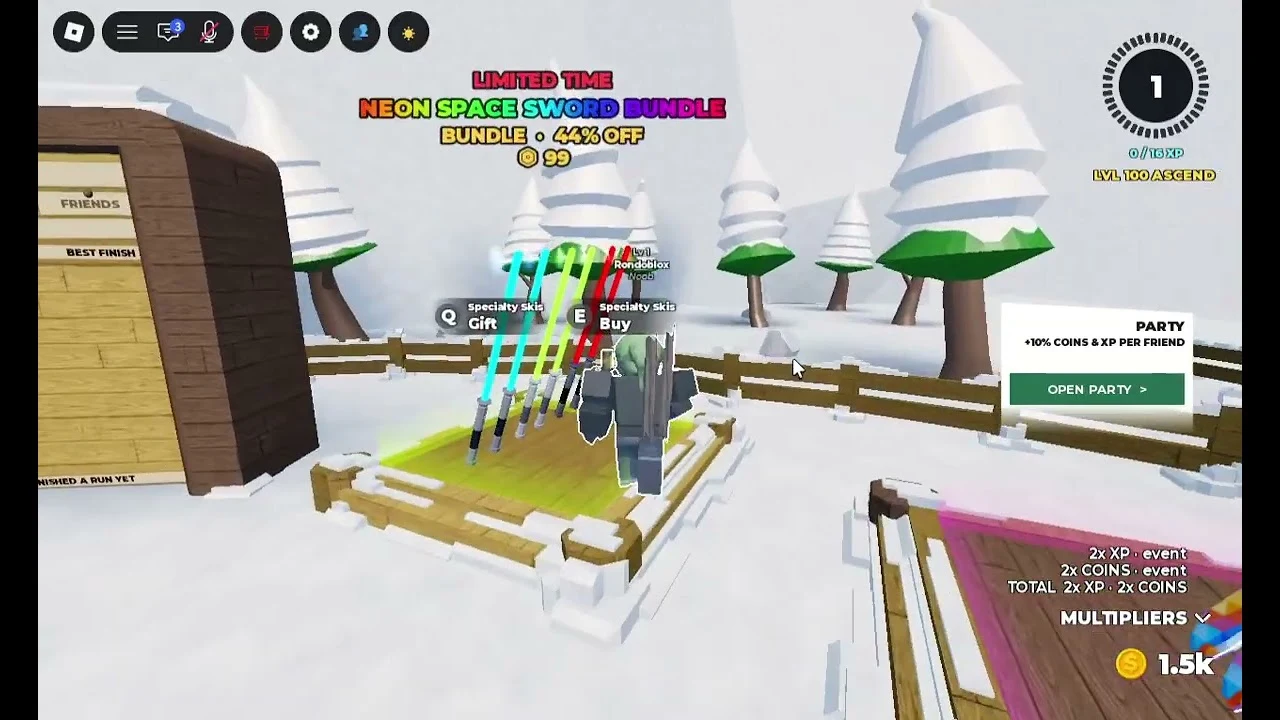
You can ignore all of these systems while learning the first descent. A clean run gives you a better foundation for chasing leaderboard times than an early attempt that sacrifices control to collect every optional feature.
Beginner Tips for Better SKI Runs
- Learn the line before the trick route. Make one or two attempts with survival as the only goal.
- Use the camera deliberately. Change the view when the slope or an upcoming landing is hard to read.
- Practice dangerous sections. If the same obstacle causes a wipeout, make that section the focus of your next run instead of restarting with a new trick plan.
- Add one mechanic at a time. First steer, then jump, then add a trick after you can predict the landing.
- Chase speed after consistency. Once you can reach the bottom, start comparing lines, clear times, and trick choices.
For your next run, aim for one clean descent from the hub to the bottom. After that, add a single trick or try a faster line, then use the next wipeout to identify exactly which part of the mountain still needs practice.