
The fastest way to make money in Planet Coaster 2 is to open a small, efficient park, price rides and shops at levels guests will actually pay, and check each attraction's income against its running costs before you expand. Ride tickets, shop sales, Priority Passes, Pool Passes and optional Challenge Mode objectives all bring in cash. A loan can give you money up front, but it repays itself out of future sales, so treat it as a short-term boost rather than profit.
| Income source | Where you set it | What to know |
|---|---|---|
| Park entry | Park Management > Park Options | Can be free or paid. Entry and ride prices are set separately. |
| Ride tickets | The ride's Info Panel | Priced with Bargain, Premium, Dynamic or Custom. |
| Priority Pass tickets | Ride's Info Panel > Finances to turn on, Park Options for the price | Sold at Guest Services. |
| Pool Passes | Park Management > Park Options | Sold at a nearby Guest Services building. |
| Shop sales | The shop's own controls | Products and food or drink menu prices can be changed. |
| Challenge Mode rewards | Optional objectives | One-time in-game money for expanding or improving your park. |
| Loans | Park Management > Finances > Loans | Cash now, repaid from sales through a Sales Cut. Not profit. |
Build a Compact First Hub That Earns From the Start
A new save gives you plenty of open ground, and it's tempting to fill it with big, expensive attractions. Early on, a small cluster of affordable rides brings in steady income with far less building and upkeep. Flat rides such as the Teacups work well here, and a tight layout keeps guests close to everything they need.
- Pick a small open area and connect it to your main path. Guests stick to paths, so anything not linked to them won't get visitors.
- Add a few affordable flat rides, and keep each queue short so guests don't stand around waiting instead of spending.
- Place food and drink stalls, toilets and ATMs in a central hub between the ride areas.
- Add scenery around your most popular ride once you can afford it.
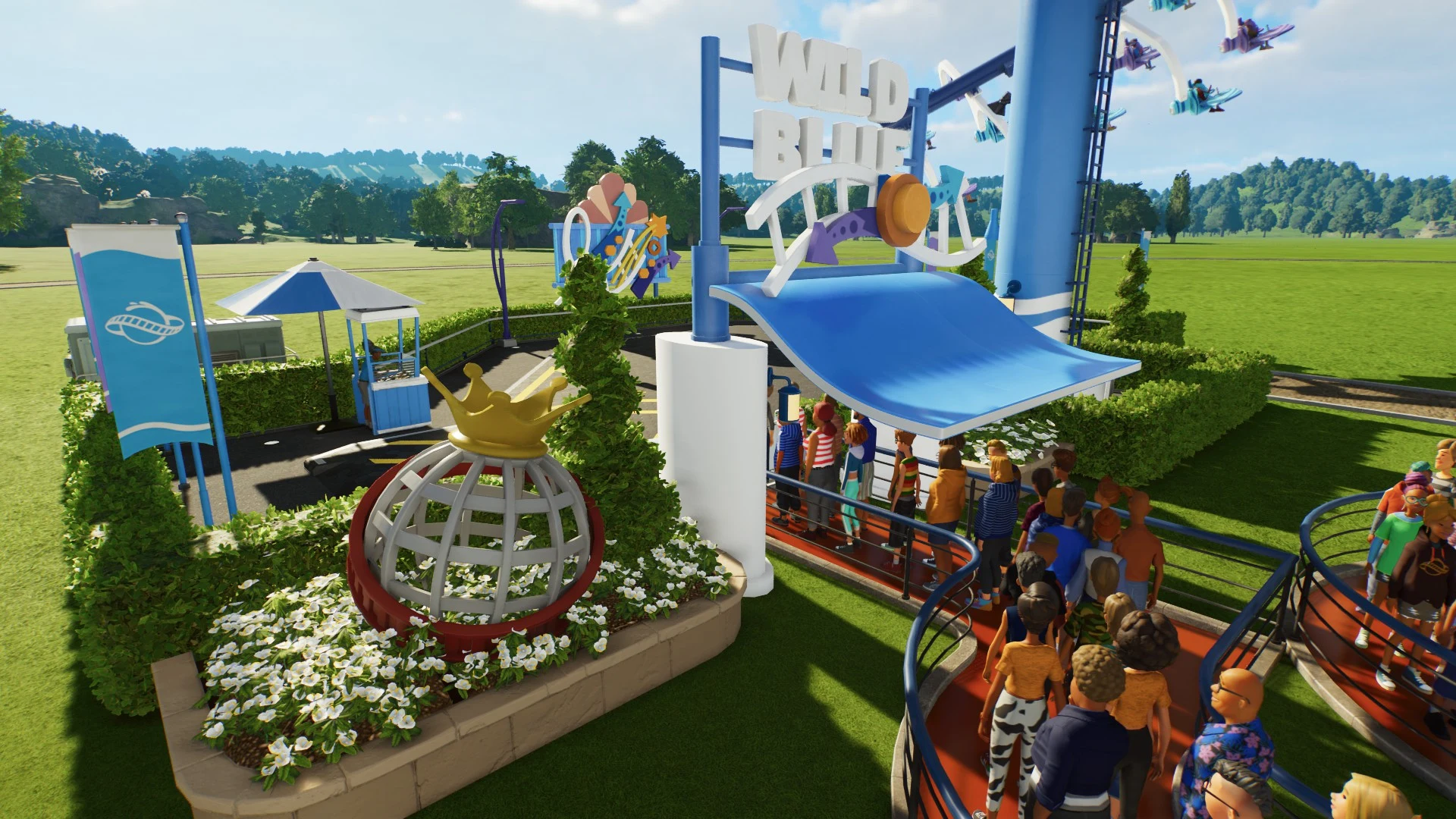
A central hub keeps walking distances short, so guests can reach food, drinks and cash without wandering off. It also means you don't need extra staff to run every stall, which keeps wages and building costs down. As the park grows, repeat the hub idea and you'll cover the map without overspending.
Park Rating decides how many guests come to your park, and its weakest part holds the whole score back. Open Park Management, go to Park Rating and select the lowest score. The side panel tells you what would raise it, such as building one new attraction.
Choosing a Pricing Mode for Rides and Shops in Planet Coaster 2
Every ride and shop has a pricing mode, and it decides how much guests pay and how many join the queue. Set ride prices in the ride's Info Panel, and shop prices in the shop's own pricing and menu controls. There are four modes to choose from:
- Bargain sets a price every guest is willing to pay. It's the safe choice while you learn how a ride's demand behaves.
- Premium sets a higher price that some guests will turn down. It suits busy headline rides with demand to spare.
- Custom lets you enter any price you want, including free.
- Dynamic lets you set a price range, and the price moves within it. On rides it moves with queue length, and on shops it responds to demand.
Dynamic is the best place to start for most rides and shops. It lets prices rise as queues or demand grow, so you aren't changing every price by hand. The range is yours to set, and for rides the result also depends on the difficulty you chose, so there's no single safe number to copy.
Pricing above Bargain also shortens a queue, which helps on a coaster that's always overcrowded. Each guest has a price tolerance, the amount above Bargain they'll still pay, and you can check it by inspecting a guest. Families with children tend to have much less tolerance for higher prices and long waits, so a price that works with adult groups can put them off.
Free or Paid Park Entry: Setting Prices Without Stacking Them
Park entry is income, but charging at the gate isn't the only way to earn. Free entry gives up that admission money in exchange for more guests, and some of them may spend more on rides and shops. It's a strategy that can work, not a guaranteed result, so compare it with paid entry in your own park before you commit.
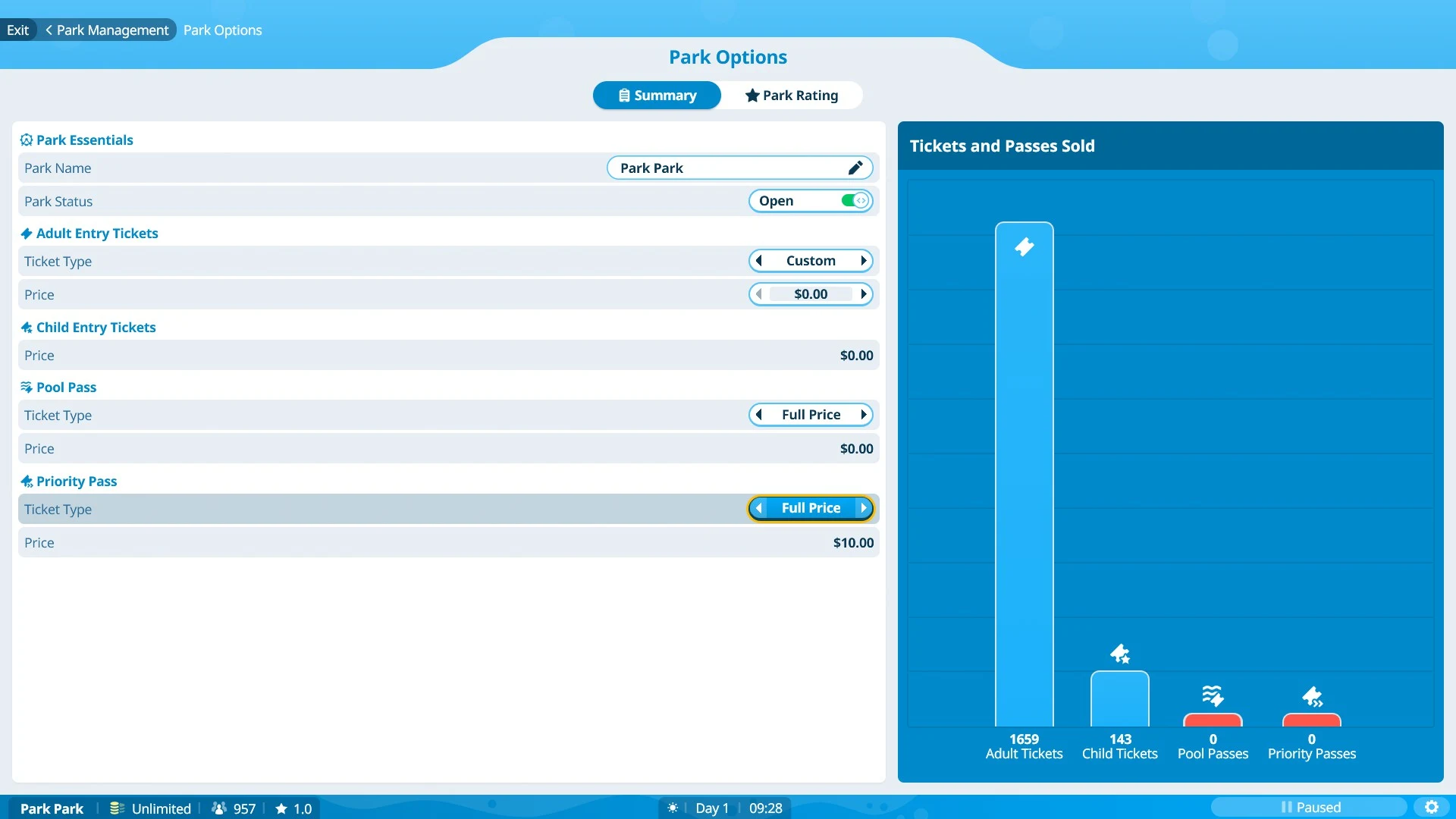
The thing to avoid is a high entry fee on top of high ride prices. Guests who pay a lot to get in have less left for rides, and it's the combined cost that tends to put them off. Because entry and ride prices are set separately, you can keep one low while the other earns.
If you use Custom pricing, the game warns you when a price is too high for some or all guests. Those warnings appear in Park Management > Park Options and in a ride's Info Panel, and they cover rides, park entrances, Pool Passes and Priority Passes. Treat a warning as a sign to lower the price, then check guest impressions in the Guests tab of Park Management before you settle on a number.
Selling Priority Passes and Pool Passes for Extra Income
Passes are a separate income source, and they work best on rides and pools that already have long waits. A Priority Pass lets a guest skip ahead of the standard queue on one ride. A Pool Pass is the ticket guests need to get into a pool area.
To set up Priority Passes on your busiest ride:
- Open the coaster, flat ride or tracked ride's Info Panel, go to Finances and turn on the Priority Pass.
- Place a Priority Entrance and a Priority Queue for that ride.
- Build a Guest Services building, since guests buy their passes there.
- Set the pass price in Park Management > Park Options.
- Choose Low, Medium or High priority. This controls how often pass holders board ahead of the standard queue.
Keep the pass price moderate. Guests who paid a high entry fee are less willing to pay extra for a pass, so a high pass price on top of a high entry fee can drive off the guests you want to sell to.
Pool Passes work in a similar way. A nearby Guest Services building sells them, and you set their price in Park Management > Park Options. Pools also need Changing Rooms so guests can change into swimwear, and a Lifeguard for Pool Area Safety. Diving boards and water rides such as a Lazy River raise the pool's prestige and draw more visitors.
Stocking Food, Drink and Souvenirs Where Guests Will Spend
Shops make money from what they sell. You can change their products, their food and drink menu items and their prices, so tune them to what guests actually buy. Before you add another shop, compare its sales with its own running costs, because a busy-looking stall can still lose money.
Place food and drink shops and ATMs near the ride areas. ATMs give guests cash to keep spending in the park, so they belong where people are already queuing and buying. Vending machines near rides that sit far from the central hub help with thirst.
Guests leave early if they can't meet their hunger, thirst or toilet needs, so food, drink and toilets within reach keep them in the park. Toilets need janitors to stay clean, because guests skip dirty ones. Sunburn is another reason guests go home early, so shade your busiest queues and stock Guest Services buildings with suncream and umbrellas. Those sales earn some cash and keep guests from getting cranky.
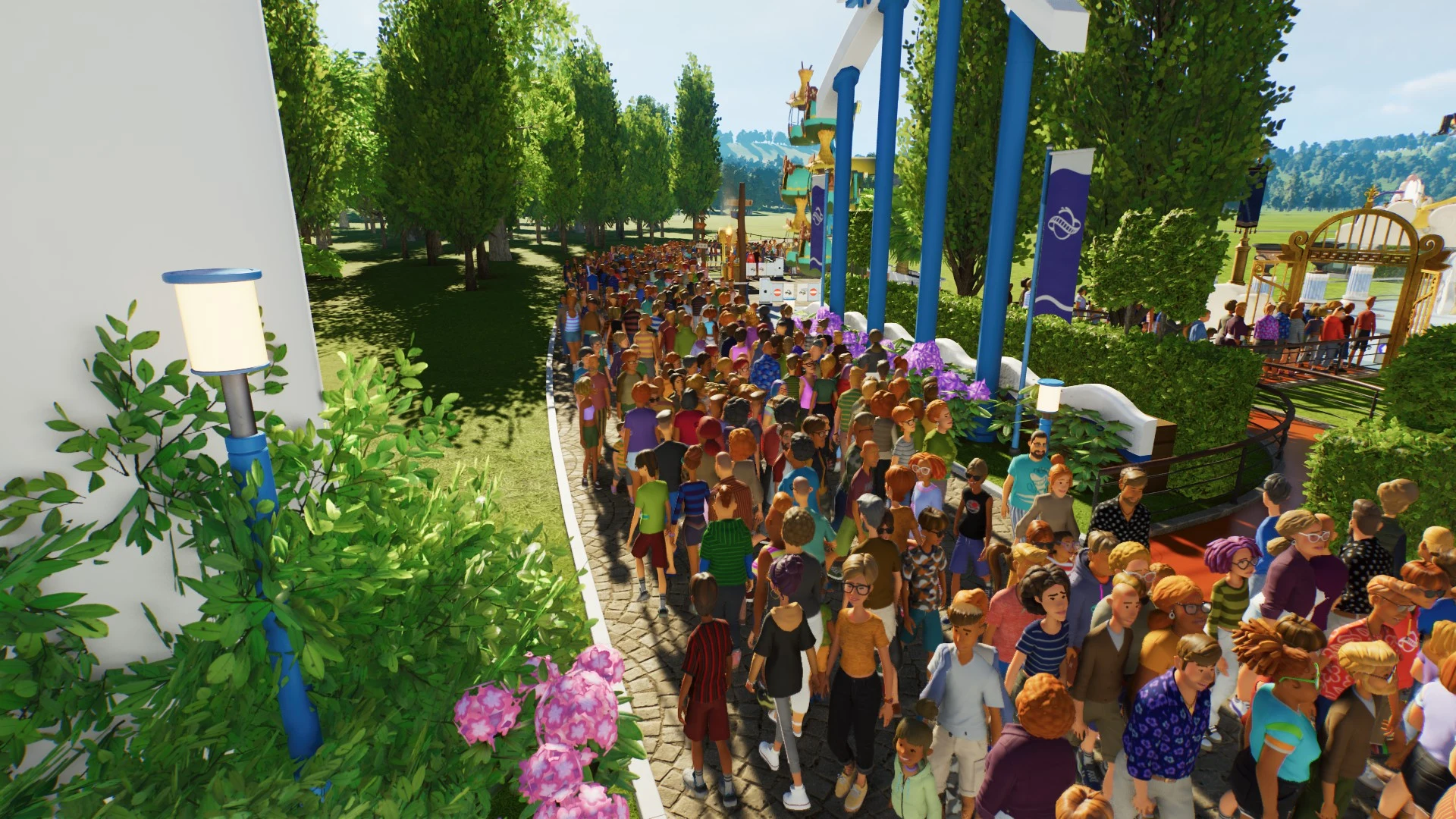
Unhappy guests buy less and leave sooner. One easy mistake is changing a ride's price while guests are leaving it, which can turn them Unhappy, so adjust prices when a ride is quiet. Souvenir shops such as the Splash Emporium sell pool floats and inflatables, and if your budget is tight, place them where guests are happiest, since that's where they spend the most.
Finding and Cutting Losing Rides, Shops and Staff Costs
Income only means something once costs come out of it. Your costs include buildings, utilities, staff, refunds, advertising and loan repayments, and the Finances sub-menu shows which of them is biggest. Work through these steps to find where your money is going:
- Open Park Management > Finances and compare park-wide income, costs and cash flow.
- Open the Attractions & Shops lists to find rides and shops with weak sales.
- Select one and open its Info Panel > Finances. It shows its performance, running costs and profit, and the lifetime figure is labeled Lifetime Profit.
- If its running costs outweigh what it earns, rework it first by changing its prices, products or menu. Close it if it still can't cover its costs.
Park-wide totals give you the overall picture, but they won't name every losing item. The per-item check is what finds the weak spots.
Staff are the next place to look. Cut idle staff first, but check the Staff list before you fire anyone, because fired staff can't be re-hired. Keep the people who run toilets, pools, rides and shops, since guests still need those services to spend.
Morale affects cost too. Anyone working more than four hours in a day needs a break, so give them a short one in a Staff Room and plan cover for it. Pay can be set to Low, Fair or High: Low lowers morale, Fair is neutral and High raises it. A staff member who stays Miserable for two days in a row quits, so act on falling morale early rather than waiting for someone to reach that point.
Upkeep is a running cost as well. Servicing costs money and only brings a ride back to 80% condition, and only a Refurbishment restores full condition, at a higher price. Each ride's maintenance tab shows a low, average or high wear rate, which helps you plan for the rides that wear fastest.
Loans in Planet Coaster 2: Quick Cash and the Sales Cut
Loans are in Park Management > Finances > Loans. They give you an immediate cash injection, which can help when you want to build something ready to earn. The most you can borrow depends on your Park Value, the total value of everything in your park.
A loan adds a Sales Cut, which sends a share of all your sales toward repayment. The closer you borrow to the maximum, the bigger that share, and paying part of the loan back early reduces it. Plan for the cut from the start, because it takes money from sales you would otherwise keep.
A loan is not earned profit. It's money you have to repay from future sales, so borrow only when the addition you're paying for can support that repayment. Don't borrow to keep a losing ride or shop running.
Expanding Once Your First Hub Pays for Itself
Expand after your first hub is pulling in guests and covering its own running costs. Adding more rides before that point spreads your cash thin and makes it harder to tell which attraction is causing a loss. Once the first hub works, build the next one in the same compact way and check its Finances figures after it opens.
Challenge Mode is a useful source of extra cash. Its optional objectives award in-game money you can spend on expanding or improving your park, and the challenges get harder as your Park Manager rating rises. These rewards are one-time boosts, not regular income, so spend them on the build that adds the most to your park.
Research doesn't pay out cash either. A Mechanic Workshop builds Research Points over time, and those points unlock more rides and facilities that may help later. Only prioritize it when an unlock fits your park's plan, since the workshop and research have their own costs.