

To fast travel in Crimson Desert, you first activate Abyss Nexuses and Abyss Cressets, then open the world map and teleport to any of them you've switched on. A Nexus activates when you stand on its circle, while a Cresset usually means solving a puzzle or challenge first. Mysterious Energy on the map is a clue to search, not something you pay.
| Fast-travel point | How to activate it | What you get |
|---|---|---|
| Abyss Nexus | Step onto the circular platform and wait for it to glow blue | Fast travel to that spot |
| Abyss Cresset | Complete its puzzle or challenge and collect the Abyss Artifact | Fast travel to that spot, plus an Artifact you can use to upgrade skills |
When Fast Travel Unlocks in Crimson Desert's Early Story
Fast travel is introduced early in the main story, through the first Abyss Nexus tutorial. That first Nexus sits on a floating Abyss island, and the game uses it to show how the system works. Pywel is a large world, so this early lesson sets up everything else.
The tutorial doesn't show where the rest of the points are, though. Finding them is up to you as you explore. Only points you've activated can be selected as destinations, so every Nexus or Cresset you switch on adds another place to travel to.
What Mysterious Energy Means on the Map
On the map, Mysterious Energy appears as a large question mark over an area. It's a clue that a fast-travel point may be nearby, so it's worth a look. It is not a currency, and it doesn't cost anything to investigate.
Not every marker leads to a fast-travel point. Some areas hold other discoveries instead, so the marker tells you where to search without promising what you'll find.
To see these markers, open the map and select the All or Environment filter. That filter also shows the fast-travel points you've already activated, so you can see your options in one view.
How to Search a Mysterious Energy Area for Glimmers
- Climb to a high spot that overlooks the question mark. From above, it's easier to scan the whole zone.
- Use your lantern or Blinding Flash to reveal glimmers. Shining spots show where nearby points of interest may be.
- Walk to each glimmer and check what's there.
The reveal works best when you're close. If you're too far away, it may show that something is nearby without showing exactly where, so move closer before you rely on it.
Glimmers are leads too. Three shining spots might be three different things, such as a Sealed Abyss Artifact or a puzzle that rewards an Artifact when solved. Walking up to each one is the only way to confirm what it holds.
How to Activate an Abyss Nexus
An Abyss Nexus is a flat, circular stone platform with an engraved circle in the middle. To activate it, step onto that circle and wait for it to glow blue. The blue glow confirms it's active, and from then on you can select it on the map to teleport there.
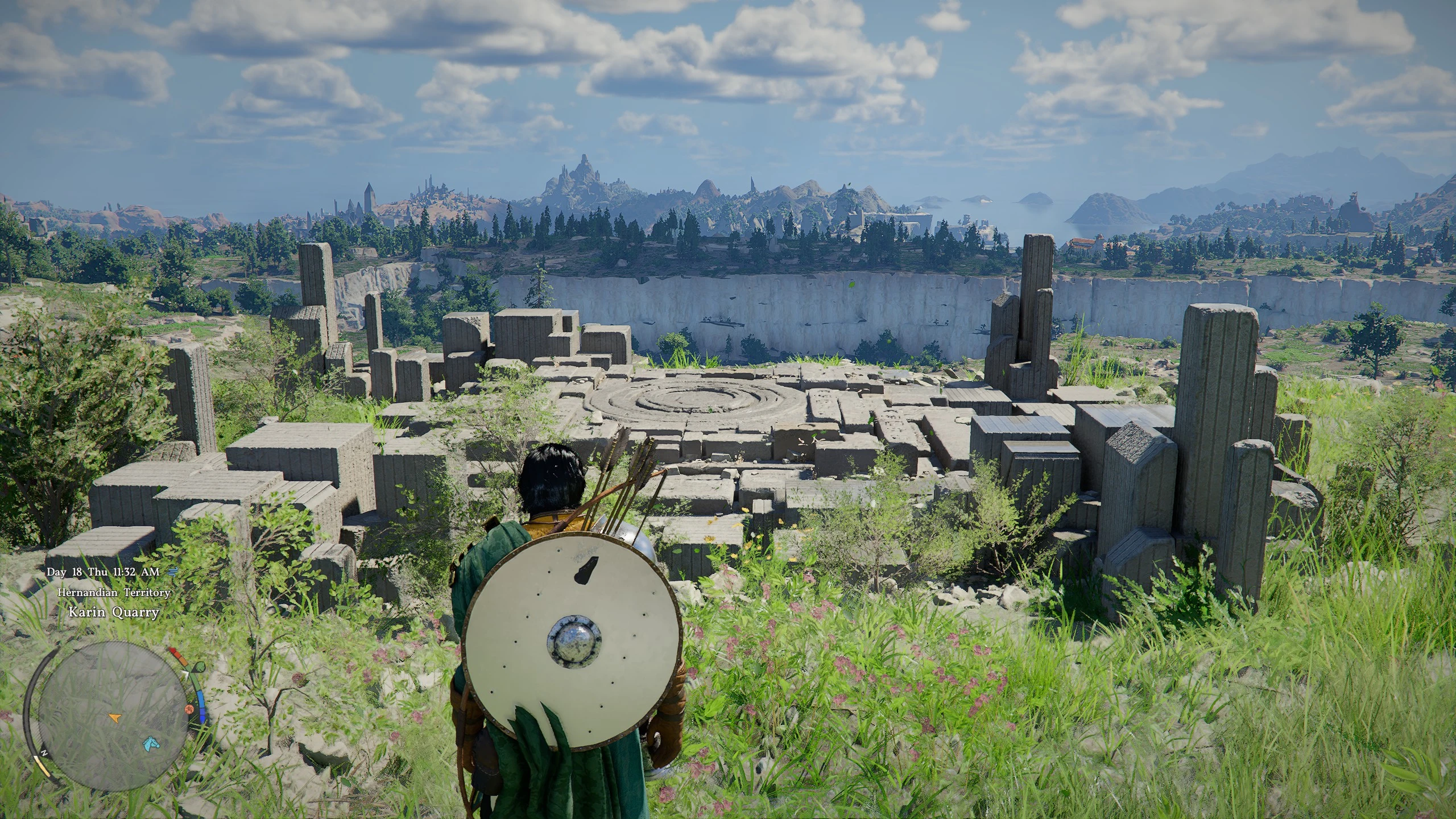
Nexuses can be easy to miss from a distance at first. If you're not sure what to look for, the search method above is the best way to narrow things down.
How to Activate an Abyss Cresset Through Its Puzzle
Cresset points usually sit behind a puzzle or challenge. Solve it and claim the Abyss Artifact, and the Cresset is ready to use as a fast-travel point. Because the reward is tied to the challenge, reaching a Cresset often takes more effort than stepping onto a Nexus.
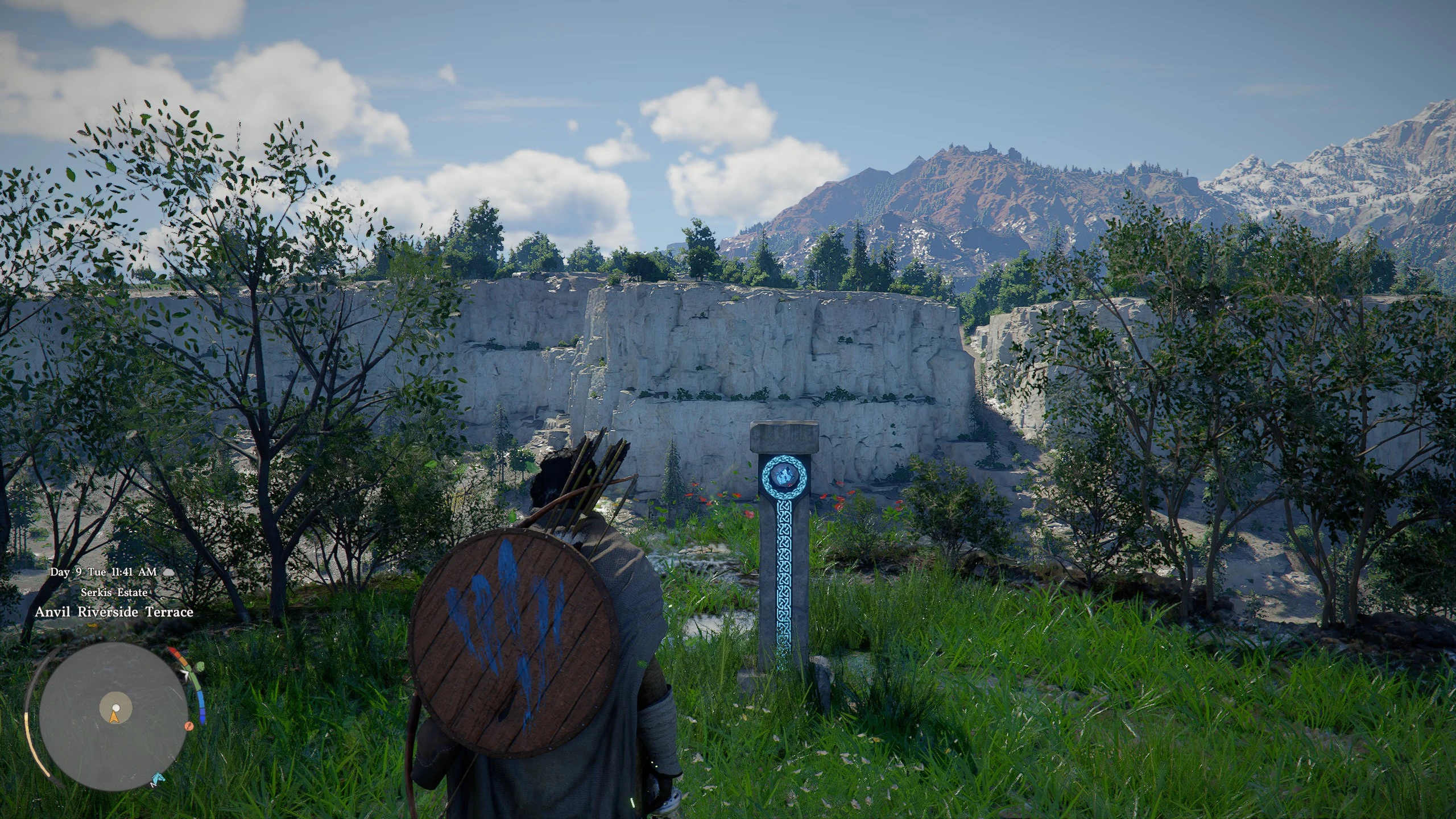
The challenges vary. One Cresset south-east of Hernand requires climbing a big rocky pillar surrounded by Bismuth Crabs, with life-eating plants on top. Another, in the far south of the Hernand Highlands, asks you to align four statues so they face each other. Even the Cresset tied to the Reunion quest in Chapter 2 has a small puzzle to solve.
The Artifact has a second use beyond travel. You can use it to upgrade skills.
How to Fast Travel to an Activated Point
- Open the world map.
- Select an activated Abyss Nexus or Abyss Cresset.
- Use the Teleport prompt. With a mouse, double-click the point. On Xbox, press Y. On PlayStation, press Triangle.
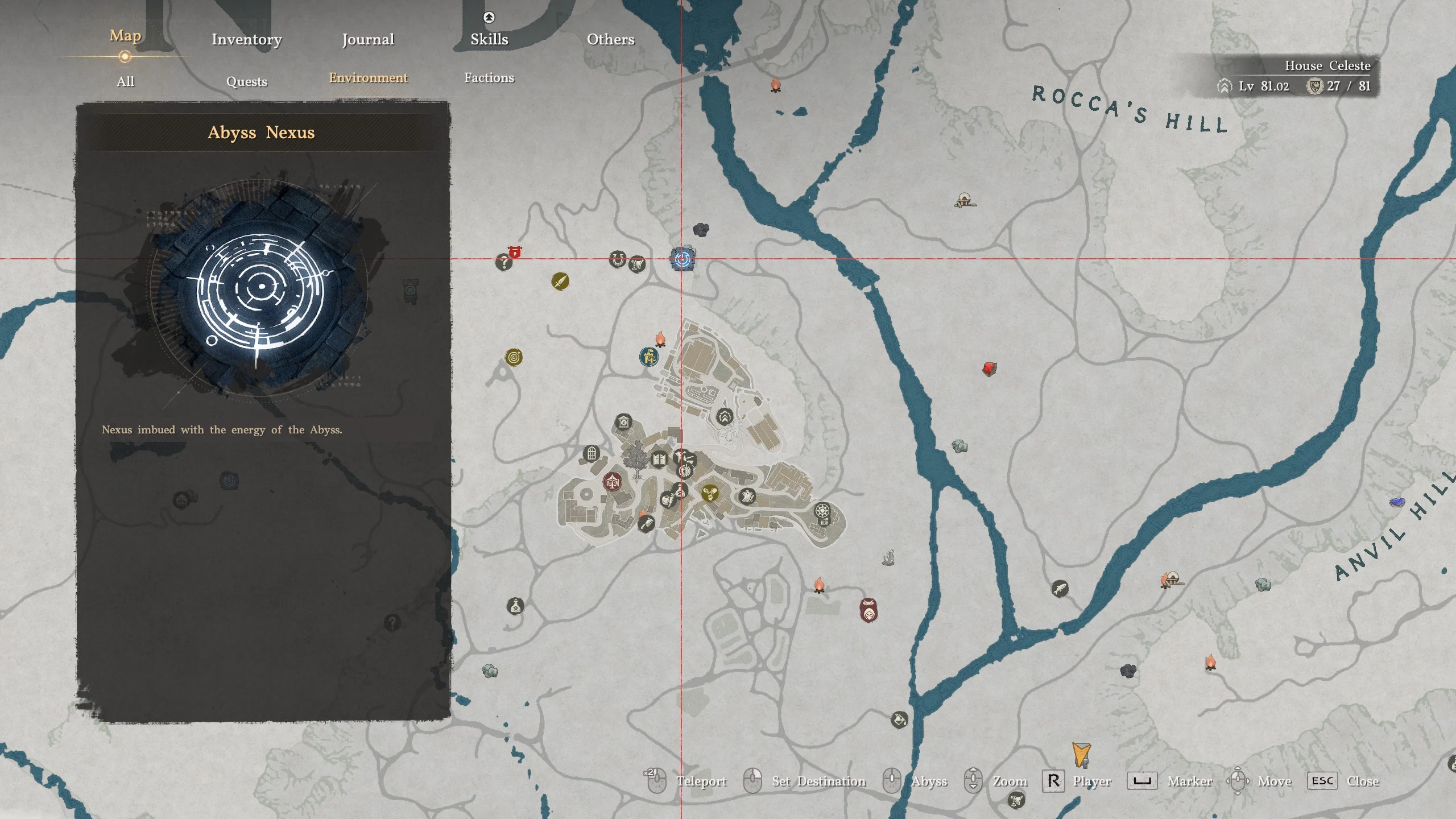
You'll be taken straight to that point. If an activated point is missing from the map, check the map filter first.
Fast Travel Costs and When It Won't Work
Teleporting is free. You don't pay a fee, and it doesn't use up an item.
You can teleport while mounted, falling, swimming, or climbing walls, so you don't need to dismount first. Active combat is what blocks it. Fast travel won't go through while you're fighting, so leave the fight and try again.