

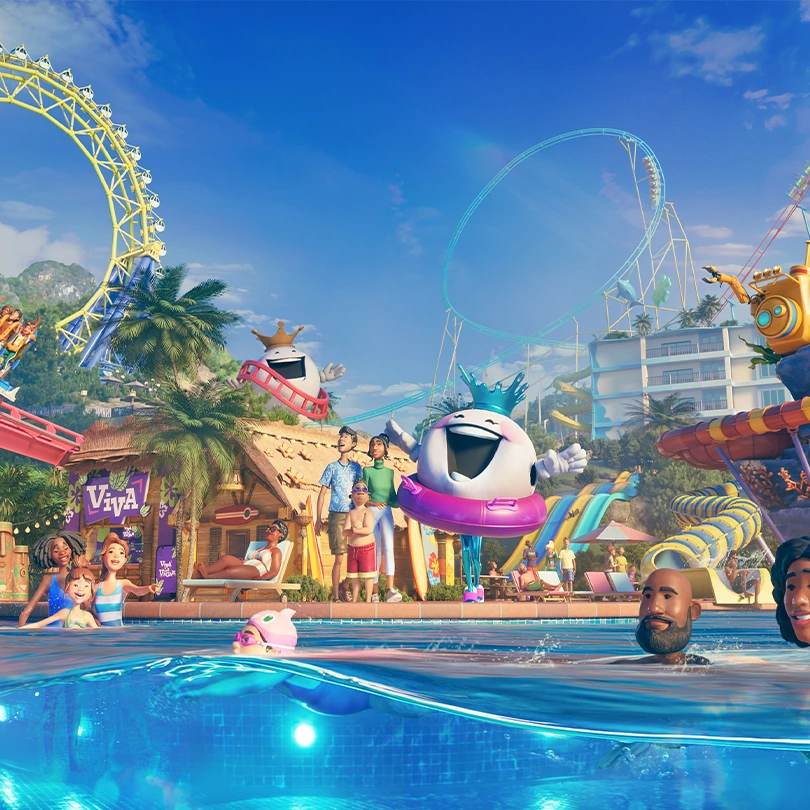
Planet Coaster 2 is a game about building your own theme park and water park from the ground up. First, you pick a game mode, then shape the land with hills, lakes and caves. Paths come next, since guests and staff need them to reach every ride, shop and facility. After that, you fill the park with rides, scenery, pools and water slides, and the pools and slides share the same guests, staff and management as everything else.
Once the park is ready, you open it to guests, and the game becomes a cycle of watching and adjusting. Guests ride, eat, shop and spend money, and each one has needs like hunger, thirst and energy, plus a mood that shows how their day is going. Guest feedback, park finances and your objectives show what is working and what is not, so you change a ride, a path or a price and see what happens. Keeping guests happy matters because happy guests spend more, and that money pays for staff, upkeep and new attractions.
What you work toward depends on the mode you choose. Career has you completing scenarios as a Park Manager, Sandbox lets you build freely or set your own rules, and Franchise lets you run a shared park with friends, one player at a time. Challenge mode adds optional goals that earn extra cash for building. Along the way, your Park Rating, which is measured in stars, is one of the main things to watch, since a higher rating brings in more guests.
- Developer
- Frontier Developments
- Publisher
- Frontier Developments
- Release
- Global: 2024-11-06
- Platforms
- PC (Windows), PlayStation 5, Xbox Series X|S
Game data
Rides and Coasters
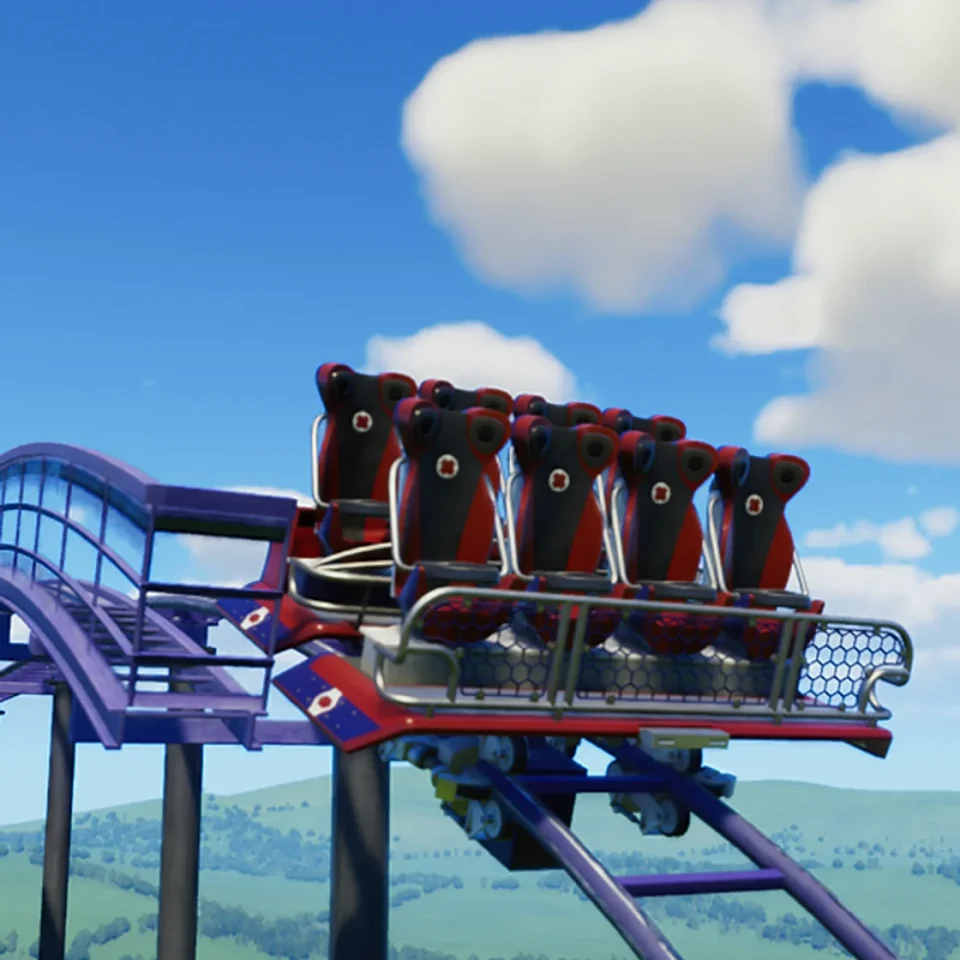
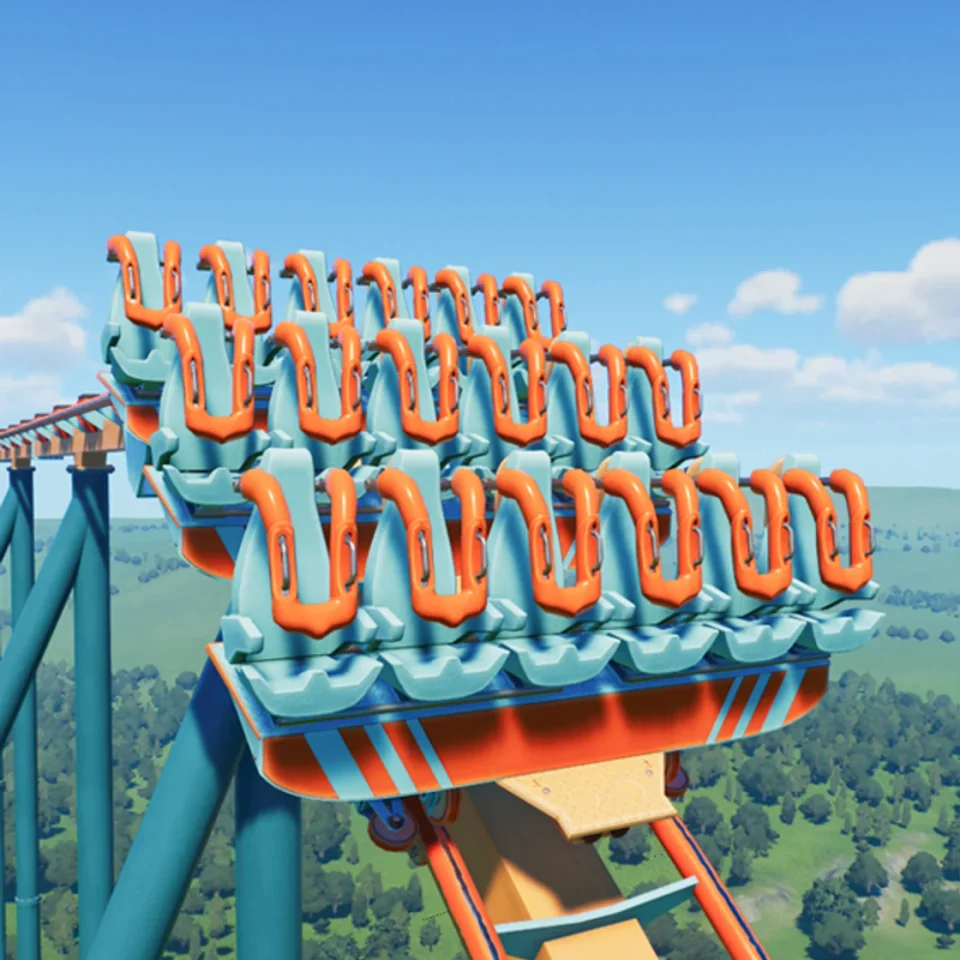
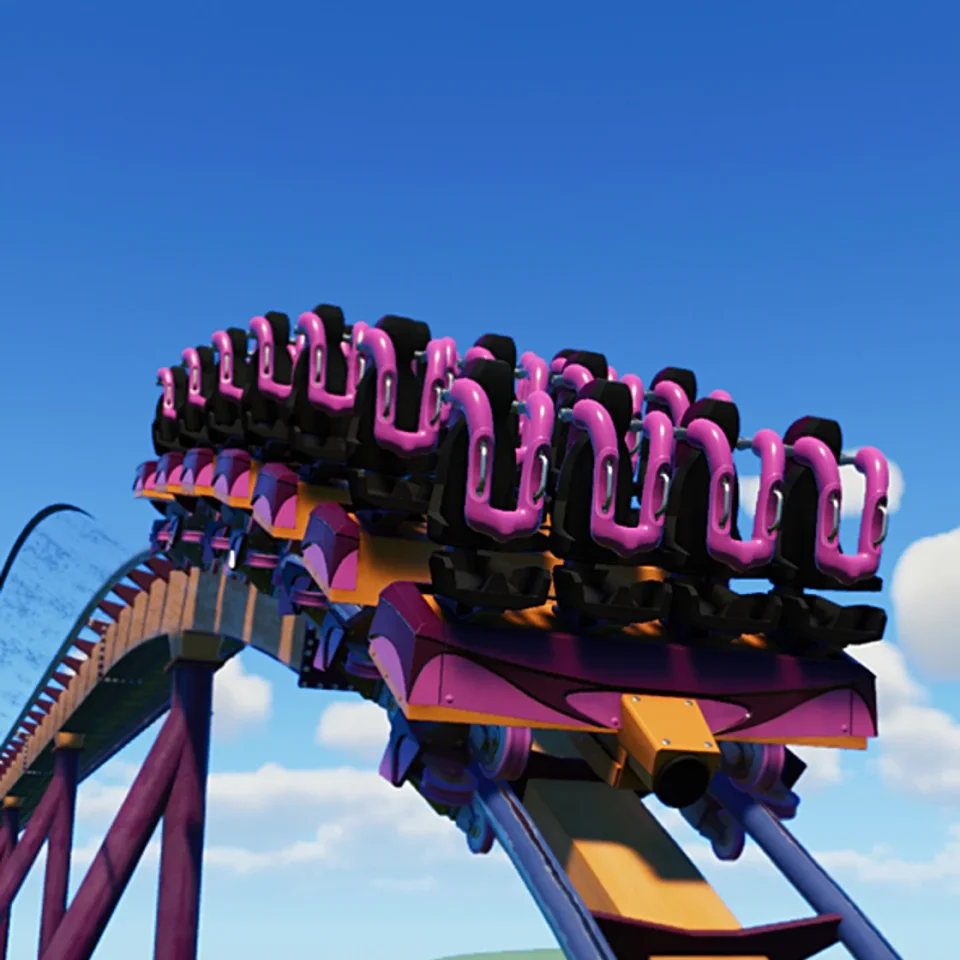
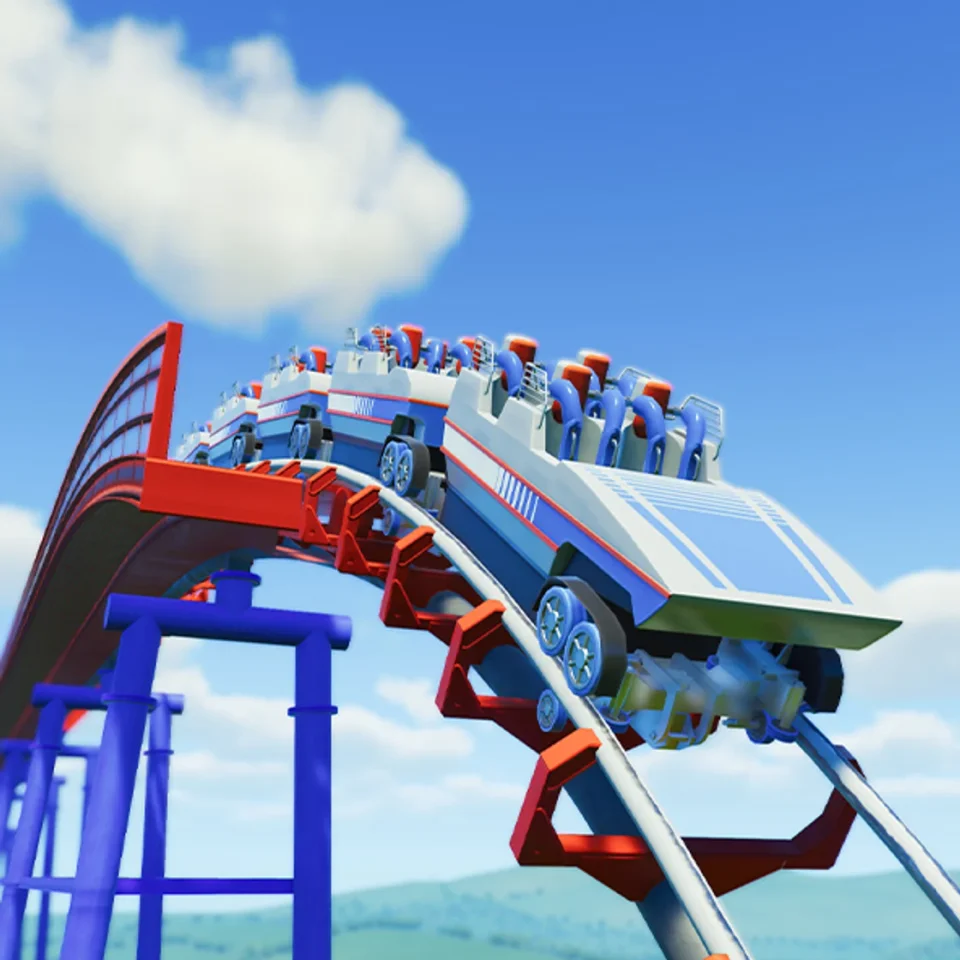
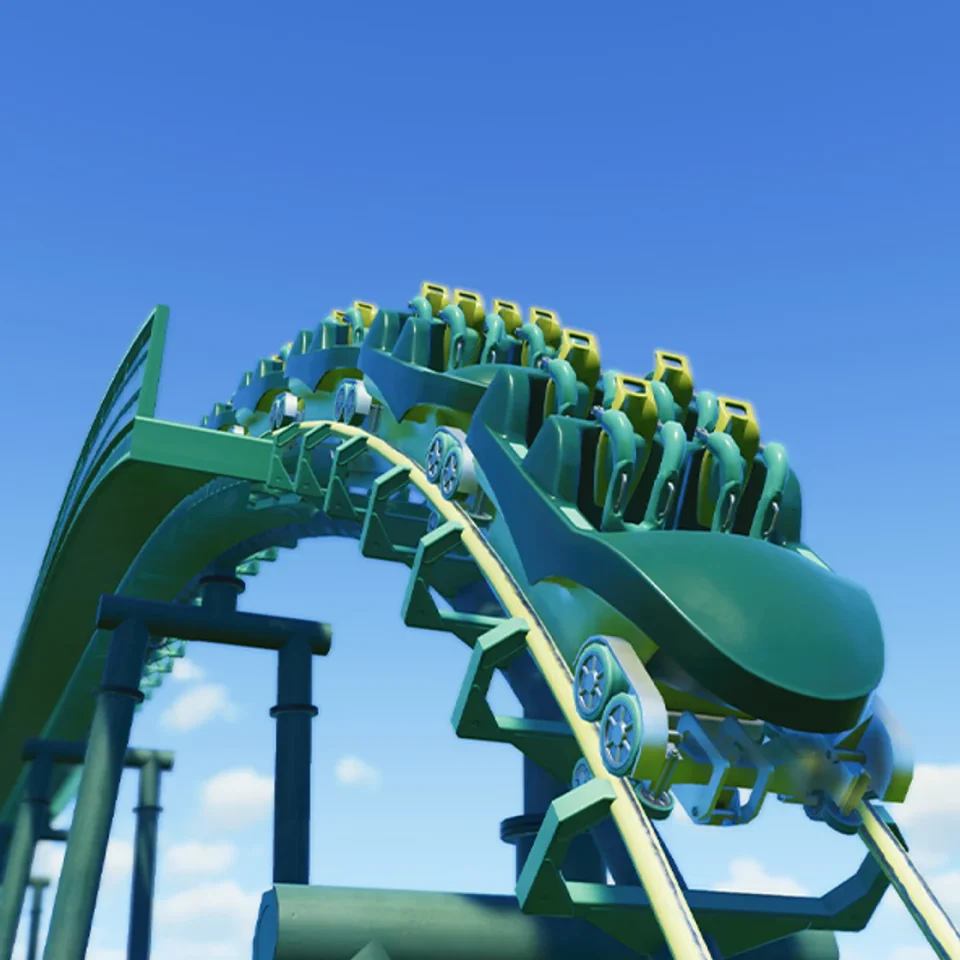
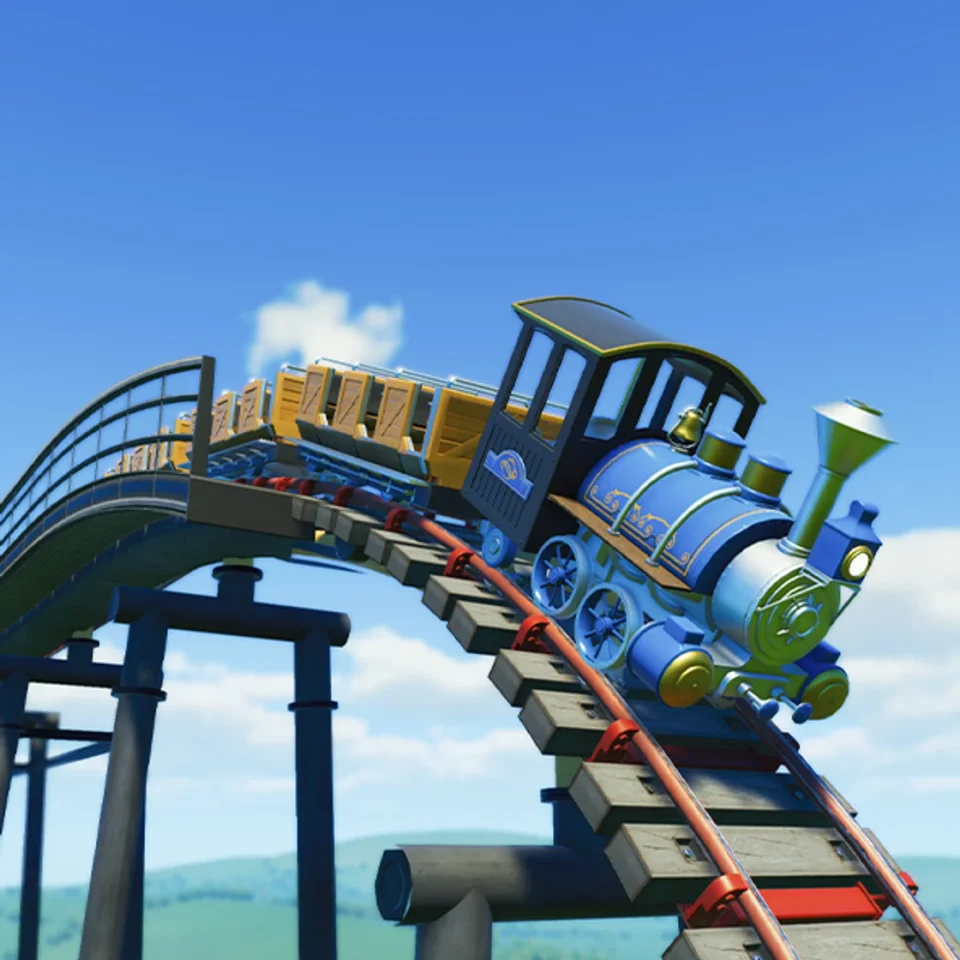
Rides and coasters are the attractions you build to entertain guests in Planet Coaster 2. Coasters run on track you design, flat rides are placed on the ground to spin, swing, or lift guests, and tracked rides carry them along a set route. Many come with the base game, while packs and free updates add more over time.
Planet Coaster 2 Controls
| Action | Desktop | Console |
|---|---|---|
| Select in menus | Enter | A (Xbox) |
| Cancel or close | Esc | B (Xbox) |
| Upload a Blueprint | U | No control shown |
| Turn angle snap on or off | P | No control shown |
| Delete | No control shown | Y (Xbox) |
| Edit a shortcut | No control shown | X (Xbox) |
| Pause | No control shown | Start (Xbox) |
| Open Park Management, Objectives or Alerts | No control shown | Back (Xbox) |
| Build path stairs or a ramp | Hold Tab and drag the path up or down | Hold X (Xbox) or Square (PS5) and drag the path up or down |
| Quick slopes and stairs with Line Builder or Classic Paths | Hold Shift while moving the path up or down | Hold X (Xbox) or Square (PS5) while moving the path up or down |
Planet Coaster 2 gameplay tips
- Play the Career Prologue first. The Prologue levels cover building and managing a park before the harder scenario chapters arrive. That gives you a feel for the basic tools before the scenarios start asking more of you.
- Start with your lowest Park Rating score. Open Park Management and compare your scores for Attraction Prestige, Scenery Rating, Unique Attractions and Park Reputation. The lowest one has the biggest effect on your overall rating, so fixing it first moves the number the most. The Park Rating screen also shows the exact next step, such as building one new attraction.
- Turn on heatmaps to spot trouble. Press the Heatmaps button at the top center of the screen. Problem areas show up in red and healthy areas in blue, so you can scan queues, guest moods, pool safety and more across the whole park at once.
- Use Dynamic pricing on rides and shops. Dynamic lets you set a range of prices that moves with the length of the queue, so you can charge more when lines are long. It is the setting that makes the most profit without putting guests off.
- Set up a Mechanic Workshop early. Place one from the Facilities section of the Browser and connect it to a staff path so your staff can reach it. Research Points only build up while a Mechanic is assigned to the workshop, and you spend them to unlock new rides and utilities. Workshops pull down your Scenery Rating, so tuck yours away from guest areas or hide it with decoration.
- Plan for guest care at your water park. Water parks need lifeguards, changing rooms, shade and suncream to keep guests comfortable. Sunburnt guests leave the park early, so shade and suncream are worth planning from the start.