House of the Locust is a pre-alpha survival/escape horror experience from NULLWORKS STUDIOS. Your first run has one clear chain: solve the coloured-cube puzzle for WireCutters, find the Key in a cupboard, take the Keycard from the Locust, and reach the green EXIT or elevator. Room landmarks and prompts can change while the game is in pre-alpha, so use the route below as a current-build starting point, not a permanent map.
If escape horror is new to you, the room-reading basics in Roblox Wonderland beginner guide fit well before a first run. For another careful door-and-room challenge, Keep the Door Locked beginner guide gives you a different Roblox horror setup.
Learn the controls and read the nest before you search
On PC, start with these default controls:
- Move:
W/A/S/D - Jump:
Space - Sprint:
Left Shift - Crouch:
C - Slide: press
Cwhile sprinting
These are PC defaults. Check the live in-game UI if a prompt shows a different key.
The practice option may appear as FREE MODE or Free Roam Mode. Use it to learn movement and landmarks when it is available. It removes the puzzle work but keeps the Locust active, so you can practise the route without getting a free pass from the thing hunting you.
Keep audio on. Sound can warn you that the Locust is close, while corners and blocked sightlines give you time to change direction. Before picking up an objective, spot one corner or room change you can use to retreat. In co-op, one player can search while another carries an item or draws attention. Solo runs are possible, but splitting jobs reduces the time spent exposed.
Follow the item chain from cubes to the exit
Place the red, blue, and yellow cubes
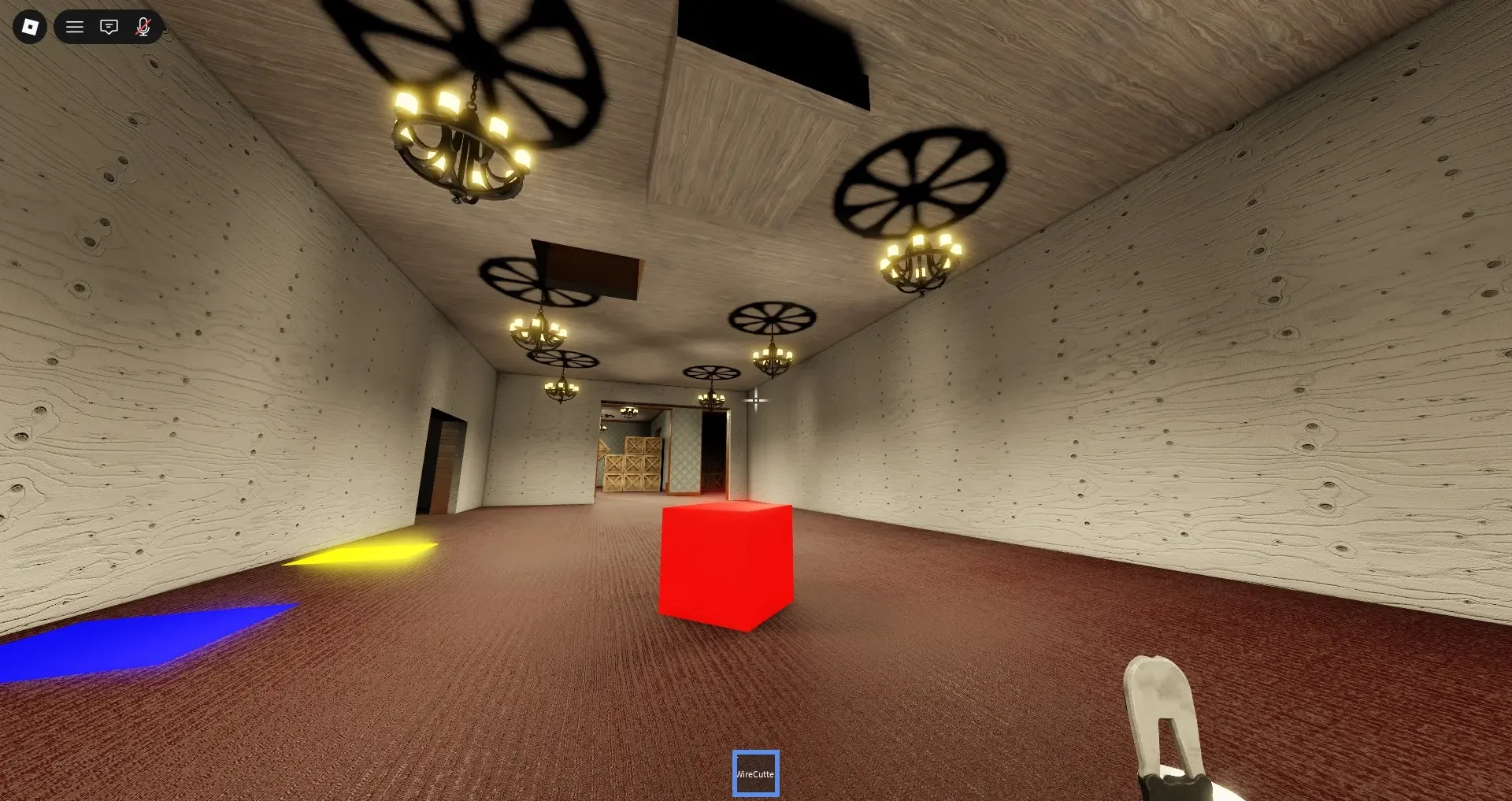
Find the room with the three coloured pads. If these landmarks match your layout, use this route aid:
- Yellow Cube: Turn around from the pads and take the path on the right to the lower-wall slot.
- Red Cube: Return to the pads, go right over the white wooden wall, then take the immediate left and the right-hand path.
- Blue Cube: Continue along the Red Cube path to its end.
These turns can change with the pre-alpha layout. If the white wall or lower slot is not there, stop following this route and search using the pad colours as your landmark.
Place each cube on the pad with the same colour. When all three register, the WireCutters become available.
Search the randomized cupboards for the Key
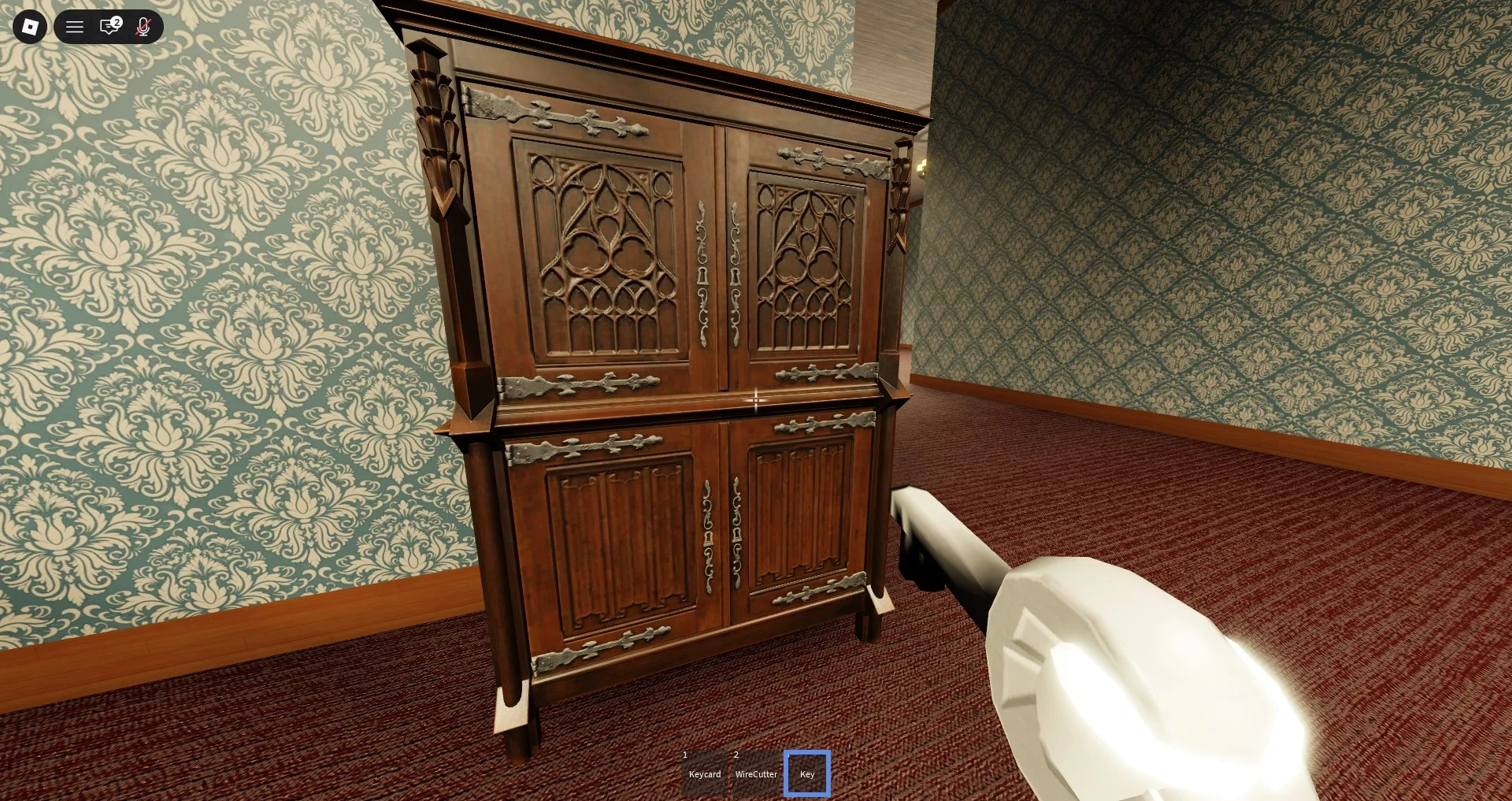
The Key is not tied to one permanent cupboard. Walk up to available cupboards or cabinets and use the Search prompt. Check more than one before committing to a long chase, because the correct cabinet can change between runs.
Plan the Keycard approach around the Locust
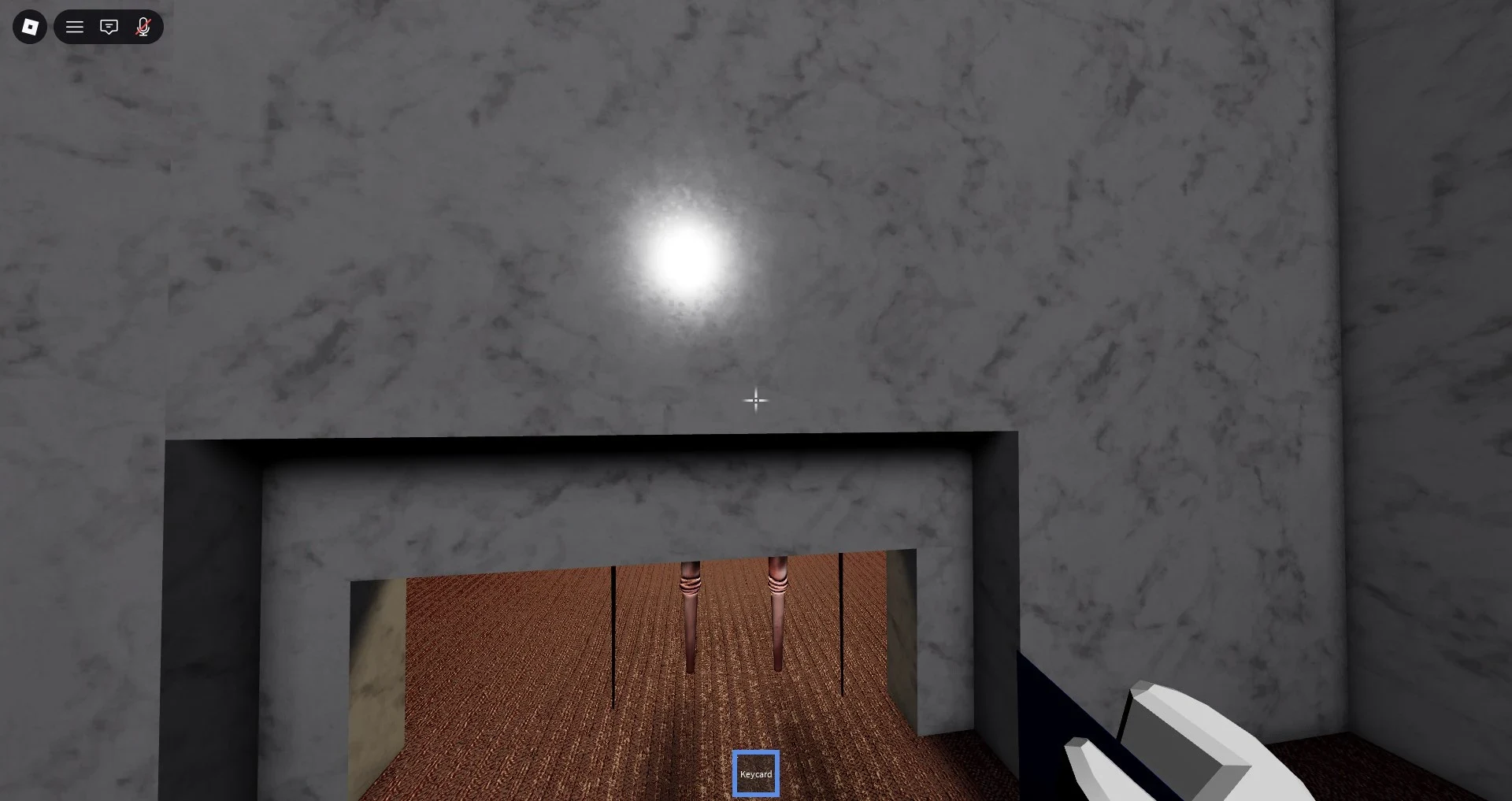
The Locust carries the Keycard. Approach only after you have a retreat route, and keep a corner or wall between you and the creature where possible. If you see a narrow wall opening and the current build lets you crouch, slide, or reach through it, that gap may help you take the card. It is risky, not a guaranteed safe spot.
Move in, use the live interaction prompt, and retreat immediately. A blocked opening or changed collision can make this approach fail.
Open the green EXIT and finish the run
Carry the WireCutters, Key, and Keycard to the green EXIT or elevator. Use the interaction prompt at the door and follow the order shown in the current build. Do not assume a fixed order or that one item is consumed before another. Bring the full set and let the prompt decide.
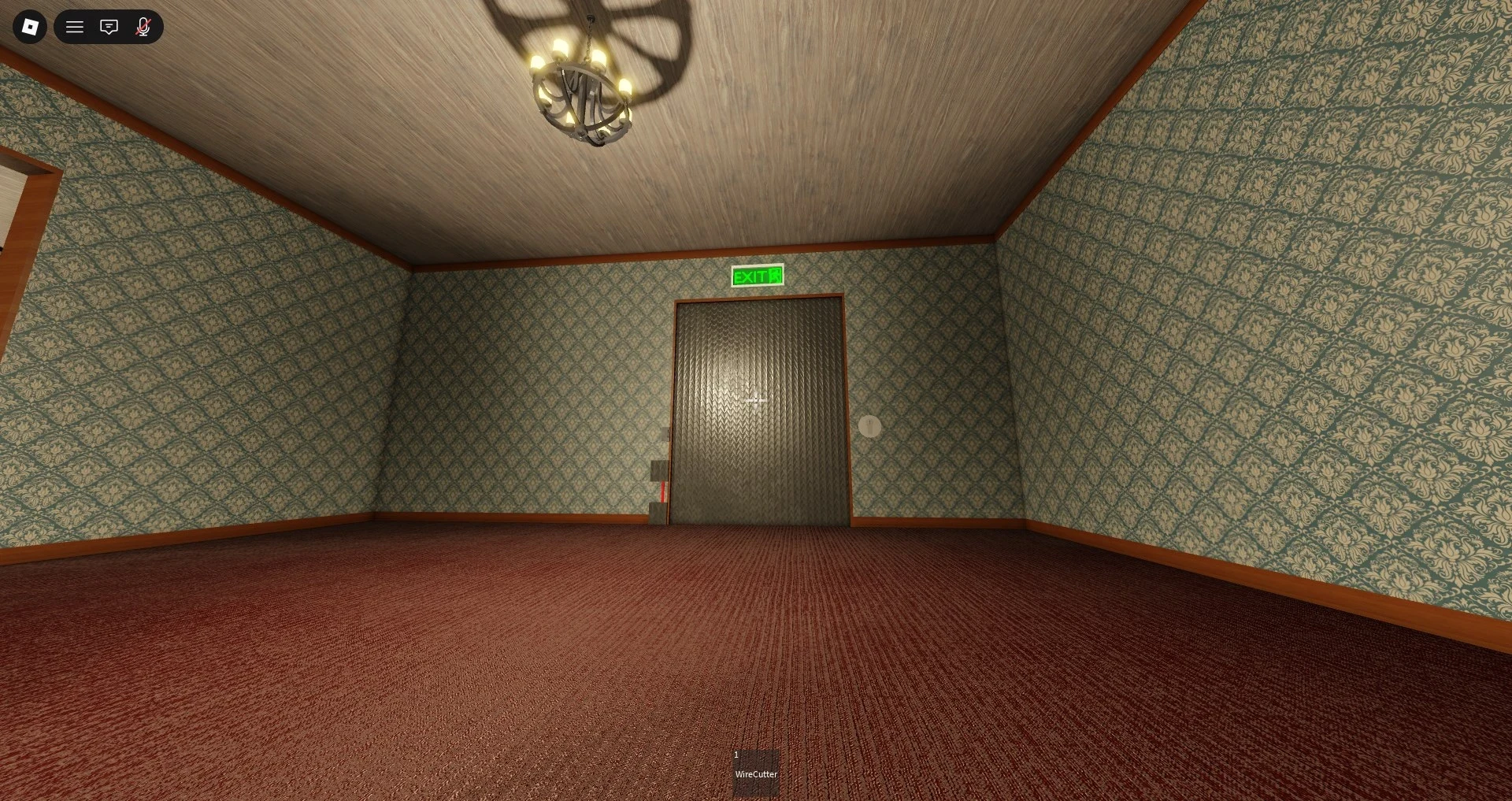
Continue through the opened passage or elevator interaction until the escape sequence ends.
Reset a chase without losing the run
When the Locust sees you, create distance before trying another pickup:
- Break direct view. Turn around a corner or through a room change. A line-of-sight break simply means the Locust cannot see you directly.
- Leave exposed routes. Do not force a cupboard search or Keycard grab while the creature is close. When solo, avoid moving the whole objective set through one exposed passage.
- Split co-op jobs. One player can search while another carries or pulls attention away. Keep the carrier's return path clear.
- Check the death spot. If the current build drops an item when its carrier dies, wait for space and search that spot. This behaviour may change with updates.
- Retry a missed prompt. For a pad or the exit, check that the matching item is placed or held, face the interaction point, and follow the displayed prompt. If it still fails, a pre-alpha bug may be blocking it, so restart rather than forcing an interaction order.