Open the Roblox app and choose Anime Ability Arena by no dj khaled we the best. The place ID is 108567435288296, and the universe ID is 10399136326.
Name mix-ups are common here. Anime Battle Arena is a different game, and Banjomeni's separate Ability Arena uses Hits and 24 movesets. If a page talks about Hits or 24 movesets, it does not describe the experience linked above.
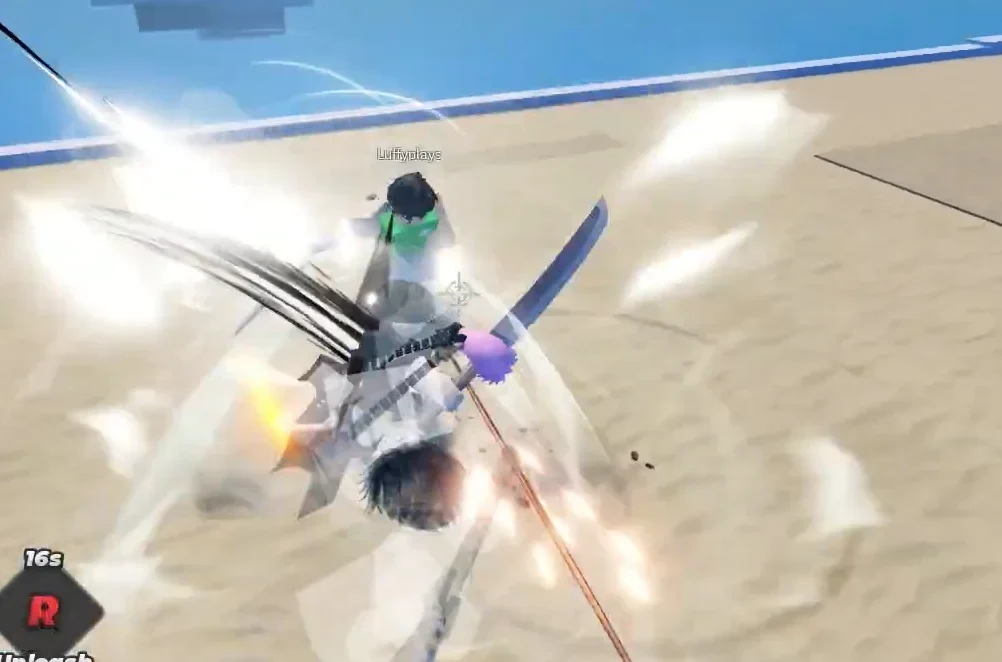
Start your first match and learn the four controls
Anime Ability Arena is built around arena fights, anime-inspired abilities, and Yen earned from combat. Start by landing a few hits and learning when to dash away. Knockouts can help your Yen progress, but staying alive gives you more time to practice.
On PC, the default inputs are:
- M1: Basic attack
- E: Light attack
- R: Heavy attack
- Q: Dash
The live ability HUD is the best check if an input label or move meaning changes. The game also supports mobile, tablet, Xbox, and PlayStation, but those versions can use different on-screen buttons.
Earn Yen and check the next unlock
Yen is the main progression currency. Combat is the part to focus on first: land hits, look for knockouts when the opening is safe, then check your balance after the match.
Use the live unlock or store screen when you are ready to spend. Yen is used for new characters and movesets, but fixed power tables can fall out of step with the game. Let the screen in your lobby decide what you can unlock next.
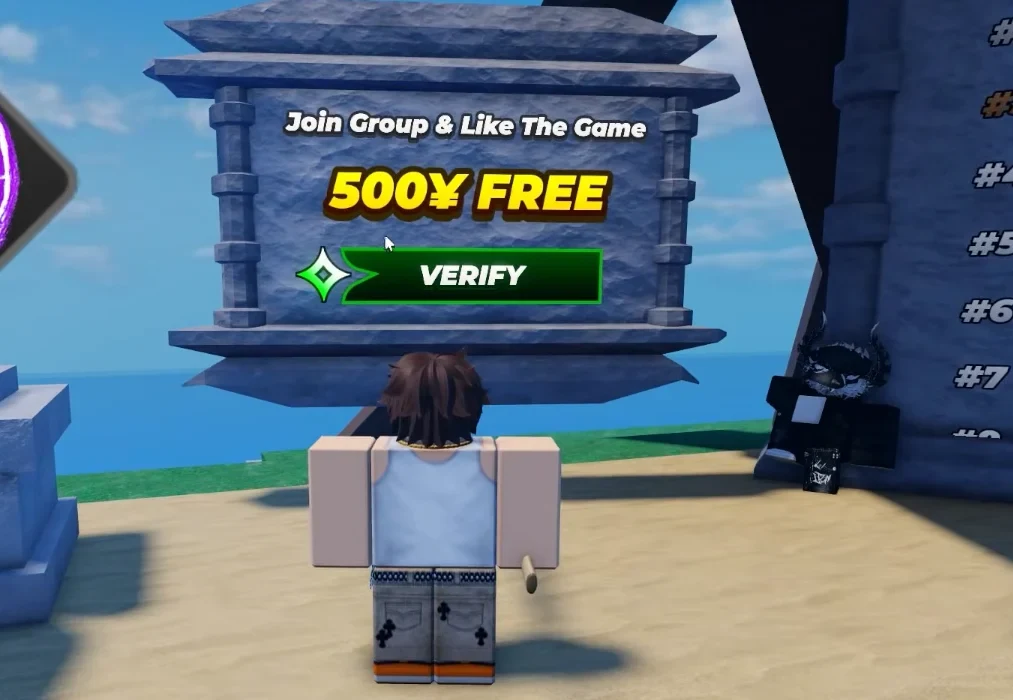
A lobby screen can show a verification panel or a free Yen reward. Read its requirement in-game before claiming anything, since the offer and steps can change.
Spend carefully and keep your account safe
A short first session has four steps:
- Confirm the experience: Check the name and place ID before joining.
- Practice the HUD: Try M1, then use Q to create space before testing E and R.
- Play for Yen: Take fights you can read instead of chasing every player across the arena.
- Review before spending: Open the live unlock or store screen and check the exact character, move, or paid option shown there.
Avoid static Yen and Robux price lists. Paid amounts and unlock steps can change, and a guide for a similarly named game can send you to the wrong system.
Do not exploit, cheat, farm with alternate accounts, or abuse bugs. The game warns that these actions can lead to a permanent ban.
Anime Ability Arena questions
Is Anime Ability Arena the same as Anime Battle Arena?
No. Anime Ability Arena is the Yen-based Roblox experience at place 108567435288296 and universe 10399136326. Anime Battle Arena is a separate game with different systems.
Does Anime Ability Arena use Yen or Hits?
It uses Yen for combat progression. Hits-based instructions belong to Banjomeni's separate Ability Arena, so do not use them for this game.
What are the PC controls?
The default PC map is M1 for basic attack, E for light attack, R for heavy attack, and Q for dash. Follow the live ability HUD if the labels change.
Can I play Anime Ability Arena on mobile or console?
Yes. The game supports PC, mobile, tablet, Xbox, and PlayStation. Touch and controller inputs can use different buttons from the PC map.