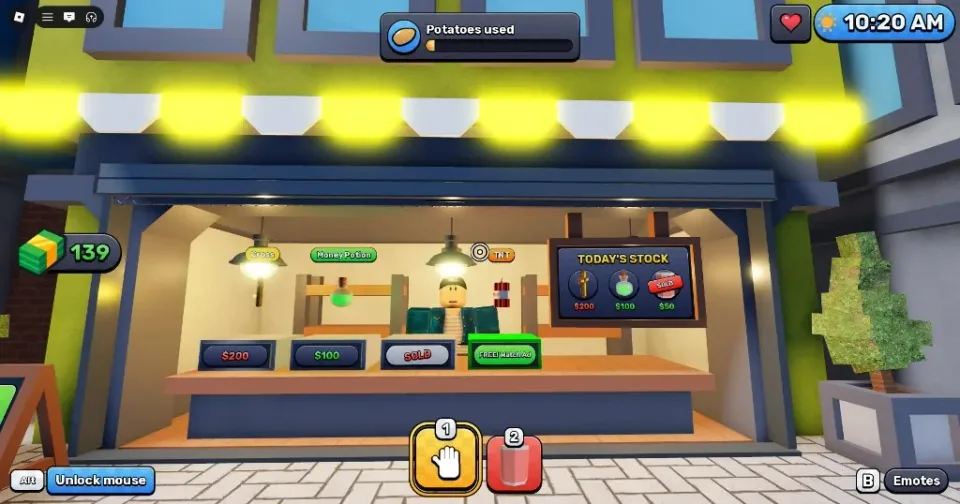
Read the exact warning on screen and do what it asks. Each Sell Fries night event has its own fix, and the words on screen tell you which one you're facing. Learn the warning wording and the right move starts to feel automatic instead of a guess.
Event type
Threats
These are the events that chase you, hit your health or eat your stock, so answer each one as soon as its warning hits.
Window Anomaly
- Alert
- Close the shutter!
- Location
- Service window
- Effect
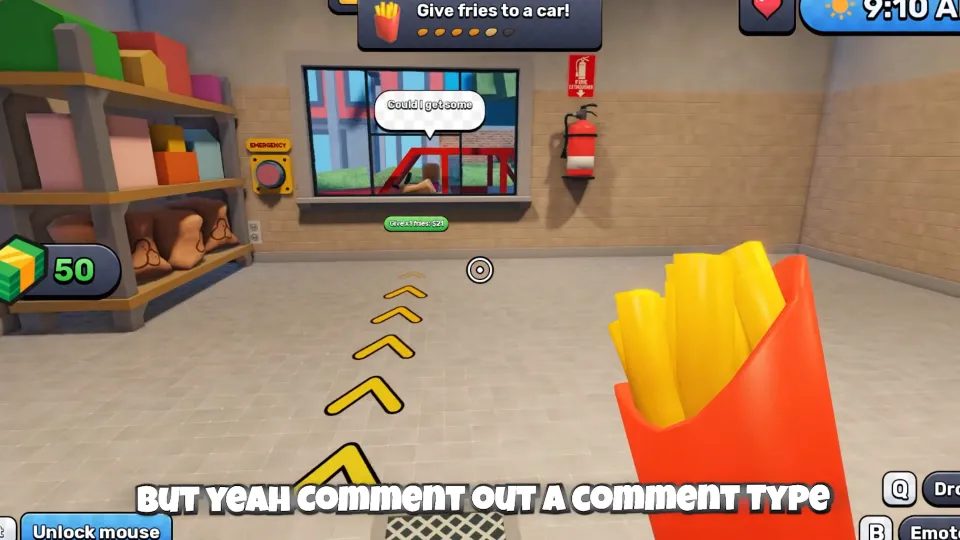
- A customer-like figure with a warped face or shadowy look asks for fries.
- Consequence
- If it reaches the counter, it eats your fries.
- Response
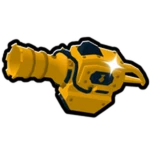
- Don't serve it. Close the shutter with the red Emergency button, or let a loaded Fries Shooter scare it off.
Outdoor Chaser
- Alert
- RUN INSIDE! Get to the kitchen!
- Location
- Outside
- Effect
- Screen glitches or static appear while a shadow chases you outside.
- Consequence
- -
- Response
- Get into the kitchen and stay away from the doors for a few seconds.
Potato Eater
- Alert
- A monster is eating the potatoes! Scare it away!
- Location
- On the conveyor
- Effect
- A creature appears on the conveyor and eats potatoes.
- Consequence
- -
- Response
- Hold interact or use the Flamethrower to scare it off.
The Giant
- Alert
- THE GIANT!
- Location
- Near the buildings across the street
- Effect
- It fires beams at marked ground circles.
- Consequence
- Each hit takes a chunk of health.
- Response
- Move out of a marked circle before impact.
Event type
Shop interruptions
These cost you income or production speed until you fix them. Deal with them once the threats around you are handled.
Power Outage
- Alert
- NO POWER!
- Location
- Lit power box outside
- Effect
- The blackout shuts off the lights and every automated machine.
- Consequence
- Income stops.
- Response
- Go to the lit power box outside and connect the matching wires. Later outages use more wire pairs. Machines restart on their own after “FIXED!” and “POWER BACK!”.
Stuck Robot Helper
- Alert
- A robot is stuck! Go fix it!
- Location
- Usually near the outdoor potato pile
- Effect
- After you buy Robot Helpers, a robot can freeze and stop working.
- Consequence
- It no longer collects or delivers potatoes, slowing production.
- Response
- Interact with it to free it.
How to Get Ready Before Night Starts
Nights run from 8 p.m. to 8 a.m. on the in-game clock. Finish your outdoor jobs before 8 p.m. so you spend less of the night outside, where the Outdoor Chaser can catch you.
- Learn where the red Emergency button is. It's the first answer to the window figure, so find it before the first warning shows up.
- Keep the Fries Shooter loaded before night starts. You want it ready when the window figure shows up, not while you're loading it.
Plan the Outside Trips at Night
The Outdoor Chaser chases you outside, and a blackout's fix sits at the lit power box outside, not in the shop. So a power cut at night means a trip outside, and that's exactly when the chaser can catch you.
- Go inside first if the chaser shows up mid-repair. Get into the kitchen, stay clear of the doors for a few seconds, then head back out to finish the wire pairs.
- Don't assume every blackout is the same job. Later outages can use more wire pairs, so one may be a bigger repair than the last.
- Combine outside repairs. A stuck robot is usually near the outdoor potato pile, so it's outside too. If a blackout and a robot show up together, fix both on one trip when the way is clear.
Once “FIXED!” and “POWER BACK!” show up, your machines restart on their own. You don't need to go back and switch anything on.
Which Night Warning to Handle First
When two warnings land together, handle the one that's hurting you right now. A Giant beam hit takes a chunk of health, and a chaser has you running from a shadow outside, so those come first. Next, close the shutter before the window figure reaches the counter, because that's when it eats your fries.
The Potato Eater and a blackout come after that. Both cost you stock or income while they run, so go to whichever you can reach first. A stuck robot slows production, so it can wait until the bigger problems are under control.
Treat this as a starting point, not a fixed rule. You can't count on which events show up together, so be ready to switch priorities partway through a night.