


You pick a story stage and build a squad for it in SD Gundam G Generation ETERNAL, a free strategy RPG from the G Generation series that you can play on iPhone, iPad and Android. A squad is five unit-and-character pairs plus one Supporter, whose Leader Skill boosts the units that meet its conditions.
Battles are turn-based and fought on a grid, so where each unit stands matters as much as which units you bring. Clearing stages also earns you Capital and upgrade materials, which keep your units growing.
Development is a planned way to get new units, since you use a unit you already own, along with Capital and special items, to make a new one rather than relying on a random draw. Unit Assembly is a gacha-style random draw for units only, and units can also be captured from enemies during stages. The long-term goal is to clear the story stages and build a squad you enjoy using.
- Developer
- Bandai Namco Entertainment Inc.
- Publisher
- Bandai Namco Entertainment Inc.
- Release
- Global: 2025-04-16
- Platforms
- iOS, Android, Windows PC (Google Play Games)
Game data
Mobile Suit Gundam Units
Mobile Suit Gundam units are the machines from the original series and its related stories that you field in SD Gundam G Generation ETERNAL. Each one has a rarity from N to UR, a type of Attack, Support or Durability, and terrain ratings for Space, Air, Ground, Surface and Underwater. Unit Assembly is the gacha draw, Development is the other big route, and many lower-rarity units in this group are made that way.


Gundam SEED Units
Gundam SEED units are the mobile suits from Mobile Suit Gundam SEED, SEED Astray, SEED MSV and SEED Recollection that you can field in SD Gundam G Generation ETERNAL. Each one has a type, a rarity from N to UR and terrain ratings for Space, Air, Ground, Surface and Underwater. Unit Assembly is a random draw, while Development builds SEED units from units you already own, and Super Hyperion Gundam is one example. Units marked (EX) carry an EX weapon that can't miss, and Freedom Gundam (EX) and Justice Gundam (EX) are examples of that kind.


Gundam 00 Units
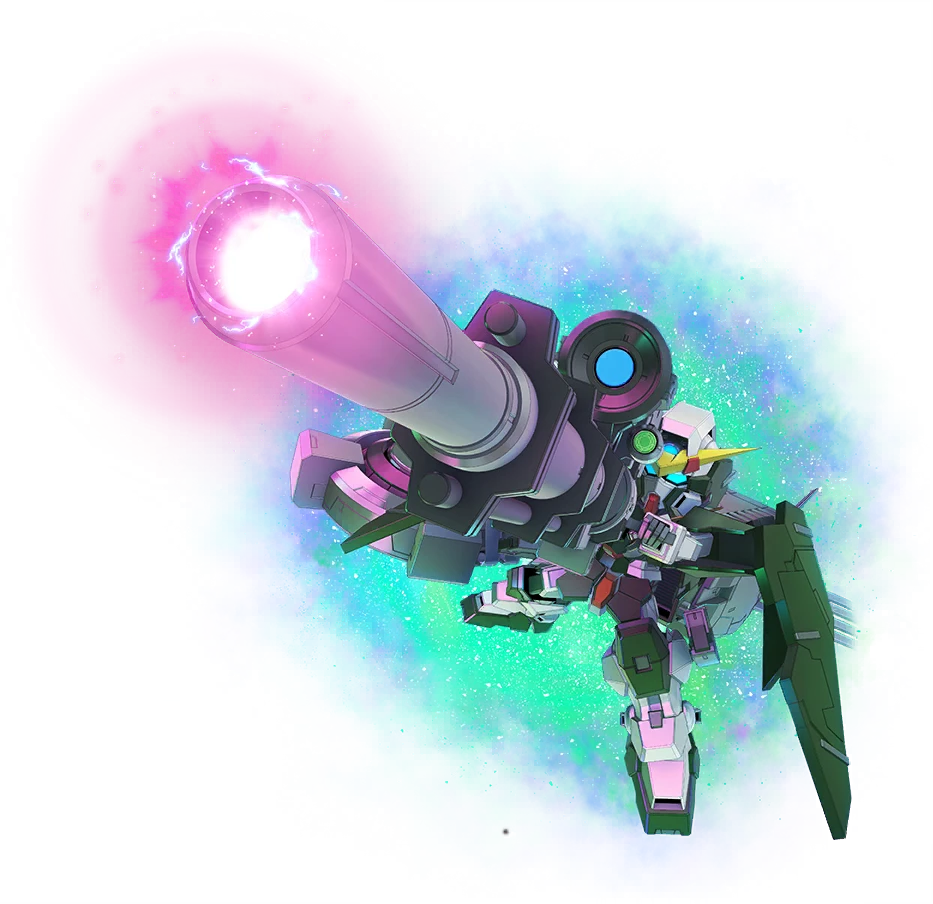
Gundam 00 units come from Mobile Suit Gundam 00 and its side stories, and they include Celestial Being Gundams alongside machines from the Union, AEU, Human Reform League and A-Laws. Each unit has a Type of Attack, Durability or Support, a rarity from N to UR, and terrain ratings for Space, Air, Ground, Surface and Underwater maps. Units marked (EX) carry EX weapons, which can't miss and aren't reduced by damage resistance. They come from Unit Assembly, Development, stage and event rewards, and captures during stages.



Gundam UC Units
Gundam UC units are the mobile suits from Mobile Suit Gundam Unicorn, Mobile Suit Gundam Narrative, the UC-MSV mobile suit variations and the Odaiba Unicorn Gundam statue version. They come in rarities from N to UR, and most of them are made through Development, while the EX units come from Unit Assembly. Each one has its own type, terrain ratings and Unit Abilities, which decide where and how it fights.


Supporters
Supporters are named characters you assign to one of your squads, with one allowed per squad. Each one adds a fixed HP and attack bonus to its squad, along with a leader skill that boosts units matching its target and a support skill that restores HP or EN. They come in UR, SSR and SR tiers, and players mainly get them through gacha, events, missions and shops.


G Generation ETERNAL gameplay tips
- Develop each unit along its own series' Development Diagram. Diagrams are made for each Gundam series. Check which series a unit belongs to before you spend Capital and materials on it.
- Mix Attack, Durability and Support units in one squad. Each role fills a different part of a fight: Durability units can take hits for nearby allies, and Support units can join allied attacks, so a mixed squad can handle more situations than one built around a single role.
- Watch EN before planning a big attack. EN is the energy each unit spends to fire its weapons, and a unit low on EN has fewer attacks it can use. Check your EN before you commit a unit to a heavy turn.
- Use Auto mode for Upgrade Stages. Auto mode lets the game run battles for you, which saves time on stages you run again and again. Upgrade Stages have a challenge limit for each type of material, so you'll be running them often.