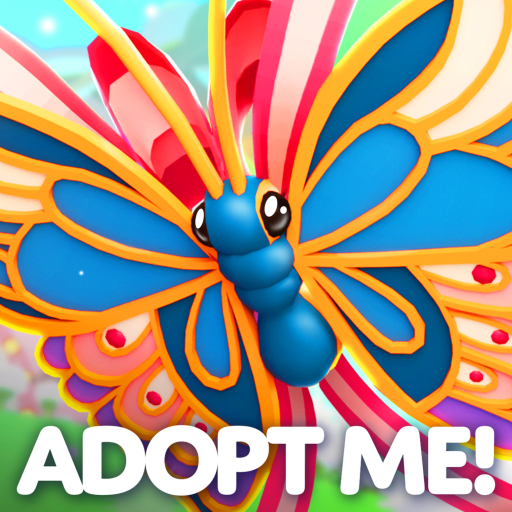
Adopt Me is all about pets. You hatch eggs into pets that range from common to legendary, then raise each one through its growth stages by feeding, bathing, and playing with it, earning Bucks the whole way.
Those Bucks buy better eggs, and four matching full-grown pets can be fused into a glowing Neon, then a rainbow Mega Neon. Most of the game, though, lives in trading, where pets carry their own player-driven value and a big part of the fun is haggling with someone else to land the one you have been chasing.
- Creator
- Uplift Games
- Game Created
- July 14, 2017
- Last Updated On
- September 25, 2026
- Age Requirement
- All Ages
- Genre
- Roleplay & Avatar Sim
- Subgenre
- Pet Care
- Supported Devices
- DesktopMobileTabletConsoleVR
Checked and verified on September 26, 2026
PROUDFROGCopyYou get Proud Frog Sticker Copy
Game data
Pets:
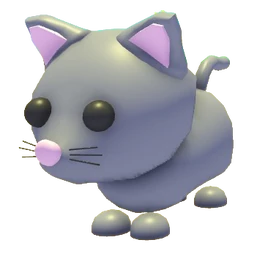
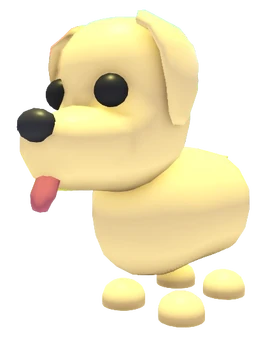
Adopt Me pets are collected through eggs, events, rewards, Robux routes, boxes, lures, and trading. Rarity gives a quick sort, while source and availability explain whether a pet is still obtainable directly or mainly depends on another player.


Accessory Shop:
Accessory Shop items split into pet-wear chests and shop-tied pets. Chests are Bucks pulls for random accessories, while older UGC reward pets matter more for collection and trading because their original reward route has changed.


Eggs:
Eggs control the pet pool behind each hatch in Adopt Me. Current Nursery eggs are safe repeat hatches, rotating gumball eggs drive the active pet hunt, and older event or themed eggs usually matter because their original route has ended.


Food:
Food in Adopt Me covers hungry and thirsty task items, drinks, candy, and potion-style consumables. Cheap shop food is normal grinding supply; older event food, weather items, and effect potions matter more because they are harder to replace or change how a pet or player behaves.


Furniture:
Furniture shapes how Adopt Me houses work and feel. Room pieces support pet care and roleplay, shapes power custom builds, and event or reward furniture can matter because older routes may not be easy to repeat.


Gift Prizes:
Gift prizes are the reward items behind Adopt Me's Small, Big, and Massive Gifts. Refresh timing matters because the same gift sizes can roll a new board later, while older plushes, strollers, and vehicles often become trading or collection pieces once their reward pool leaves.



Gifts:
Gifts are openable boxes, chests, and bags with their own reward pools. Normal Gift Display rolls are about Bucks and odds, while old event boxes are often a choice between opening for the pet and saving the container for trading.


House Surfaces:
House surfaces are the wall and floor finishes used to set the base style of an Adopt Me home. Cheap paints and carpets are good for testing rooms, while matching pairs and premium wallpapers help finish themed builds.


Pet Ages:
Pet ages track growth from Newborn to Full Grown. Each stage unlocks a trick, Full Grown pets are needed for Neon making, and systems like Age-Up Potions, Friendship, and Pet Pens decide how fast a long pet project moves.
Potions:
Potions in Adopt Me cover player effects, pet effects, age progress, instant hatching, old event rewards, house cauldrons, and Tim's crafted potion system. Effect and source matter more than rarity because a permanent Ride/Fly potion, a crafted Tim potion, and an old gift potion are used for completely different decisions.


Star Rewards:
Star Rewards are the login-star track that turns steady Daily Reward progress into toys, vehicles, pets, and the Golden Egg/Diamond Egg milestones. Star cost shows how deep a reward sits in the current page, while the first-page and second-page split explains why the eggs take a long cycle to reach.
Strollers:
Strollers carry babies and pets, help with ride needs, and add roleplay style to family movement. Seats show the practical use, while source and availability show whether a stroller is a current shop item, a rotating gift prize, a weather item, or an older event collectible.


Toys:
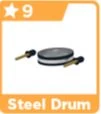
Toys in Adopt Me cover pet play, movement, roleplay, stands, instruments, event tools, and older collectibles. The toy action tells you how it is used, while older event and removed shop routes usually matter most when a toy becomes trade-dependent.


Vehicles:
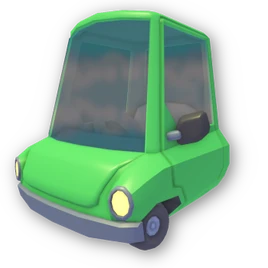
Vehicles are Adopt Me transport items for travel, roleplay, collecting, and trading. Source matters more than rarity because a dealership vehicle can be bought again, while old gift, event, premium, redemption, or reward vehicles may depend on trading once their original route is gone.


Pet Accessories:
Pet Accessories are wearable pieces used to style pets across Hats, Back, Glasses, Collar, Shoes, Chest, Neck, and Wings slots. Rarity classifies each piece, while availability and Bucks price show whether it has an active sale route. Compare the slot first so each accessory fits the outfit you are building.


Stickers:
Stickers are collectibles used to decorate sections of your Adopt Me Profile. You can get them through Sticker Packs, tasks, purchases, and special activities, while each item keeps its own rarity, availability, and trade rule. Animated stickers add movement, but animation does not decide rarity or whether a sticker can be traded.


Houses:
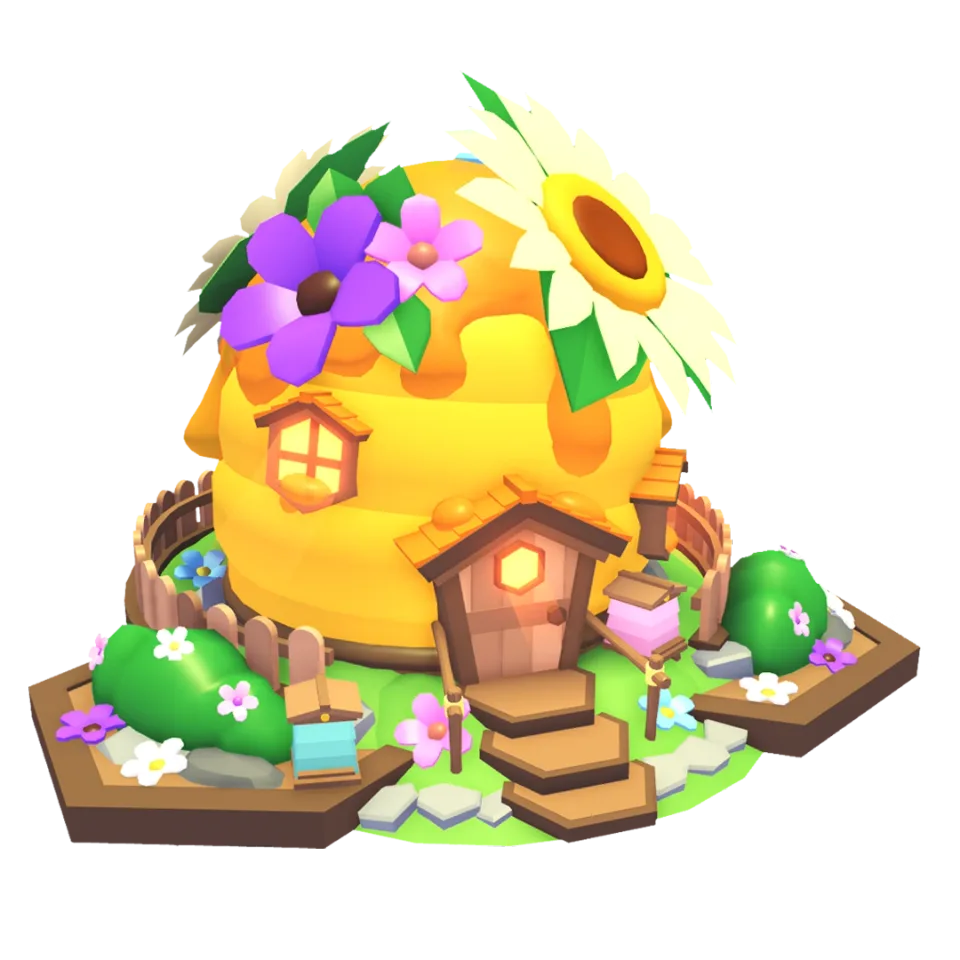
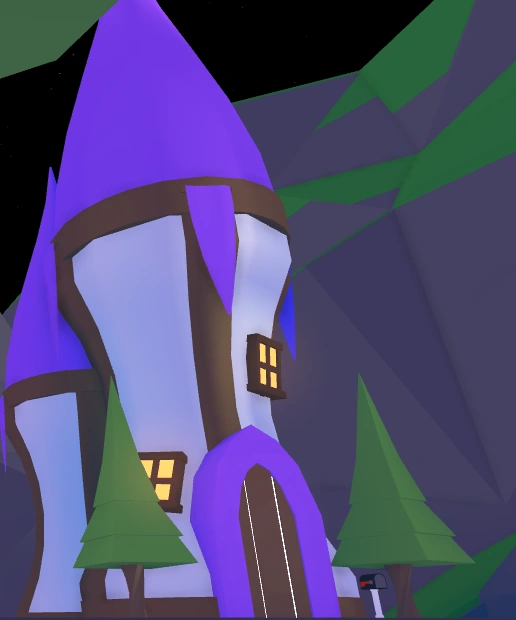
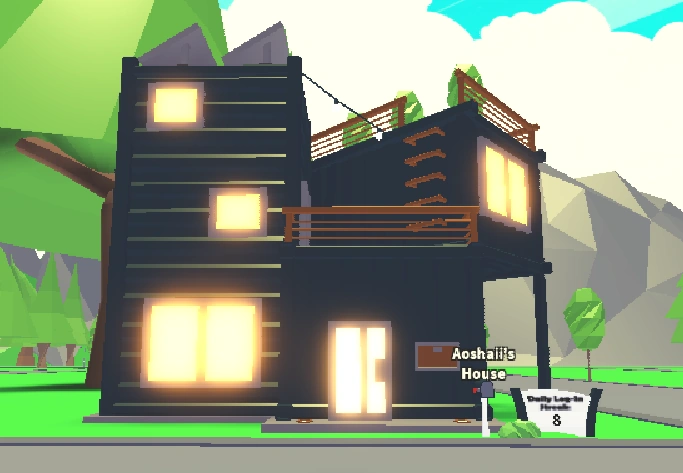
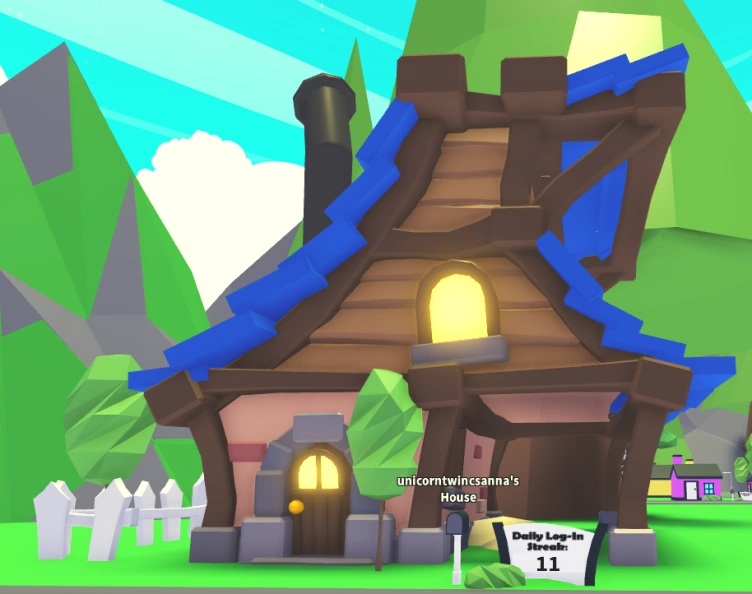
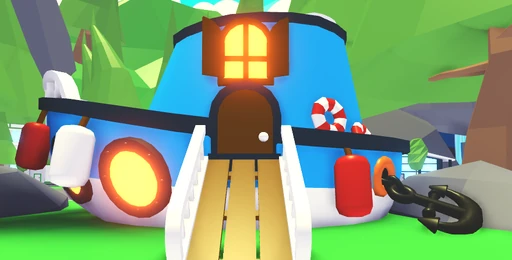
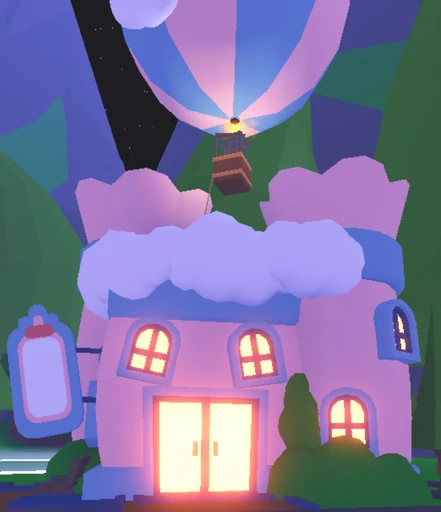
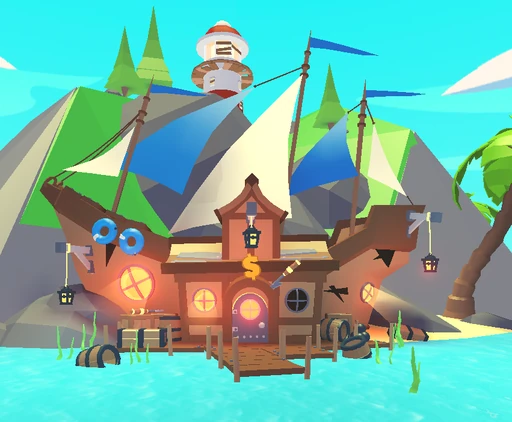
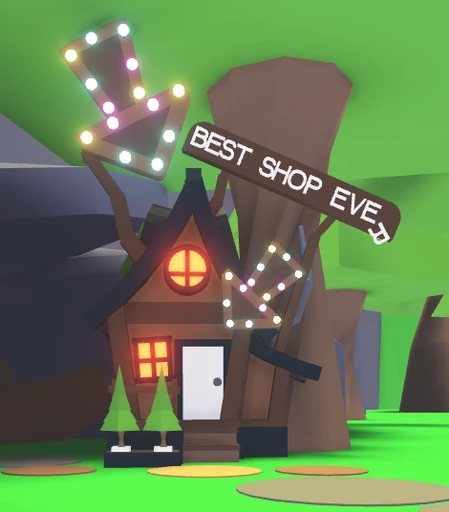
Houses are home templates for building, decorating, roleplay, and pet spaces in Adopt Me. Some can be bought with Bucks or Robux, while others require a bundle, reward route, or House Trading. Compare the purchase route, layout, and special features before choosing which home should become your active spawn.
Locations:
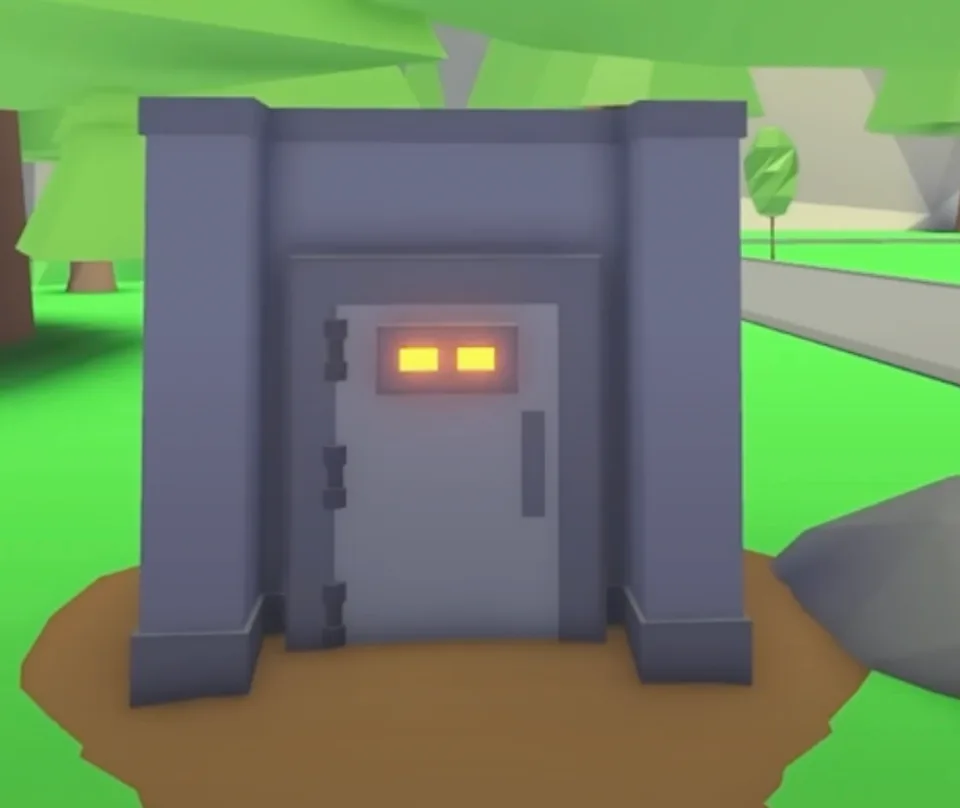
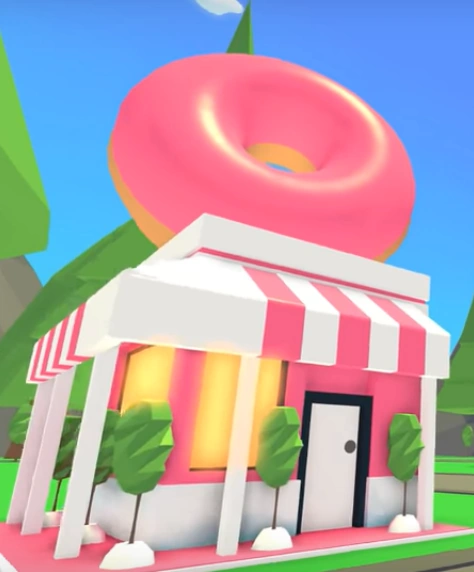
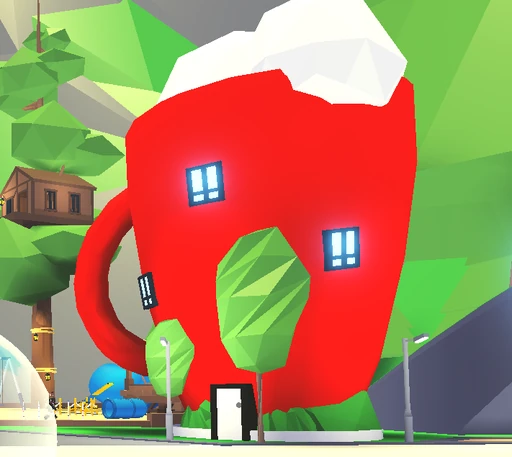
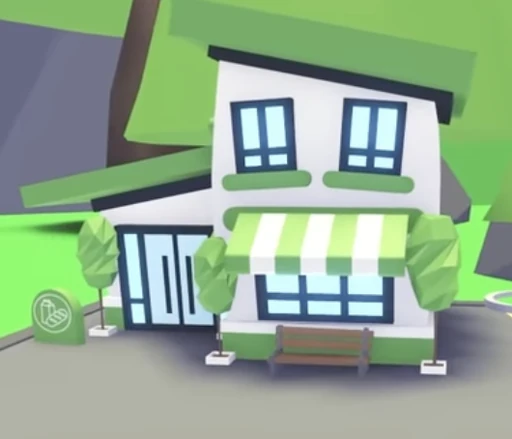
Adoption Island locations handle shopping, pet and baby needs, jobs, eggs, trading access, and Neon creation. Use landmarks such as the Nursery, Neighborhood tunnel, and main bridge to plan quick routes between errands. Rotating weather shops and temporary maps sit outside the permanent island location system.
NPCs:
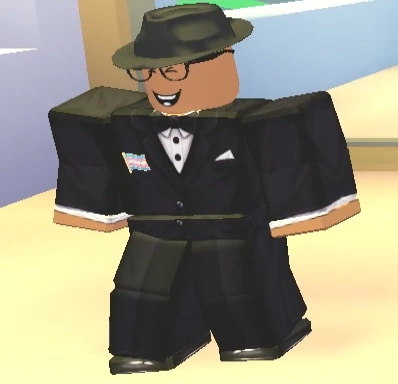
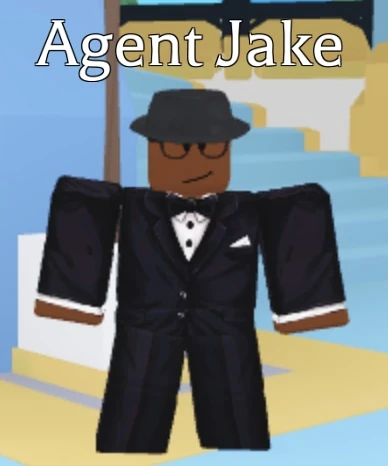
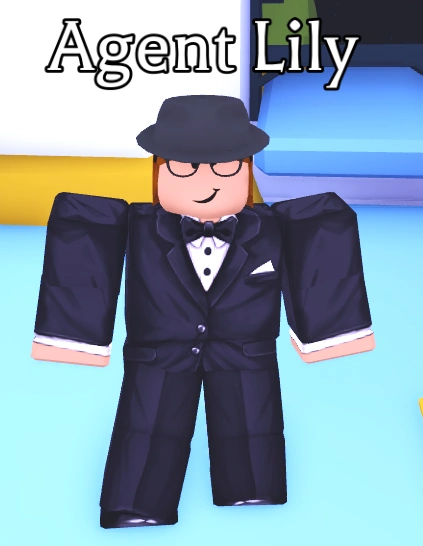
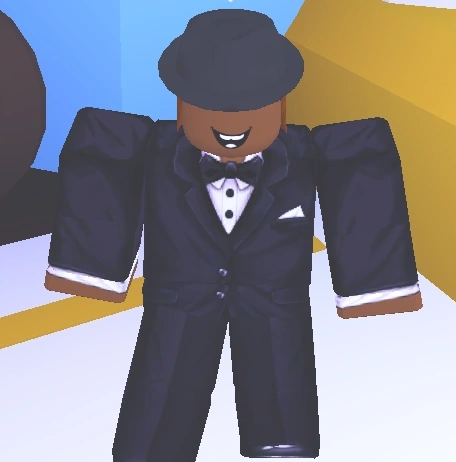
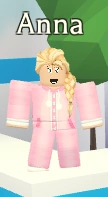
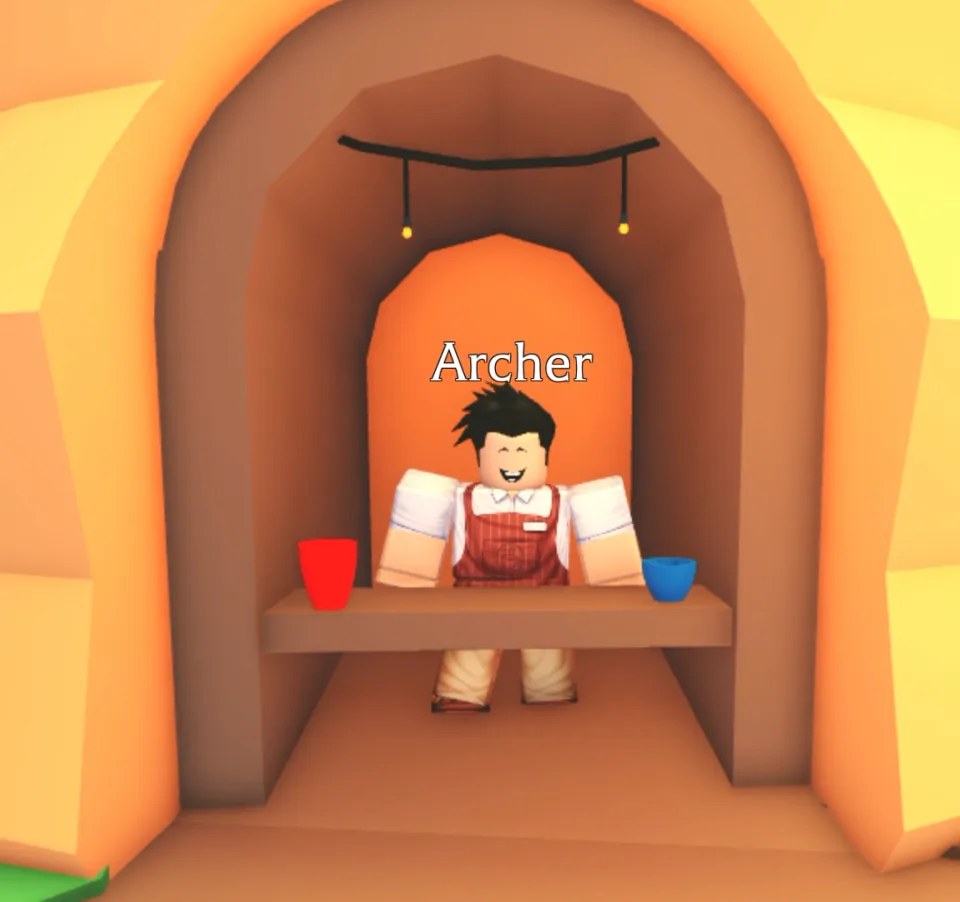
NPCs connect Adopt Me players to shops, services, tasks, and special activities. Current characters can live in permanent buildings or appear through recurring conditions, while past NPCs keep their earlier location context without a return promise. Availability and location together show whether a character is active and where that appearance belongs.
Pet Needs:
Pet Needs are care and activity objectives that give pets age progress and Bucks. Everyday and location tasks use home furniture, supplies, movement, or Adoption Island destinations, while weather tasks rotate on Wednesdays. Pet-only advanced needs unlock after 50 and 100 completed needs, adding player choice and exact item requests to the care loop.
Task Board Tasks:
The Task Board gives recurring Bucks objectives for pet needs, progression, shopping, jobs, homes, trading, and social play. Daily Tasks cover solo and routine activities, while Bonus Tasks offer a larger reward for friend-based goals. Exact targets vary within repeated task families, so each variant can ask for a different pet, need, item, or visit.
Weather:
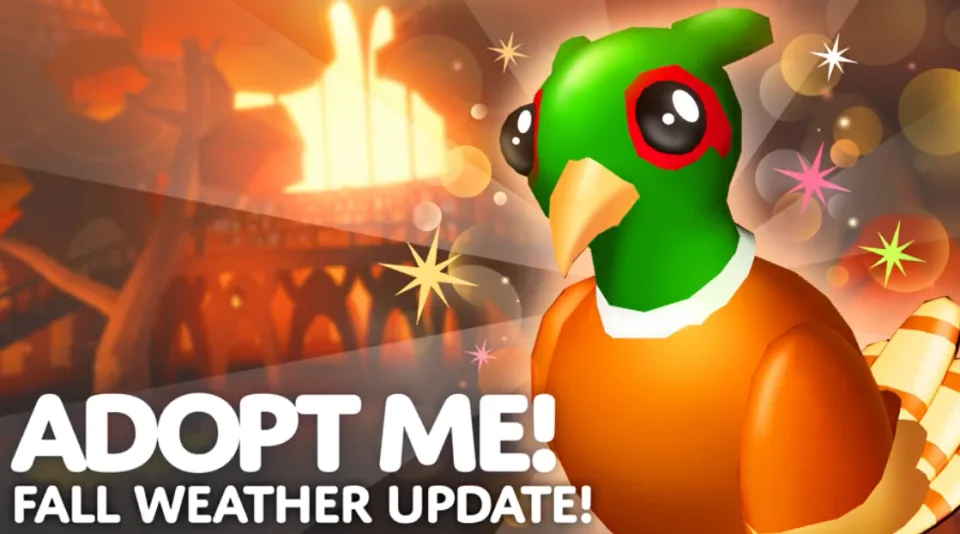
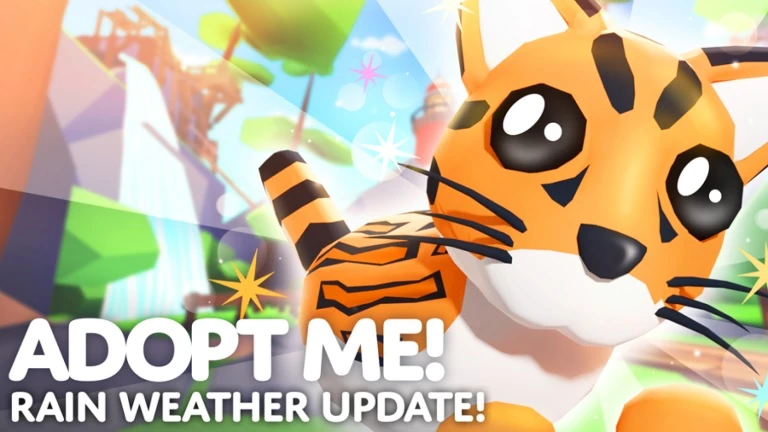
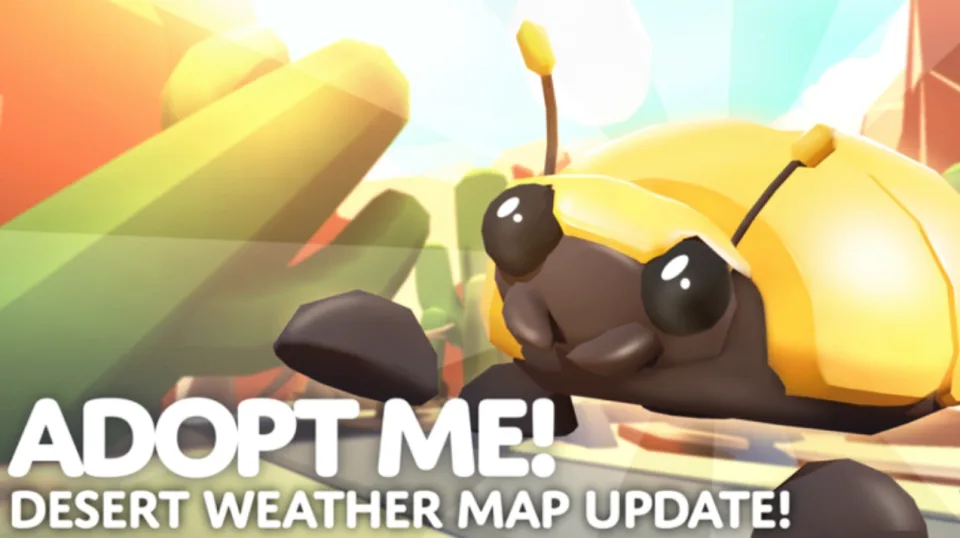
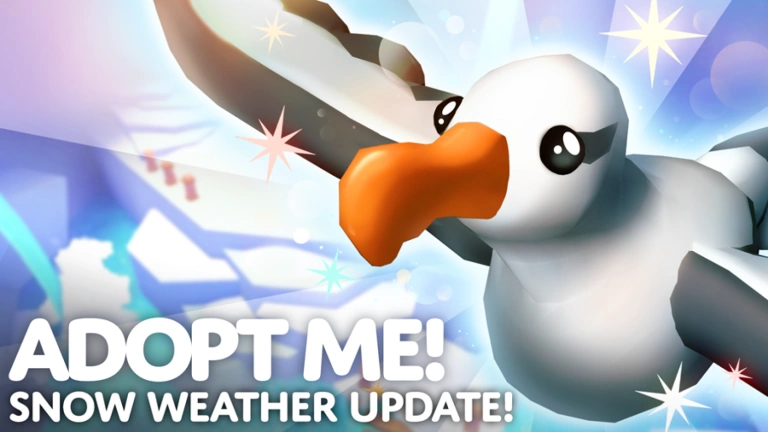
Adopt Me weather follows a recurring base cycle through Fall, Rain, Desert, and Snow. Each special weather changes Adoption Island, opens temporary shops, and activates a matching Pet Need for a limited window. In-game forecast boards and the countdown reflect the active schedule when special events or other overrides affect the usual order.
Adopt Me Controls
| Action | Desktop | Mobile | Tablet | Console | VR |
|---|---|---|---|---|---|
| Move | WASD or arrow keys | On-screen joystick | On-screen joystick | Left stick | VR movement controls |
| Jump | Space | Jump button | Jump button | Controller jump button | VR jump control when available |
| Interact / pick up | E when a prompt appears | Tap the prompt | Tap the prompt | Use the prompt shown on screen | Use the VR prompt shown nearby |
| Ride pet or vehicle | E when the ride or vehicle prompt appears | Tap the ride or vehicle prompt | Tap the ride or vehicle prompt | Use the ride or vehicle prompt shown on screen | Use the VR ride or vehicle prompt |
| Drop pet or baby | Backspace | Tap Drop | Tap Drop | Use the drop prompt shown on screen | Use the VR drop prompt when shown |
| Backpack | B | Backpack button | Backpack button | Backpack prompt or Roblox menu | Backpack prompt or Roblox menu |
| Chat | / | Chat button | Chat button | Roblox chat when available | Roblox chat when available |
| Zoom | Mouse wheel, I, or O | Pinch the screen | Pinch the screen | Controller camera controls | VR camera view |
| Camera | Hold right-click and move the mouse | Drag the screen | Drag the screen | Right stick | Move your headset or VR controller aim |
Adopt Me Gameplay Tips
- Start with pets and eggs when you need rarity, availability, source tables, prices, and collection planning.
- Vehicles, toys, strollers, food, potions, gifts, and gift prizes are useful when comparing older items, event items, and current shop options.
- Pet ages are a small reference, but they matter because tricks unlock as pets grow.
- Furniture and house surfaces are large catalogs, so use categories and prices to narrow home customization choices.
Adopt Me Events
Recent updates, live events, and completed event history for Adopt Me.
ADOPT ME 2D TUESDAY!
Starts in 4 daysStarts (PT): Sep 29, 2026, 4:00 PM.Ends (PT): Sep 29, 2026, 5:00 PM
ADOPT ME ADMIN ABUSE!
Starts in about 10 hoursStarts (PT): Sep 26, 2026, 9:00 AM.Ends (PT): Sep 26, 2026, 9:30 AM
ADOPT ME NEW UPDATE!
Live nowStarts (PT): Sep 25, 2026, 8:05 AM.Ends (PT): Oct 2, 2026, 7:45 AM
ADOPT ME 2D TUESDAY!
CompletedStarts (PT): Sep 22, 2026, 4:00 PM.Ends (PT): Sep 22, 2026, 5:00 PM
ADOPT ME ADMIN ABUSE!
CompletedStarts (PT): Sep 19, 2026, 9:00 AM.Ends (PT): Sep 19, 2026, 9:30 AM
ADOPT ME NEW UPDATE!
CompletedStarts (PT): Sep 18, 2026, 8:05 AM.Ends (PT): Sep 25, 2026, 7:45 AM
ADOPT ME 2D TUESDAY!
CompletedStarts (PT): Sep 15, 2026, 4:00 PM.Ends (PT): Sep 15, 2026, 5:00 PM
More From This Developer
Other Roblox experiences from Uplift Games on Bloxodes.