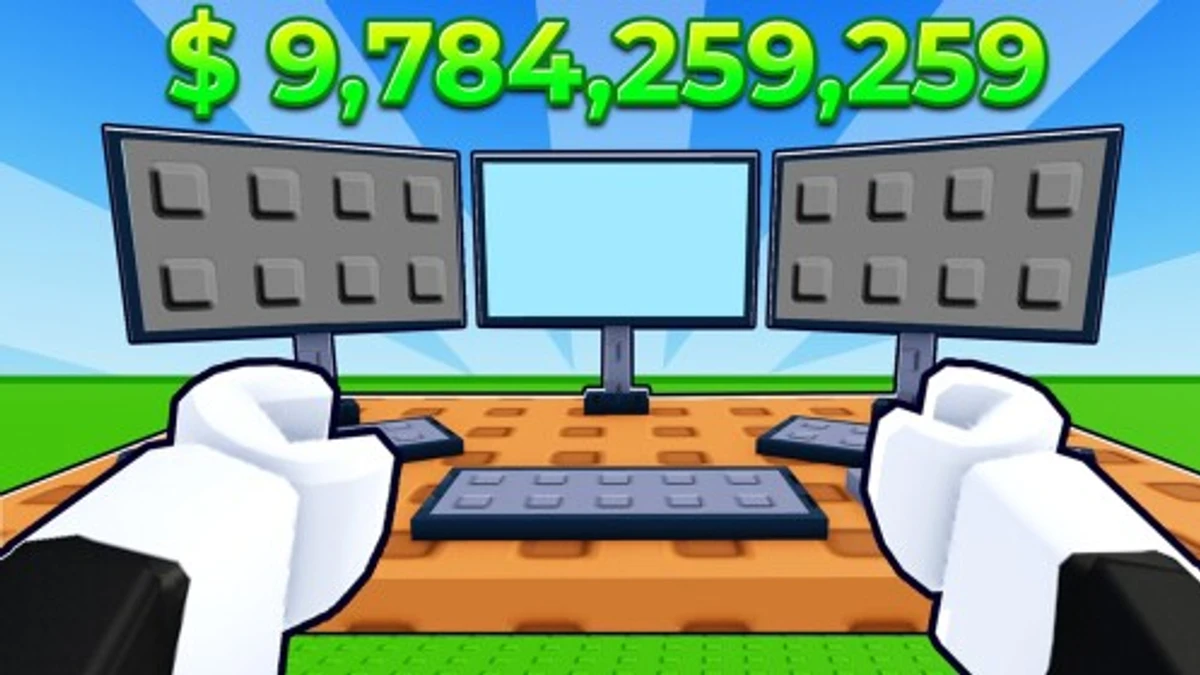
Speed Run 4 challenges you with fast-paced parkour courses where falling means restarting. Codes in Speed Run 4 unlock new levels and fun emotes, adding fresh ways to enjoy the game. Using these codes can open the Moon Dimension or give you a meme shout effect, making your runs more interesting. If you want to expand your gameplay and try new challenges, Speed Run 4 codes are worth checking out.
Checked and verified on October 12, 2026 (Today)
MOONThis code gives you the Moon Dimension.
OOFThis code gives you the OOOOOFFF Sound Effect.
How to Redeem Speed Run 4 Codes
There are no special requirements to redeem codes in Speed Run 4. Just follow these steps to get your rewards:
- Launch Speed Run 4 on Roblox.
- Click the Twitter icon on the left side of the screen.
- Type or paste the code into the Enter Code Here box.
- Press the Enter key to redeem your reward.
Make sure to enter the codes exactly as they appear to avoid errors.
If you’re into fast-paced platformers, check out these genre-similar Only Up Blox codes and Obby But You're a Parkour Master codes for more thrilling obby challenges. For a skateboarding twist, try Skateboard Legends codes and Skateboard Obby codes.
Why Codes Might Not Work
Codes might not work if they are typed incorrectly. To fix this, copy and paste the code directly into the box. If the code is valid and still won’t work, it might have expired or not been activated yet by the developer.
What Rewards You Normally Get?
Speed Run 4 codes mainly unlock new dimensions and emotes that add variety to your runs. Here are the typical rewards you can expect:
| Reward Type | Description |
|---|---|
| Moon Dimension | Unlocks a whole new set of levels with a moon theme, expanding your course options. |
| Emote (OOF) | Gives you a meme shout sound effect to use during gameplay, adding fun interaction. |
These rewards let you explore fresh content and express yourself while running.
Where to Find New Speed Run 4 Codes
New Speed Run 4 codes are usually announced by the developer on their Discord server, especially in the #announcements channel. Codes don’t appear very often, so keeping an eye on the developer’s Discord is the best way to catch them early. The developer’s social media links are listed below for additional updates.
We keep track of these sources and update this page as soon as new codes drop. Bookmark this page or follow our channels to get the codes right away.