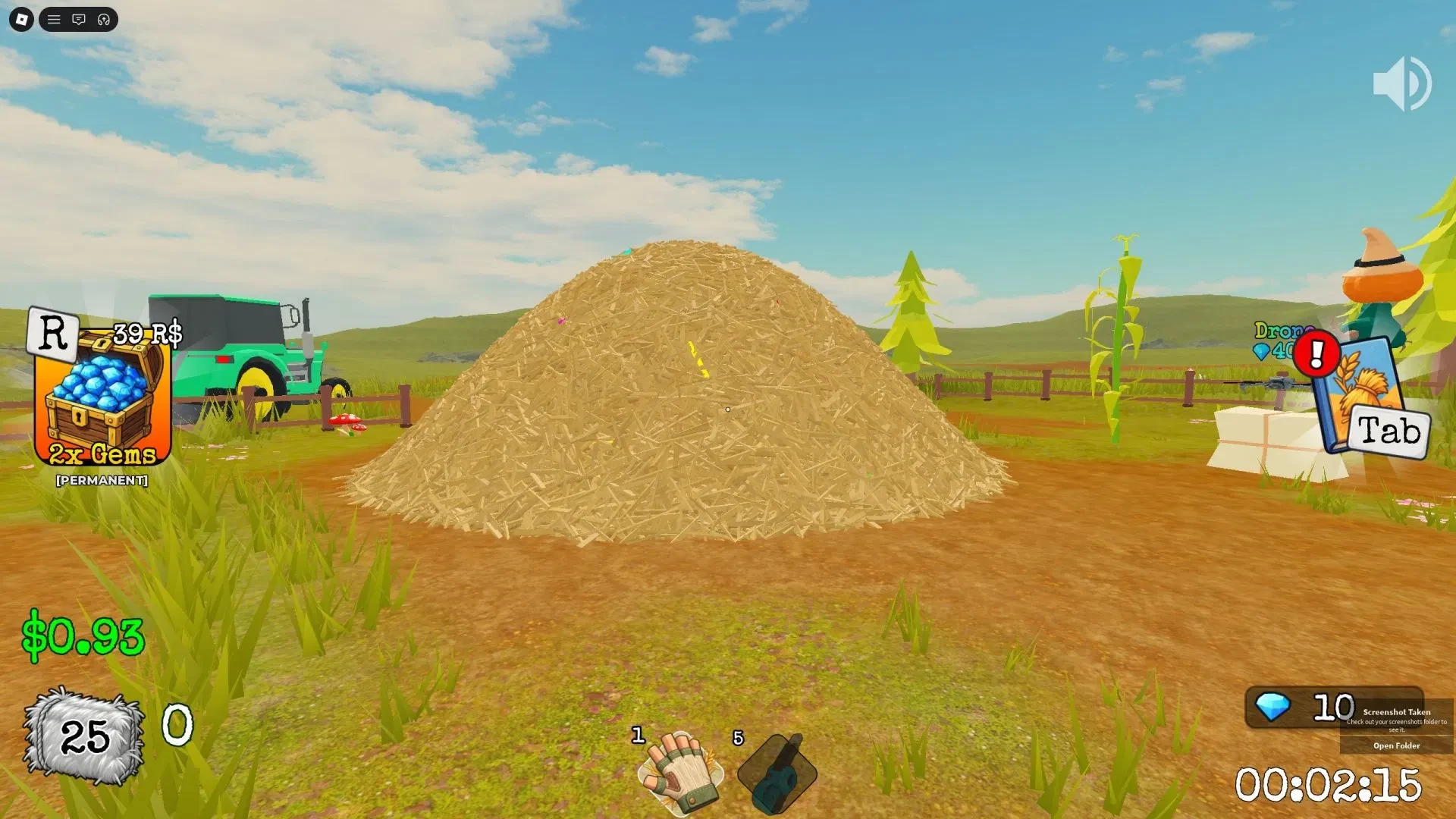
Search For The Needle gives you one job: clear the Farmhouse haystack until the hidden needle turns up. Collect hay flakes, sell them to the cow, and put the Cash back into tools that help you clear more hay.
Cash pays for the work you are doing now. Gems are separate and feed the Classes system, with needle progress and login bonuses providing ways to build that balance. The quickest early progress comes from keeping the collect, sell, upgrade loop moving.
Collect hay, sell it to the cow, and reinvest your Cash
Start at the haystack and aim your tool at the pile. Watch the bag counter so you know when another trip to the cow is due.
Use this short loop:
- Collect hay. Keep working the pile until your bag is full.
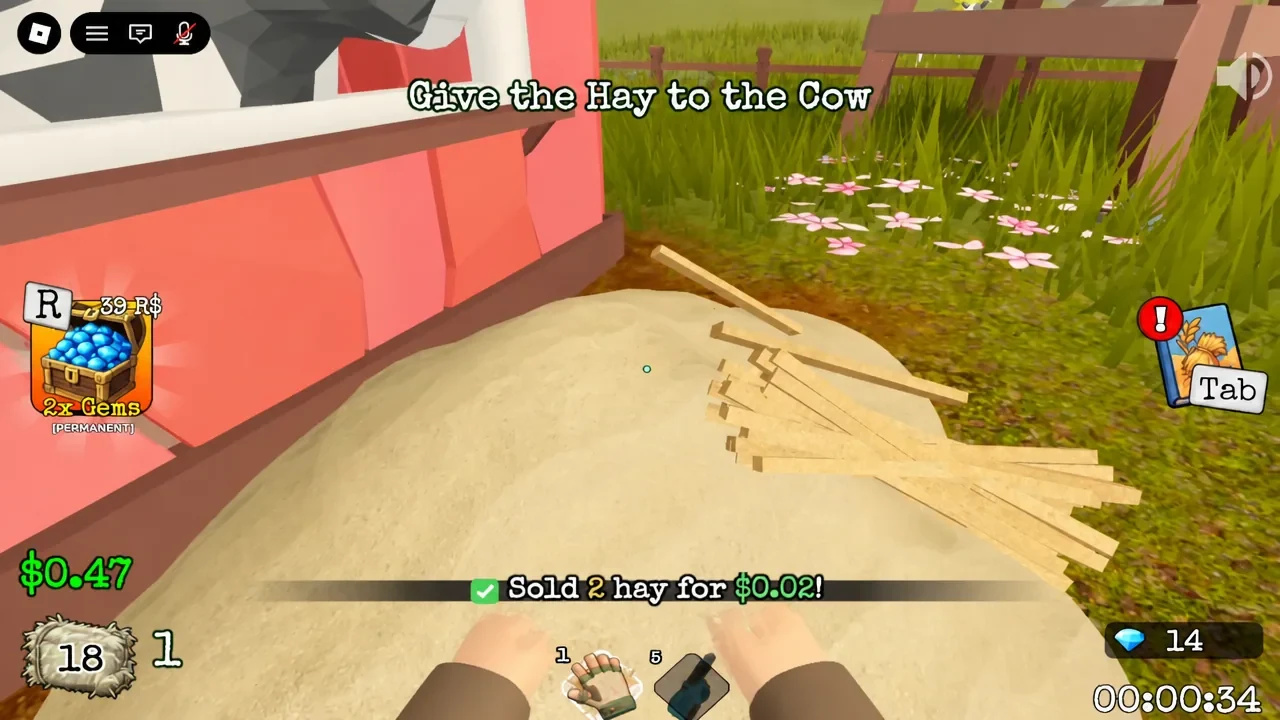
- Walk to the cow. Head to the cow by the barn with the hay you collected.
- Make the sale. Use the prompt to give the hay to the cow. A sold message confirms the exchange.
- Reinvest the Cash. Open the upgrade menu, then buy an upgrade that helps your next run. On PC, the menu is opened with Tab.
Do not hoard Cash while your tools are still slowing down each run. A modest upgrade can shorten every trip back to the pile, which is much nicer than admiring the same hay from a distance. If you enjoy this kind of repeatable clear-and-sell loop, the Clean All The Leaves beginner guide has another example of choosing upgrades around the part of a run that is slowing you down.
Build the upgrade path that clears the pile faster
Cash upgrades should remove the part of the loop that feels slow. A sensible path to try is Hold first, then Grasp or Speed, followed by Dynamite or Pitchfork when those choices appear.
Treat that order as a starting point. Compare the menu descriptions with your bottleneck, then choose the option that addresses it instead of buying in a fixed order. The game gives you the tools, but you still get to decide which problem is annoying you most.
Vacuum, bag upgrades, and rainbow hay flakes are also part of the progression. Check their in-game descriptions before spending, because the menu is the safest place to confirm each cost and effect.
Keep enough Cash for the next purchase that helps your normal route. A menu full of options is only helpful if your wallet survives it.
Finish the run and spend your Gems on Classes
Keep working the haystack until the needle is found and the run is complete. The experience also has a Found the Needle! badge tied to that goal, which gives the finish a clear in-game marker.
Finding the needle gives Gems. Login bonuses can add Gems too, while the Cash from selling hay remains the currency for run upgrades.
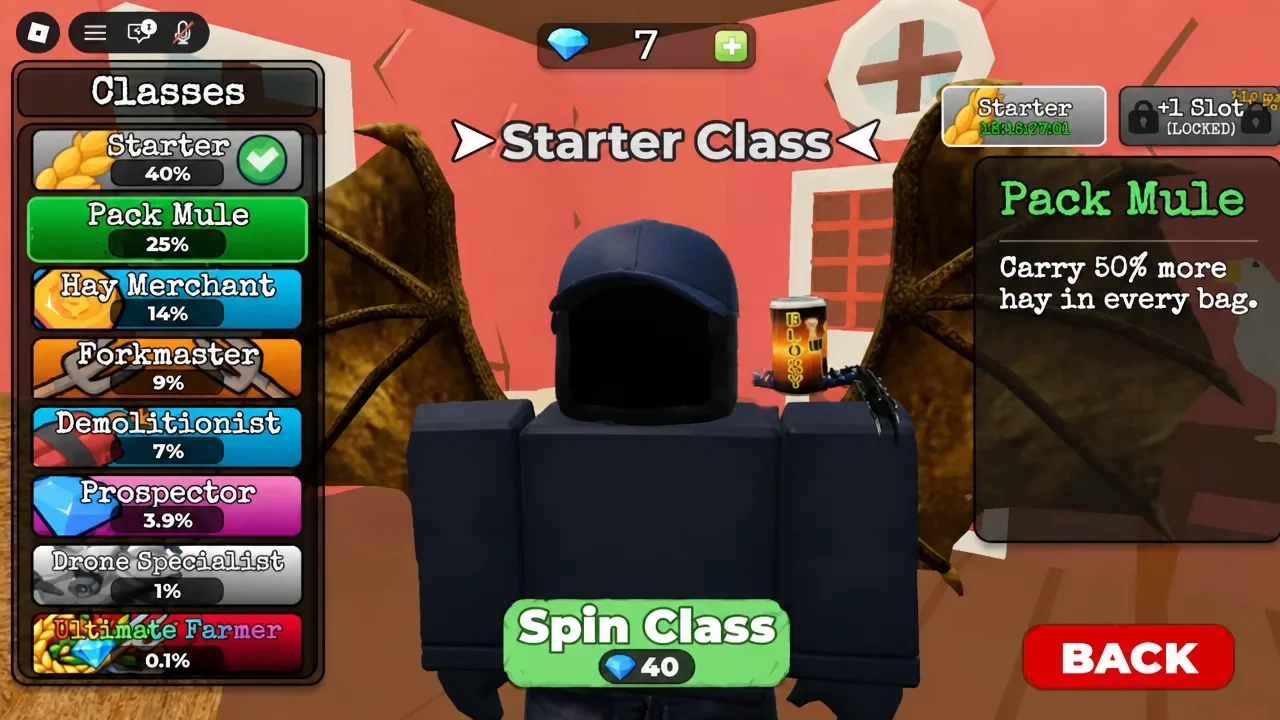
Take Gems to the Classes booth or menu. Check the class preview, look at the Gems balance, and use the displayed Spin Class control only when you are ready to spend. Read the preview shown for the option you choose instead of planning around a fixed list.
That split is easier to remember with the Clean All The Leaves Gems guide, which also explains how Gems fit into a separate clear-and-collect progression loop.