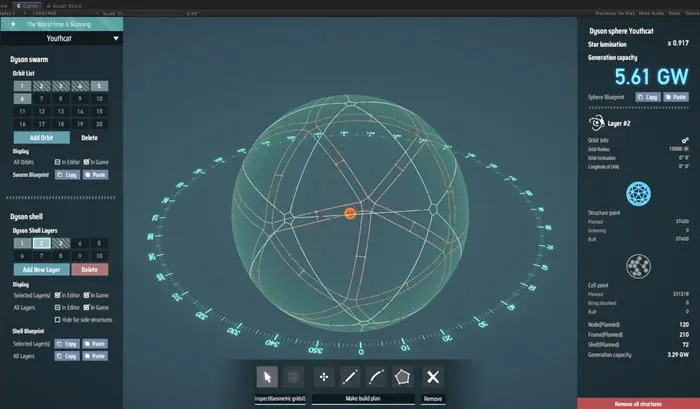
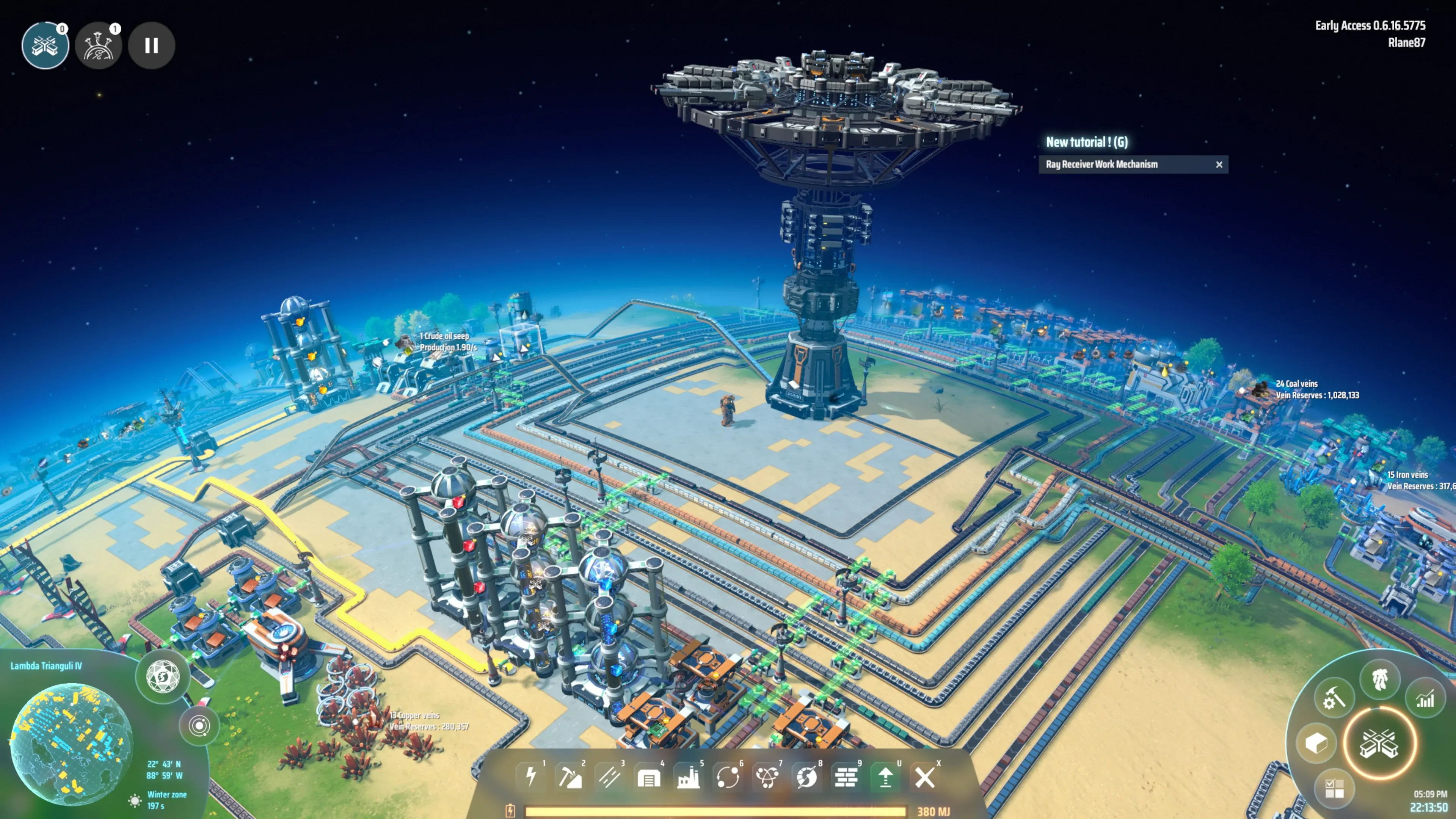
The Dark Fog is the hostile force in Dyson Sphere Program that attacks your factories, and its threat builds up over time on any planet where you generate power. Beating it means layering your defenses: ammo-fed turrets to get through the first raids, Missile Turrets pushed forward with Signal Towers to clear enemy ground bases, charged Planetary Shields to stop new bases from landing, and a deployed Space Fleet to take down the Space Hives that keep sending them.
| Tool | What it does | When to use it |
|---|---|---|
| Gauss Turret | Ammo-fed turret that defends your factories | First raids and the early game |
| Battlefield Analysis Base | Repairs damage, rebuilds losses and collects drops | From the first raids onward |
| Missile Turret | Long-range ammo turret that can hit ground, upper-air and space targets | Defense and ground base clearing |
| Signal Tower | Draws in ground enemies and extends Missile Turret range | Ground base clearing |
| Planetary Shield Generator | Blocks space attacks and relay landings once charged | Once your power can handle the draw |
| Plasma Turret | Anti-air for space and upper-air threats | Late game |
| Space Fleet | Corvettes and Destroyers that attack Space Hives | Clearing Space Hives |
| Holo Beacon | Sets where Dark Fog relays land | Planned fights |
How Dark Fog Threat Builds Up in Dyson Sphere Program
Each Planetary Base and Space Hive keeps its own threat meter, and that meter fills over time. A planetary base gains threat on any planet where you generate power, even when Icarus is away. The Power Threat Factor setting controls how quickly your power generation fills that meter, and fighting Dark Fog structures adds to it too.
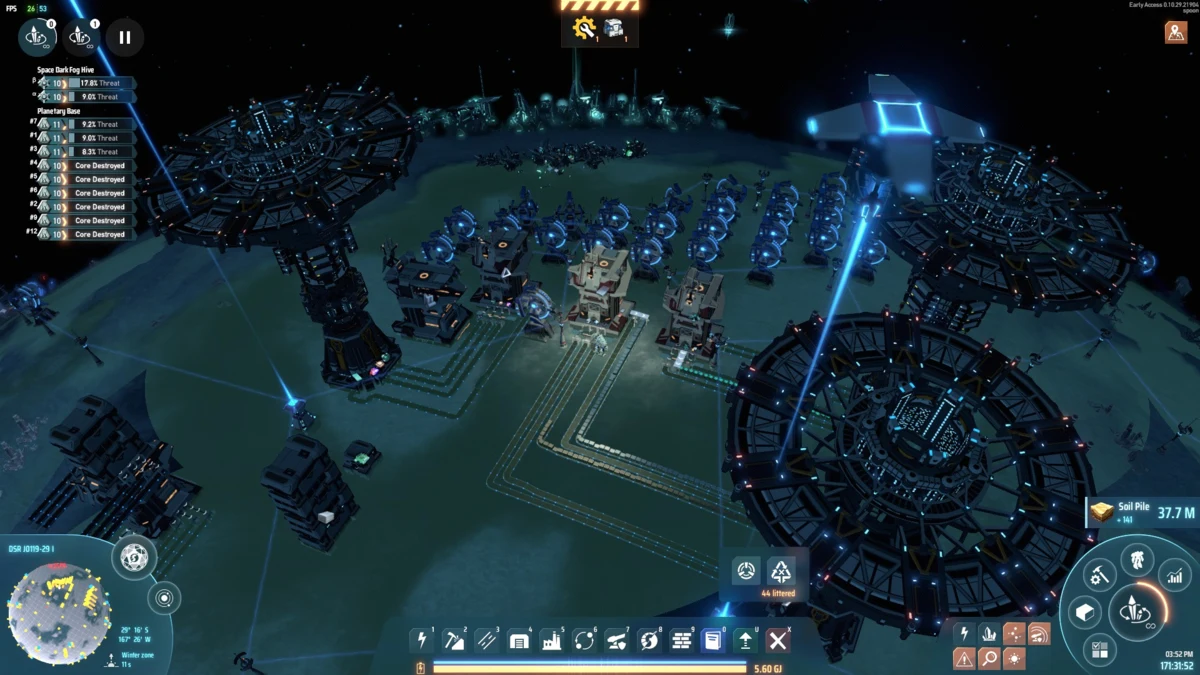
When a meter reaches 100%, the base or hive sends an attack and the meter resets to zero. Under Normal aggression, that full meter is what triggers raids, and attacking Dark Fog structures prompts a defense response as well. In practice, every powered factory on a planet is also counting toward the next attack.
Space Hives fill their meters from different sources. Threat rises in any system where you build a Dyson Swarm or a Dyson Sphere, and it climbs when you attack a hive's Relay Stations or other Dark Fog structures. A later balance update reduced the threat from Dyson Sphere and Swarm activity and from attacks on space Relay Stations, so those build-ups are gentler than they were at launch.
The Relay Station ties the two together. It links a planetary base to its Space Hive, and it's the piece that lands new Dark Fog bases on planets.
Dark Fog Settings to Choose Before You Start a New World
These choices are made when you create a world, and they set how hard the early game feels. Turning the Dark Fog off gives you a build-only game. Keeping it on lets you decide how hostile it is and how fast it grows.
- Aggressiveness: Six levels, listed from least to most aggressive: Dummy, Passive, Torpid, Normal, Sharp and Rampage. Normal is the default. Dummy never attacks and never fights back, while Passive only attacks if you start the fight.
- Initial Level: The starting level of each base and hive, up to level 10. The Dark Fog can grow to level 30 during play.
- Initial Growth: How far along each existing base or hive starts out.
- Initial Occupation: How much of the galaxy the Dark Fog holds at the start. At the default of 100%, your starting planet always has a base. Lower values can leave it without one.
- Max Density: How many Space Hives a system can hold, with a maximum of 3x.
- Growth Speed: How quickly Dark Fog production buildings, troops and relays develop.
- Power Threat Factor: How fast your power generation fills planetary threat meters.
- Combat Threat Factor: How fast fighting fills threat meters.
- Combat XP Factor: How fast the Dark Fog gains experience in combat, up to 1000%. Higher values speed up hidden tech unlocks.
The game turns these settings into a difficulty rating, and harder settings earn a bigger metadata multiplier. For a first run, keep the default Normal aggression so you get the full threat system. If you want to build with less pressure, lower the aggression or turn the Dark Fog off, and think it through before you begin, since changing these later is limited.
Surviving the First Dark Fog Raids With Gauss Turrets
Early raids go after your factories, and a turret with no ammo does nothing. Your first job is to get turrets in place, keep them fed, and set up repairs so damage doesn't pile up.
- Research Weapon System, then place three to five Gauss Turrets along the route the Dark Fog takes toward your factories. Treat that number as a starting point, since the right count depends on your settings.
- Feed the turrets with a small copper ammo line. Lay the ammo belt first, then set the turrets along it so they pull ammo on their own.
- Keep adding turrets as raids grow, working toward about 20. By the time you have that many, Missile Turret technology should be unlocked.
- Research the Battlefield Analysis Base and place it close enough to damaged structures for its drones to reach them. It deploys 12 Construction Drones that repair buildings and gather Dark Fog drops.
- Research Auto Reconstruction Marking and keep replacement buildings in the base's inventory. With those in stock, destroyed structures can be rebuilt automatically.
- Use Icarus and combat drones during raids. Icarus, the character you control, has a basic attack like a movable turret, and combat drones add more firepower once unlocked. If drones launch at every enemy you pass on the way, you can turn off their automatic launch.
Keep every ammo turret stocked, because an empty turret goes silent right when a raid arrives. After a big fight, check the ammo along your line before you do anything else.
Clearing Dark Fog Ground Bases With Missile Turrets and Signal Towers
A ground base keeps producing troops and sending raids while it stands, so clearing it takes reach rather than a rush. The method that works is to keep Missile Turrets safely back and give them a target with a Signal Tower placed within range of the enemy base.
- Build a group of Missile Turrets in a safe spot away from the enemy base, and stock them with missiles. For defense, around 24 is a solid count. When you're clearing several bases at once, plan on at least 50. While you're pressing a single base, run at least two machines making missiles so the turrets don't run dry.
- Place a powered Signal Tower within range of the enemy base. Signal Towers pull in nearby ground enemies, and Missile Turrets can fire at anything inside a tower's range, so your turrets can reach the base even when they're far back. Put the tower closer to the enemy than your front-line units so enemies target it first. Signal Towers have high durability, which makes them good at soaking up damage.
- Set the Missile Turrets to ground targeting for the base. If you need them to hit Relay Stations, turn on upper-air targeting, which is off by default.
- Move Signal Towers forward one at a time until their range covers the whole base. Each step brings more of the base within missile range.
- Place a Battlefield Analysis Base and a few turrets near the advance point. They repair the towers and turrets, rebuild losses and collect debris.
Large bases fall in stages. The first wave clears the units stationed there, the second wave takes out the base's defenses, and only then is it safe to move in with Icarus.
When a ground base falls, it leaves behind a lava well. If a Relay Station survived and still has matter and energy, it can try to rebuild the base on that spot. Fill the well with a Foundation to stop that, because even if you destroy the relay, later relays from space will land on an open lava well first.
Blocking Relay Landings With Planetary Shields and Plasma Turrets
Relay landings are how the Dark Fog puts new bases on planets, and Planetary Shields are the main way to stop them. A charged shield blocks space attacks and keeps Relay Stations from founding a base in the area it covers. It doesn't stop ground damage, so it works as protection from the sky, not a replacement for ground turrets.
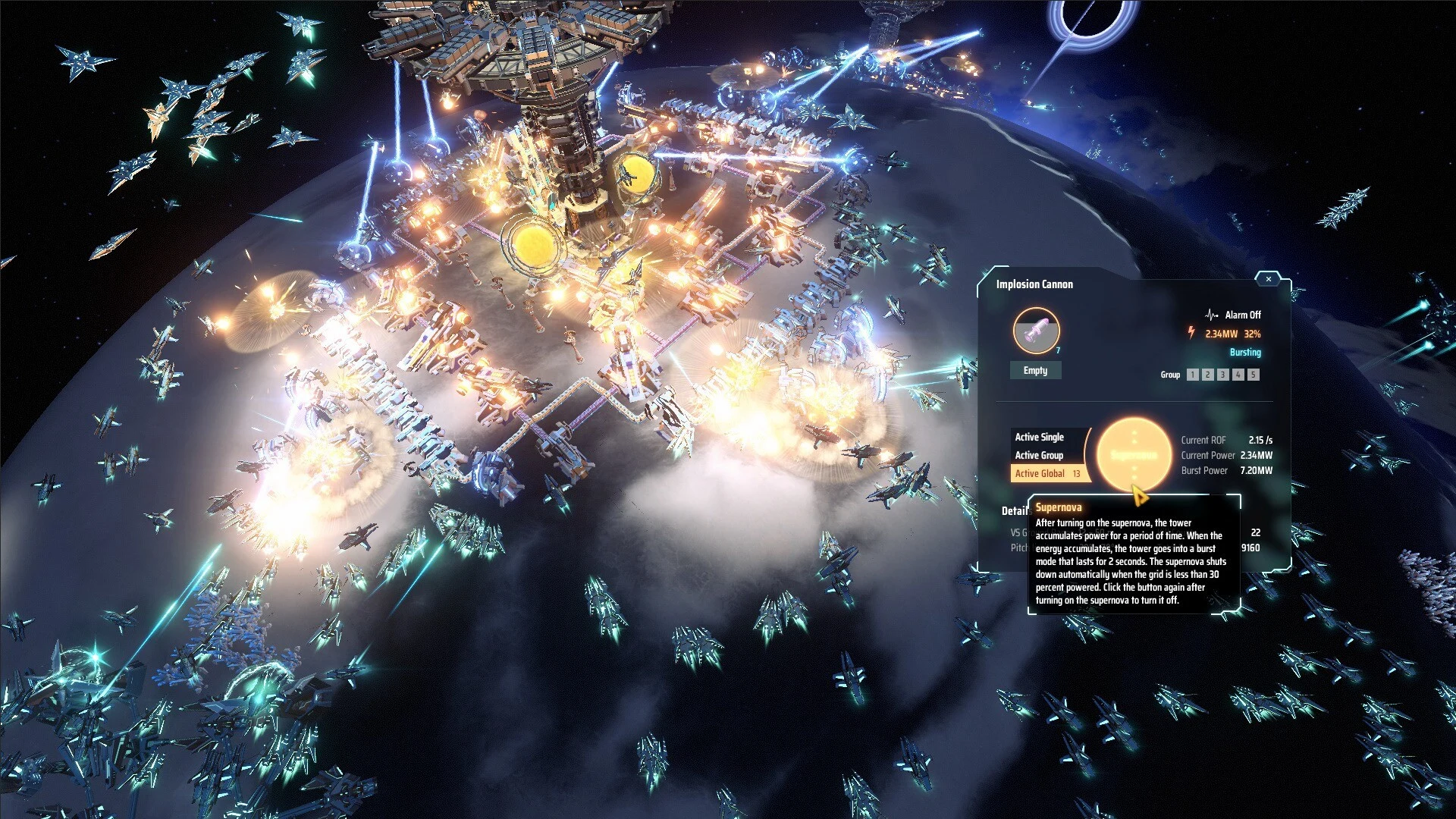
The shield itself has to be charged. A generator that is built but not charged won't stop a landing on its own. Plan the layout around these points:
- Eight generators, placed well, is the minimum for blocking relay landings.
- About 20 generators cover a whole planet.
- Exact coverage depends on where you put them, so plan the layout rather than dropping generators in one spot.
- Shields draw a lot of power, so build them once your power supply can carry the load.
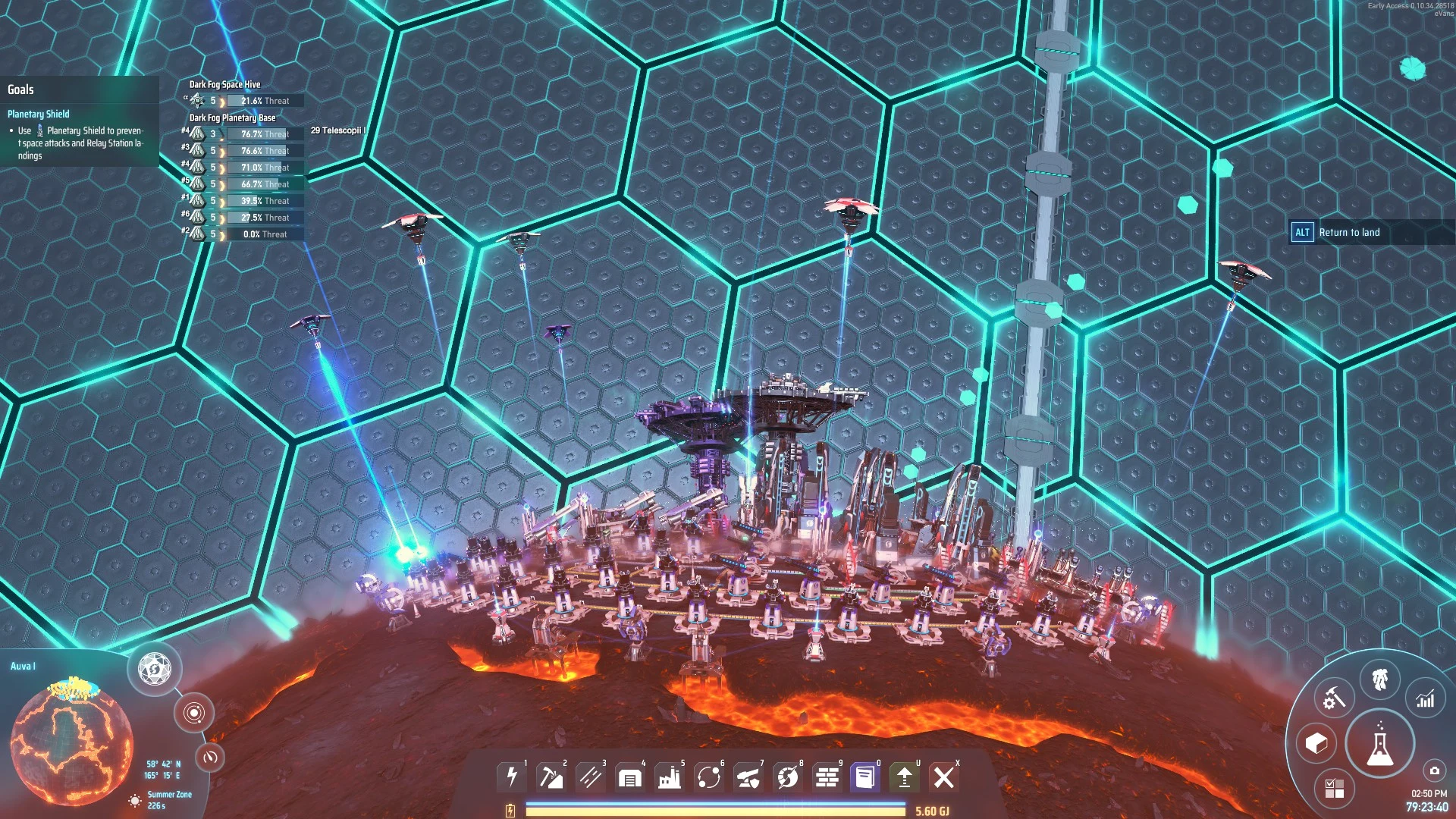
If shields cover every area where a relay could land in a system, relays can't establish bases there at all.
You can also catch relays before they land. Missile Turrets and Plasma Turrets set to upper-air targeting can shoot them down on the way in. Plasma Turrets are a late-game anti-air option with cheap ammo, and they pair well with charged shields. Intercepting before a landing is the cleaner option, since attacking a relay that has already landed draws a response from the hive, so have your defenses ready before you do it.
Destroying Space Hives With a Space Fleet
Space Hives are where the relays come from, so they're the root of the problem. The way to take them down is a Space Fleet of Corvettes and Destroyers, deployed from your character.
- Research and build a Space Fleet. Corvettes and Destroyers are the space combat units you'll use.
- Fly to the Hive and press Z to enter combat mode.
- Open Icarus's Mecha Panel, switch to the space fleet from the top-right corner, and deploy it.
- Turn on Attack Dark Fog Buildings in the fleet panel. This toggle controls whether your ground or space drone fleets attack Dark Fog structures, so without it on, the fleet won't go after the Hive's buildings.
- Keep Icarus's energy available for the whole fight.
Clear the system's Relay Stations too. If the Hive Core falls while a Relay Station still has matter and energy, that relay can send units to rebuild it.
Once every Space Hive and Relay Station in a system is gone, any ground base left behind goes quiet. Its defenses keep working only until their stored energy runs out, and its threat stops climbing. Drones already on the ground still attack anything that enters their area, but they don't respawn, so removing them leaves an empty base that poses no threat.
Using a Holo Beacon to Choose Where Relays Land
Signal Towers pull in attacking ground units and extend Missile Turret range, but they don't decide where a Relay Station lands. A later update added Dark Fog Beaconing, which lets a Holo Beacon do that job. It's the way to choose a landing spot.
- Place a Holo Beacon and keep it powered. It needs a steady power supply to work.
- Set its visibility to at least Local Planetary System.
- Turn on Dark Fog Beaconing while in combat mode.
Once it's active, Dark Fog Hives send Relay Stations to the beacon's location. That makes it a planning tool: pick a spot where your turrets, shields or fleet are ready, then turn it on. Get your defenses in place first, because a relay will head straight for the spot you chose.