Depth Incremental runs on one simple loop. Your character earns Cash on its own, you spend it on steps that take you deeper into the pit, and every few steps you reach a door that opens a new system such as Upgrades, Fossils or Worms. For a new player, the first goal is to buy a few steps, open the Upgrades room, and grow your Cash so the next step stays within reach.
| Stage | What to do | Why it matters |
|---|---|---|
| Opening | Buy a few steps | Each step takes you deeper into the pit |
| First door | Open the Upgrades room | Upgrades are the first boosts that directly raise your Cash |
| Early game | Put Cash into Cash generation | A faster income keeps the next step affordable |
| When income falls short | Teleport back and spend | Upgrades, Fossils and Worms can all raise your Cash |
| End of each layer | Beat the boss | Clearing it unlocks Rebirth |
| After the boss | Rebirth | Gives big stat bonuses and access to deeper layers |
Depth Incremental Controls to Learn First
A few controls matter from your first minute, so learn them before you start buying steps.
- Move: W, A, S and D
- Jump: Spacebar
- Interact: E or the left mouse button
- Teleport: T
- Inventory: Q
You'll use interact most for buying and digging. The left mouse button also works as your sword attack in boss fights, so it's worth getting comfortable with it early.
How Cash Pays for Each Step Down the Pit
You start with an income of 1 Cash every second, and it builds up while you play. You spend that Cash on steps, and every step takes you deeper into the pit. Each layer hides something new and dangerous, so it pays to keep growing your income as you descend.
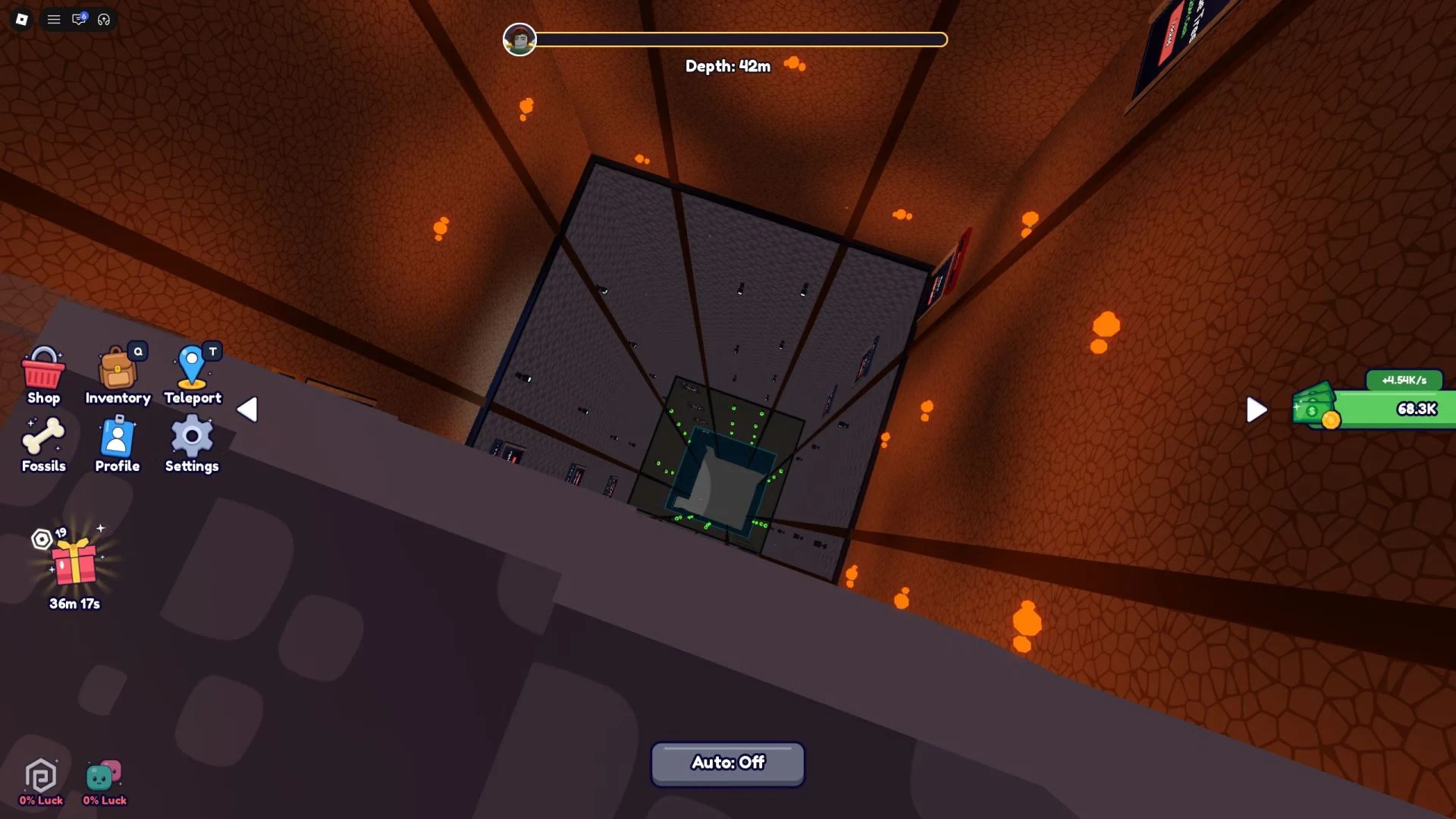
The catch is that each step costs more Cash than the one before it. Your income is the real limit, and if it falls behind the price of the next step, you'll stall. That's why growing your Cash generation matters as much as buying steps.
Steps also open the game's systems. After you buy a certain number of steps, you reach a door, and opening it with Cash unlocks a mechanic such as Upgrades, Worms or Fossils. Falling off the stairs puts you back where you fell, so a slip doesn't undo your descent.
Your First Purchases, in Order
The opening walks you through a clear sequence, so follow it in this order:
- Buy a few steps. Your first purchases are steps, which take you down into the pit.
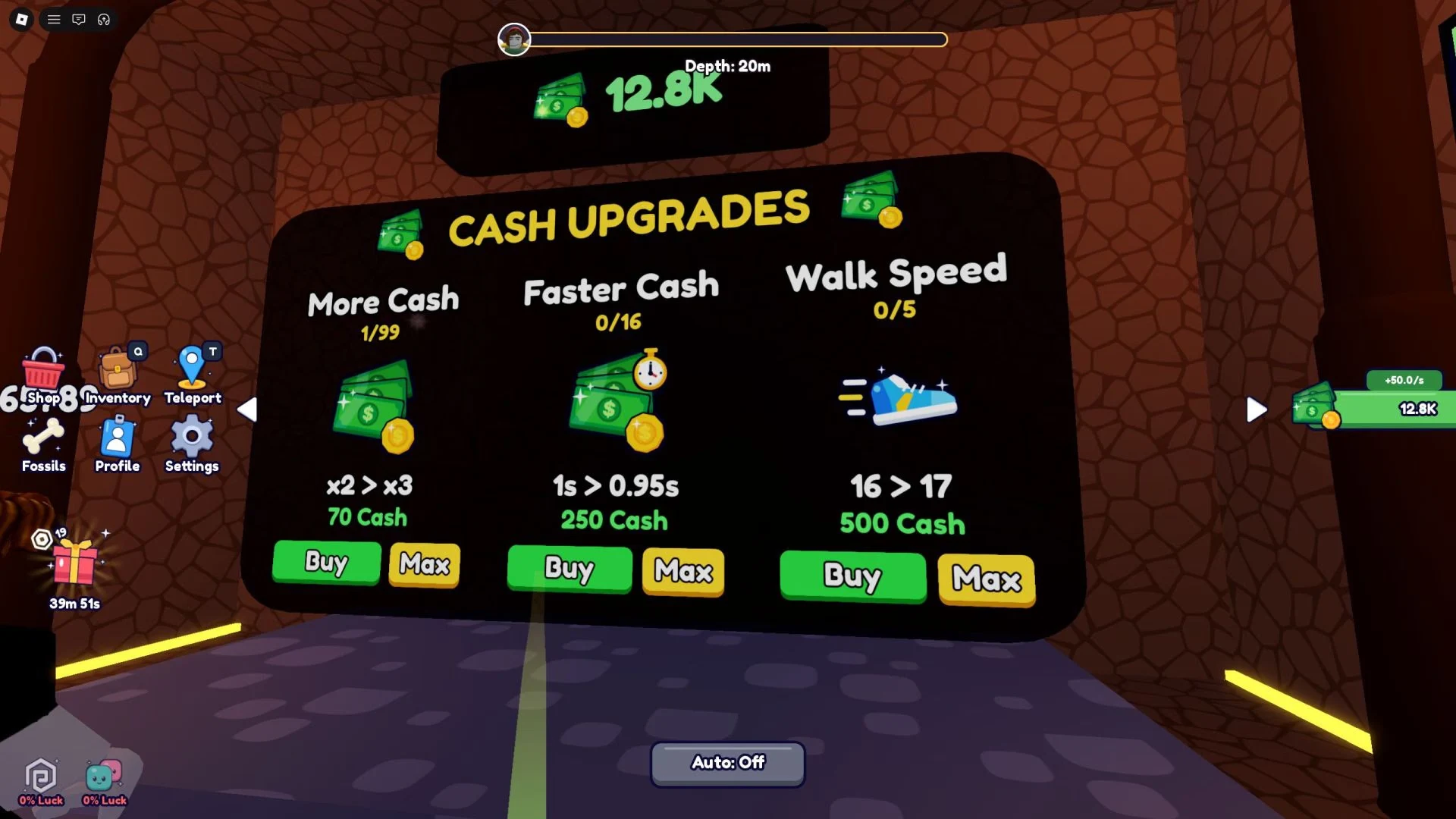
- Buy the Upgrades room. Its door sign shows a Cash price and a Buy control.
- Buy your first upgrade. Inside the CASH UPGRADES room, the board lists More Cash, Faster Cash and Walk Speed, each with Buy and Max controls.
- Put your next Cash into Cash generation. More Cash and Faster Cash raise how much you earn, so they keep every later step within reach.
- Save for the next door. Opening it unlocks a new system, and Fossils are one of the options.
Upgrades are the most direct help you'll get early on, since they boost your Cash without targeting anything else. A steadier income is what makes the later steps, doors and systems affordable, so that's where your early Cash should go.
Teleporting Back When Steps Cost More Than Your Cash
As you go deeper, your income will eventually fall short of the next step's price. When that happens, press T to open the Teleport menu and backtrack. It can feel like going the wrong way, but the Upgrades, Fossils and Worms you buy up top are what raise your income, so the next step becomes affordable again.
Once you're back up, spend your Cash on Upgrades, Fossils or Worms. You're unlikely to finish all of them in one trip, so the routine is to go back and forth between them as you progress, heading down again once the next step is affordable.
Fossils, Worms, Titles and the Upgrade Tree
Fossils are collectible items you dig up in a designated area, and each one gives you a Cash and Luck boost. They come in several rarities, and each rarity gives a different boost. Digging them is another way to grow your Cash alongside your Upgrades.
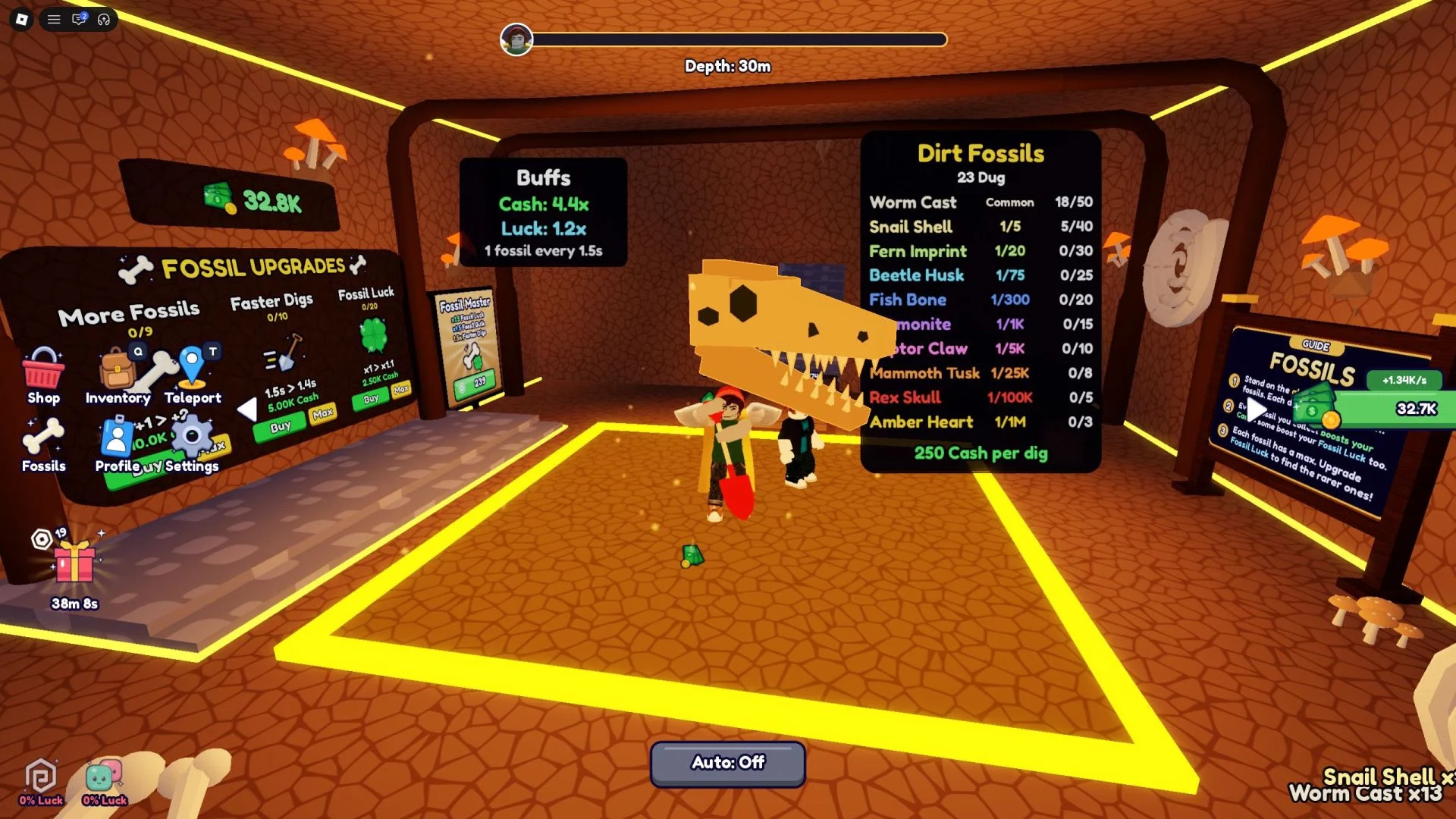
Worms are a secondary currency you collect in their own designated area. You spend them on Cash boost upgrades, and they can also improve how quickly you collect more Worms. Compared with other stat improvements, they're a lower priority, so don't rush them.
The Upgrade Tree is a separate menu from the standard Upgrades. It covers your Cash gains through Upgrades, Fossils and Worms, and its purchases are among the most expensive in the game. Plan your Cash before you spend on it.
Titles are another way to add boosts. You can roll for new ones, and rarer Titles give better boosts. You equip the Titles you own from your Inventory, which you open with Q.
Beating the Boss at the End of Each Layer
Every layer ends with a Boss Battle, and clearing it is what unlocks Rebirth. You attack with the left mouse button and your sword, and your job is to avoid getting hit while you wear down the boss's HP. Its attacks are marked on the floor as red spots and streaks, so keep an eye on the ground as well as the boss.
Go into the fight with your Walk Speed maxed out, since faster movement makes it easier to stay out of the red marks. If you lose, you can try again as many times as you like, so take your time and learn the attack patterns.
Rebirth in Depth Incremental: Going Deeper
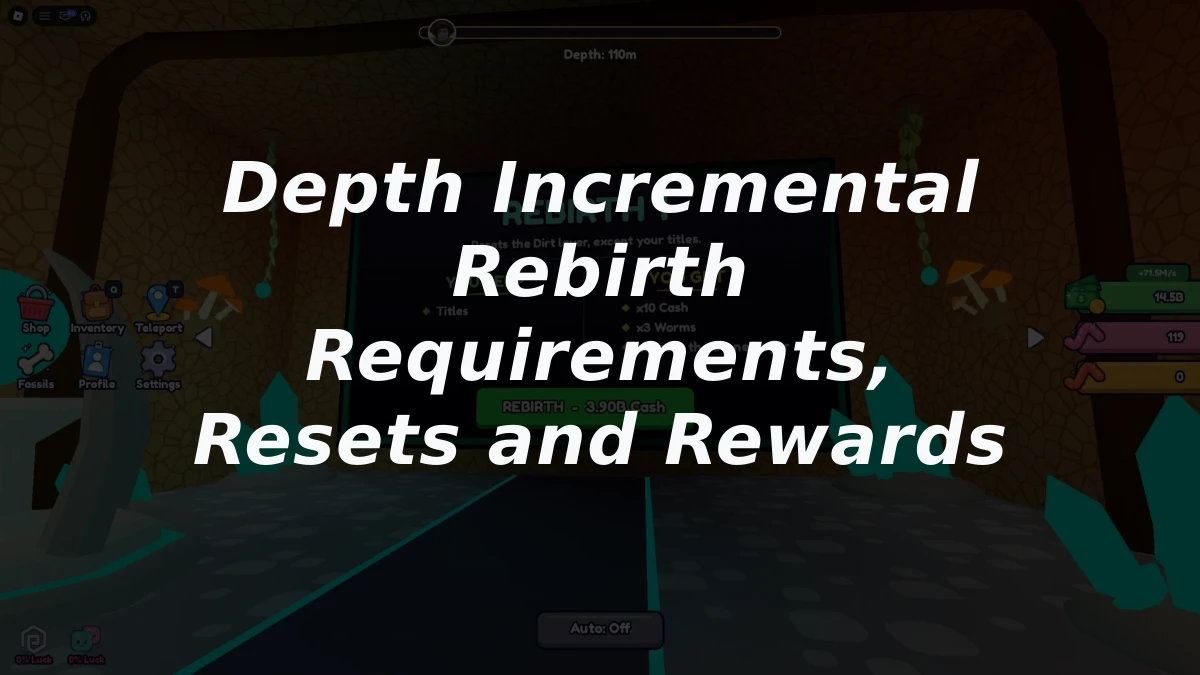
Rebirth is the progression system you need to unlock additional layers. Once you reach the bottom of the pit, you can perform it to improve your Cash generation even further. It also gives you big stat bonuses and access to the layers ahead, so it's worth working toward once the loop feels comfortable.