Bike Universe is a free-to-play Roblox game where you ride bikes, pull off tricks and race friends. You start on the Pitster 110, earn Cash by riding and chaining tricks, and spend that Cash at the Bike Dealership to unlock faster bikes. The first paid bike on the dealer's list is the Mayo 250CC, which costs $5,000 in Cash.
| Bike | Unlock cost | Top speed (km/h) | Acceleration | Handling | Tricks |
|---|---|---|---|---|---|
| BMX | Free (owned at start) | 42 | 3.6 | 9.5 | 10.0 |
| Pitster 110 | Free (starter bike) | 70 | 4.0 | 8.5 | 7.0 |
| Mayo 250CC | $5,000 Cash | 105 | 6.0 | 8.0 | 7.5 |
Start Riding the Free Pitster 110 or BMX
You load in at the hub already sitting on the Pitster 110. The BMX is free too and shows up in your inventory as owned, so you can switch to it from the Bikes menu whenever you like.
The two starters suit different jobs. The Pitster is the faster of the two, which makes it the better pick for covering ground. The BMX is slower, but it has the higher Tricks rating, so it suits a player who wants to learn stunts first.
Because both bikes are free, you can try each one before you save for anything else.
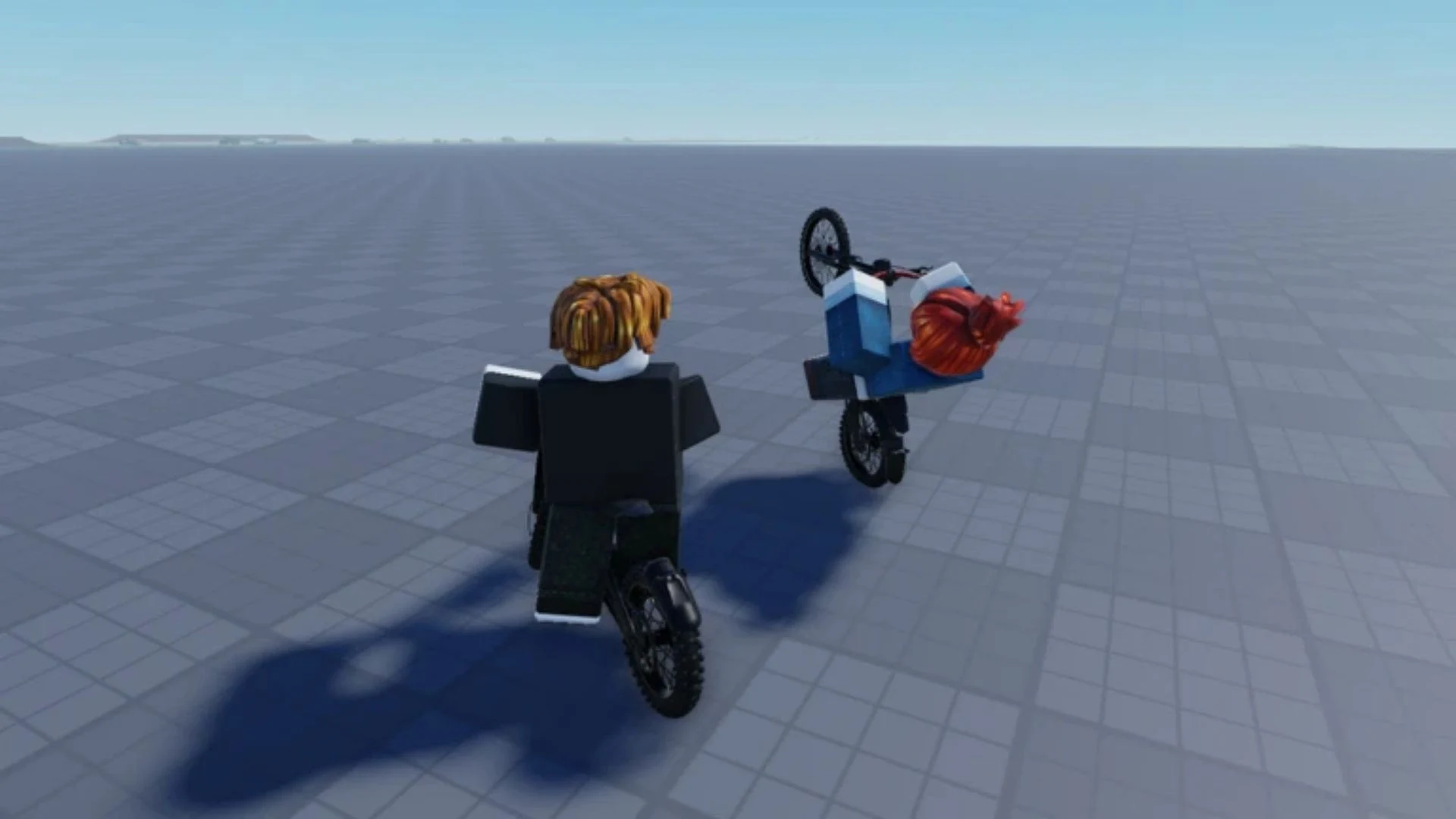
Bike Universe Keyboard Controls for New Riders
You can get a long way with a small set of keys. Most of the controls handle movement, riding moves, tricks and menus, and they're the same whether you're cruising or practicing stunts.
- Move: W, A, S and D
- Interact: E
- Rear brake: Space
- Wheelie: Ctrl
- Bunny hop: Alt
- Tailwhip: Z
- Superman: X
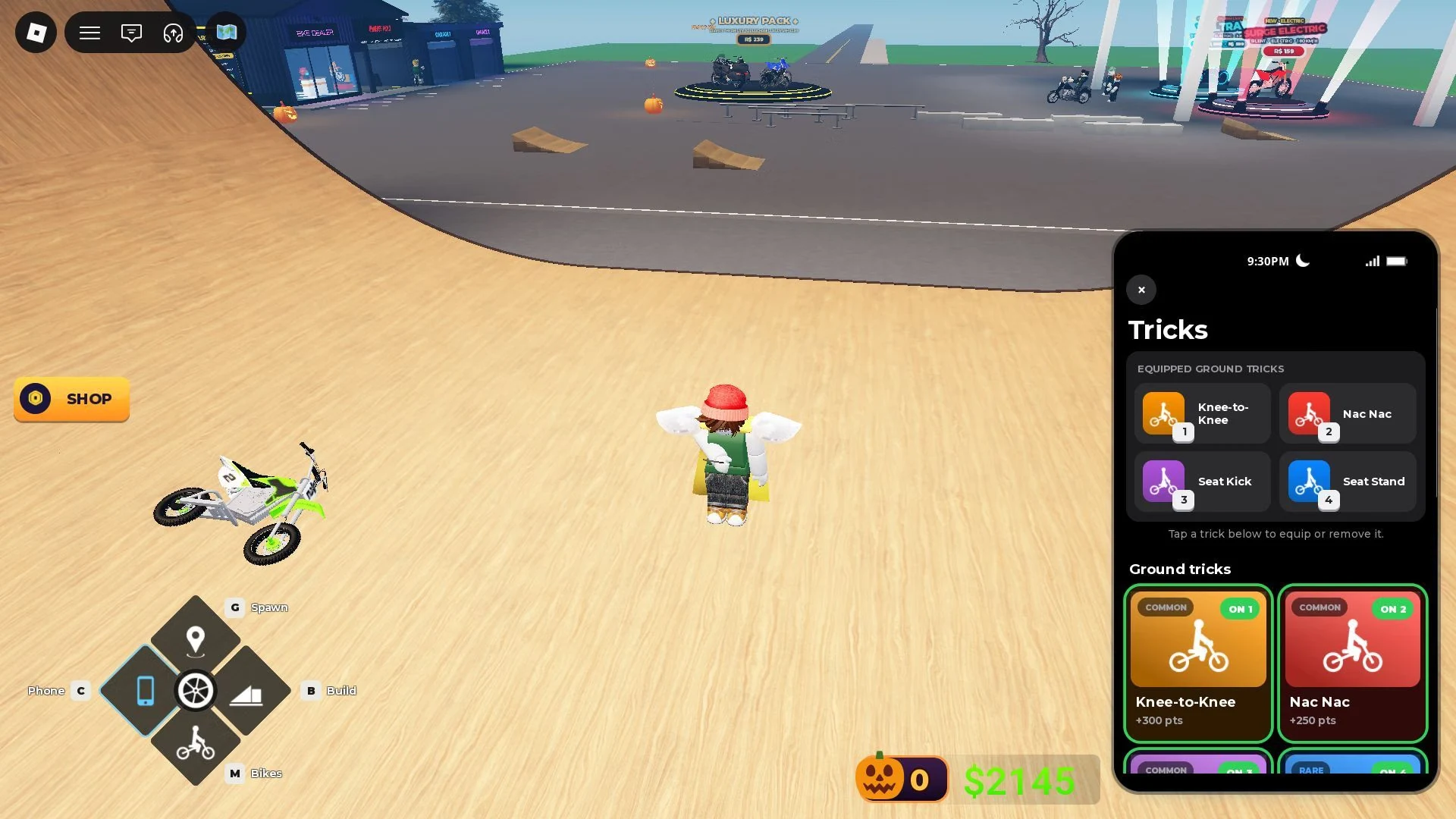
- Ground tricks: keys 1 to 4, which trigger your equipped tricks
- Get off: F
- Spawn your chosen bike: Q
- Spawn point: hold G to set one, then tap G to teleport back to it
- Phone: C
- Bikes: M
- Build Mode: B
- Hide the controls panel: 7
A quiet, open stretch is a good place to learn how the bike steers and brakes before you try anything harder. Take your time with the brake and turns first, since everything else builds on them.
How to Earn Cash by Riding and Chaining Tricks
Cash comes from riding itself. Riding, wheelies, tricks and trick chains all earn Cash, and chaining several tricks together earns more than a single trick does. Each trick adds points to a running line, and those points only turn into Cash when you bank the line.
The basic loop looks like this:
- Ride and add wheelies, bunny hops and tricks to your line.
- Chain more tricks together while the line keeps going.
- Bank the line to turn its points into Cash.
- Save the Cash for your next bike at the Bike Dealership.
Banking is the step that turns a run into spendable money, so a line that hasn't been banked hasn't paid out yet.
How to Reach the Bike Dealer and Read Bike Stats
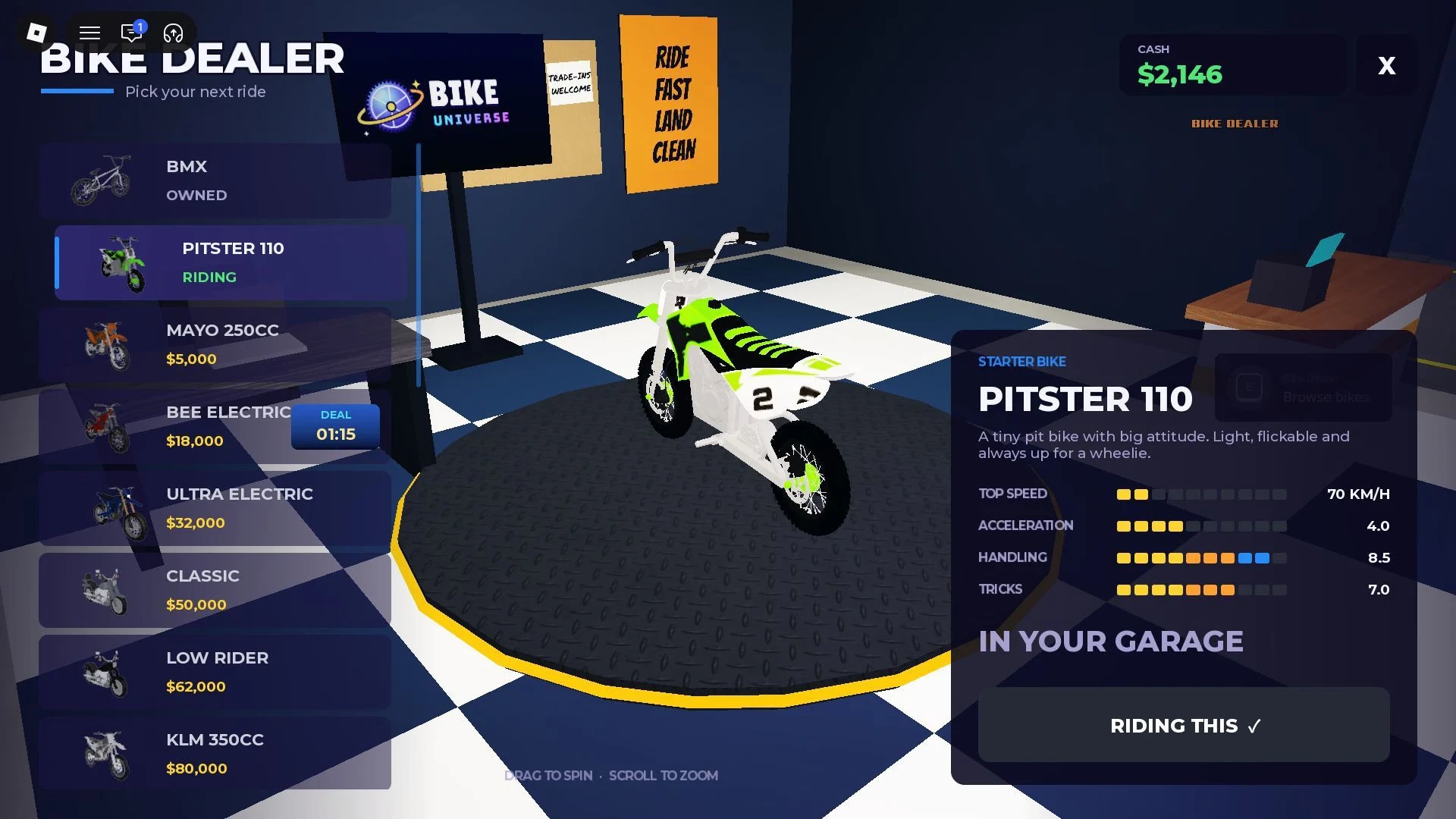
The Bike Dealership sits near spawn, but you don't have to ride there. The Bikes menu takes you straight into the showroom in a few presses.
- Press M to open your bikes.
- Select Buy More in your bikes list.
- Accept the prompt asking if you want to go to the Bike Dealer.
- Press E at the Browse bikes prompt near the counter.
Each bike on display shows its price and four stats: Top Speed, Acceleration, Handling and Tricks. Top Speed and Acceleration are about getting around, while Handling and Tricks are about control and stunts. If stunts are your focus, the Tricks number is the one to watch.
The lineup and prices can change over time, so the dealer screen has the final word.
Save $5,000 in Cash for the Mayo 250CC, Your First Paid Bike
The Mayo 250CC is the first paid bike on the dealer's list, and it costs $5,000 in Cash. Compared with the Pitster 110, it adds a big jump in top speed and improves both acceleration and Tricks, at the cost of a little handling. Because Cash comes from riding and tricks, the Mayo is something you earn your way to.
Once you own it, ride it this way:
- Press M to open your bikes.
- Select the bike you own, such as the Mayo 250CC.
- Press Q to spawn it beside you.