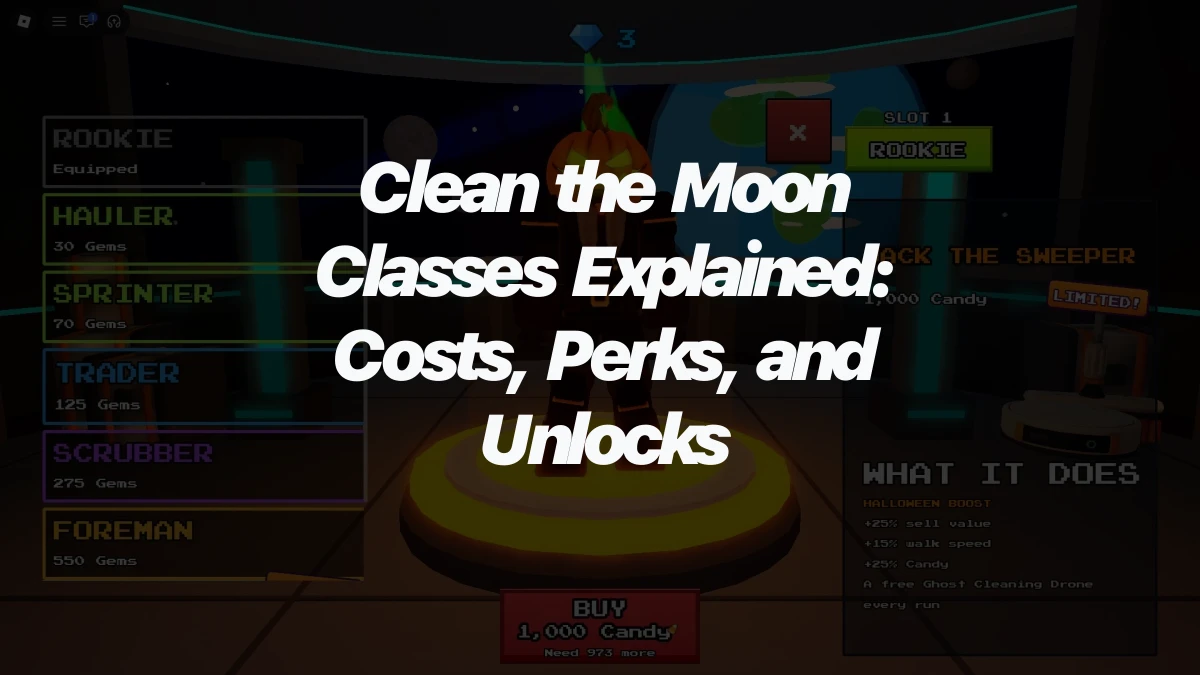
Clean the Moon is a cleaning simulator on Roblox, the online game platform, where you clear moon dust from around a space station. To get started, equip your starter toothbrush, click the dust to clean it, and carry what you collect to the selling point to turn it into Cash. Spend that Cash on upgrades and new equipment, and each purchase makes the cleaning faster.
| Action | Control |
|---|---|
| Move | W, A, S, D |
| Jump | Spacebar |
| Interact | E |
| Use tool | Left Mouse Button |
| Switch tools | Number keys 1–0 |
Clean Moon Dust With the Starter Toothbrush
Every new player starts with a toothbrush, and it's the tool you'll use for your first session. Switch to it with its number key, then click the moon dust tiles with the Left Mouse Button. A tile counts as clean once all of its dust is removed, so keep clicking a tile until it's done before you move on. Clicking is how dust becomes material you can collect, so this is where your Cash begins.
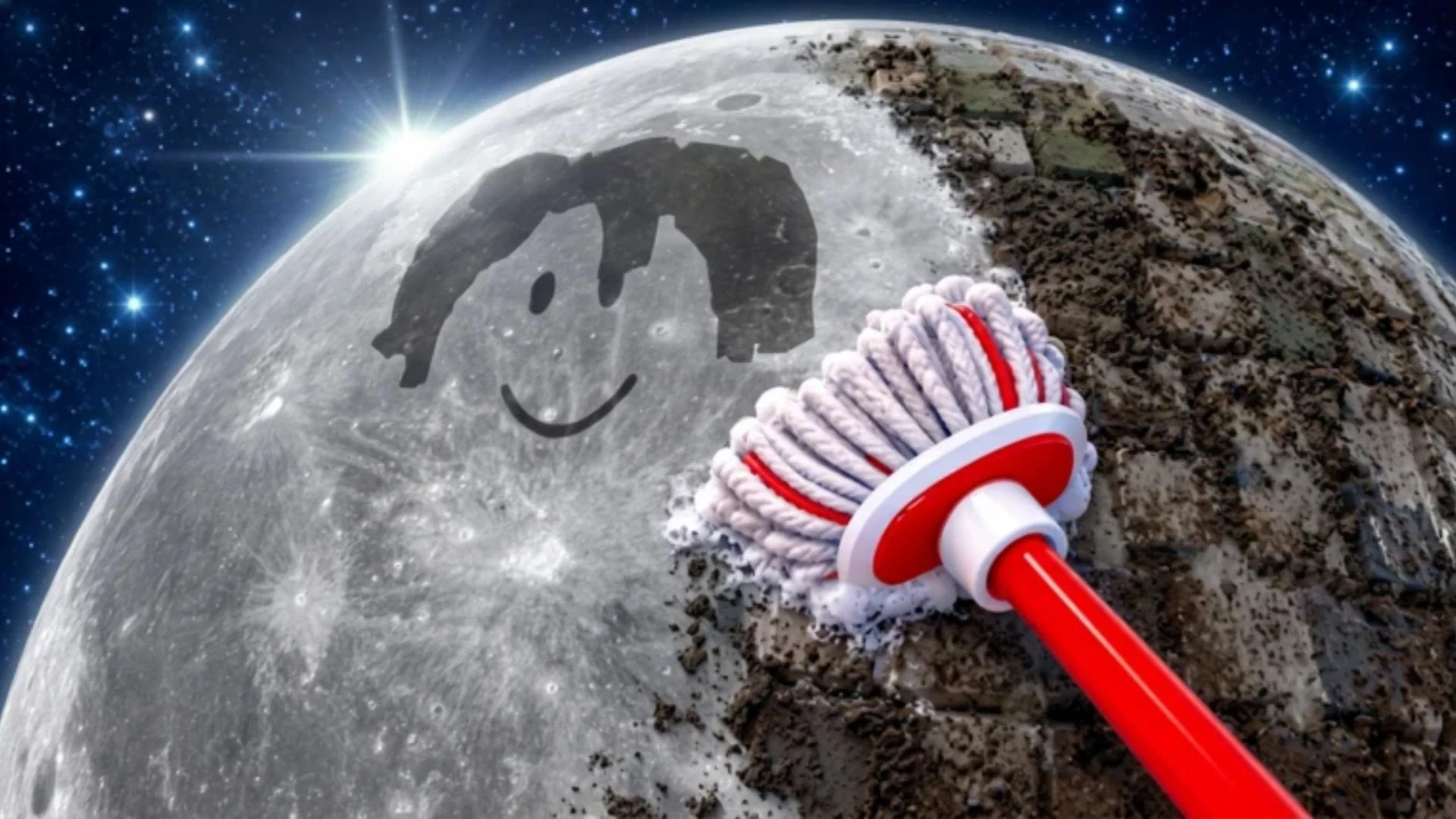
Your first session follows one loop: clean dust, collect it, sell it for Cash, then put that Cash back into better gear.
Sell Moon Dust When Your Backpack Fills
Everything you collect goes into your backpack, and the backpack has a limit. A counter shows how much you're carrying compared with your maximum. When it fills up, the game shows a "Your tank is full" warning, which means it's time to sell.
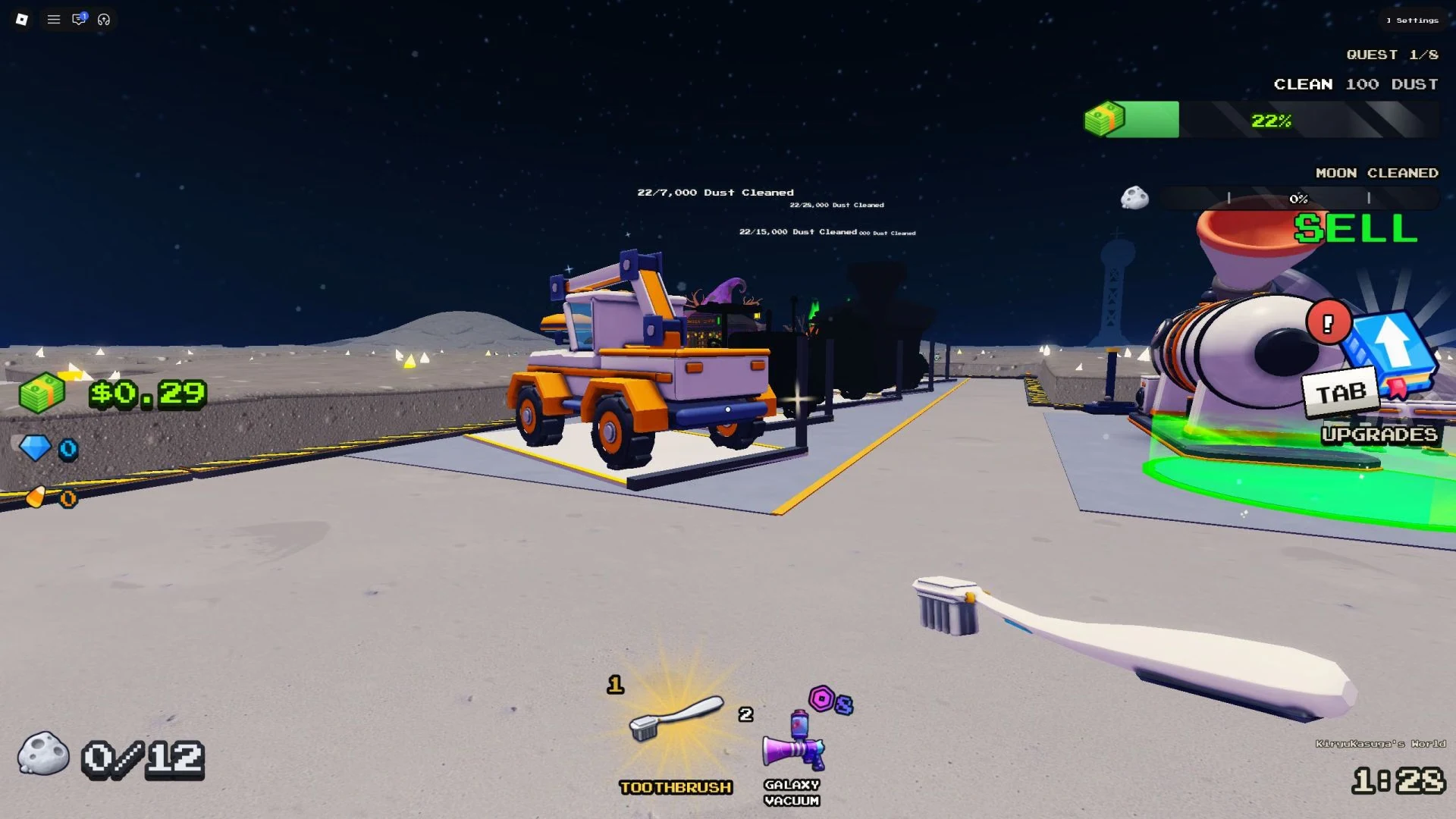
Watch that counter while you clean, because a full backpack means you have to sell before you can collect more. The routine is simple:
- Keep cleaning and watch the backpack counter.
- When it reaches its maximum or the warning appears, head to the selling point.
- Follow the yellow arrows on the ground to the sell pad.
- Walk onto the sell pad and follow the sale prompt to turn your dust into Cash.
Selling regularly keeps your Cash coming in.
Save Your Progress in Clean the Moon With the Orange Button
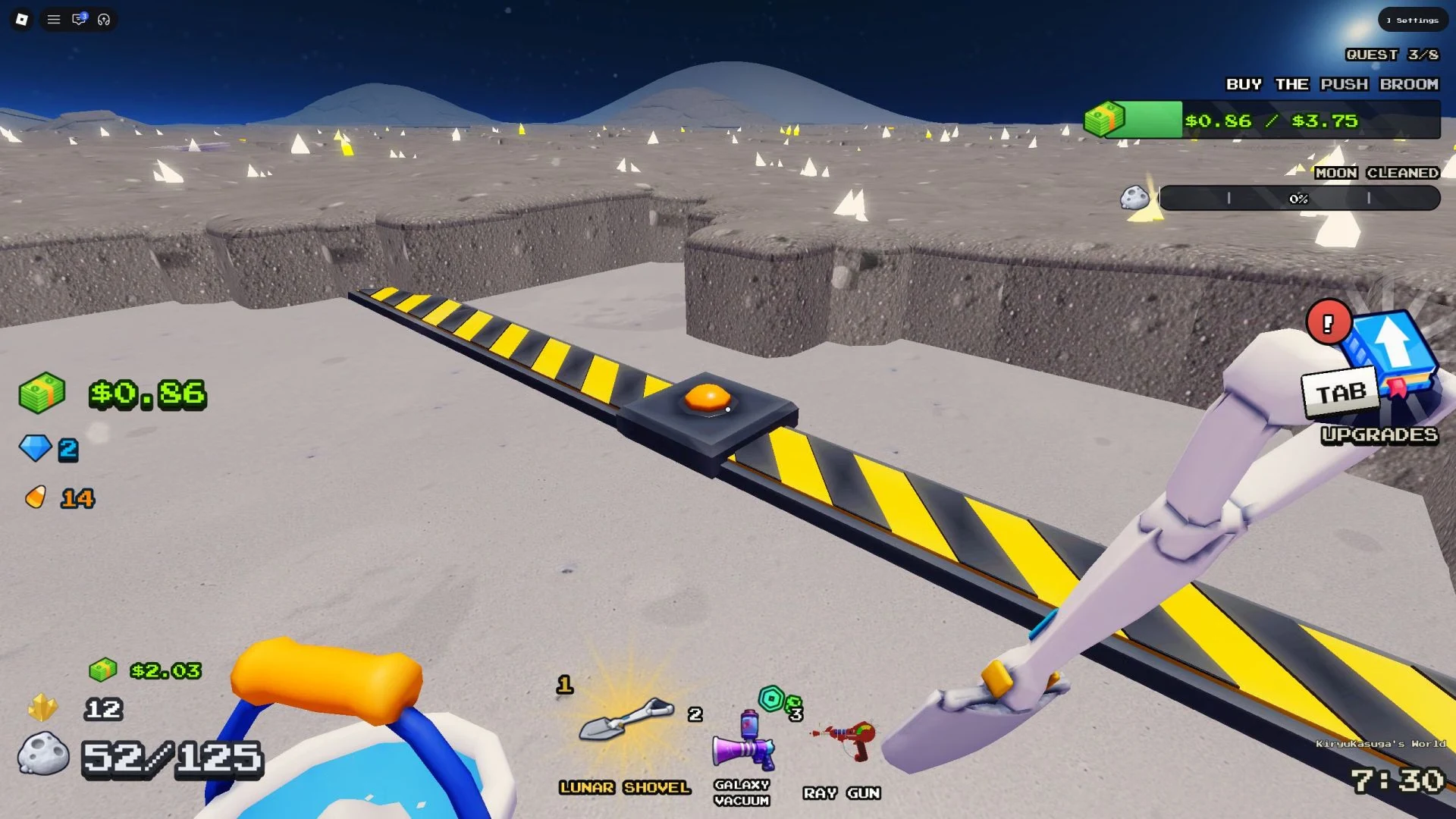
Saving is easy to miss, so it's worth finding this button early. Look for an orange button buried under mounds of moon dust. As you clear dust, watch for a strip of grey and yellow and follow it to the button. Step onto the button to turn on saves. From then on, you can leave the game without losing progress, and you won't need to press it again.
Choose Clean the Moon Upgrades Based on What Slows You Down
Cash goes toward four kinds of upgrades: base stats, tools, bags and vehicles. The upgrades panel is split into General, Tool and Bag tabs, and each upgrade shows what it changes. Let whatever is slowing you down decide your next purchase.
- Backpack (Bag tab): raises how much dust you can carry before you need to sell.
- Strike Speed (Tool tab): changes the time between your strokes.
- Sweep Width (Tool tab): changes how many tiles each stroke covers.
- Power (Tool tab): changes how much damage each stroke does.
If full storage keeps sending you back to the selling point, start with the backpack upgrade. If your tool feels slow, compare strike speed, sweep width and power on that tool's panel, and pick the one that fixes the limit you keep running into.
You buy tools by pressing E near their models around the space station, so walk over to one when you're ready to buy.
Buy Vehicles to Cut Down on Selling Trips
Vehicles are the other big Cash purchase. They improve how fast you move and how much dust you can carry, which means fewer trips back to the selling point. Vehicles also have their own upgrades for speed, brush size and power, so check that panel after you buy one. More of your time goes into cleaning, which makes them a worthwhile purchase.