


Grow a Garden 2 keeps the seeds-and-Sheckles farming of the original but adds a twist: at night, other players can sneak into your garden and steal your crops, even while you are offline. Growing is only half the job now.
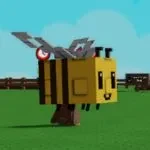
You plant, wait, harvest, and sell to fund better seeds, but you also spend on defense. Walls, owner-only doors, and bear traps slow intruders, while guard pets like Bees and a Venus Fly Trap punish anyone who wanders in. The smart move is parking your priciest crops dead center and ringing them with everything you have, or retreating to a private server if you would rather just farm in peace.
- Creator
- Strawberreh Squad
- Game Created
- May 21, 2026
- Last Updated On
- September 17, 2026
- Age Requirement
- All Ages
- Genre
- Simulation
- Subgenre
- Tycoon
- Supported Devices
- DesktopMobileTabletConsoleVR
Checked and verified on September 20, 2026
FREESEEDYou get 3 Uncommon Seed Pack/ Fall Seed Pack
WATERYOPLANTSYou get 10 Common Watering Cans
REMEMBERTODRINKWATERYou get 1 Common Watering Can
Showing the latest 3 of 4 active codes. View all Grow a Garden 2 codes
Game data
Seeds:
Grow a Garden 2 seeds cover Seed Shop prices, rarity, harvest type, and Ghost Pepper Pack plants. They are the first catalog to check before planning a crop route.




Crops:
Grow a Garden 2 crops help players compare where each plant comes from, how rare it is, and whether it is single-harvest or multi-harvest.




Pets:
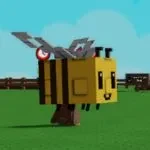
Grow a Garden 2 pets cover movement, growth, mutations, harvesting, night stealing, and garden defense. Pet choice changes both farming speed and night safety.





Gears:
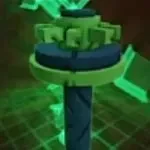
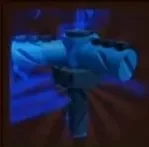
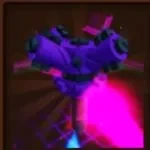
Grow a Garden 2 gears cover the Gears Shop tools used for growth, movement, stealth, defense, sprinklers, and night play.



Sprinklers:
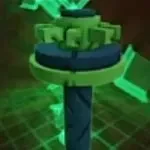
Grow a Garden 2 sprinklers are growth and mutation support gear. Compare tier, price, duration, effect, and where to buy each one.


Crates:
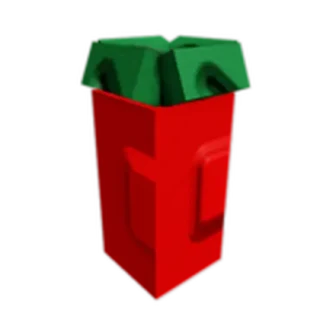
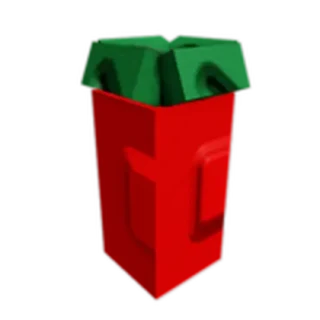
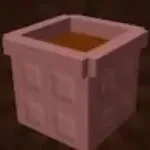
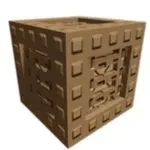
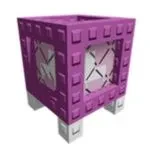
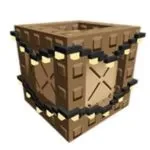
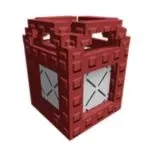
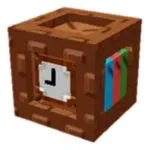
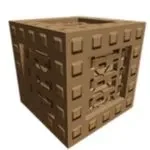
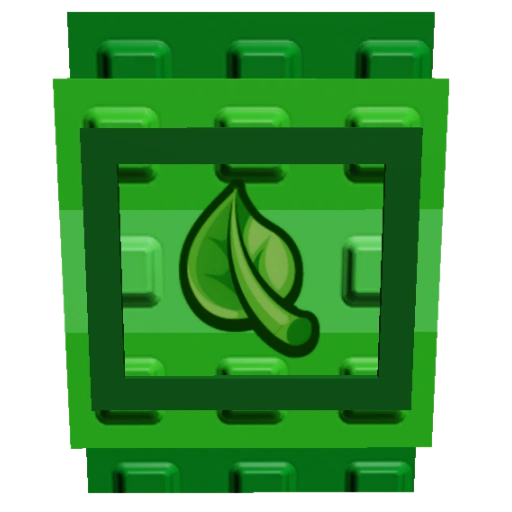
Grow a Garden 2 crates cover Props Shop crate pools, prices, rarity, decorations, utility props, and defensive garden pieces.

Mutations:
Grow a Garden 2 mutations track crop value multipliers, weather events, pet support, and mutation routes for better harvest value.

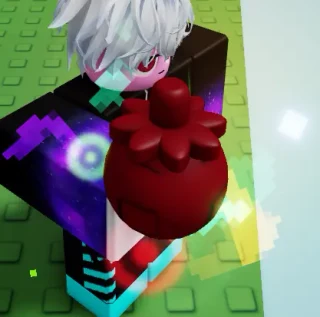
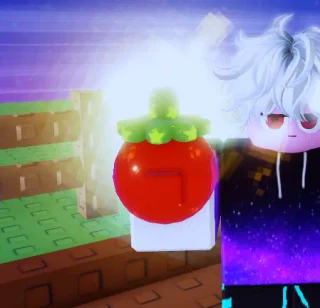
Shops:
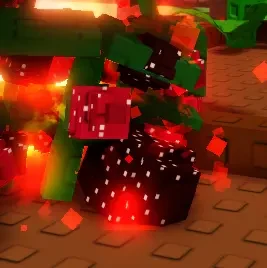
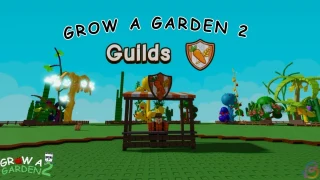
Grow a Garden 2 shops map the Seed Shop, Gears Shop, Props Shop, lobby pet purchases, and guild counter so players know where to spend time and currency.



Night Stealing:
Grow a Garden 2 night stealing brings together stealing pets, defensive pets, night visibility gear, stealth tools, and protective crates.





Weather:
Weather in Grow a Garden 2 is a shared server forecast where most events can stamp mutations onto random planted crops: Lightning applies Electric, Snowfall applies Frozen, and so on, multiplying crop values. Nights open the stealing window and roll the moons, with Gold and Rainbow Moons scattering special seeds (two-player minimum) and Blood and Mega Moons as the rare 2 percent skies. Eclipse stands apart as the one weather you trigger yourself by harvesting an Eclipse Bloom.






Seed Packs:
Seed packs roll randomized seeds across rarity tiers, and almost all of them are earned outside normal play: website voting covers the basic Garden Valley ladder, the Carrot Contest gates the Legendary tier, and Cornucopia Quests pay out the Fall Harvest line. An in-game tip credits running sprinklers with better pack luck, and a Skip button ends the roll animation instantly. The retired top tiers make surviving packs a small collectible economy of their own.





Eggs:
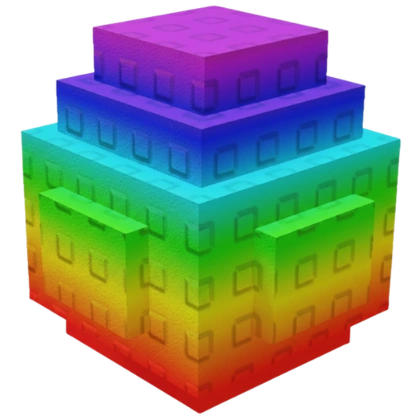
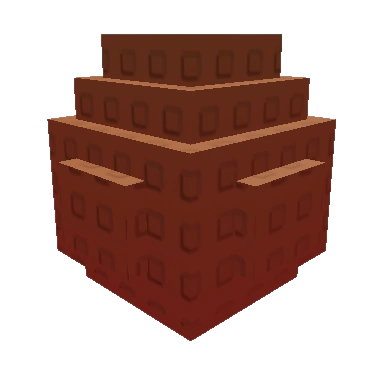
Eggs hatch into pets, the passive boosters that speed up your avatar and your garden. Garden Valley runs a four-egg ladder earned mainly through guild weekly rewards and the Admin Chest, while the Fall Harvest world has its own quest-earned ladder plus a store-exclusive Secret-tier egg. Rarer eggs weight the same pet roster toward its rare end, and every roll carries a long-shot chance of a Big or Mega sized hatch with stronger boosts.




NPCs:
The marketplace hub NPCs each own a slice of the loop: Sam sells the rotating seed stock, George handles gear and sprinklers, Charlotte sells props, Steven buys produce with occasional bargain offers, Gilbert manages guilds and their weekly rewards, and the Auction and Explorer stands cover player trading and expeditions. Knowing who stands where makes hub trips fast, and Steven's offers plus Gilbert's guild rewards are the two stops that quietly pay.
Collectibles
Plot Expansions:
Plot expansions grow your farm six times, each adding two fields and raising your planting cap, on a price curve from 500 Sheckles to a full billion. The early steps repay themselves almost immediately, while the late ones are funded by mutation-boosted harvests at scale. Field count multiplies everything else you invest in, which makes the expansion ladder the game's real long-term progression track.
Grow a Garden 2 Controls
| Action | Desktop | Mobile | Console |
|---|---|---|---|
| Move | W / A / S / D or arrow keys | Virtual joystick | Left stick |
| Jump | Space | Jump button | A |
| Adjust camera | Hold right mouse button and drag | Drag on the right side of the screen | Right stick |
| Zoom camera | Mouse wheel | Pinch the screen | No control shown |
| Use shop, garden, sell, and prompt buttons | Click the on-screen button or prompt | Tap the on-screen button or prompt | No control shown |
Grow a Garden 2 Gameplay Tips
- Start with seeds and crops before chasing expensive pets or crates. A steady Sheckles route makes every later upgrade easier to afford.
- Keep multi-harvest plants working in your plot when you can. They keep producing after the first pickup, while single-harvest crops need replanting.
- Watch the day and night cycle. Daytime is better for planting and selling, while night is when stealing and garden defense become the main problem.
- Buy gears for a job, not just rarity. Sprinklers help growth and crop results, mushrooms help stealing or movement, and defensive tools help protect valuable fruit.
- Pets matter more once your garden has value worth protecting. Some help farming, some improve movement or mutations, and stronger defensive pets are better when night stealing becomes a real risk.
- Crates and props are part of the garden plan. Owner doors, traps, fences, conveyors, and teleporter pieces can change how easy your plot is to enter or defend.
- Treat mutations as value boosts on top of farming. Weather, pet support, and special effects can make one harvest much stronger than a normal crop sale.
Grow a Garden 2 Events
Recent updates, live events, and completed event history for Grow a Garden 2.
🧁MUFFIN BAKE🧁
CompletedStarts (PT): Aug 22, 2026, 3:00 PM.Ends (PT): Sep 5, 2026, 3:00 PM
FALL HARVEST
CompletedStarts (PT): Aug 1, 2026, 3:00 PM.Ends (PT): Aug 30, 2026, 3:00 PM