

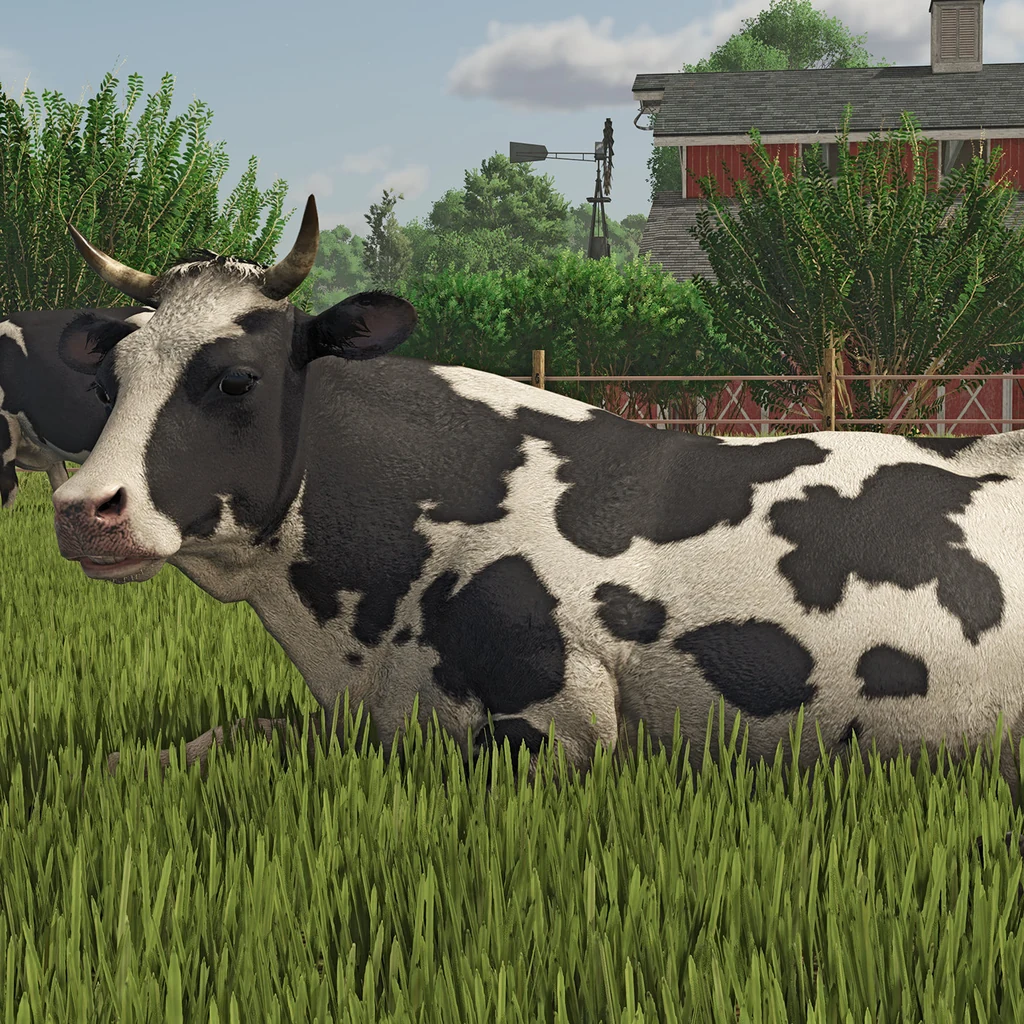
Farming Simulator 25 is a farming game where you build a working farm into a profitable business. You start by choosing a map and a starting preset, which set how much land, machinery and money you have at the beginning. From there, you buy land, get the machines you need, then prepare the soil and plant your crops. Keep an eye on the weather forecast while the crops grow, since rain or snow stops harvesting until it passes, and then harvest once the crops are ready.
Once the harvest is in, you decide what to do with it. You can sell raw goods straight away, or send them through production chains, where a grain mill, dairy or sawmill turns them into products that sell for more. Contract jobs from neighboring farms add income along the way. Animal husbandry and forestry give you more to earn from, so you can focus on one side of the business or build several.
The money you earn goes back into the farm, paying for more land, buildings and more capable machines. Over time, a small operation can grow into a large agricultural business. Friends can also join online to work a farm together, and up to 16 players can take part.
- Developer
- GIANTS Software
- Publisher
- GIANTS Software
- Release
- Worldwide: 2024-11-12
- Platforms
- PC, Mac, PlayStation 5, Xbox Series X|S
Game data
Tractors
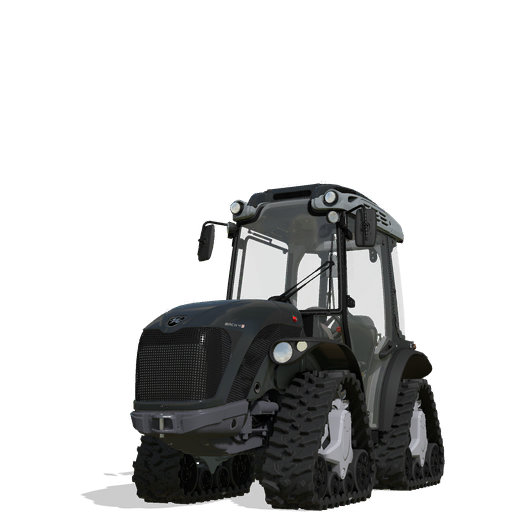
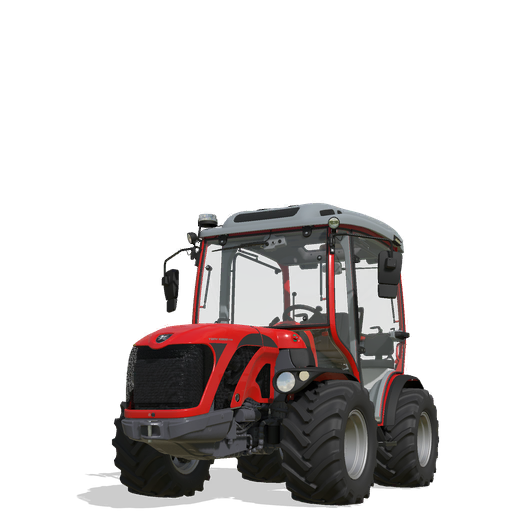
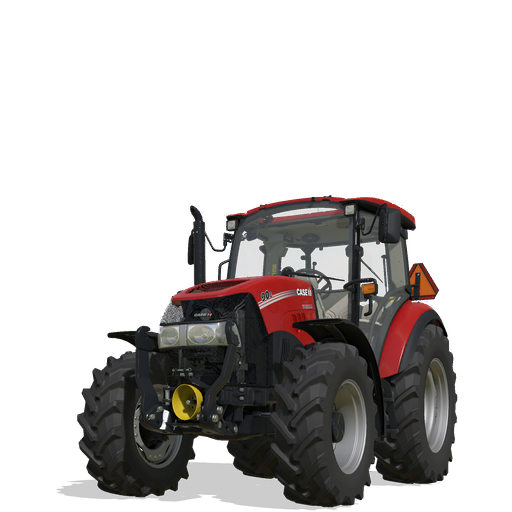
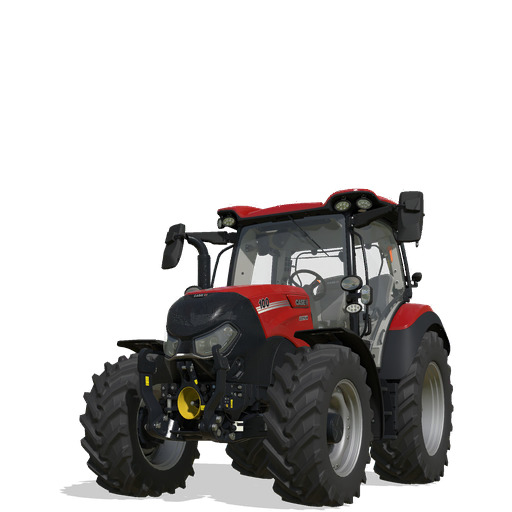
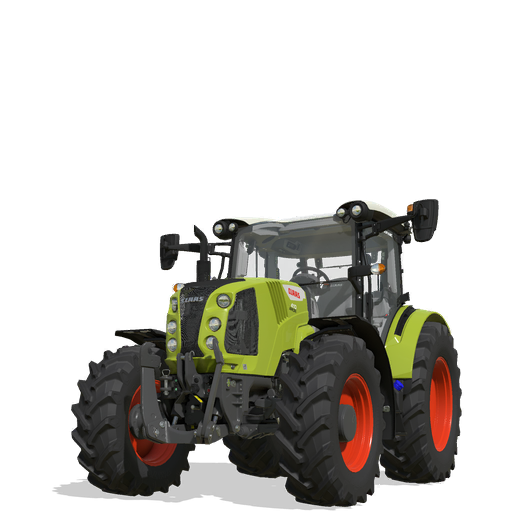
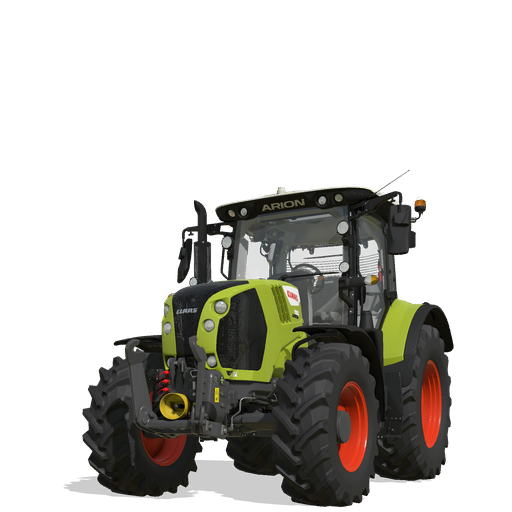
Tractors are the power units of Farming Simulator 25, pulling trailers and running the tools you attach to them. The shop groups them as Small, Medium and Large, but the group only narrows the search, since engine power, hitch, weight and speed decide whether a tractor suits a job. You can buy or lease them at the machinery dealer, find cheaper used ones in the used vehicle sale, and set up engines, wheels and front loaders before you purchase.
Harvesters
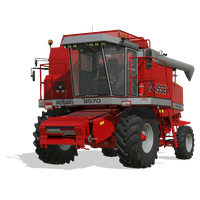
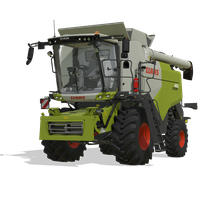
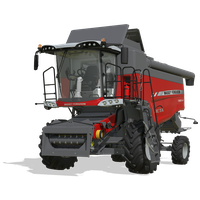
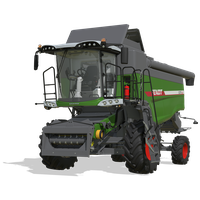
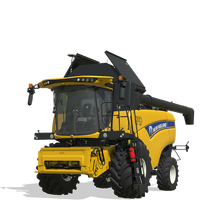
Harvesters are the machines that cut, lift or chop crops and turn trees into logs in Farming Simulator 25. They come in grain, forage, root crop, vegetable, special crop and forestry types, and combines and forage harvesters depend on the header attached to them. Check the crop icons before buying, since they show which crops each machine can handle. Harvesters can be bought outright or leased at the dealership.
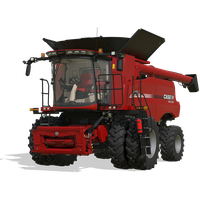
Trailers
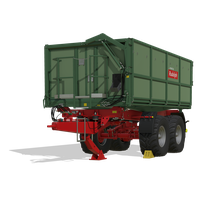
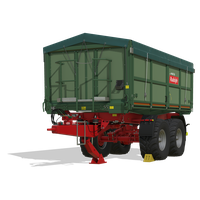
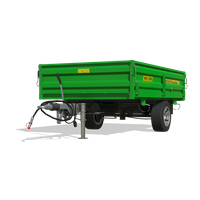
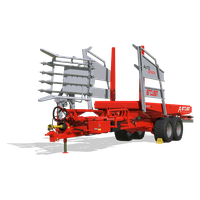
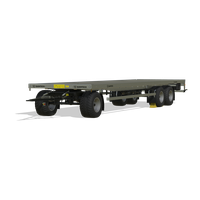
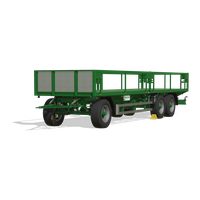
Trailers in Farming Simulator 25 move harvested crops, forage, liquids, logs, livestock, headers and machinery between fields, storage, and the places that buy or process what you grow. Each one accepts only certain loads, so the cargo a trailer takes matters more than its size. Many need a tractor or truck with enough power to pull them, and that requirement is worth checking before you buy.
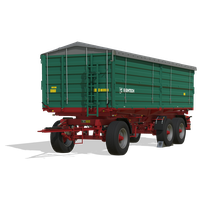
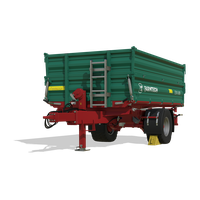
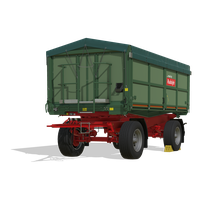
Implements
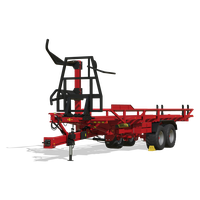
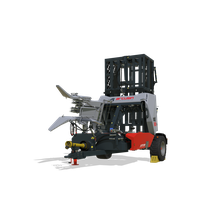
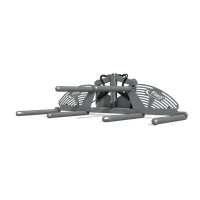
Implements are the field tools that do the work in Farming Simulator 25, from plows, cultivators and seeders to mowers, balers, sprayers, loader attachments and forestry gear. Many of them hook onto a tractor and list a power requirement the tractor must meet to run properly. The shop sorts them by job, and you can buy, lease or borrow them through contracts.
Crops
Crops are the plants you grow on fields in Farming Simulator 25, and they are a key source of income for your farm. Most are planted with a seeder or planter, looked after with fertilizer and weed control, harvested when their calendar window arrives, and then sold, stored, or used for feed. The field crops range from grain and root vegetables to cotton, grass, and grapes, and each one brings its own machines and timing needs.




Production Chains
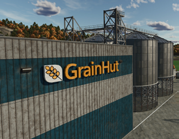
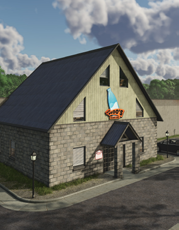
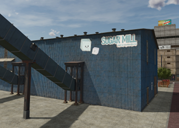
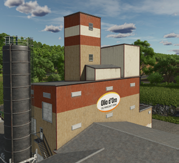
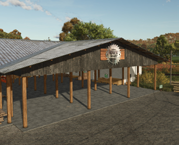
Production chains are the processing buildings in Farming Simulator 25 that turn farm crops, animal products, water, wood and stones into goods for sale or for other buildings. Players can deliver goods to local factories or build their own processing buildings from the build menu. Some of the most useful links run from the Grain Mill to the Bakery, the Sawmill to Carpentry, and the Spinnery to the Tailor Shop.
FS25 Controls
| Action | Desktop |
|---|---|
| Move and steer in a vehicle | W, A, S, D |
| Look around | Mouse |
| Run | Shift + W, A, S, D |
| Jump | Space |
| Crouch | Ctrl |
| Use object | R |
| Enter or exit vehicle | E |
| Switch camera | C |
| Switch to next vehicle | Tab |
| Attach or detach tool | Q |
| Lift or lower tool | V |
| Unload | I |
| AI worker | H |
| Cruise control | 3 (1 and 2 change speed) |
| Shop menu | P |
| Game menu | Esc |
| Toggle map view | 9 |
| Build mode menu | Shift + P |
| Help window (shows your available controls) | F1 |
FS25 gameplay tips
- Start in New Farmer mode. It gives you a good selection of machines and land you already own, so money is not the main worry while you learn how the field work fits together.
- Check the power and header icons before you buy. A tractor needs enough engine power for the tool it pulls, and a harvester needs the header that matches your crop. If a machine is expensive or new to you, lease it first so you can try it before committing.
- Plan planting and harvests around the crop calendar. By default, each crop can only be sown and harvested in certain months, and prices change with the seasons. A silo lets you hold grain until prices move in your favor, and you can turn off seasonal growth if you want to plant and harvest at any time of year.
- Take short, simple contracts early. Jobs vary in length and reward, so the simpler, quicker ones are a good first pick. You can rent the equipment a job needs, which lets you try machines and crops before you own them.
- Put beehives beside your canola, sunflower or potato fields. Bees need no feed, and hives placed near those crops boost their yields as well as producing honey.
- Store your bales and inspect fields after hail or twisters. Storms can damage fields and bales that sit outside, so keeping bales in storage protects them. Once the storm passes, check the fields to see what was damaged before deciding what to do next.