

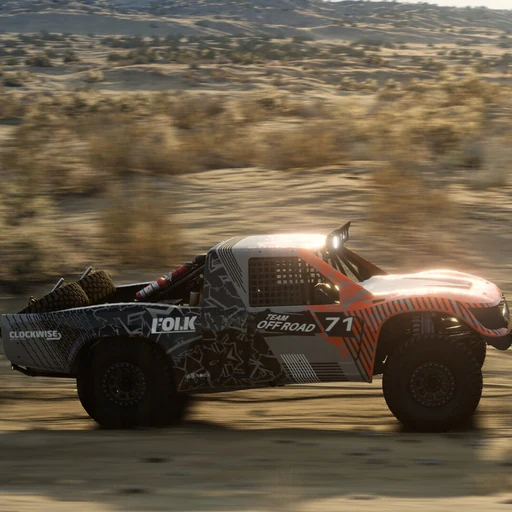
BeamNG.drive is a driving game on PC and PS5 built around realistic vehicle physics. Its soft-body physics engine simulates every part of a car in real time, so the wheels, suspension, engine and body all affect how the car drives and how its body deforms. It works as a sandbox first, where you can drive wherever you like and try almost anything, and it also offers goals for players who want something to aim for.
Each session starts with two choices: a vehicle and a map, which is the place you'll drive. Next, you pick Free Roam or a structured activity. Free Roam is open-ended, so you can explore and experiment as you like, while activities like Scenarios and Time Trials give you a set route, task or score to chase. Either way, you drive, test and tune the car, and when the run ends you change the setup or conditions and go again.
What you work toward depends on the mode you pick. Scenarios are short missions, and many of them push you to finish as accurately and quickly as possible, which takes steady control of the car. Time Trials are about beating your own best time on a route you choose. Official activities such as deliveries and campaigns add more ways to play.
- Developer
- BeamNG GmbH
- Publisher
- BeamNG GmbH
- Release
- PlayStation 5: 2026-10-19 · PC Early Access: 2015-05-29
- Platforms
- Windows, PlayStation 5
Game data
Vehicles
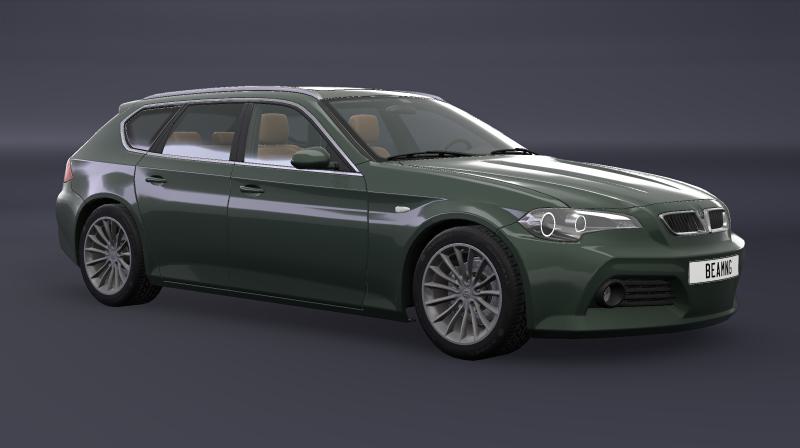
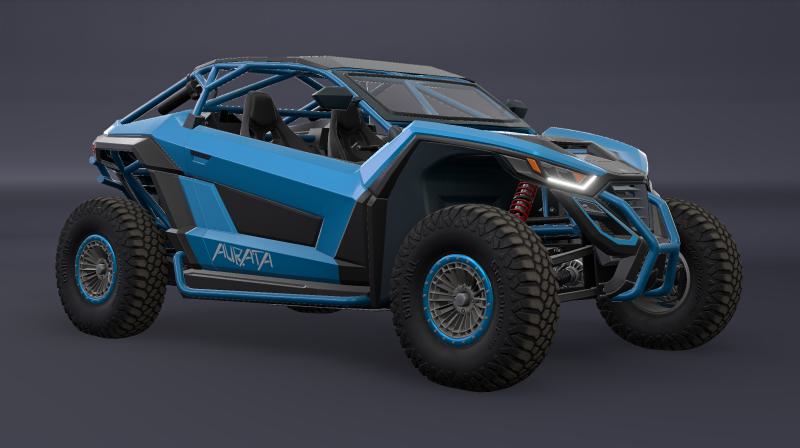
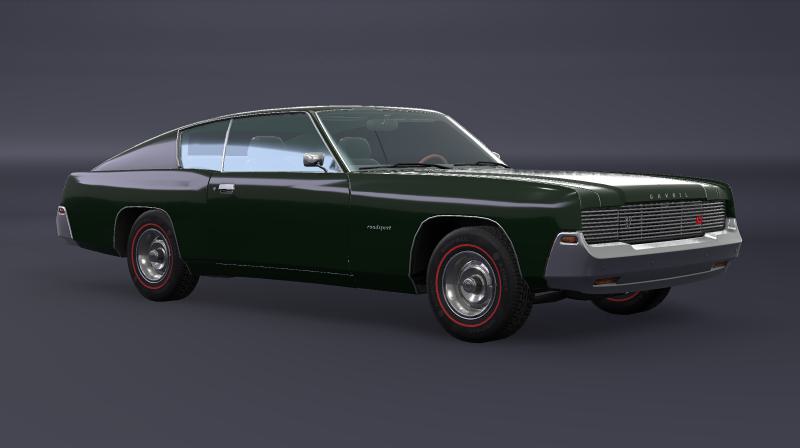
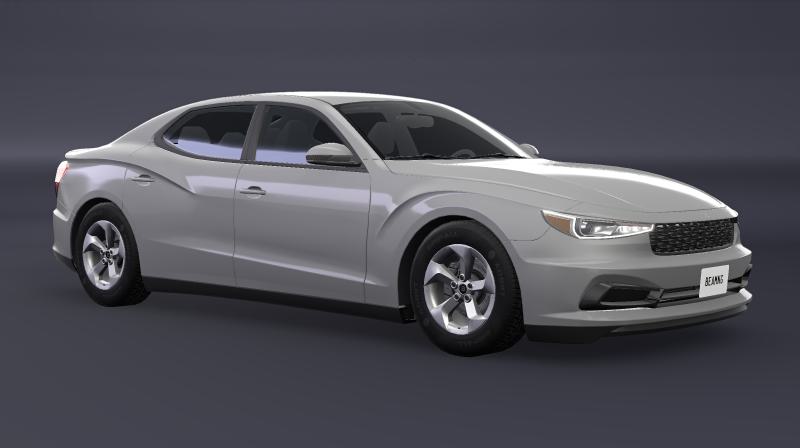
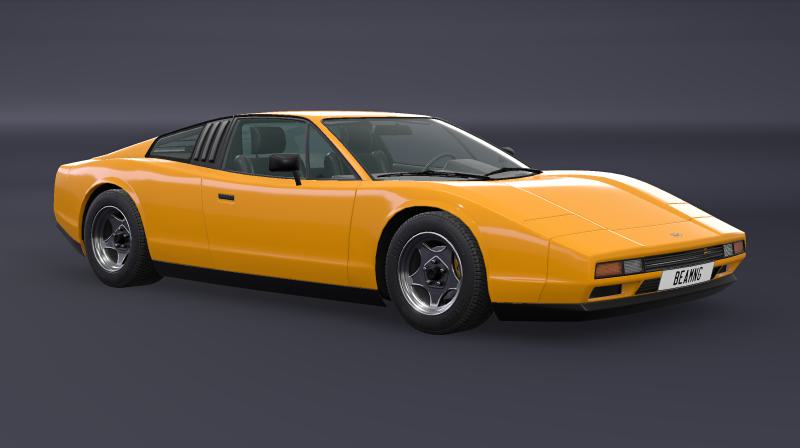
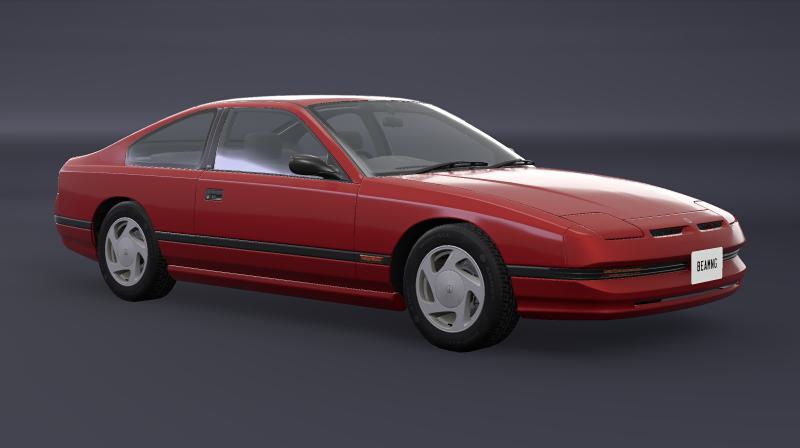
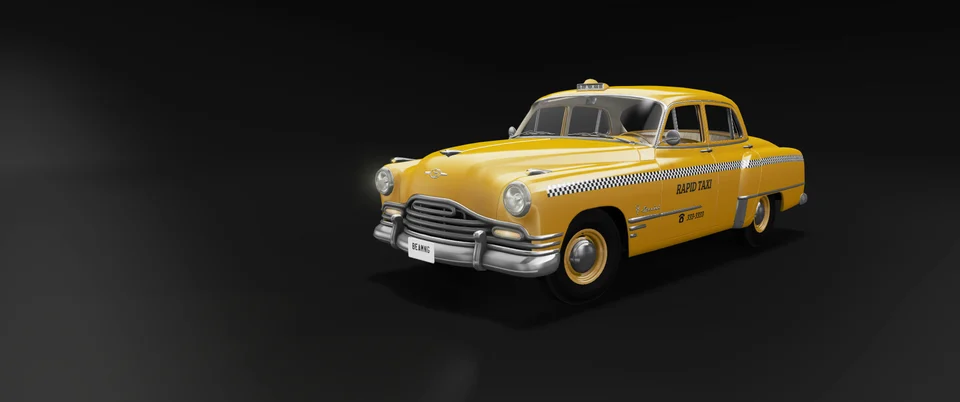
BeamNG.drive's vehicles range from compact city cars and supercars to muscle cars, off-road buggies, heavy trucks and buses. Each vehicle belongs to an in-game brand, and each brand's entries are families or series that can include several body styles and engine setups. Vehicles can be spawned from the Vehicles selector, then tuned, repainted and saved in Vehicle Config.
Maps
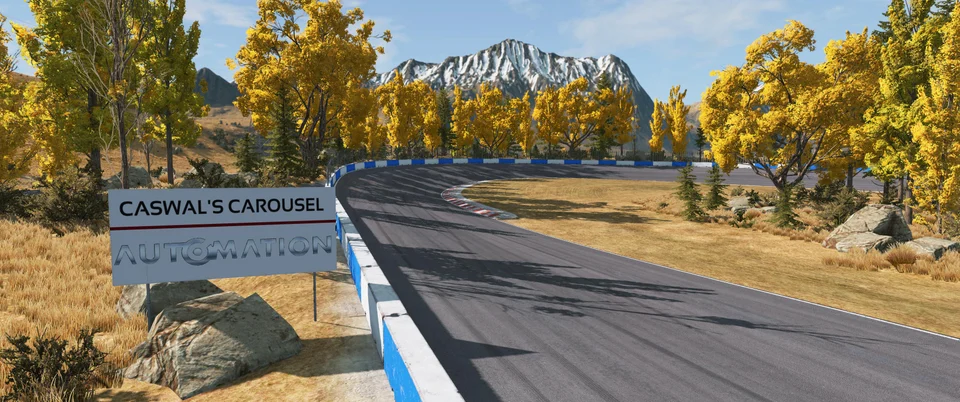
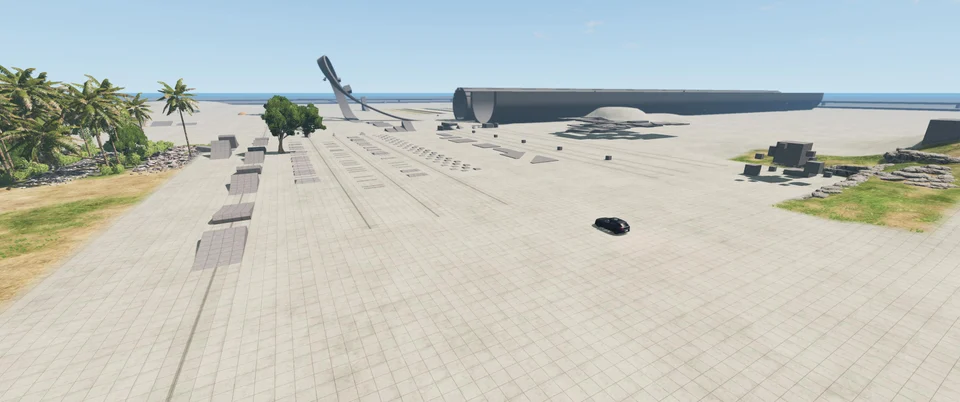
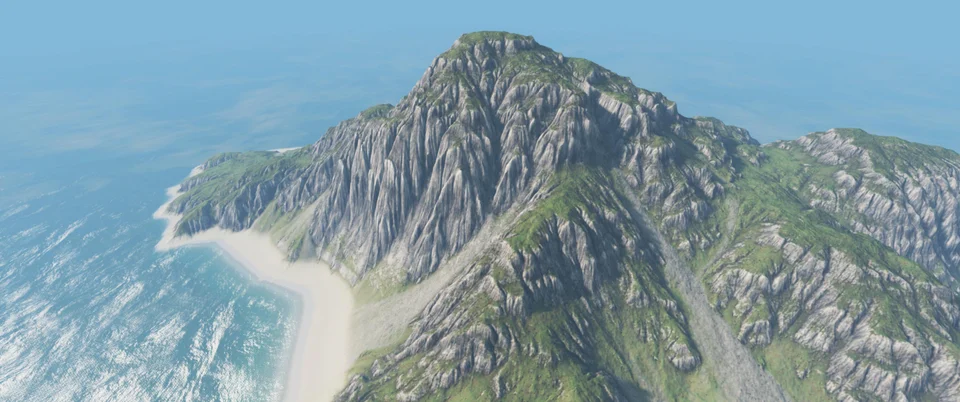
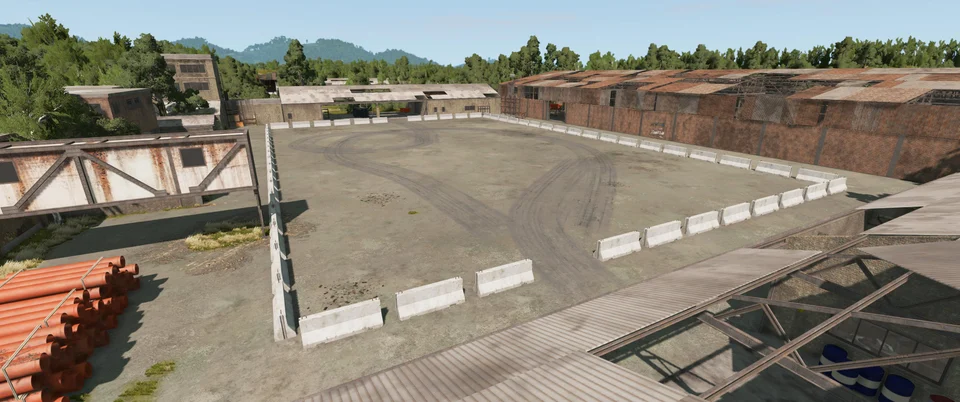
Maps are the environments players load in BeamNG.drive to drive, explore, race, train or test vehicles. They fall into driving environments, with towns, roads, trails and rough terrain, and test and showroom spaces, which are built for stunts, testing and photos. The best map depends on what you want to do, whether that's cruising island roads, tackling rock crawls or running laps on a dedicated circuit.
Trailers
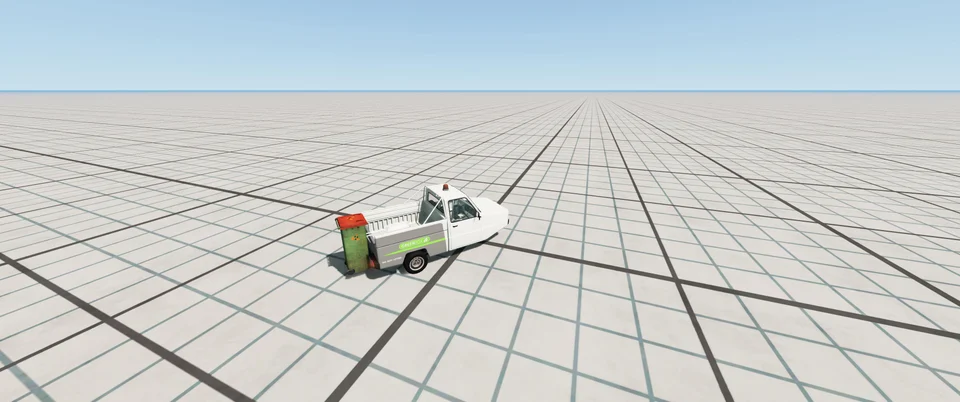
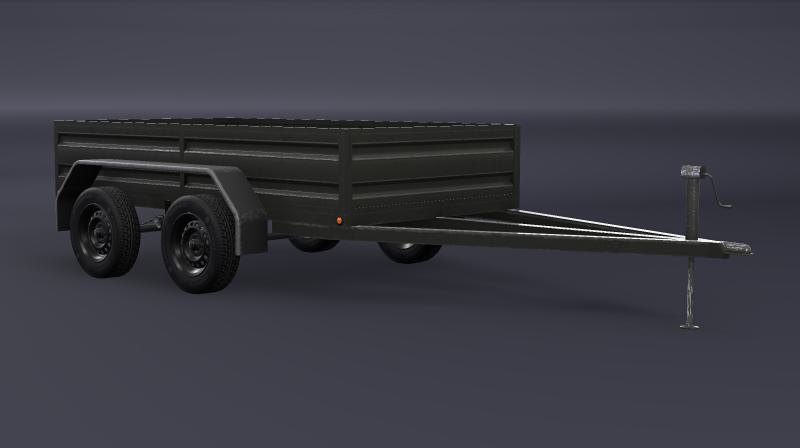
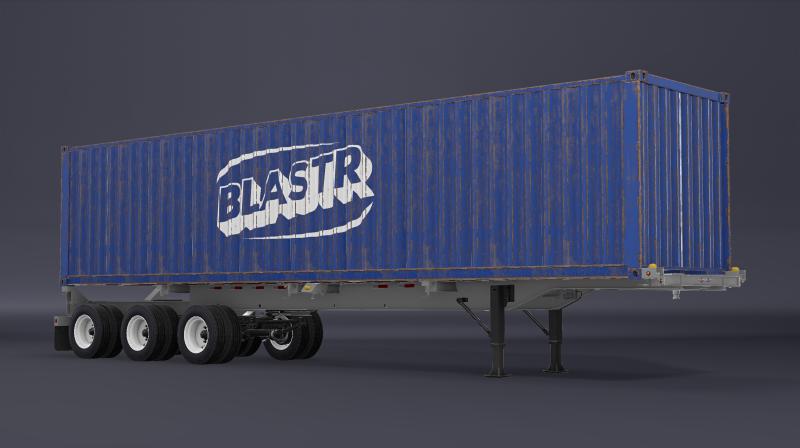
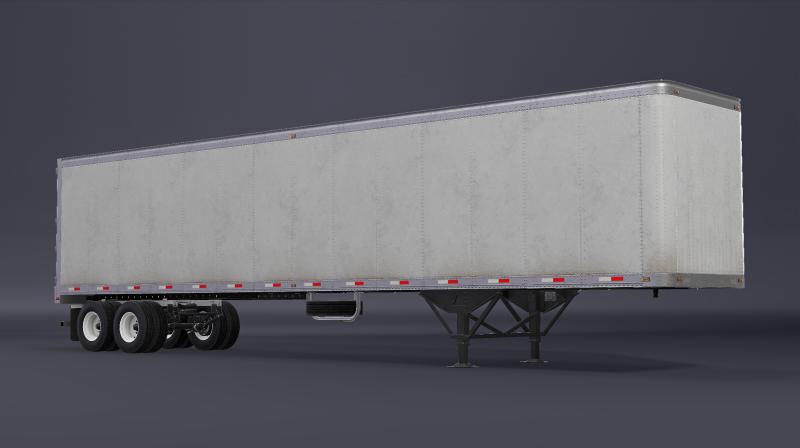
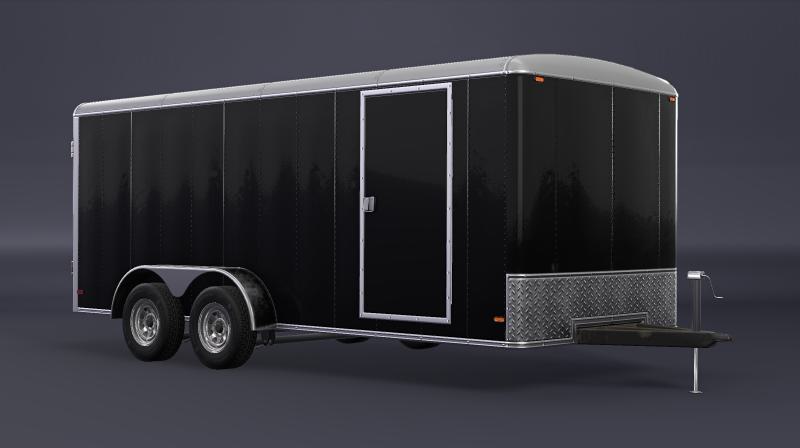
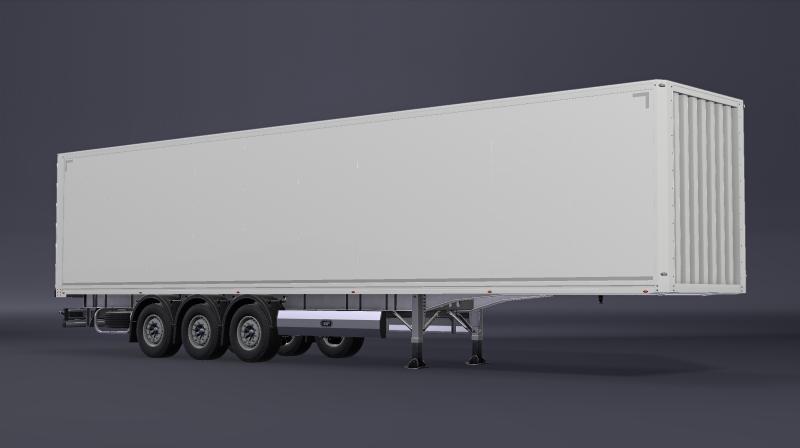
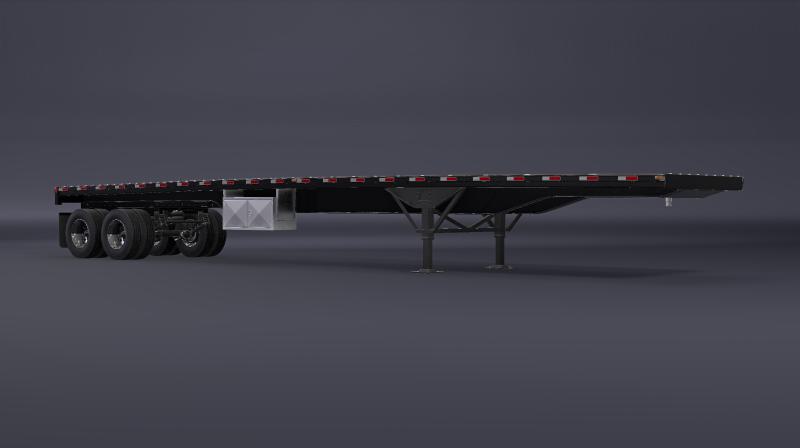
Trailers in BeamNG.drive are towable vehicles for carrying cargo, moving other vehicles, hauling logs and liquids, and building longer tractor-trailer combinations. In freeroam on PC, couplers are activated with L by default, and only couplers with matching colors will attach. The range runs from small utility trailers to large containers, tankers and modular European truck trailers. The Trailer Dolly, along with some container and log setups, can connect additional trailers behind a tractor.
BeamNG Controls
| Action | Desktop |
|---|---|
| Throttle | Up arrow |
| Brake | Down arrow |
| Steer | Left and right arrows |
| Temporary parking brake | Space |
| Parking brake | P |
| Clutch | Left Shift |
| Shift up | X |
| Shift down | Z |
| Gearbox mode | Q |
| Engine starter | V |
| Horn | H |
| Headlights | N |
BeamNG gameplay tips
Open the First Drive tutorial before anything else. It covers vehicle recovery, assists, spawning, customization, the radial menu, the map view, challenges and environment controls. Going through it first means you'll know where these tools are before you need them. It replaced the older Freeroam Tutorial, so it's the one to look for.
Test a setup repeatedly in Free Roam. Free Roam doesn't hand you a task, so you can repeat the same drive as often as you like after each change. Open the Environment menu to change the time of day, weather or gravity, and watch how the car copes when conditions shift.
Start Scenarios on the simplest difficulty. Find them through the BeamNG.drive icon in the corner of the map, where they're sorted by difficulty. The easy missions give you time to get used to the car's controls before the harder ones demand precise driving.
Keep the same vehicle, environment and route for each Time Trial attempt. The game records a personal best for each combination of vehicle, environment and route, so changing any one of them makes your times hard to compare.
Make setup changes in Garage mode before you return to the map. Garage lets you inspect your vehicle, swap parts, tune the installed components and paint it. Suspension, wheels and engines all change how a car behaves, so you can take each change out on the road and feel what it does.
Start a split-screen session with friends. Version 0.40 added local split-screen, with up to 4 players on PS5 and up to 64 on PC. Pick one of seven modes (Race, Drag Race, Pursuit, Derby, Drift, Rock Crawling or Soccer), since split-screen puts everyone on one screen and works well with people in the room.