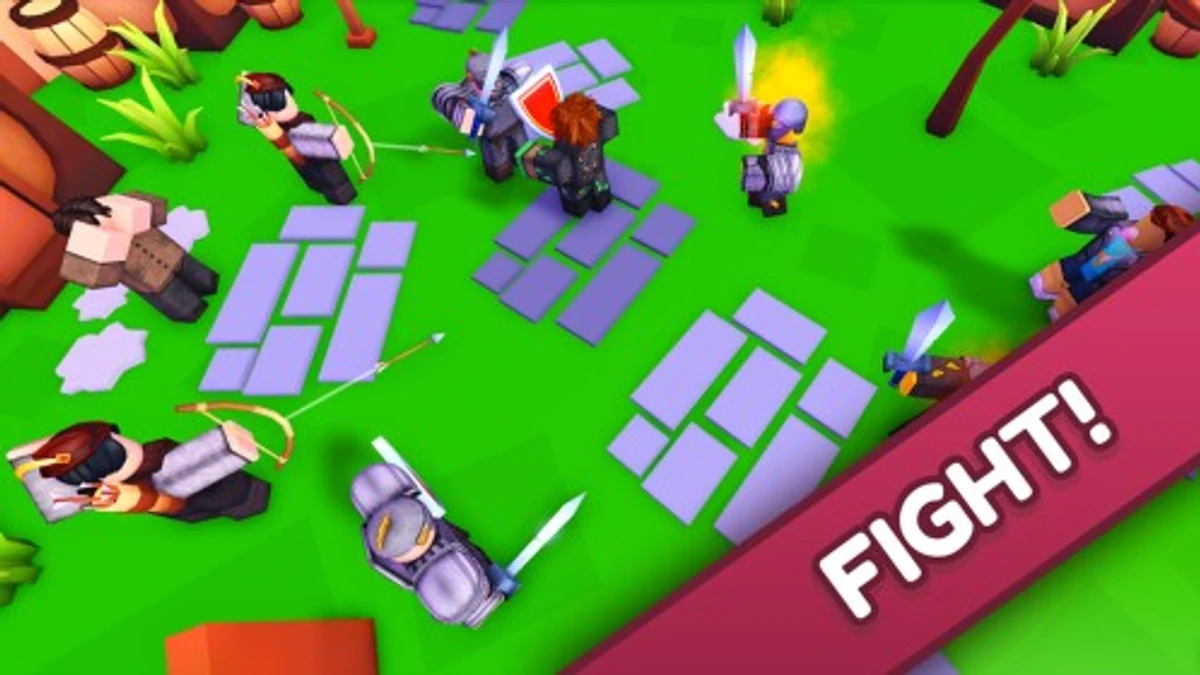
Text a Friend is a game where you send texts to earn Messages and battle other players to get Wins. Starting with a basic phone, you click to send texts, upgrade phones, and unlock new worlds. Text a Friend codes give you extra Wins and Messages to speed up your progress. Using these codes helps you get rare pets, cool trails, and rebirth bonuses faster, making battles and upgrades smoother.
Checked and verified on September 22, 2026 (Today)
RELEASEThis code gives you 50 Wins.
250LikesThis code gives you 500 Texts and 200 Wins.
How to Redeem Text a Friend Codes
There are no special requirements to redeem codes. Just follow these steps to claim your rewards.
- Launch Text a Friend on Roblox.
- Click the YouTube button on the right side of the screen.
- Enter a valid code in the Enter Code box.
- Click Redeem to get your free Wins or Messages.
For more adventure fun, check out these genre-similar codes for Swimming Simulator, SUPER PUNCH SIMULATOR, and Catch a Monster.
These codes are expired and no longer work.
Why Codes Might Not Work
Codes may not work if they are expired or typed incorrectly. Many codes are case-sensitive, so copying and pasting is best. Redeem codes quickly because they often have limited time availability.
What Rewards You Normally Get?
Codes in Text a Friend mainly grant Wins and Messages, which are essential for battling and upgrading.
| Reward Type | Description |
|---|---|
| Wins | Points earned by winning texting battles, used to buy pets, trails, and rebirths. |
| Messages | Currency earned by clicking texts, used to upgrade phones and increase text output. |
These rewards directly impact your ability to challenge opponents and unlock better gear and worlds.
Where to Find New Text a Friend Codes
New codes for Text a Friend usually drop on the developer OnlyCakeyy’s YouTube channel and official X (Twitter) account @DevCakeyy. The developer’s Discord server has a #codes channel where updates appear regularly. You can also check the game’s Roblox page description for active codes. Developer socials are listed below the game.
We keep track of these sources and update this page as soon as new codes drop. Bookmark this page or follow our channels to get the codes right away.