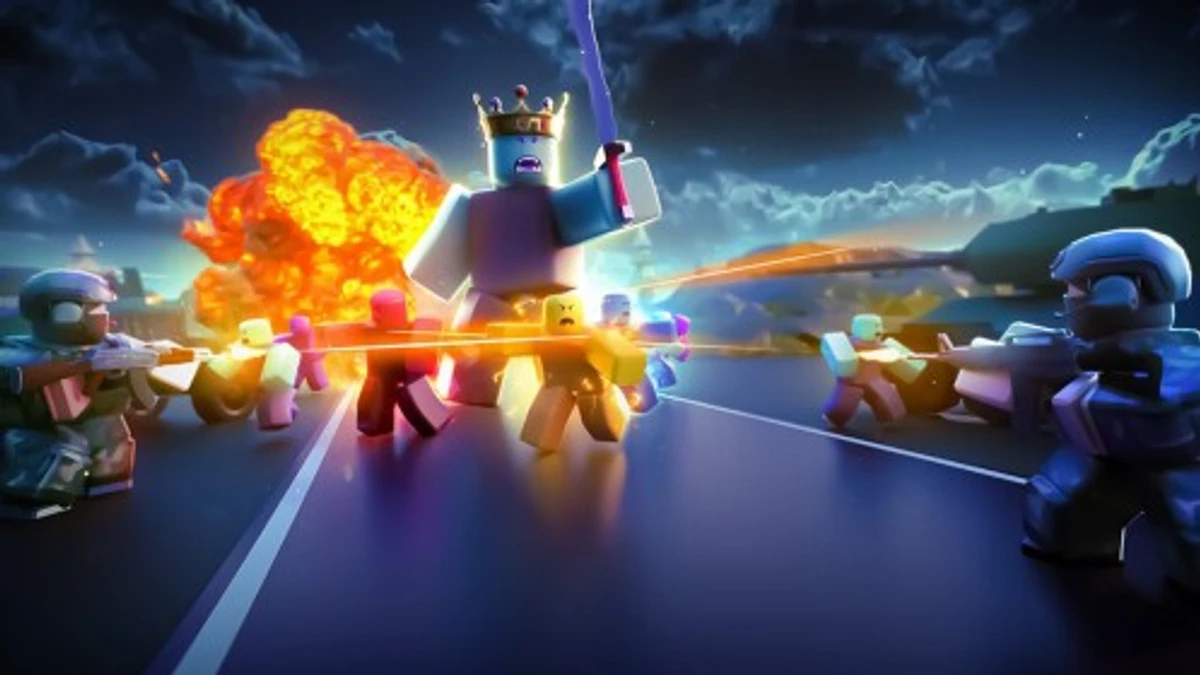
Puppet is a survival horror game where you escape terrifying puppets while uncovering a dark story. Puppet codes give you free Coins that help you get better gear and survive longer. These codes are case sensitive, so typing them exactly is key. Using them can give you a quick boost in Coins, which is handy when facing the game’s tough chapters.
Checked and verified on October 11, 2026 (Today)
INFECTEDThis code gives you 200 Coins.
puppetThis code gives you 100 Coins.
ErickThis code gives you 50 Coins.
How to Redeem Puppet Codes
There are no special requirements to redeem codes in Puppet. Just follow these simple steps to get your free Coins.
- Launch Puppet from Roblox.
- At the main menu, look for the Twitter icon at the bottom right.
- Click the Twitter icon to open the code input box.
- Type your code exactly as it appears, paying attention to uppercase and lowercase letters.
- Press Redeem to claim your Coins immediately.
If you’re into tense survival gameplay, check out these genre-similar picks: Nightmares codes, Nanny codes, and Murder Mystery X codes.
Why Codes Might Not Work
Codes in Puppet might not work if you do not enter them exactly as shown because they are case sensitive. Double-check capitalization and spelling before redeeming.
What Rewards You Normally Get?
Redeeming codes in Puppet mainly gives you Coins, which are the in-game currency. These Coins let you buy weapons, traps, and other items that improve your chances of survival against the puppets.
| Reward Type | Description |
|---|---|
| Coins | The main currency used to purchase weapons, traps, and upgrades essential for progressing through chapters and surviving enemy attacks. |
Where to Find New Puppet Codes
New Puppet codes are usually shared by the developer on their official Discord server, especially in the #announcements or #codes channels. Codes appear occasionally, often around updates or events. Keep an eye on the developer’s socials listed below for the latest drops.
We keep track of these sources and update this page as soon as new codes drop. Bookmark this page or follow our channels to get the codes right away.