In Paint to Get Rich, a finished canvas only starts the money-making loop. You still need to put it on a display stand, handle a collector's offer, and spend the Cash on your studio. This guide walks through the first sale, PC controls, early upgrades, the auction house, and the Prestige reset so you know what to do next.
How the Paint to Get Rich money loop works
Paint to Get Rich is a Roblox tycoon-style experience built around turning artwork into studio progress. A finished canvas enters the buyer flow only after you place it on a display stand. When a collector or prospective buyer makes an offer, a successful sale gives you Cash to spend on the next available studio upgrade. That expansion can attract more buyers and lead to better offers.
Paint to Get Rich controls for PC
The control list below covers keyboard and mouse play on PC. It does not establish a mobile, tablet, or console layout.
| Action | PC input |
|---|---|
| Move | W, A, S, D |
| Jump | Spacebar |
| Interact | E |
| Select the tool or paint | Left Mouse Button while interacting with a canvas |
Use E when the game requires an interaction, then use the left mouse button for the canvas painting input.
How to paint and sell your first artwork in Paint to Get Rich
Once you are ready to turn a canvas into Cash, follow this sequence.
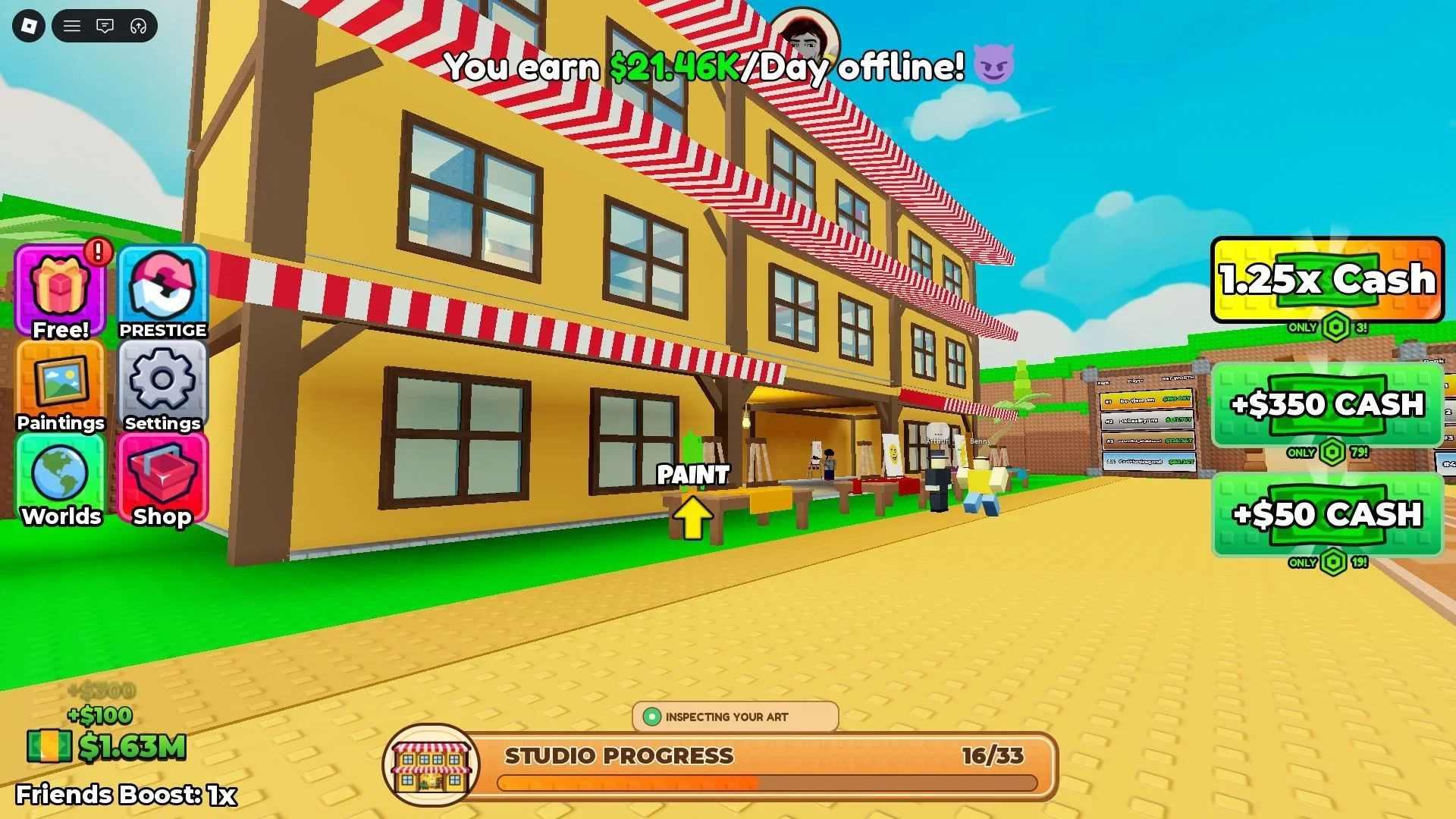
- Go to an available canvas in your studio and interact with it. On PC, use E to interact and the Left Mouse Button to select the painting tool or paint while you are using the canvas.
- Finish the painting. The game gives the completed work an appraisal grade.
- Place the finished painting on a display stand in the studio.
- Wait for a collector or prospective buyer to make an offer.
- Compare the offer with the appraisal, then negotiate, sell, or decline. A successful deal awards Cash.
What to buy first with Cash in your Paint to Get Rich studio
After a successful sale, check the green purchase buttons around your studio. Each button costs Cash and unlocks the feature named on it, such as another artist, a wall, a ceiling, or another studio improvement.
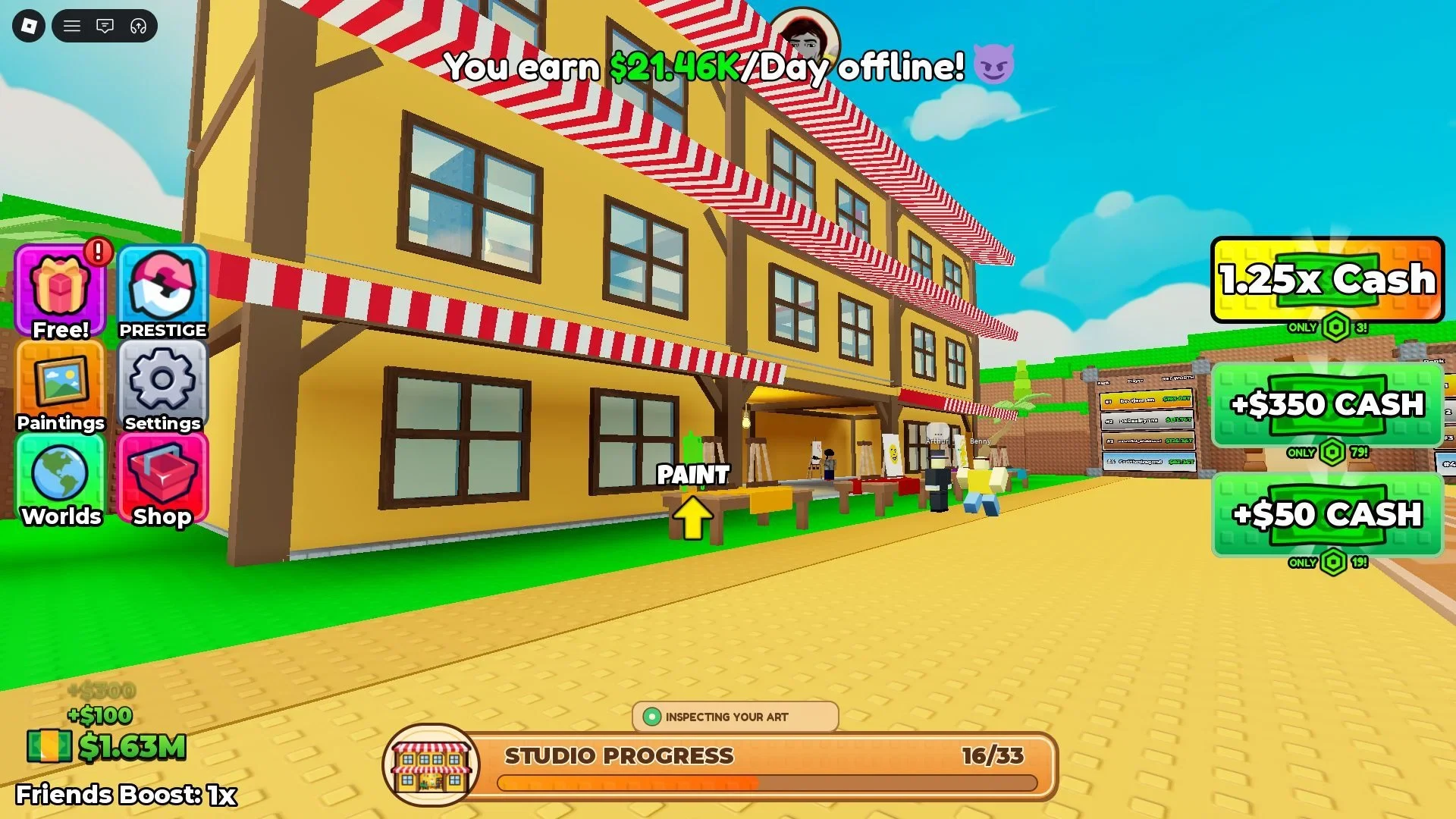
There are 33 upgrades in the full studio path, and the route can cost several million Cash in total. Use the Cash cost shown on each green button and buy the next affordable progression upgrade instead of saving for an unlisted target.
Expansion affects the income loop. A larger studio can attract more buyers and lead to better offers, so early Cash usually has more value in an available upgrade than in waiting for a fixed target.
How Paint to Get Rich grades, offers, and the auction house work
A finished painting receives an appraisal grade that helps you judge whether a buyer's offer is fair. Use the appraisal shown for that painting as your reference, then decide whether to negotiate, sell, or decline.
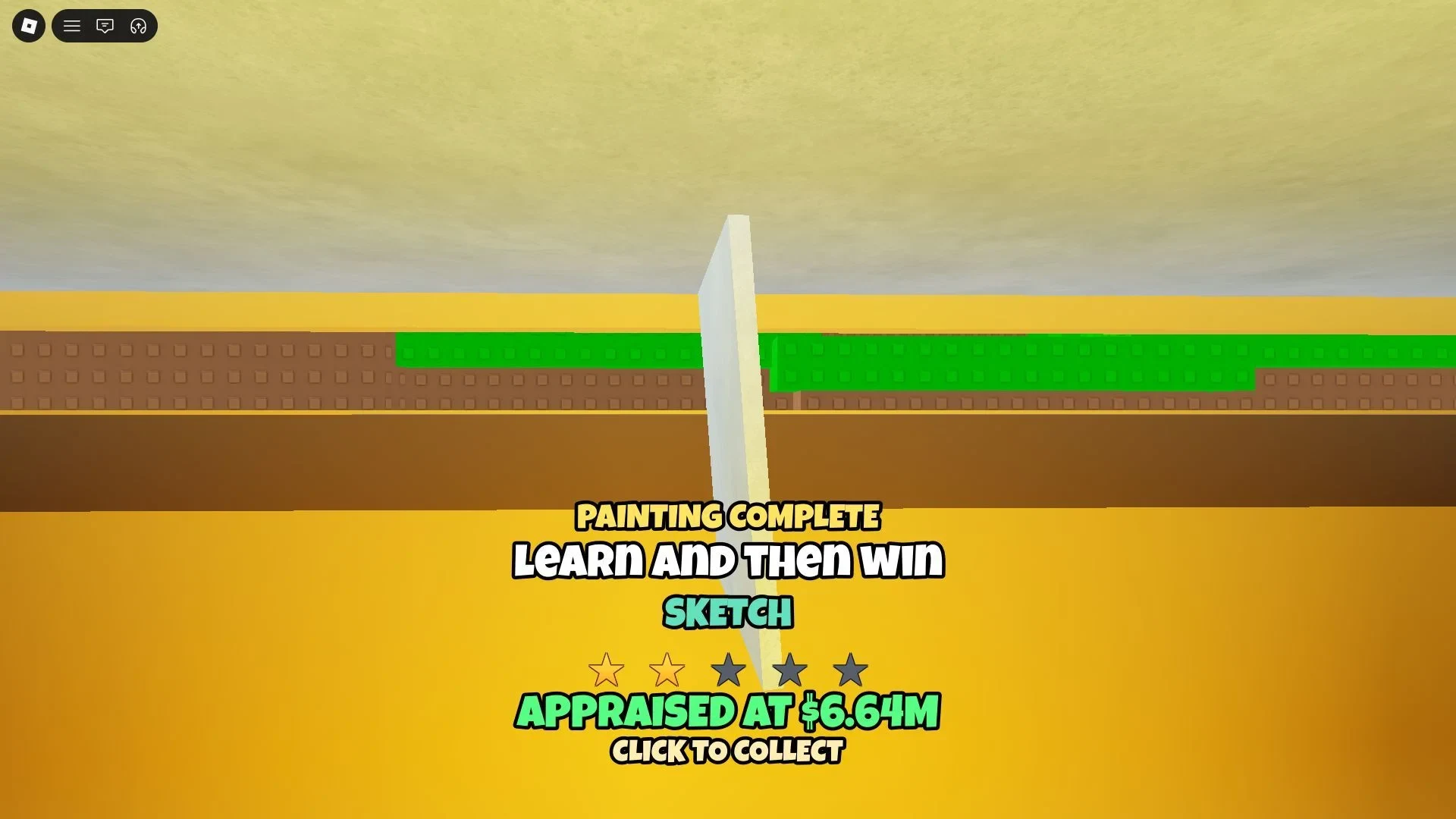
The grade formula is not confirmed. Do not assume that a particular number of brush strokes or a more complex drawing guarantees a specific result. The useful information is the grade and appraisal the game shows you when the canvas is complete.
After sufficient studio expansion, an auction house becomes available on the third floor. The auction can offer a much higher value than a normal buyer sale, but you can access it only once every five minutes. Save your highest-rated paintings for the auction rather than using it on every canvas.
What Prestige resets and how Worlds unlock in Paint to Get Rich
Prestige is Paint to Get Rich's Rebirth-style reset. Before confirming it, open the live Prestige panel and check its required Cash, paintings-sold, and Star totals. The exact totals are shown in the game, so use the panel rather than a fixed number from a guide.
A confirmed Prestige removes the progress from your current run:
- Studio upgrades are reset.
- Your Cash earnings are removed.
- The paintings you made are removed.
Prestige unlocks additional Worlds, while the live Prestige panel supplies the Cash, paintings-sold, and Star requirements. It also grants a permanent Cash bonus, so treat the confirmation as a real reset rather than a temporary menu toggle.
Artist Alley is a World where you build a studio. The Museum is a World where you buy upgrades to create a museum, and the official listing labels it "W2 / The Museum." Both extend the same basic idea of making artwork or buying progress, then building out a larger destination.
Before you confirm Prestige, make sure the permanent Cash bonus and access to another World justify losing the current run.