Merge a Mini Army is a Roblox merge-and-conquer sim from My HQ!. Units auto-spawn at your base, you stack matching troops into stronger ones, and your army earns Cash every second (including offline). Spend that Cash on base upgrades, then send troops out to capture map camps for more income.
Servers stay small (up to 6 players on the Roblox listing). Live traffic for this experience sits on the Merge a Mini Army stats page. Easy name mix-up: Merge Your Army codes belong to a different title with different systems.
First-session order: merge at base, buy Spawn Tier, capture and hold camps, then rebirth when the Index says you are ready.
Merge units at your base first
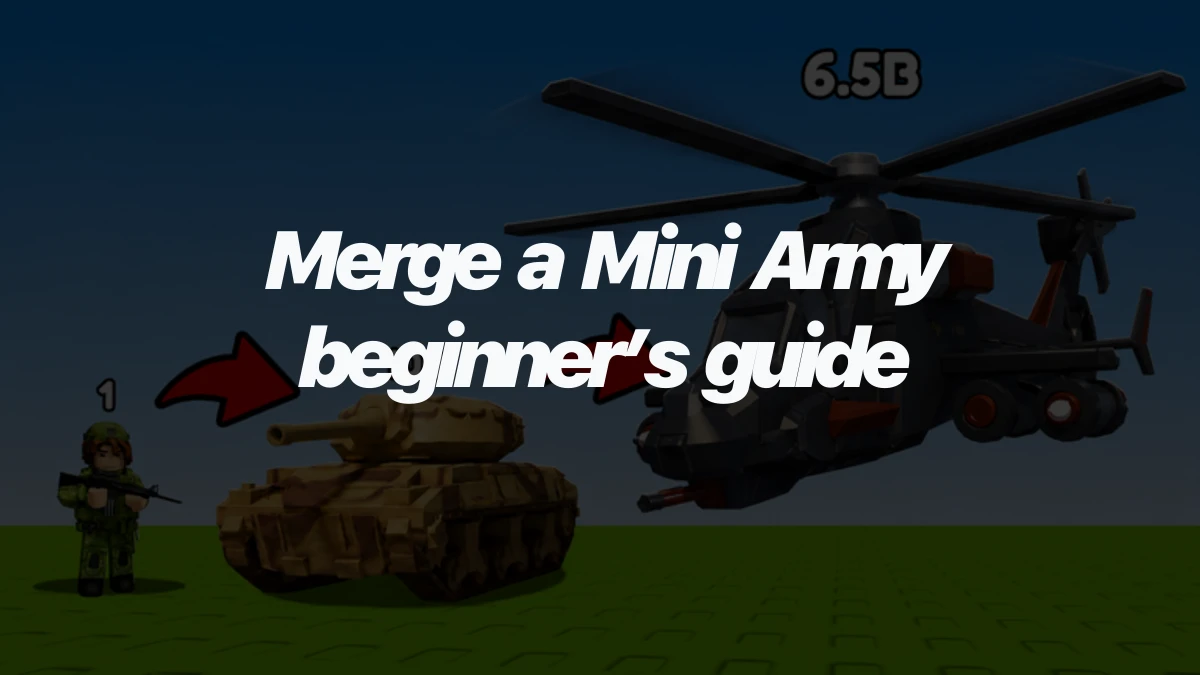
Troops appear on your base pad on their own. Pick up a unit and drop it on an identical one. That merge creates a higher-tier troop with more health, more damage, and higher Cash per second.
Stronger merges are both combat power and passive income. New discoveries register in your Index, which later gates Rebirth. You do not need a full roster memorized. Keep matching pairs and watch Cash/sec climb.
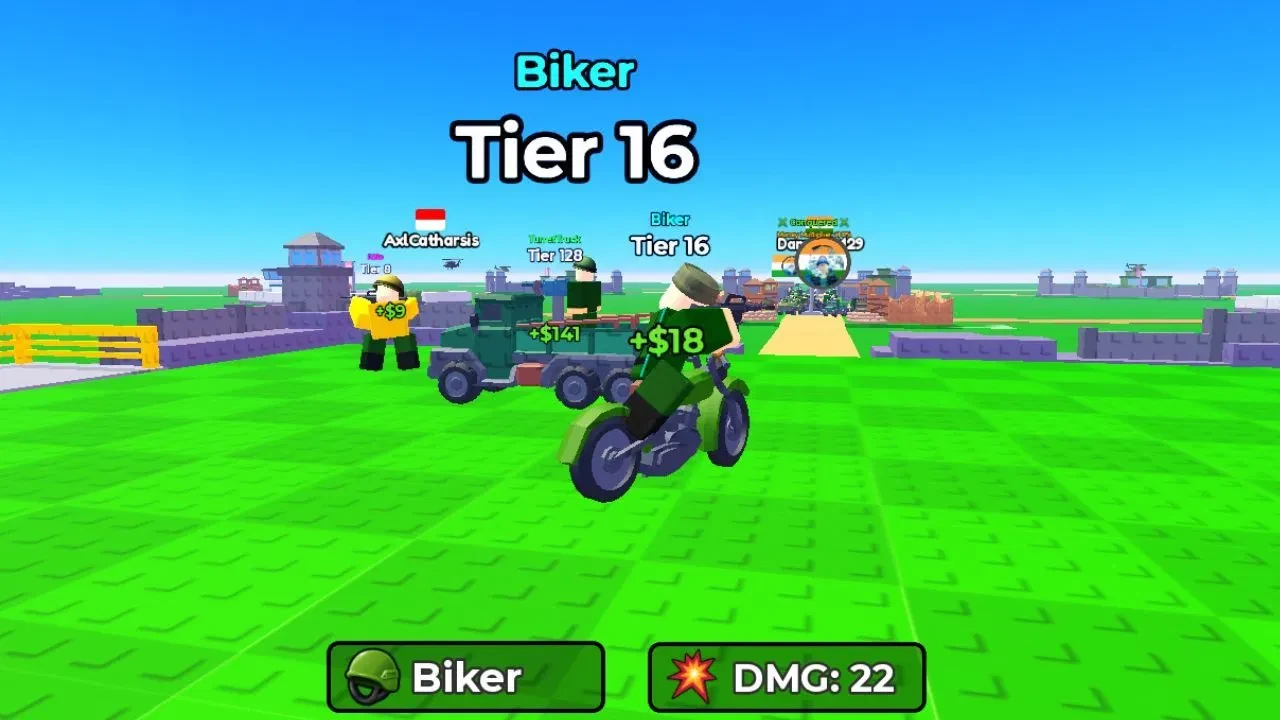
Starter troops are Pistol units. Two Pistols merge into SMG. From there the ladder keeps doubling: two of the same tier become the next. A later example is two Tier 32 units into Tier 64. Vehicles, tanks, and air units show up further up the Index as you keep combining.
On PC, click to pick a unit up, then drop it on its twin. On touch, use the same grab-and-stack idea with the on-screen controls.
Spend Cash on Spawn Tier before anything else
Cash from your army funds three early upgrades. Buy Spawn Tier first so auto-spawns start higher and merges scale faster. Each purchase raises the next Cash cost, so fix the real jam after Spawn Tier is healthy.
- Spawn Tier raises the quality of units that appear at base. Keep this first until it is no longer the clear bottleneck.
- Max Deployed is how many units can leave base for fights. Buy it when captures stall because too few troops hit the camp.
- Base Capacity is how many units can sit on your pad. Buy it when the base is full and new spawns or merges have no room.
After Spawn Tier is rolling, capacity wins when you are packed in. Deploy wins when fights need more bodies. Spreading Cash evenly across all three usually feels busy and loses time.
Your army keeps earning Cash offline. Leave a strong setup before you log out so you come back with spend money, not an empty pocket. Paid quality-of-life options (auto-merge style helpers and cash packs) appear in the shop for Robux. You do not need them to learn the loop.
Capture camps for Cash, then hold them
Map income comes from camps, not from raiding homes. Deploy your army, walk into a territory, and hold Interact (on PC that is E) so your units fight for the point. Holding a camp raises Cash while you own it. Rivals can steal it, so re-send troops when the flag flips.
Common early territory types:
- Garrison
- Army compound
- Airbase / airfield
Stronger center objectives (HQ-style points) show up as you push the map. Clear nearby garrisons first when you are still on weak tiers, then step into compounds and airfields with more deployed power.
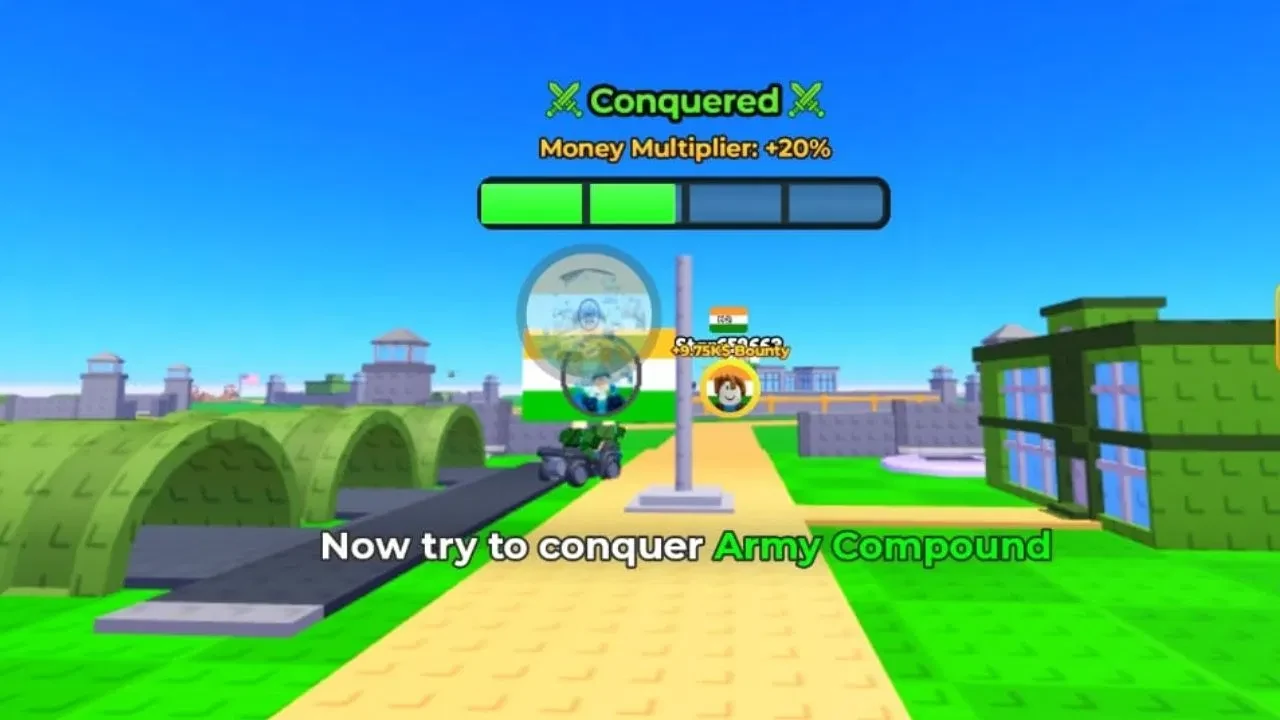
You cannot attack another player’s home base. Only map territories are fair game. That keeps the fight on the flags, not door-camping bases.
Rebirth unlocks after enough Index progress. One common report puts the first rebirth after the 22nd troop in the Index (confirm the live menu before you commit). Rebirth resets your units and Cash, then raises your Cash multiplier and opens more troops. Press it when natural progress stalls and the requirements light up, not as your first click of the session.
Short PC keys if you need them: WASD move, Space jump, merge by click-and-drop, E interact, I / O zoom. Mobile and console use the same actions with their own buttons.
For freebies and update notes, join the creator group My HQ! on Roblox. Skip random chat strings sold as “codes.”