The fastest way to build credits in MSFS 2024 Career Mode is to treat every job as a business decision rather than a paycheck. Start in Employee Mode, where the employer supplies the plane and covers its running costs, then move into a Cargo Transport - Light company once you can afford to run one. From there, judge each job by what it leaves you per hour after costs, and fly every mission to the end so you don't lose money to skipped phases.
| Specialization | Level | Certification needed | Other requirements |
|---|---|---|---|
| Flightseeing | 5 | Commercial Pilot License - Airplane | None |
| Cargo Transport - Light | 10 | Commercial Pilot License - Airplane | 7 airplane missions scored C or above, and 5 airplane landings with smoothness above 50% |
| Cargo Transport - Medium | 25 | Turboprop Engine Rating and Instrument Rating | 5 cargo airplane missions and 10 flights with full ATC procedures |
Each row is a specialization you unlock by flying. Flightseeing opens early because it only asks for Level 5 and your commercial license. Cargo Transport - Light is the first row that adds scoring targets, so clean, smooth landings from your early missions count toward it.
Start in Employee Mode to Learn the Work Without Risking Your Plane
Your first flights are employee jobs in aircraft owned by other companies. You don't pay for fuel, insurance, maintenance or repairs on those planes, so a rough landing can't drain your account. The catch is the cut: the employer keeps almost 95% of each mission's credits, so the money you take home is small.
Treat Employee Mode as training and unlock time rather than your main income. It's where you meet specialization objectives, build reputation and start a small cash reserve without putting your own aircraft at risk. Once you own a plane, freelancer missions open up, and that's where your own earnings start.
Why Cargo Transport - Light Is the Best First Company
Cargo Transport - Light is the best first company for most pilots. Its early jobs can be flown in familiar piston singles, so you don't need an expensive specialist aircraft to start. Light cargo generally pays a stronger return than short sightseeing circuits, and it leads naturally to larger aircraft and more valuable work as your qualifications and balance grow.
Cargo is also forgiving. It doesn't score passenger comfort, so a firm landing or a bumpy stretch won't hurt your standing as long as the load arrives intact and on time. The trade-off is that cargo flights tend to be longer, which means more time exposed to weather, navigation mistakes and wear on the aircraft.
Flightseeing makes sense in two situations: when you want short local flights that fit into brief sessions, or when Light Cargo isn't unlocked yet. Its missions keep you near your departure airport, but the long-term earning ceiling is lower. An unlocked company isn't automatically an affordable one, so don't open Flightseeing just because it's available first.
Save Enough to Run Your First Company Without Going Broke
A company needs more than its own fee. Before you buy, you need the Light specialization, Level 10, a Commercial Pilot License, and enough credits for the company, an eligible aircraft and a repair reserve. If the purchase would leave your balance close to zero, wait, because a company with no cushion can't survive a bad week.
Career Mode has no standard bank loan, and you can't lease a plane. You either buy an aircraft outright or fly one you don't own in Employee Mode, so a purchase that drains your account leaves you with no fallback. Work through these points before you commit:
- Budget for the whole purchase. Count the company setup, the aircraft, insurance, fuel and any repairs the plane needs on day one.
- Match the aircraft to the work. Pick the smallest plane that can handle the contracts you plan to fly, since bigger aircraft cost more to buy and run.
- Keep a repair reserve. Hold enough to cover at least one significant defect or a poor landing without leaving the plane unusable.
- Check the mission map. Make sure suitable cargo jobs appear in an area you can operate from. Owning a company doesn't guarantee convenient work everywhere.
- Protect your discount. Your first aircraft purchase carries a one-time discount. Spending it on a Flightseeing company can make a later cargo fleet much more expensive.
Waiting costs you a few flights. Buying too early can cost you the whole company.
Rank Every Job by Net Credits Per Hour
The payout on the job board is where the math starts, not where it ends. Your final reward depends on distance, load or passenger count, conditions and how the flight goes, and every cost of flying comes out of that amount. A job with a large number can earn less than a modest one that's quick and cheap to fly.
Work out each job the same way:
- Estimate the reward, including the bonuses you're likely to earn for a clean flight in good conditions.
- Subtract the fuel the flight will burn.
- Subtract insurance, maintenance wear, and any damage or transfer costs you expect.
- Divide what's left by the total time the job takes, from start to finish.
Two lessons come out of this. Long jobs tie up your aircraft for hours, so one big payout often earns less per hour than two shorter jobs. Fuel also scales with the aircraft, since bigger engines burn more, so the smallest plane that can handle the load is usually the cheapest one to run.
Fly Every Phase Instead of Paying a Skip Cost
Since Sim Update 6, the Skip button comes with a Skip Cost, which the reward screen takes off your payout. The cost is worked out for each mission based on the flight phases you skipped inside it, such as the cruise or the approach. The game doesn't show an exact formula, so the reward screen is the number to go by.
Skipping rarely saves enough to justify the cost. If the cruise is dull, use sim rate, which speeds up the wait without costing you anything, and fly the whole mission. Then check the postflight breakdown to confirm what you were paid.
Turning down a job on the board isn't a skip. Turn a job down when the risk is real, not because the flight looks dull.
Sim Update 7 also closed one costly gap: a crash caused by an incorrect aircraft configuration after using Skip or Back on Track no longer costs reputation or adds repair wear. On rare occasions, the reward screen still shows a Skip Cost on a flight where you skipped nothing. If the line doesn't match what you did, compare it with your own flight before accepting it.
Protect Your Aircraft From Repair Bills
A crash or hard landing can cost more than the mission paid. A badly damaged aircraft can wipe out the profit from several successful missions, so one careless flight can undo a good week's work. Keep your flights within your skills and the aircraft's limits, and decline jobs you can't fly well, such as a short strip in a strong crosswind or a destination you can't reach through low cloud without instrument training.
Declining a job costs you one contract. A crash costs you the aircraft. Since Sim Update 6, aborting a mission that has gone wrong pays a partial amount based on your progress, so it's a better outcome than pushing on into a crash.
Maintenance is the other half of the cost. Scheduled service is predictable, so budget for it as a fixed expense. Putting it off saves a little today, but deferred work tends to lead to component failures and emergency repairs that cost far more than the service would have.
Insurance is mandatory once you own an aircraft. Cheap cover saves money each month but leaves you exposed to a single incident that could sink the company, while expensive cover eats into your margins. A middle tier is usually the sensible choice for a new company, and premiums can rise after incidents, so every avoided incident also keeps your costs down.
Build Reputation in One Category Before Branching Out
Reputation affects your income directly. Higher tiers add a percentage bonus to every payout in that category, and they unlock better-paying contracts that lower tiers never get offered. Reputation is tracked separately for each category, so spreading yourself thin slows your progress everywhere.
Build it with three habits:
- Finish every contract you accept, because failed missions hurt your standing badly.
- Fly clean, since performance scores feed into reputation gains.
- Avoid incidents and damage, even on missions you complete.
Pick one category, such as cargo, and push it as high as it will go before you branch out. Depth first, then breadth.
Use Crew Income to Earn While You Fly Other Jobs
Once you own more than one aircraft, you can earn while you're flying something else. Turn Crew on for the aircraft you aren't flying, then keep flying Career missions in another plane. If you only have one freelance aircraft, fly Employee Mode missions with Crew on, since those jobs count toward the same income.
Crew income builds from time spent flying those missions. Time in the menus, in free flight, in World Photographer or with the game turned off doesn't count, so only actual mission flying adds to it. Treat it as a bonus on top of a business that already makes money, not as the foundation of one.
Move Into Medium Cargo and Higher-Paying Work Later
Medium cargo and airline work can produce much bigger gross payouts than beginner jobs, but they need higher certifications and more expensive aircraft to match. Airline operations have the highest late-game ceiling, while cargo remains the more practical money path through the middle of your career. Move into them once the aircraft and ratings are affordable.
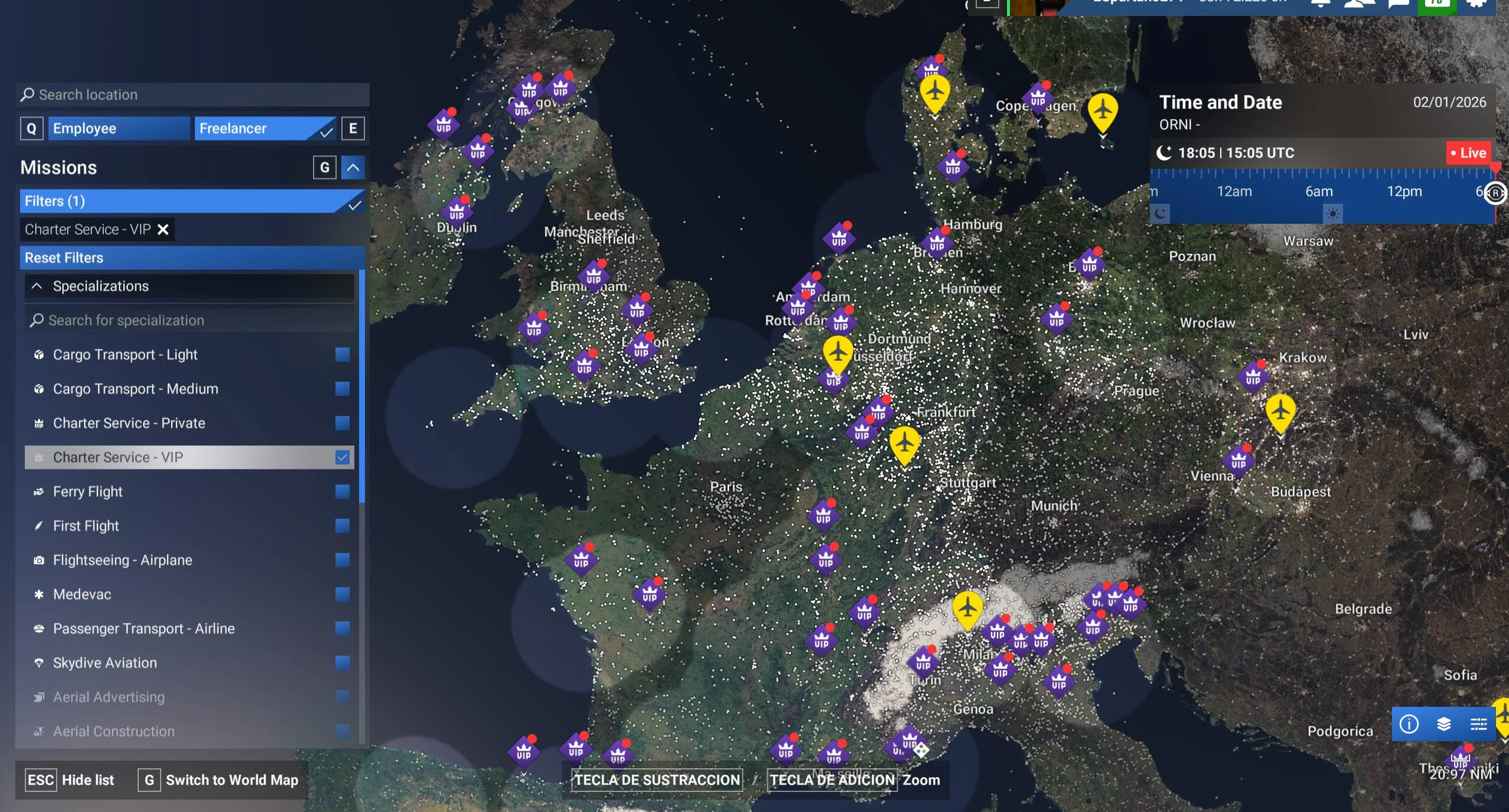
Charter, VIP and Medevac jobs pay well too, but they bring passenger comfort requirements, time pressure, specialist equipment and repair costs. A poor result can cost more than the job paid. Don't buy into one of those paths just for the listed payout. Wait until you can cover its costs and meet its performance demands.
Expand one step at a time, and only after the step you've already taken is paying for itself.