

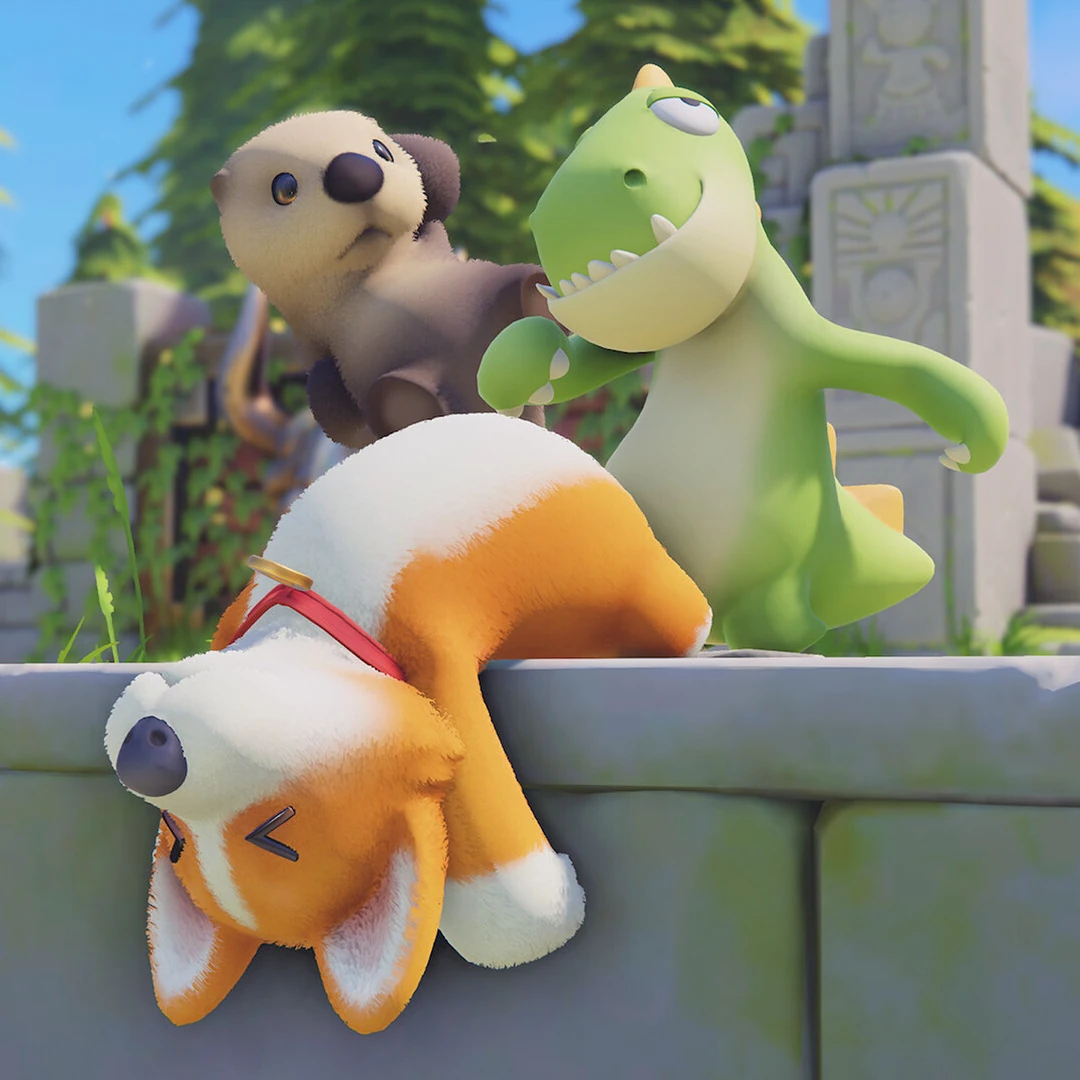
Party Animals is a multiplayer party game where you play as a floppy animal and take on other players. You can play on PC, Xbox One, Xbox Series X|S and PlayStation 5, and the game supports online matches as well as split-screen play for friends on the same couch.
Each session starts with picking an animal, since that is the character you control in every match. From there you join a Quick Match when you want to jump straight into a game with other players, or a custom game when you want to set your own rules. Once the round starts, you use the game's loose, wobbly physics to fight rivals or finish the arena's objective, and the goal depends on the format you're playing. Last Stand is a survival brawl, Team Score has each team working toward map-specific goals, Arcade gathers other minigame formats, and later additions include Nemo Kart races and Crisis, a mode built around hidden roles and meetings.
Playing matches earns account progression and currencies, and you spend those currencies on unlocks and cosmetics, like outfits that change how your animal looks. Seasonal Cabin updates add social spaces with activities such as fishing and an Aquarium. New maps and vehicles also keep arriving over time, so the game keeps growing as you play.
- Developer
- Recreate Games
- Publisher
- Source Technology
- Release
- Xbox One: 2023-09-20 · Windows PC: 2023-09-20 · PlayStation 5: 2025-01-23 · Xbox Series X|S: 2023-09-20
- Platforms
- Windows PC, Xbox One, Xbox Series X|S, PlayStation 5
Game data
Characters
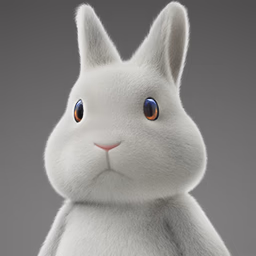
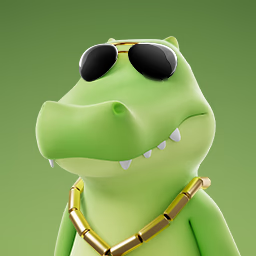
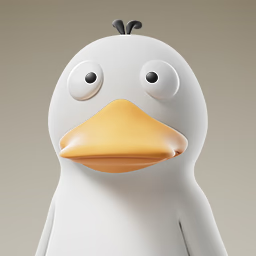
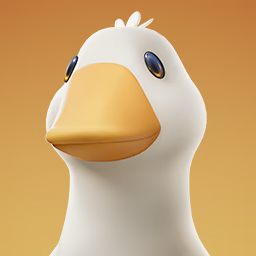
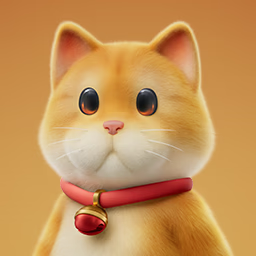
Party Animals characters are the animals players pick to play as, each with its own species and set of traits. The choice is mostly about looks, since characters don't change your stats. They come from starter picks, account levels, the Item Shop, past passes, events, creator codes and crossover guests, so there's more than one way to get them.

Maps
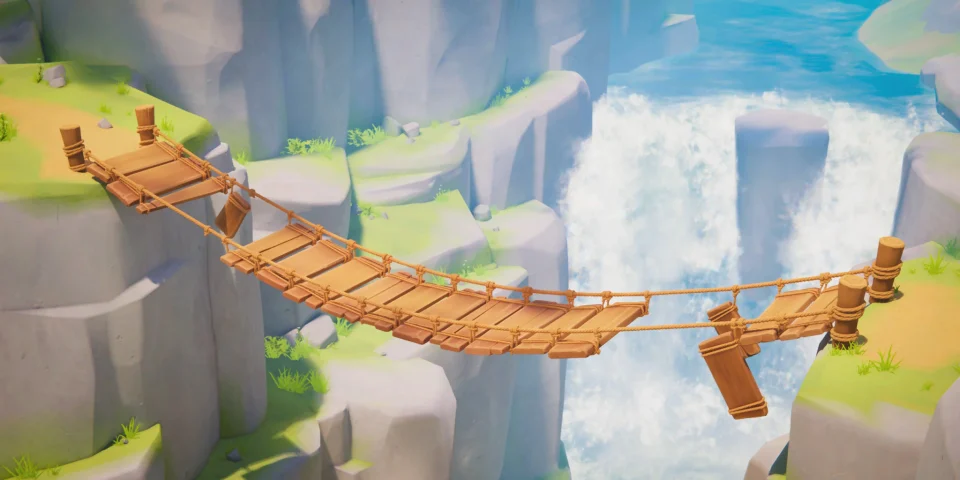
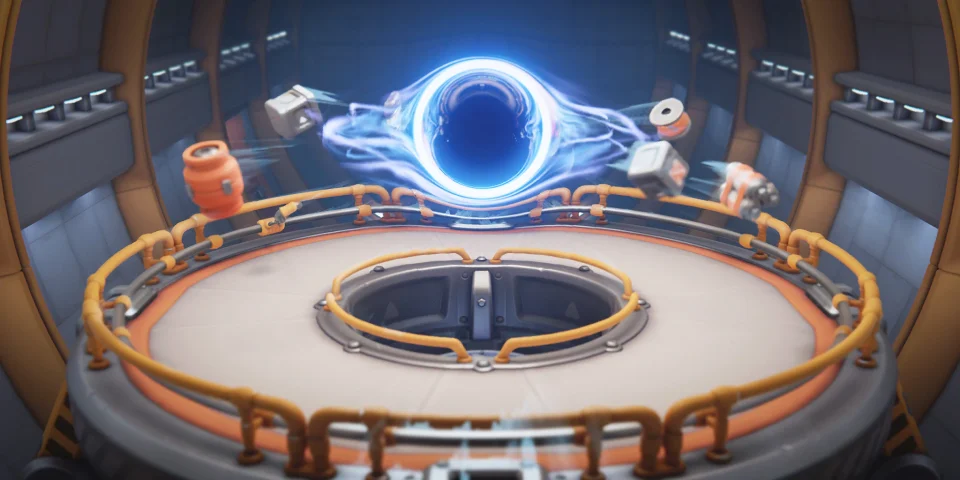
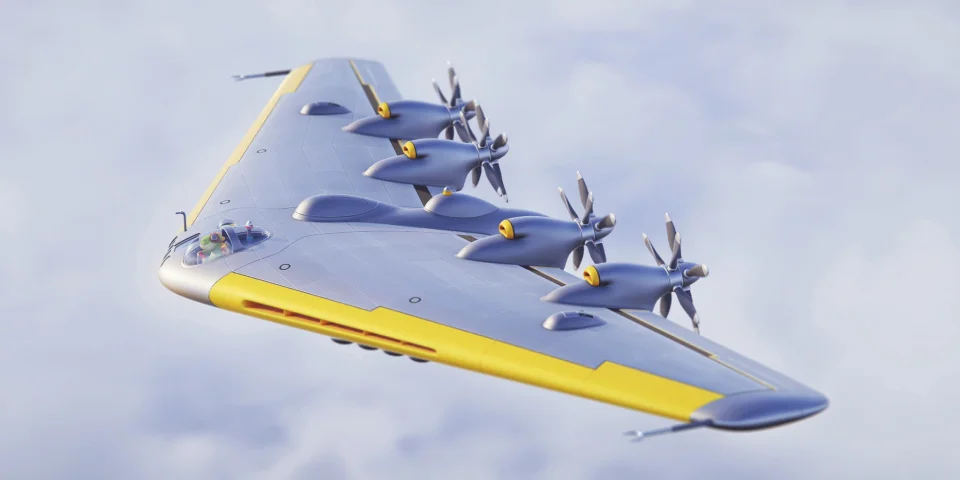
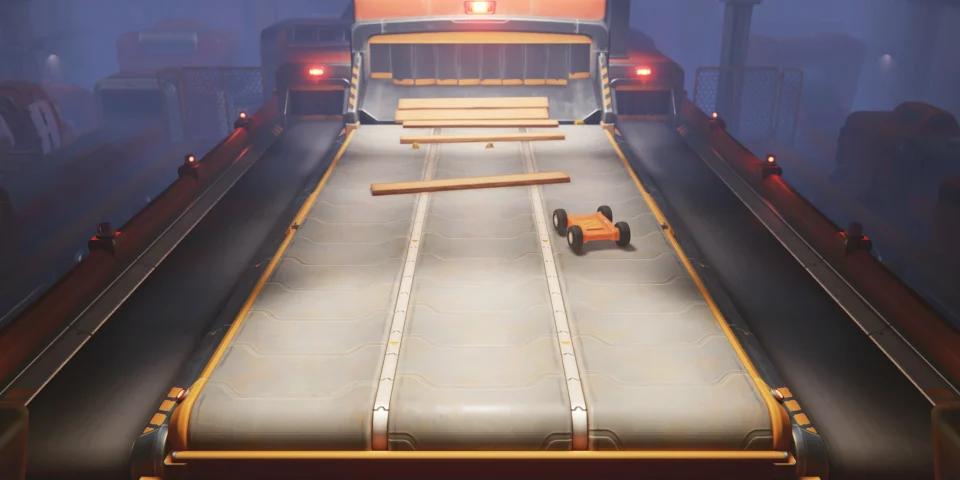
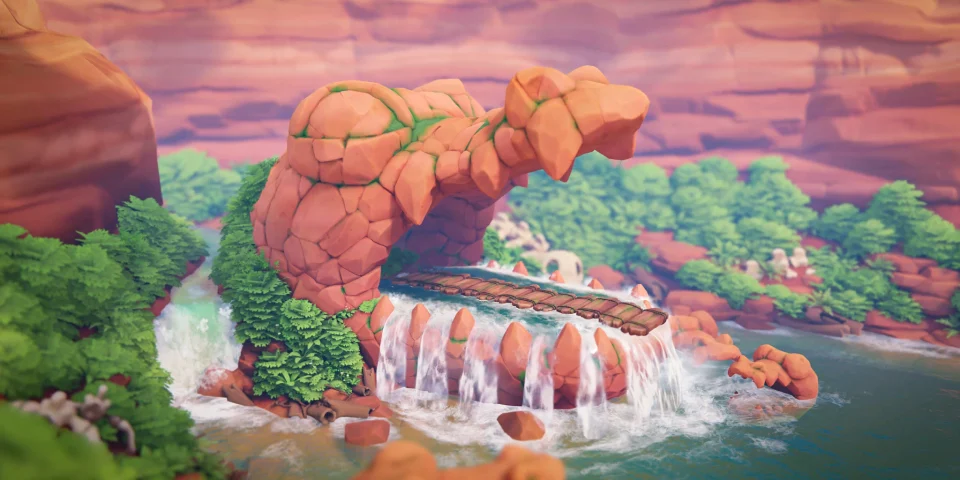
Party Animals maps are the arenas, race tracks and hangouts where each game mode takes place. They cover last-one-standing fights, team goal games, kart races, hidden-role Crisis and Infection matches, co-op Missions and cabin hubs. A single map can belong to more than one mode, so the same place may show up in different kinds of play.

Party Animals Controls
| Action | Desktop | Console |
|---|---|---|
| Move | W, A, S, D | Left stick |
| Sprint | Shift | LT (Xbox) |
| Jump | Space | Y (Xbox) |
| Punch | Left mouse button | X (Xbox) |
| Grab | Hold left mouse button | RT (Xbox) |
| Toss while grabbing | Right mouse button | X (Xbox) |
| Headbutt | Middle mouse button | B (Xbox) |
| Drop weapon | F | No control shown |
Party Animals gameplay tips
- Stay inside the temple on Ichiban. Green gas rises around the arena as the match goes on, and leaving the temple or staying in the gas too long knocks you out. Throw rivals into the gas instead, and if you get thrown off, climb the wall to get clear of it.
- Keep an eye on the ground on Beat-Up Bridge. The bridge breaks apart during play, so it's worth watching your footing as well as your rivals.
- Learn the goal before a Team Score match. Each map sets its own objective, so a plan that works on one may not work on another. Lollipop Factory is about collecting candy, Beast Soccer is a ball game, and Into The Game uses arcade machines and a score race. Knowing the goal early tells you where to focus.
- Use Vehicle Research and Kart Modification in Nemo Kart. Vehicle Research lets you research new vehicles, and Kart Modification lets you install new parts. Together they are how you build your own ride, so they're worth a look before your next race.