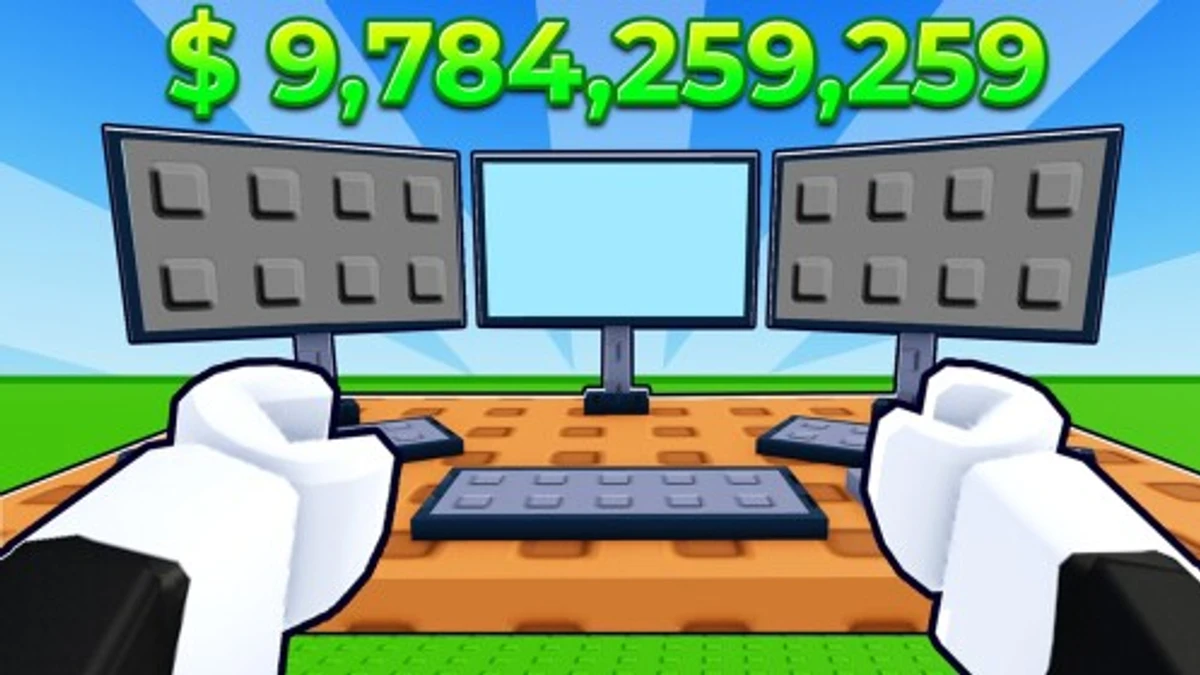
ROCKS is a chill Roblox game where you collect and stack rocks to earn money. You can upgrade your rocks, buy cool accessories, and even customize your pet rocks. Codes in ROCKS give you extra money or unique accessories to make your gameplay more fun and personalized. Using these codes smartly helps you get ahead without grinding too long.
Checked and verified on October 10, 2026 (Today)
veryhungryThis code gives you 10 Minute Potion Effect.
How to Redeem ROCKS Codes
There are no special requirements to redeem codes in ROCKS. Just follow these simple steps:
- Launch ROCKS on Roblox.
- Click the pencil icon on the right side of the screen.
- Type or paste your code into the text box.
- Press the checkmark button to claim your reward.
Make sure to enter the code exactly as it appears to avoid errors.
For more thrilling simulation fun, check out Rocket Wings Simulator codes and Rob the place codes, along with other genre-similar picks like Own Squid Game and Prove Mom Wrong codes and Paper Plane Simulator codes.
These codes are expired and no longer work.
Why Codes Might Not Work
Codes may fail if you enter them incorrectly. Always copy and paste to avoid typos and check capitalization. Codes can expire, so use them quickly after release.
What Rewards You Normally Get?
Redeeming codes in ROCKS usually grants you money or unique accessories that change how your character or pet rocks look. These rewards add personality and can boost your in-game progress.
| Reward Type | Description |
|---|---|
| Money | Adds cash to your balance, letting you buy upgrades and accessories faster. |
| Accessories | Special items like "I Heart Rocks" or "Skeptical Eyebrows" that customize your character or pet rocks. |
| Pet Accessories | Unique flair for your pet rocks, making them stand out during gameplay. |
Where to Find New ROCKS Codes
New ROCKS codes are usually shared by the developer Project: 1 on their official Discord server, especially in the #codes channel. The developer also posts updates on their X account @Project1Dev. Codes appear occasionally with game updates or special events. Developer socials are listed below for the latest info.
We keep track of these sources and update this page as soon as new codes drop. Bookmark this page or follow our channels to get the codes right away.