

Search Roblox Animations by name, creator, or Roblox ID. Every result includes a copy-ready Item ID or Bundle ID and a direct link to its official Roblox listing.
Animation packs change how your avatar moves. Walk, run, jump, fall, climb, swim, and idle all come from your equipped animations. It's the item type other players notice constantly without realizing why your avatar has personality.
Search the animation selection with search, price sorting, and creator filters. Most packs bundle a full movement set; individual animations can also be equipped per movement type.
Looking for triggered dances instead? Those are emotes, and there's a free animations pool too.
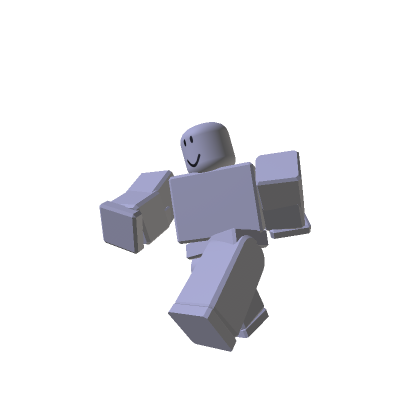
Oldschool Animation Pack
by RobloxVerified
Favorites
5,565,150
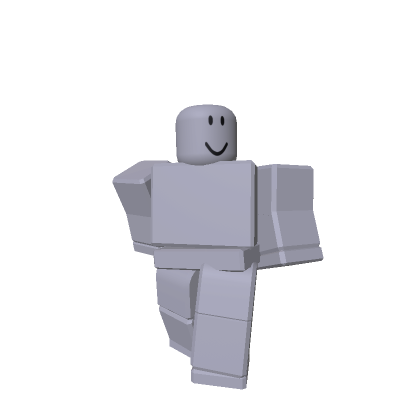
Stylish Animation Pack
by RobloxVerified
Favorites
3,596,989

Toy Animation Pack
by RobloxVerified
Favorites
2,988,553
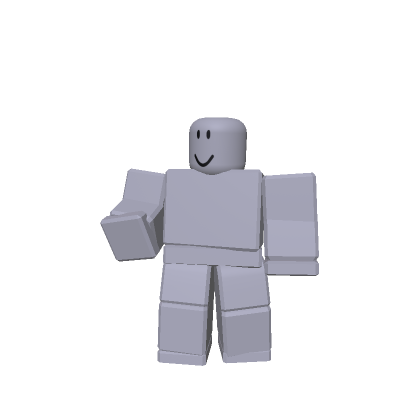
adidas Community Animation Pack
by adidasVerified
Favorites
2,834,377
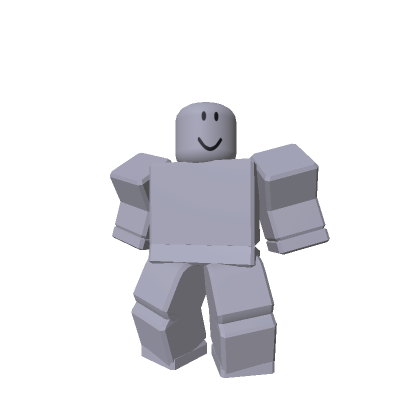
Robot Animation Pack
by RobloxVerified
Favorites
1,934,399
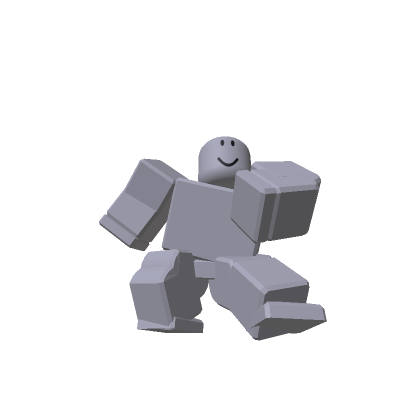
Ninja Animation Package
by RobloxVerified
Favorites
1,705,109
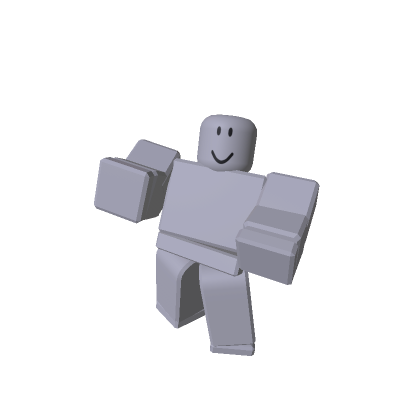
Cartoony Animation Package
by RobloxVerified
Favorites
1,648,874
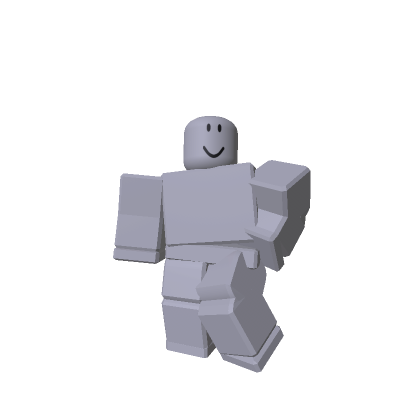
Bubbly Animation Package
by RobloxVerified
Favorites
1,613,618
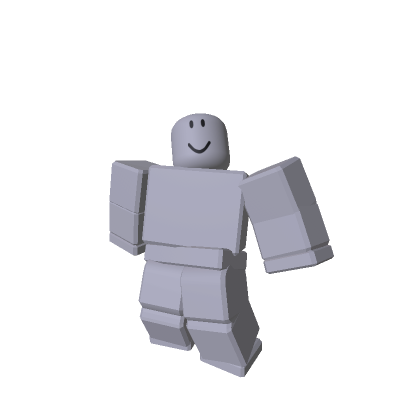
Zombie Animation Pack
by RobloxVerified
Favorites
1,337,570
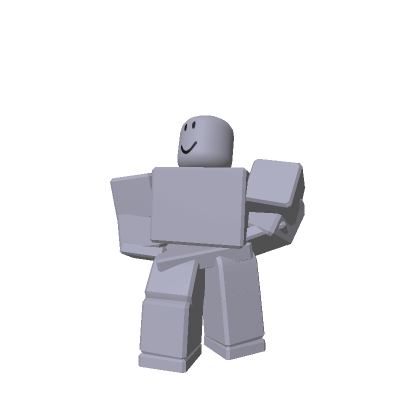
Bold Animation Pack by e.l.f.
by elfupVerified
Favorites
1,301,149
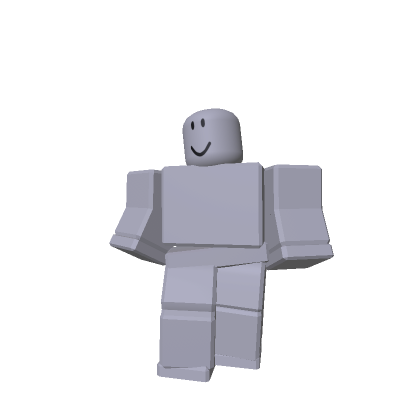
Wicked Popular Animation Pack
by Wicked Movie Official - Universal PicturesVerified
Favorites
1,300,996
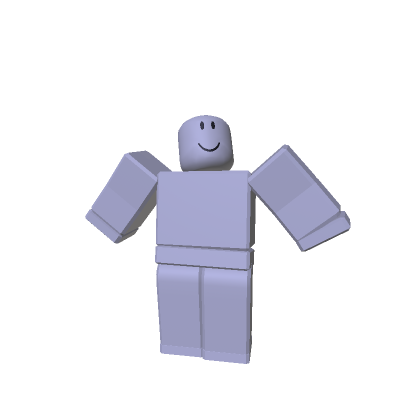
Mage Animation Package
by RobloxVerified
Favorites
1,273,544
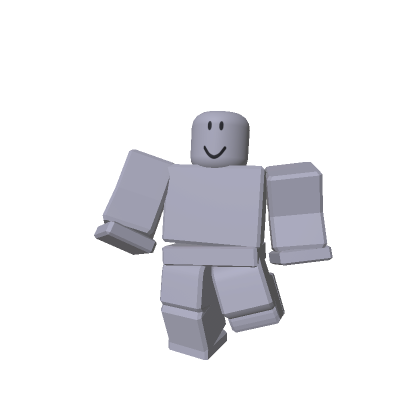
adidas Sports Animation Pack
by adidasVerified
Favorites
845,492

adidas aura animation pack
by adidasVerified
Favorites
644,919
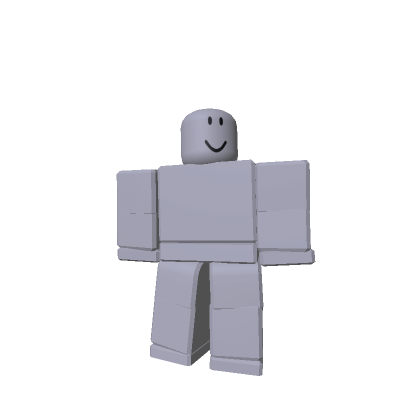
Rthro Animation Package
by RobloxVerified
Favorites
1,220,958
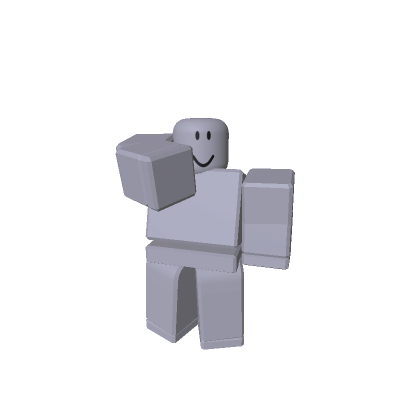
Vampire Animation Pack
by RobloxVerified
Favorites
623,623

Superhero Animation Pack
by RobloxVerified
Favorites
593,578

Elder Animation Package
by RobloxVerified
Favorites
587,573

Levitation Animation Pack
by RobloxVerified
Favorites
561,048
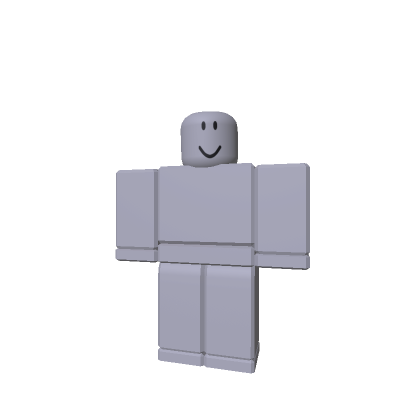
Astronaut Animation Pack
by RobloxVerified
Favorites
400,983
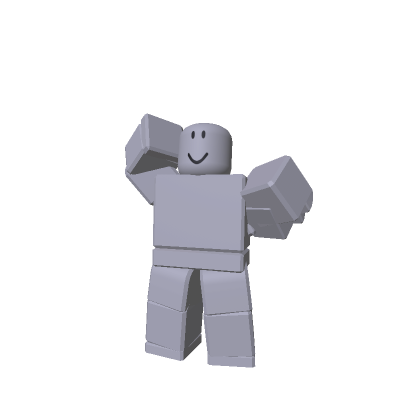
Catwalk Glam Animation Pack by e.l.f.
by elfupVerified
Favorites
375,439

Werewolf Animation Pack
by RobloxVerified
Favorites
327,566
No Boundaries Animation Pack by Walmart
by Walmart
Favorites
324,628
Glow Motion Animation Pack
by elfupVerified
Favorites
261,647
What animation packs change
Roblox avatars have default movements. An animation pack replaces them with a themed set:
- Walk and run: the big one; your gait is visible every second you move.
- Jump and fall: how you leave and return to the ground.
- Idle: what your avatar does standing still, often the most characterful part.
- Climb and swim: situational, but part of a complete pack.
Packs come as bundles (a hero set, a zombie shuffle, a confident strut), and after buying you can also mix: a walk from one pack, an idle from another.
Buying and equipping animations
- Open the pack's card to reach its Roblox page and press Buy or Get.
- In the Avatar Editor, open the animations section.
- Equip the whole pack, or set each movement type individually from packs you own.
One caveat: experiences can override animations with their own movement sets, so your pack shows in most games but not all.
Getting the right pack
- Idle sells the pack. Preview the idle animation first. You'll see it more than anything else.
- R15 only. Animation packs animate the modern R15 body; classic R6 avatars keep default movement.
- Mix packs you own. The per-movement equip menu is where distinctive combinations happen.
FAQ
What's the difference between an animation pack and an emote?
An animation pack replaces your automatic movements like walking and idling. An emote is a dance or gesture you trigger manually from the emote wheel. They are separate item types.
Can I mix animations from different packs?
Yes. After buying, the Avatar Editor lets you set each movement type individually, so a walk from one pack and an idle from another is normal.
Why doesn't my animation show in some games?
Experiences can override avatar animations with their own. Your pack still applies everywhere the game doesn't force custom movement.
Do animation packs work on classic avatars?
Packs animate the R15 body. If your avatar uses the classic R6 rig, equipped packs won't apply until you switch.
Are there free animations?
The free pool is mostly emotes rather than movement packs, but it's worth checking the free avatar animations page before buying.