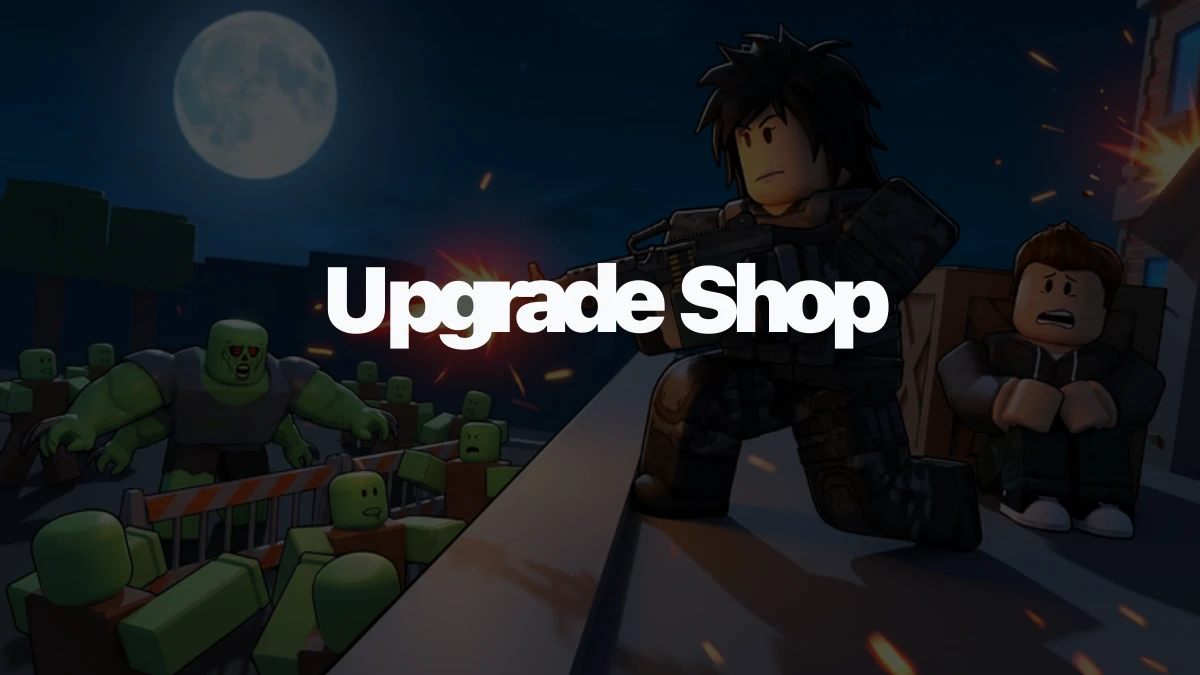
Mr. Santito's Upgrade Shop is where Survive Zombie Arena starts turning your Credits into longer runs. The important choice is not whether upgrades help. It is whether your next spend should strengthen the weapon already carrying your wave, buy a new Armory weapon, or wait until your gear is worth improving.
A good upgrade plan keeps one job in focus: stop the next wave from breaking your hold. Spend around that problem first, then worry about side weapons, support gear, and expensive late-wave goals.
Where to find Mr. Santito's Upgrade Shop
Mr. Santito is in the spawn area, the preparation lobby you enter before a match starts. Look for a small shop structure near a wooden post, then interact with Mr. Santito to open the upgrade menu.
Do your spending before the fight starts. The shop is a lobby stop, not something you should expect to find while zombies are already flooding the map. If you are new and cannot spot it right away, use the wooden post as the landmark and check the nearby shop counter.
How the upgrade screen works
The upgrade menu is split into Weapons and Gears. The Weapons tab improves guns you already own. Locked weapons do not show up as upgrade choices, so buying or unlocking a weapon through the Armory comes before upgrading it at Mr. Santito's shop.
The Gears tab is for support tools such as turrets, barricades, and landmines. Those upgrades can matter for a team hold, but they do not replace the weapon damage you need to clear the zombies in front of you.
Upgrades cost Credits, and the price rises as you keep investing in the same item. The useful stats to watch are damage, damage per second, and fire rate. Since reliable public data does not give a full upgrade-level table, use the price and stat preview shown in the shop instead of planning around a hidden formula.
Upgrade the weapon that carries your waves first
Your first upgrade target should be the weapon doing most of your clearing. In practice, that usually means the gun you keep swapping back to when a wave gets messy, not a sidearm you barely fire.
Early on, free weapons like Shotgun and Rifle give you different answers to the same problem. Shotgun-style weapons help when packs get close, while Rifle-style weapons give steadier pressure at range. If one of those weapons is the reason your lane survives, upgrading it is usually better than sprinkling Credits across every slot.
Damage is the safest early stat priority when enemies are starting to live too long. Fire rate and DPS still matter, especially on weapons that already hit hard enough, but raw hit power is easier to feel when tougher zombies are reaching your barricades or forcing you to kite.
Buy a new weapon when it solves a new problem
Upgrading is strongest when the weapon will stay in your loadout. Buying is stronger when the new weapon changes what you can handle.
A few simple checks help:
- If you are about to replace a short-term weapon, save for the replacement instead of over-upgrading it.
- If zombie packs are the problem, a Shotgun or Combat Shotgun style answer may matter more than another pistol upgrade.
- If your current gun is fine against small groups but weak during longer waves, a Rifle, Burst Rifle, or AK-47 style step can be the better spend.
- If you are already reaching higher waves, later goals like Flamethrower, Heavy Rifle, Minigun, Gumdrop Blaster, Arctic Striker, or World Ender are role changes, not casual sidegrades.
That is why the full weapon roster matters after the shop decision. Use Survive Zombie Arena weapons when you need every price, unlock wave, DPS row, and role in one place. Use this upgrade rule while you are standing at Mr. Santito: spend on the weapon that fixes your next wave problem.
Gear upgrades come after damage unless your role depends on gear
Gear upgrades are usually the third priority after your main weapon and backup weapon. Barricades, turrets, and landmines help a hold point survive longer, but they work best when players can still kill the zombies stalled in front of them.
There are exceptions. If your class and squad plan revolve around structures, gear can deserve Credits earlier. An Auto Turret behind a protected lane, a Landmine at a breach point, or a Healing Station near the team's firing spot can save a run when everyone is playing around that setup. The mistake is upgrading gear randomly before your weapons can handle the wave.
For gear roles and placement context, check Survive Zombie Arena gear after you know which support tool your class actually uses.
A simple order for your next shop visit
- Find Mr. Santito in the spawn lobby before the match starts.
- Open the Weapons tab and check the weapon you fire the most.
- Upgrade that weapon if it is still carrying your waves.
- Save for a new Armory weapon instead if the next buy solves a bigger problem.
- Upgrade your backup weapon once your main weapon feels stable.
- Move Credits into gear when your squad is defending around turrets, barricades, traps, or healing tools.
The cleanest plan is boring in a good way: one reliable wave-clearing weapon first, one backup plan second, gear after that. When your Credits follow the job you are actually doing in the match, Mr. Santito's shop becomes a progression tool instead of a place to scatter money.