Fusion combines two chickens into one mutated fighter in Grow a Chicken Fighter. Fusion is described as a way to gain higher base stats, while the result can change level or appearance. A Special or Skill may also be interchanged when the current FUSE preview offers that field.
The base slot holds the chicken you want to keep. The donor is consumed. Because Fusion is permanent, use the live preview as your final check instead of trusting a fixed recipe, formula, or old UI claim.
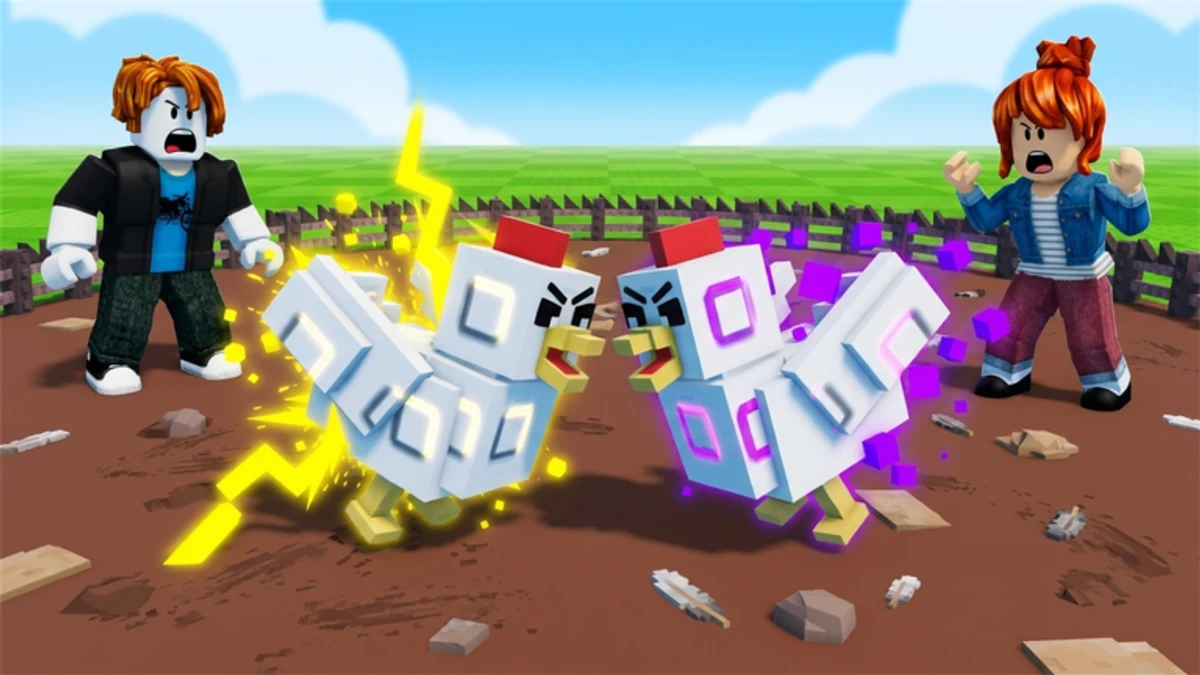
Choose a base and donor before you fuse
Treat the base as your keeper and the donor as your material. Put the chicken with the role, trait, or look you care about in the base slot. Only use a donor you can afford to lose.
Different levels and rarities can be fused under the current Fusion rules. If the live client rejects a pair after an update, follow the requirement shown on the FUSE screen. Do not add a same-rarity or max-level gate that the screen does not show.
Keep a replacement for any chicken that carries an egg-laying route, PIT role, or progression requirement you still need. A rare chicken is a poor donor when it is also your only way to keep a useful job running. The Grow a Chicken Fighter chicken tier list can help you compare combat roles before choosing the keeper.
Select the base and donor, then pause on the FUSE screen. The two slots show which chicken stays and which one disappears. The preview shows the fields and cost available for that pair.
Lock the fields you want to keep
Fusion may offer locks for visible appearance fields and for Special or Skill fields. Depending on the current preview, appearance choices can include parts such as color, hat, mask, or feet. Those are examples, not a complete list that will apply forever.
Choose a displayed field you want to protect, then enable its lock. A donor Special or Skill may appear as a selectable field too. Lock it only when the current preview actually offers it.
A lock protects the displayed choice for that field. It does not prove that every other trait will transfer, and it does not create a guaranteed skill swap. Leave fields unlocked when you do not care which parent supplies them. That keeps the decision readable instead of turning the menu into a tiny chicken courtroom.
Review the preview and verify the result
Before confirming, inspect every displayed field: the cost, inherited appearance, Special or Skill, level, and stats. The game does not publish one dependable formula for exact stat growth, level change, price, lock-slot count, or inheritance outcome. Values and labels can also change with updates.
Confirm only when the displayed result is acceptable. Do not rely on a claimed best recipe or assume a donor skill transfers to every base. The current preview is the useful authority for the pair in front of you.
After Fusion, open the new chicken's card and check its appearance, level, stats, and Special or Skill. Test it in the PIT or TOWER before rebuilding your whole team. The 404 Chick and Cycle of Ash Fusion example, Nebula Hen and Cycle of Ash Fusion example, and Reaper and Voodoo Fusion example show specific builds using the same preview-and-lock decision. They are examples, not universal recipes.
Once the new fighter is doing its job, the Grow a Chicken Fighter rebirth guide gives the next progression step. Rebirth is easier to judge when you know which chickens you are keeping and which ones are safe to spend.