
Place towers along enemy paths, survive escalating waves, and spend match cash on new placements and upgrades in Tower Defense Simulator. Pick a map and mode, bring a loadout that covers the threats ahead, and work with your team to protect the base.
Start with the Tutorial or a standard match: equip a practical loadout, place an early tower, then watch range, detection, path space, and incoming waves. Towers attack automatically when targets are in range, but you choose upgrades, target priorities, abilities, and when to sell or reposition before the next wave arrives. Every placement is a small argument with the path.
- Creator
- Paradoxum Games
- Game Created
- June 5, 2019
- Last Updated On
- October 12, 2026
- Age Requirement
- All Ages
- Genre
- Strategy
- Subgenre
- Tower Defense
- Supported Devices
- DesktopMobileTabletConsoleVR
Checked and verified on October 15, 2026
1MILCOMMUNITYThis code gives you a Community Shotgunner skin.You must have the Shotgunner Tower to claim this code.
2MILLIONThis code gives you a Mercenary Pursuit skin.You must have the Pursuit Tower to claim this code.
Game data
Towers:
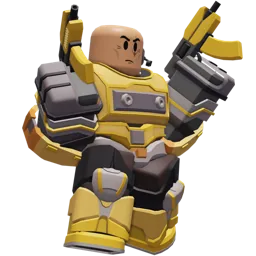
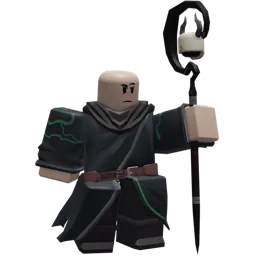
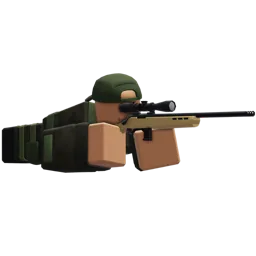
Towers are the units you place to stop enemies, with roles that cover damage, support, economy, and control. You can get them as free starters, Coin or Gem purchases, level or challenge rewards, evolution routes, or event-exclusive unlocks. Detection, placement rules, and upgrade paths decide which tower fits a map, while some towers add summoned units or team buffs.



Modes:
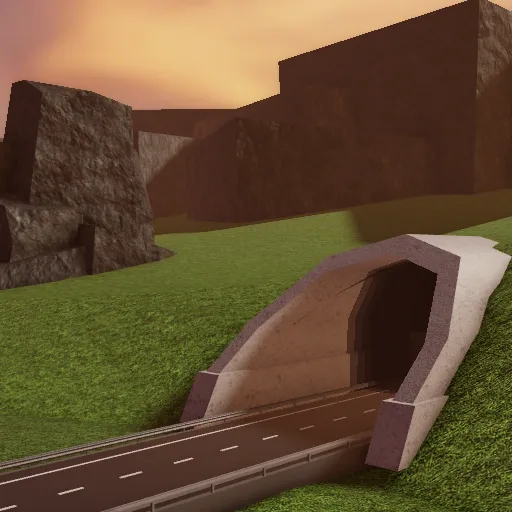
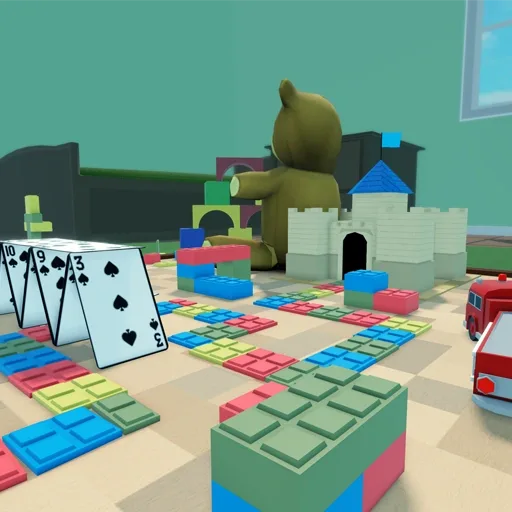
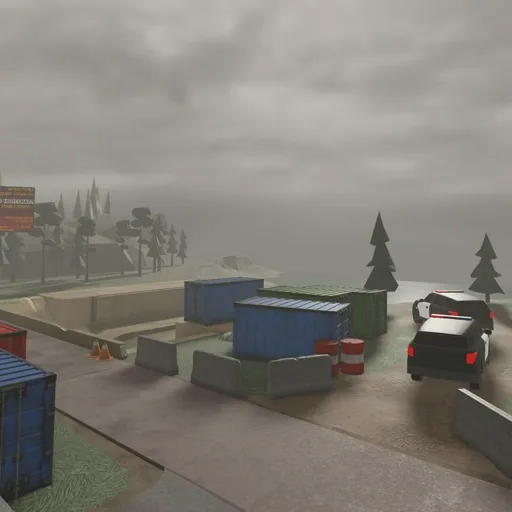
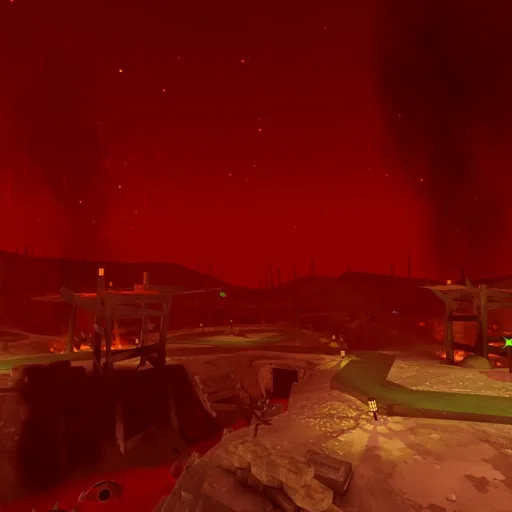
Modes in Tower Defense Simulator range from guided Tutorial and standard survival votes to direct Hardcore queues, fixed-map specials, PVP, Sandbox, and mission-based Story Mode. Account gates, team caps, map rules, wave shape, and reward routes change what each run asks from your loadout. Hidden Wave branches from Fallen, while Challenge Trials rotate their map and modifiers instead of offering one permanent trial setup.

Tower Defense Simulator Controls
| Action | Desktop | Mobile | Tablet | Console |
|---|---|---|---|---|
| Move | WASD or arrow keys | On-screen move joystick | On-screen move joystick | Xbox: left stick / PlayStation: left stick |
| Jump | Space | Jump button | Jump button | Xbox: A / PlayStation: Cross |
| Pan the camera | Hold the right mouse button and drag | No control shown | No control shown | No control shown |
| Select or interact | Left click | Tap the target or UI control | Tap the target or UI control | No control shown |
| Select a tower slot | 1-6 | No control shown | No control shown | No control shown |
| Start tower placement | Select a tower slot | Tap a tower slot | Tap a tower slot | Xbox: Y / PlayStation: Triangle |
| Cancel placement | Q | No control shown | No control shown | Xbox: B / PlayStation: Circle |
| Rotate placement | R | No control shown | No control shown | Xbox: LT / PlayStation: L2 |
| Place the selected tower | Click a valid spot | Double-tap a valid spot | Double-tap a valid spot | Xbox: RT / PlayStation: R2 |
| Sprint | Left Shift | No control shown | No control shown | Xbox: left-stick click / PlayStation: left-stick click |
| Quick placement | Left Shift | No control shown | No control shown | No control shown |
| Upgrade the selected tower | E | No control shown | No control shown | No control shown |
| Sell the selected tower | X | No control shown | No control shown | No control shown |
| Use an ability | F, B, H, J, K, or L defaults | No control shown | No control shown | No control shown |
| Change desktop keybinds | Settings > Keybinds; desktop defaults are configurable | No control shown | No control shown | No control shown |
Tower Defense Simulator Gameplay Tips
- Read the path before spending. Place your first damage tower where its range covers a useful stretch, and leave room for later upgrades or towers. Cliff towers need valid cliff spots, while obstacles and occupied space still matter.
- Cover detection before chasing damage. Check whether the loadout can handle Hidden, Flying, or Lead enemies before relying on one tower. Big damage is still decoration if the tower cannot target the threat.
- Balance early defense and economy. Stabilize the opening waves, then add an economy or support option when it fits the loadout. Do not scatter cash across low-impact upgrades if the next wave needs a stronger core or key support.
- Coordinate around the next wave. Decide who is covering early leaks, detection, support, or late-wave damage, then use target priorities and abilities deliberately instead of giving every player the same job.
Tower Defense Simulator Events
Recent updates, live events, and completed event history for Tower Defense Simulator.
Solar Requiem: Night II
Starts in 1 dayStarts (PT): Oct 16, 2026, 9:00 AM.Ends (PT): Oct 23, 2026, 9:00 AM
Solar Requiem: Night I
Live nowStarts (PT): Oct 9, 2026, 9:00 AM.Ends (PT): Oct 16, 2026, 9:00 AM
🌘 ADMIN ABUSE PT. II
CompletedStarts (PT): Oct 2, 2026, 9:00 AM.Ends (PT): Oct 9, 2026, 9:00 AM
Executioner Rework
CompletedStarts (PT): Sep 25, 2026, 10:00 AM.Ends (PT): Oct 2, 2026, 9:00 AM
🌘 ADMIN ABUSE RETURNS
CompletedStarts (PT): Sep 25, 2026, 9:00 AM.Ends (PT): Sep 25, 2026, 10:00 AM
Fall into... Fall?
CompletedStarts (PT): Sep 18, 2026, 9:00 AM.Ends (PT): Sep 25, 2026, 9:00 AM
Pulse Trooper
CompletedStarts (PT): Sep 11, 2026, 9:00 AM.Ends (PT): Sep 18, 2026, 9:00 AM
More From This Developer
Other Roblox experiences from Paradoxum Games on Bloxodes.