

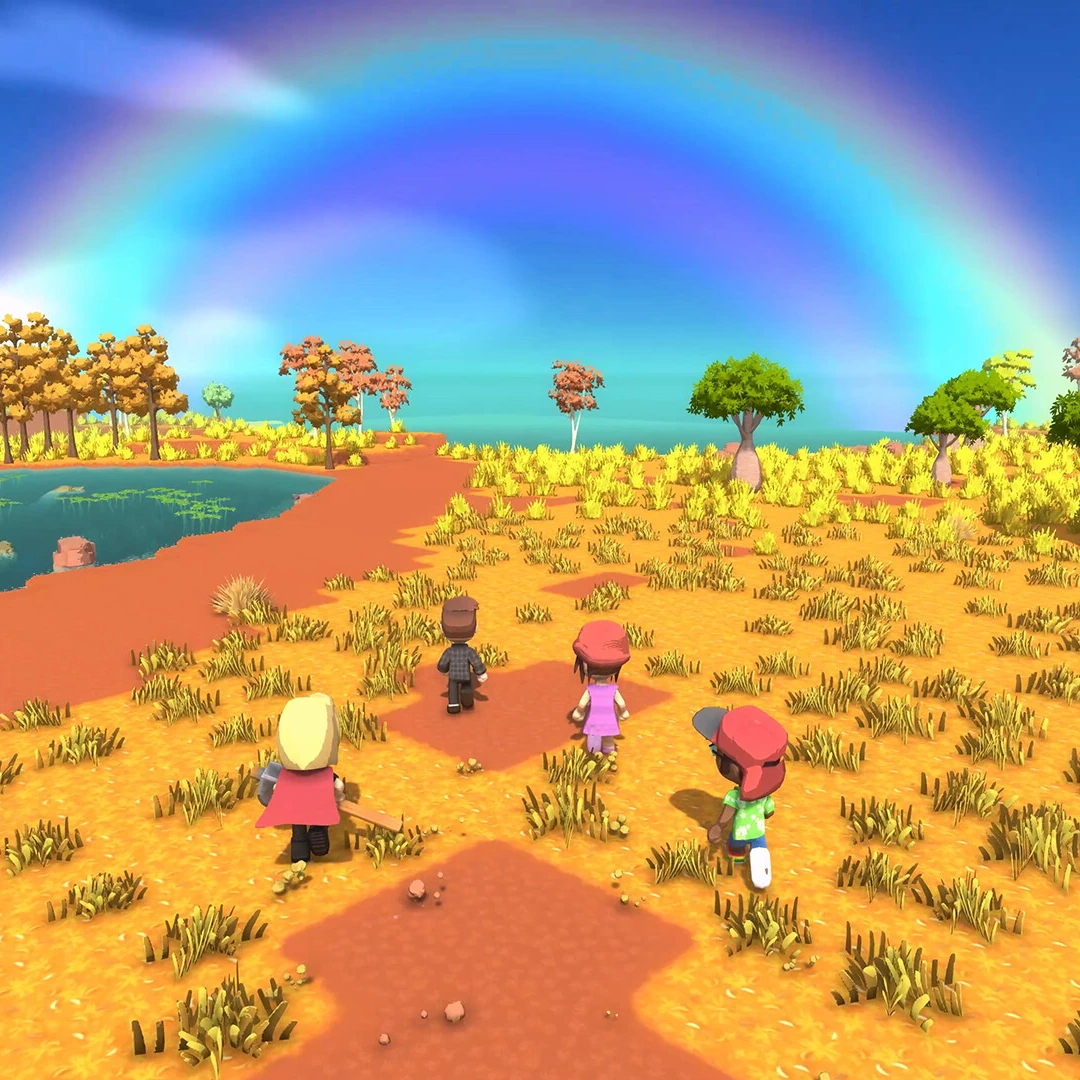
You farm, raise animals, fish, hunt and mine in Dinkum, a survival life sim set on an island inspired by the rugged Australian outback. The game starts with placing the Base Tent for Fletch and setting up your own tent, and from there you can reach Fletch, who sells the licences that unlock new tools and activities.
Most of your day goes to outdoor work. You farm, raise animals, fish, hunt, forage and mine for stone and ore, and much of what you gather can be sold to John, the shopkeeper, for Dinks, the island's money. The year runs through four seasons of 28 days each, and some crops, fish and critters only show up in certain seasons, so the time of year matters. Work uses up your energy, so plan your day around meals and sleep.
Your long-term goal is to grow the town, and Dinks pay for the goods and buildings that help it grow. You can play alone or online with friends, with up to six players on PC and four on Switch.
- Developer
- James Bendon
- Publisher
- KRAFTON
- Release
- Nintendo Switch: 2025-11-06 · Steam Early Access: 2022-07-14 · Steam full release (UTC): 2025-04-23 · Nintendo Switch 2 Edition: 2026-04-23
- Platforms
- Windows, Nintendo Switch, Nintendo Switch 2
Game data
Crops
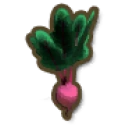
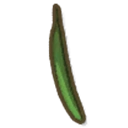
Crops are the plants you grow from seed on tilled soil in Dinkum, and they're a main source of money and food. Rice, sugar cane, and wheat grow all year while the rest are tied to one or two seasons. Crops only grow on days they're watered, and some of them regrow after each harvest. Mighty Spread is the most valuable crop, but its seeds are the hardest to come by.


Licences
Licences are permits bought from Fletch with Permit Points, which come mostly from milestones. They unlock tools, features and some crafting recipes, and most come in levels, with each higher level needing the one before it, more points and sometimes a matching skill rank. The main groups are mining, logging, fishing, farming, handling, vehicle and commerce licences.




Collectibles
Bugs
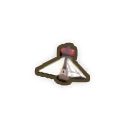
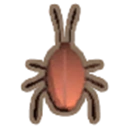
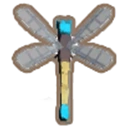
Bugs are small creatures you catch with a bug net around your island in Dinkum. Each kind follows its own pattern of seasons, times and places, and the rarest ones take the most searching. You can sell bugs for money, give one of each kind to the museum for Permit Points, or enter them in the Bug Catching Comp.



Fish
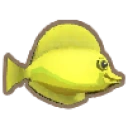
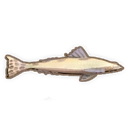
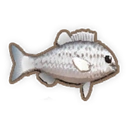
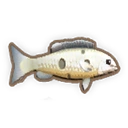
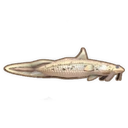
Fish in Dinkum are spread across rivers, billabongs, mangroves, the northern and southern oceans, the Island Reef and the Deep Mine. Many of them only appear during certain seasons or times of day, so the same spot can hold different fish depending on when you visit. Players can sell fish to John for Dinks, donate them to the museum for Permit Points, or keep them for visitor and Bulletin Board requests.

Critters
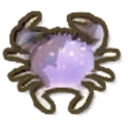
Critters are small sea and river creatures in Dinkum, caught by diving underwater or with Crab Pots rather than with a fishing rod. They live in the northern and southern oceans, in rivers and around Island Reef, and each one has a rarity tier from Common up to Super Rare. Most can be caught in any season and at any time of day, and you can sell them to John for Dinks or donate them to the museum.

Dinkum gameplay tips
- Sleep to save your progress. The game only saves when you sleep, so get in the habit of going to bed at the end of each play session. Anything you did since your last sleep won't be saved.
- Head to bed before midnight. After midnight the clock moves into Late time, and it stays there until you sleep. Use those hours for low-energy jobs like crafting and cooking, and save the heavy work for the next day.
- Buy the Mining and Fishing licences first. Licences are paid for with Permit Points, and each of these costs 250 from Fletch. Mining lets you buy pickaxes to break rocks and ore deposits, and Fishing lets you buy rods and fish.
- Donate fish and bugs to the museum for Permit Points. Each specimen you donate pays 100 Permit Points, which you need for licences. You can't donate the same kind twice, so keep catching new ones.
- Sell your spares to John. Early on, most of your Dinks come from John, so sell extra fish, bugs, critters and forage you pick up while exploring.
- Finish day one before you host. You can't host a world that isn't saved, and your world is saved when you sleep through the first day. Once it's saved, choose who can join from the Multiplayer menu.