

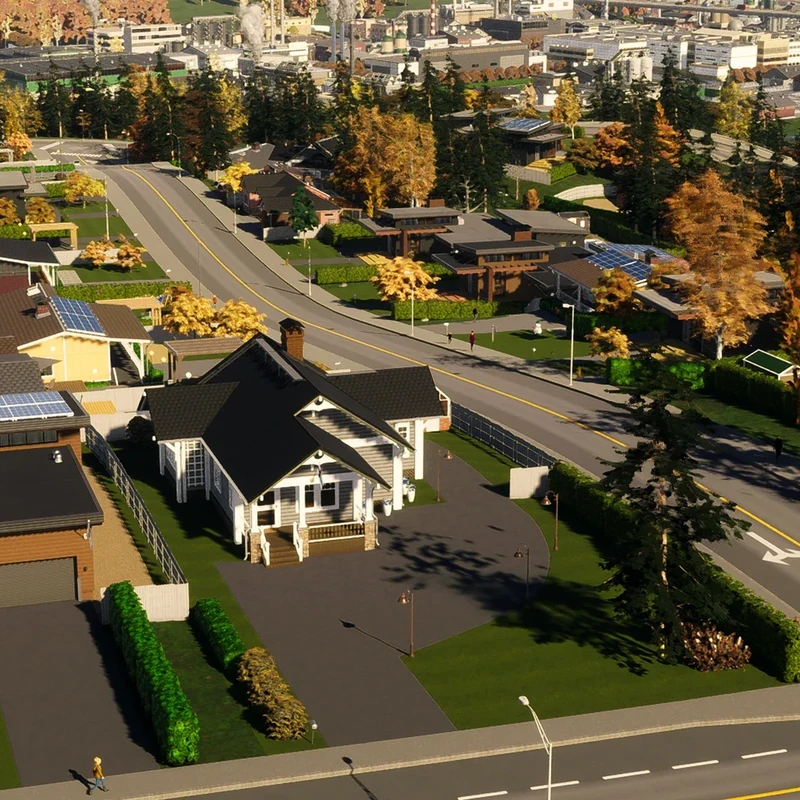
Cities: Skylines II, often called Cities Skylines 2, is a city-building game for Windows PC that you play on your own. You start with open land, pick a map and climate, and connect your first road. Then you build streets and zone land for homes, shops, offices and factories, which tells the game where each kind of building can go.
Homes and businesses need power, water and sewage to work, so you connect those next. Once the basics are running, the rest of the session is a balancing act. Citizens need healthcare, schools, safety and fun, and unmet needs make them unhappy, so you add services as your city grows. Along the way you watch traffic, demand and your budget, and you fix problems by improving roads, public transit, districts and the reach of your services.
Your progress is tracked through Milestones, which unlock once you have collected enough Expansion Points. Those points build up as your population and Happiness rise, and you earn extra right away by placing or upgrading a service building, constructing a Signature Building or extending your roads. There are 20 Milestones, from Tiny Village to Megapolis, and each one pays out money, Development Points and Expansion Permits while opening new services, policies and management options. Development Points unlock more advanced options within each service's tree, and Expansion Permits widen the area you can build on.
- Developer
- Iceflake Studios
- Publisher
- Paradox Interactive
- Release
- Windows: 2023-10-24
- Platforms
- Windows
Game data
Service Buildings
Service Buildings are the public facilities that keep a city running in Cities: Skylines II. They supply power, water and sewage treatment, and they handle garbage, healthcare, deathcare, education, research, fire and rescue, disaster response, policing, city administration, and post and internet service. Most of them help the streets around them passively, while their vehicles and visiting citizens carry that reach across the city. Almost every building depends on electricity and water, so the health of those networks shapes how well everything else works.


Roads and Bridges
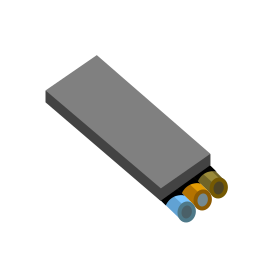
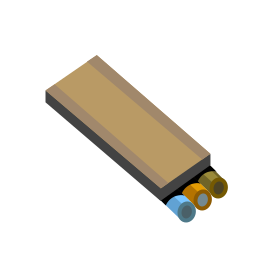
Roads and bridges move traffic, connect districts, and give buildings and services access in Cities: Skylines II. The Roads menu groups them as Small Roads, Medium Roads, Large Roads, and Highways, with bridges sitting alongside the roads in the same groups. Lane count, direction, parking, medians, and bridge design set each road's role, and most options unlock as the city grows.




Signature Buildings
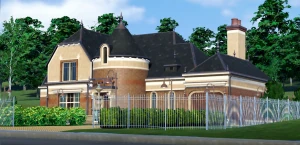
Signature buildings are one-of-a-kind buildings you place by hand in Cities: Skylines II. Each one fills a regular residential, mixed residential, commercial, industrial, or office role while adding its own effects, such as well-being for nearby residents or city-wide boosts to attractiveness, efficiency, or education. They unlock as a city grows, each with its own requirements, and each can be placed only once, though it can be moved or rebuilt later.

Cities: Skylines 2 gameplay tips
Match services to needs instead of covering the map. Hover over a household's Happiness icon, or a company's Efficiency value, in its info panel to see what it wants. Families with children look for schools, senior citizens want places to spend their free time, and companies look for services that raise their Efficiency. Placing services across the whole map is costly and gives only small extra benefits, so target the needs you can actually see.
Upgrade a service building before you build another. Many service buildings can be upgraded to serve more citizens or meet extra needs, so you can grow an existing site instead of placing a duplicate. Upgrades cost money and usually add to upkeep, so add one only when the building is short of what the city needs. If an upgrade is a separate sub-building, leave free space around the site when you place it.
Keep your water clean. Surface water pumps draw from open water, and pollution in that water can make citizens sick, so place pumps away from pollution sources. Sewage that leaves through a Sewage Outlet can pollute the open water you pump from, so unlock the Wastewater Treatment Plant early in the Development Tree if you rely on surface water. That plant cleans sewage and sends the purified water back into your fresh-water network.
Keep roads near fire stations clear. Fire engines can get stuck behind traffic jams on the way to a fire, so clear up congestion near your fire stations first. The road menu offers small, medium, large and highway sizes, in one-way, two-way and asymmetric layouts, so you can match each road to its route. Bus lanes and tram tracks can be added to existing roads with network tools.
Check the Production tab before you set taxes. It shows whether each material is in surplus or deficit. When a resource runs short, companies have to order it from Outside Connections, which adds transport costs and truck traffic. Lowering the tax on that product, or setting it below zero, draws more of those companies into your city, and tax rates can be set anywhere from -10% to 30%.
Set the service budget to fit your city's size. The Services tab in the Economy panel lets you set each service's budget from 50% to 150%. Lower it while the city is small and does not need the full service, which cuts upkeep and vehicle use. Raise it when the city is growing fast and you are not ready to build more service buildings, since a higher budget raises each building's Efficiency and lets it serve more citizens.