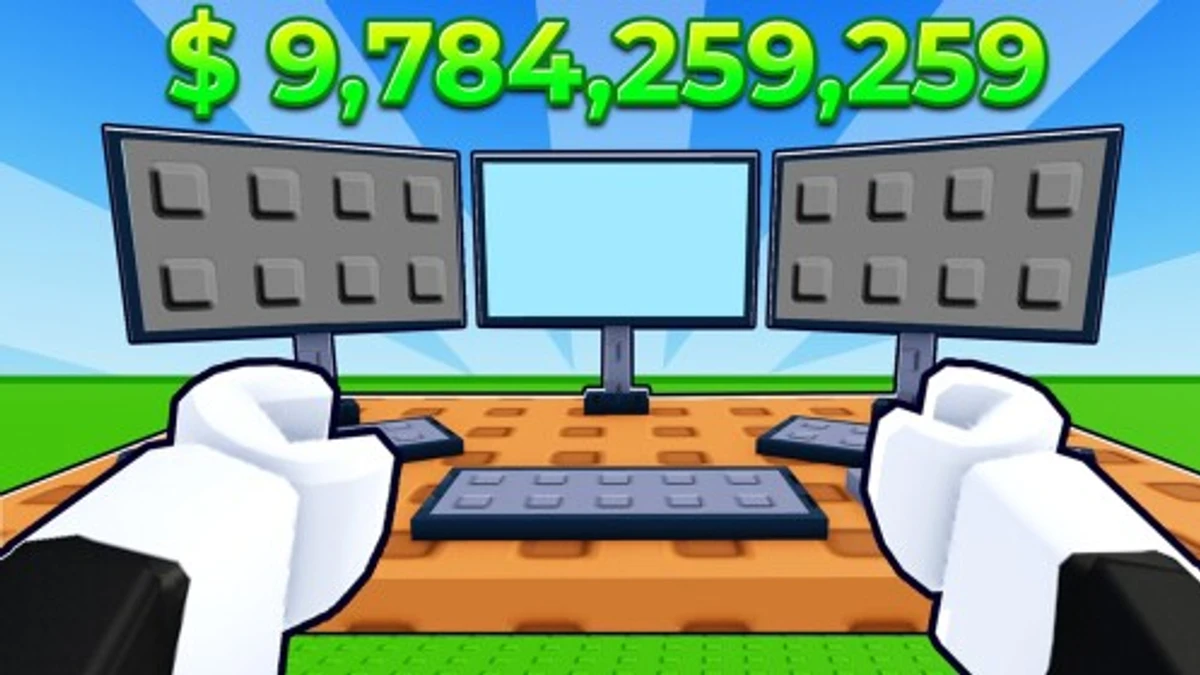
Mini Store lets you run your own shop, manage products, and serve customers to grow your business. Using Mini Store codes gives you free cash to expand faster and hire more workers. These codes are a quick way to boost your store without waiting, so knowing how to find and use them helps you get ahead in the game.
Checked and verified on September 20, 2026 (Today)
like120kThis code gives you 2,000 Cash.
How to Redeem Mini Store Codes
There are no special requirements to redeem codes in Mini Store. Just follow these steps to get your free cash.
- Launch Mini Store.
- Walk to the big gift box in the center of the map.
- Click the gift box to open the code entry menu.
- Type your code exactly as it appears (codes are case sensitive).
- Press the Enter button to claim your reward.
If you enjoy simulation games, check out these genre-similar picks like Racing Simulator codes and Raft Tycoon codes for more exciting gameplay.
These codes are expired and no longer work.
Why Codes Might Not Work
Codes in Mini Store often fail because they are case sensitive. Make sure you enter every letter exactly as shown. Also, many codes expire after some time and won’t work anymore. There are no level or progress restrictions for redeeming codes, so if a code doesn’t work, it’s likely expired or typed incorrectly.
What Rewards You Normally Get?
Mini Store codes mainly give you free cash to help grow your store. Here’s what you can expect:
| Reward Type | Description |
|---|---|
| Cash | Virtual money credited instantly to your account. Use it to buy products, expand your store, or hire workers. |
The cash amounts vary, with common rewards being 500 or 2,000 cash. This cash directly impacts how quickly you can upgrade your store and serve more customers.
Where to Find New Mini Store Codes
Mini Store codes are usually shared by the developer, SmartGuy, on the Roblox game page and in the SmartGuy Group on Roblox. New codes appear occasionally and are updated in the game description. Since there is no official Discord or Twitter, checking the Roblox page and group regularly is the best way to stay updated. Developer socials are listed below the game page for more info.
We keep track of these sources and update this page as soon as new codes drop. Bookmark this page or follow our channels to get the codes right away.