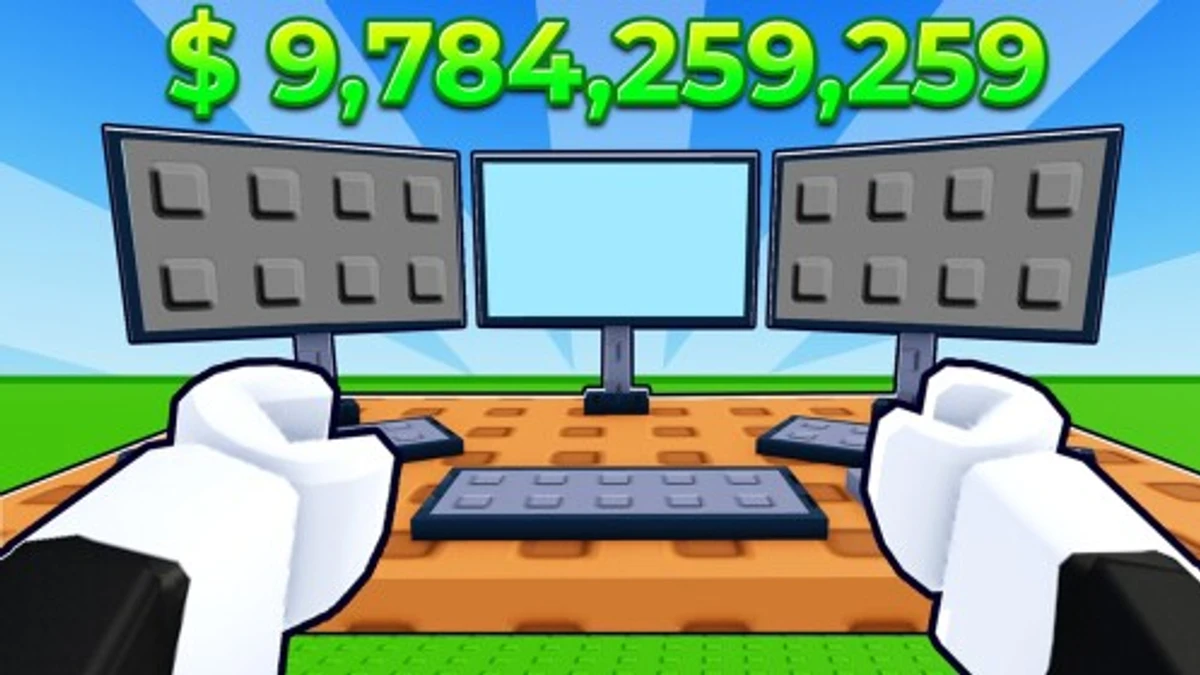
Grow Mine adds a unique twist to mining games by letting you PvP with a pickaxe during events, making it more intense than usual. Starting out can be tough because rifts and pickaxes cost a lot, but Grow Mine codes help by giving free coins and rifts. These rewards let you access better ores to sell and speed up your progress without grinding too much.
Checked and verified on October 10, 2026 (Today)
INVITEFRIENDSYou get Tungsten Rift
1MILLIONVISITSYou get Palladium Rift
REWARDSUPDATEYou get 1 Free Spin
How to Redeem Grow Mine Codes
You don’t need to meet any special requirements to redeem codes in Grow Mine. Just follow these simple steps to get your rewards.
- Launch Grow Mine on your Roblox app.
- Click the Shop icon on the left side of the screen.
- Scroll down to find the text box for codes.
- Enter a working code carefully.
- Click the Redeem button to claim your rewards.
If you enjoy simulation games like Grow Mine, check out these genre-similar adventures: Escape The Tsunami codes and Anime Clash codes.
These codes are expired and no longer work.
Why Codes Might Not Work
Codes might not work if they have expired or if you enter them incorrectly. Double-check spelling and capitalization. Also, some codes only work once per account. If you’re sure the code is valid but it still doesn’t work, the game might have disabled it after a limited time.
What Rewards You Normally Get?
Redeeming codes in Grow Mine usually grants you items that directly improve your mining experience and options.
| Reward Type | Description |
|---|---|
| Free Spin | Gives you one chance to spin for random rewards, which can include rare rifts or coins. |
| Palladium Rift | A special rift that lets you mine Palladium, a valuable ore. |
| Tungsten Rift | Unlocks access to the Tungsten ore, which sells for more coins. |
These rewards help you unlock better ores and mining tools faster, which is crucial since the game’s pickaxes and rifts are expensive early on.
Where to Find New Grow Mine Codes
New codes for Grow Mine are usually announced by the developer, SkySprint Studios, on their official Discord server, especially in the #announcement channel. Codes appear mostly during updates or special milestones. You can also find updates and codes by following the developer’s socials listed below.
We keep track of these sources and update this page as soon as new codes drop. Bookmark this page or follow our channels to get the codes right away.