

Fisch Music IDs are numeric Roblox audio asset IDs associated with the Fisch experience. Search by title or artist, check the available track details, and copy an ID when the Radio control in your server accepts one.
Fisch's Radio Pass gives players a dedicated way to listen while fishing, but Roblox audio access can change. The rows below come from Roblox's Music Discovery association feed, so they are useful audio references rather than a promise that every number will play in every server.
All Music Codes
Broad music ID discovery beyond the daily top list.
Trending
Daily Roblox top songs, capped at 500 music IDs.
Charts
Weekly, monthly, and yearly Creator Store music charts.
Game Specific
Music, radio, and sound IDs organized around supported Roblox games.

Tropical Breeze A

Gone Fishing

The Night Sky - Underscore
Crystalline Reflections (c)
Gymnopedie No. 1

Silent Harmony
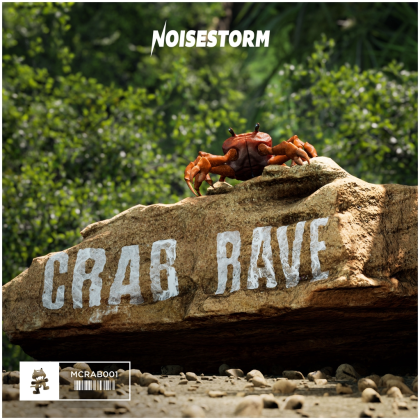
Cold Traces Underscore Ambient + Melody

Sleep Well 528Hz
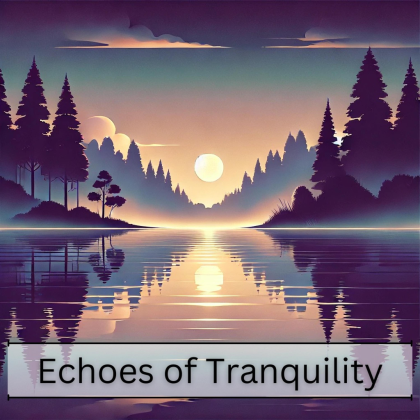
Calm Waves

Running Faster C

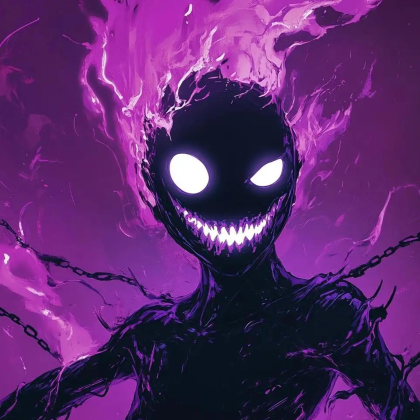
Running Faster A
Fourth Alert theme

Deep Space
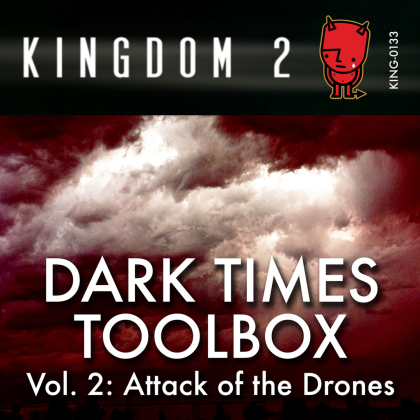
Zen's Promises
Ambient Moon Field (528Hz Manifestation Loop)
What are Fisch Music IDs?
A Fisch Music ID is the number that identifies a Roblox audio asset. Players may also call these Fisch song codes or radio codes, but they are not redeemable rewards and they do not grant rods, cash, bait, or luck.
The cards below include the title, artist, album when Roblox supplies one, duration, optional cover art, and the numeric asset ID. Search the title or artist first, then copy the number from the matching row.
How to use Music IDs in Fisch
- Join Fisch on Roblox.
- Open the in-game shop and check the Radio Pass requirement shown by your server.
- Equip the radio or open the music control after the feature is available.
- If the control has an ID field, paste the digits from a matching row and confirm the track.
- If the control uses a built-in search or list instead, search there by title or artist.
The buttons and access rules can differ between desktop, mobile, and console. Follow the labels visible in your current Fisch session. A missing ID box usually means the control expects its own list, not that the number was copied incorrectly.
What these Fisch radio songs represent
Roblox's Music Discovery service associates the songs below with the Fisch universe. That gives each row a game-specific reason to appear here and preserves the title, artist, duration, and album-art information returned by Roblox.
An association is not the same as a live playback test. It does not prove that Fisch exposes the track in its current radio menu, that the audio is part of the official Fisch soundtrack, or that another Roblox game will accept the same ID.
The Fisch experience is the right place to confirm the current Radio Pass and in-game music controls. The Fisch Radio Pass guide is useful background for the older numeric-input flow, but prices and interface details can change.
Why a Fisch music ID may not play
- The radio does not accept manual IDs. Use its built-in list or search when no input field is visible.
- The audio asset changed. Roblox can moderate, privatize, replace, or restrict an audio upload after it appears in a source feed.
- The track needs different access. The Radio Pass or another game permission may control whether the radio appears.
- The ID was pasted with extra text. Use only the digits when the field asks for an asset ID.
- Your volume is muted. Check Roblox volume, device output, and any in-game music setting.
Test a second row after checking the control. If several IDs fail while the rest of Fisch audio works, the issue is more likely access or asset availability than the search result.
How the Fisch music list is assembled
Each row starts with a song association returned by Roblox for universe 5750914919. The source refresh follows Roblox's pagination and keeps unique asset IDs, then stores the title, artist, album, duration, album-art ID, source URL, checked time, and game-use label when those values are available.
Source verified means Roblox returned the association during the refresh. It does not mean the track was tested inside a live Fisch server. The Roblox asset link on a card is useful for checking the source record, while the copy button gives you the plain number needed by a compatible radio field.
Search covers titles, artists, albums, genres when present, and exact asset IDs. Missing album or artwork data is left blank instead of being guessed.
Fisch Music IDs FAQ
Are these guaranteed working Fisch music codes?
No. They are Roblox audio assets associated with Fisch through Music Discovery. The Radio control, asset permissions, moderation status, and the current game build decide whether a number plays.
Where do I enter a Fisch Music ID?
Open the Radio control after the required access is available. Paste the plain digits only if the visible control has an ID field. If Fisch shows a built-in search or song list, use that instead.
Do I need the Radio Pass in Fisch?
Fisch references describe a Radio Pass for the radio feature. Check the shop and the requirement shown in your current server because access, price, and controls can change.
Why does a Fisch song stay silent?
The asset may be unavailable, the radio may not accept manual IDs, access may be missing, or Roblox or device volume may be muted. Try the built-in list and a second row to narrow it down.
Are these part of the official Fisch soundtrack?
Not necessarily. Roblox associates these assets with the experience, but that association does not identify every track as an official Fisch composition or prove that it appears in every radio menu.
What does source verified mean on a Fisch row?
It means Roblox returned the game association during the source refresh. It is not a recorded playback test in Fisch, so treat it as source evidence rather than a guarantee.