

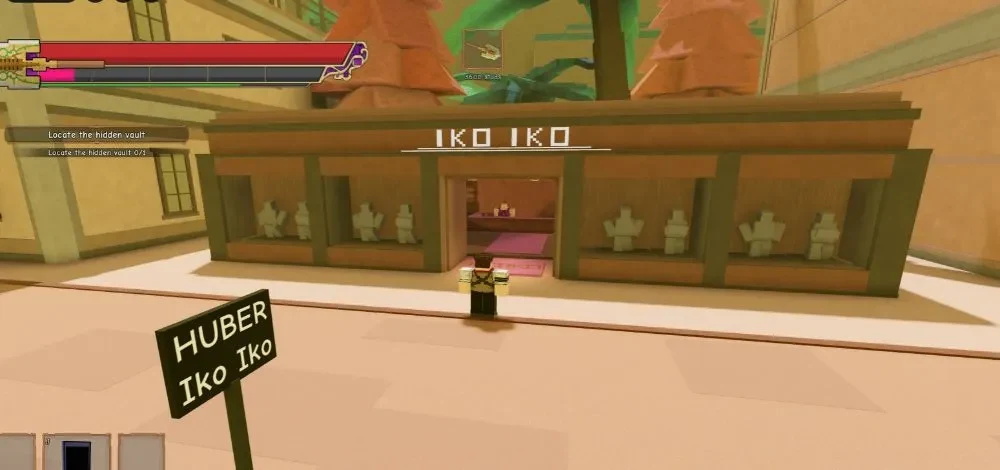
In Stand Out on Roblox, the phone is where you reach quests, bounties, fast travel, gangs and music. You get it from Meryl Mei Qi at the Iko Iko store in Downtown Honolulu once you finish the intro tutorial. On PC, press Z to open it; on mobile, tap the phone icon.
| App | What it does |
|---|---|
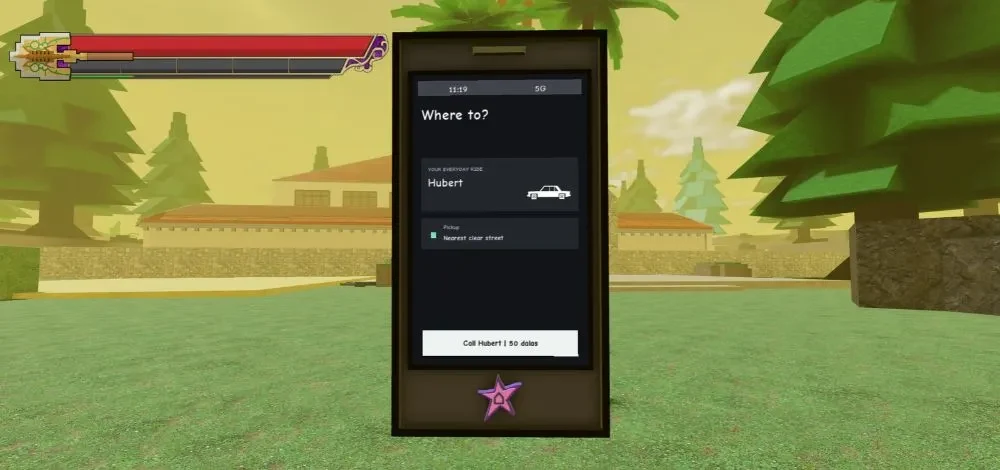
| Huber | Fast travel to a chosen spot on the map for 50 Dalas per ride |
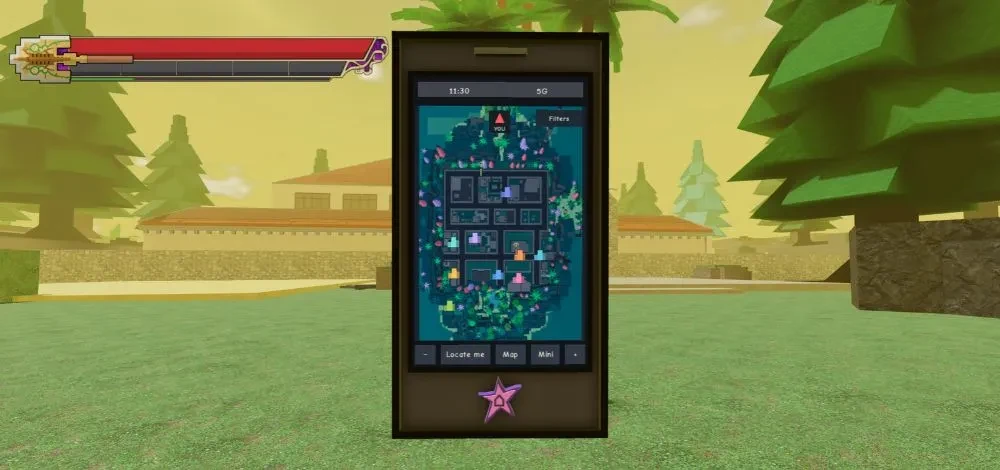
| Maps | Town map with NPC locations and hotspots |
| Bounties | Repeatable jobs that pay EXP and Dalas |
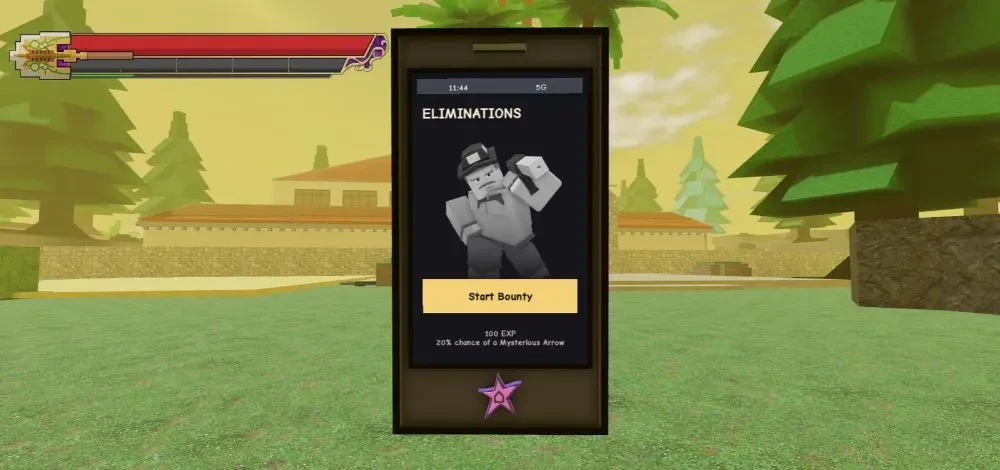
| Eliminations | Takedown targets, started from a card with a Start Bounty button |
| Gangs | Create or join a gang for jobs, a base and a bank |
| Alt Colors | Change the color scheme of your Stand |
| Quests | Track active and available story and side quests |
| Gifts | Redeem codes and see badge rewards |
| Standify | Music player with playlists and listening parties |
| Gallery | Browse the photos you have taken |
How to Get the Phone in Stand Out
The phone is tied to Storyline #2, which comes early in the story. Follow these steps to get it:
- Start the game and finish the intro tutorial. It ends when you defeat the cop and speak with the stranger.
- Travel to the Iko Iko store in Downtown Honolulu.
- Talk to Meryl Mei Qi and accept the phone.
- Press Z on PC, or tap the phone icon on mobile, to open it.
Once you have the phone, you can use all of its apps and keep going through the storyline.
Getting Around Stand Out With Huber and the Map
Huber is the in-game cab service for fast travel, and it saves you the walk across town. Open the Huber app, pick a destination on the map, and call a ride for 50 Dalas. The call button shows the price, so you know the cost before you book. The catch is that Huber only picks you up on a road, so if you are stranded, walk to the nearest road first.
The Maps app opens the town map, which shows NPC locations and hotspots. Your position is marked with a YOU marker, and the screen has Locate me, Filters, Map and Mini buttons along with zoom controls. For the full list of spots, see all 20 locations in Stand Out.
Bounties, Eliminations and Quests in Stand Out
Bounties and Eliminations are both repeatable takedown jobs. The Bounties app lets you accept and track them, and each reward gives you EXP and Dalas. For how bounties unlock and pay out, see the Stand Out bounties breakdown.
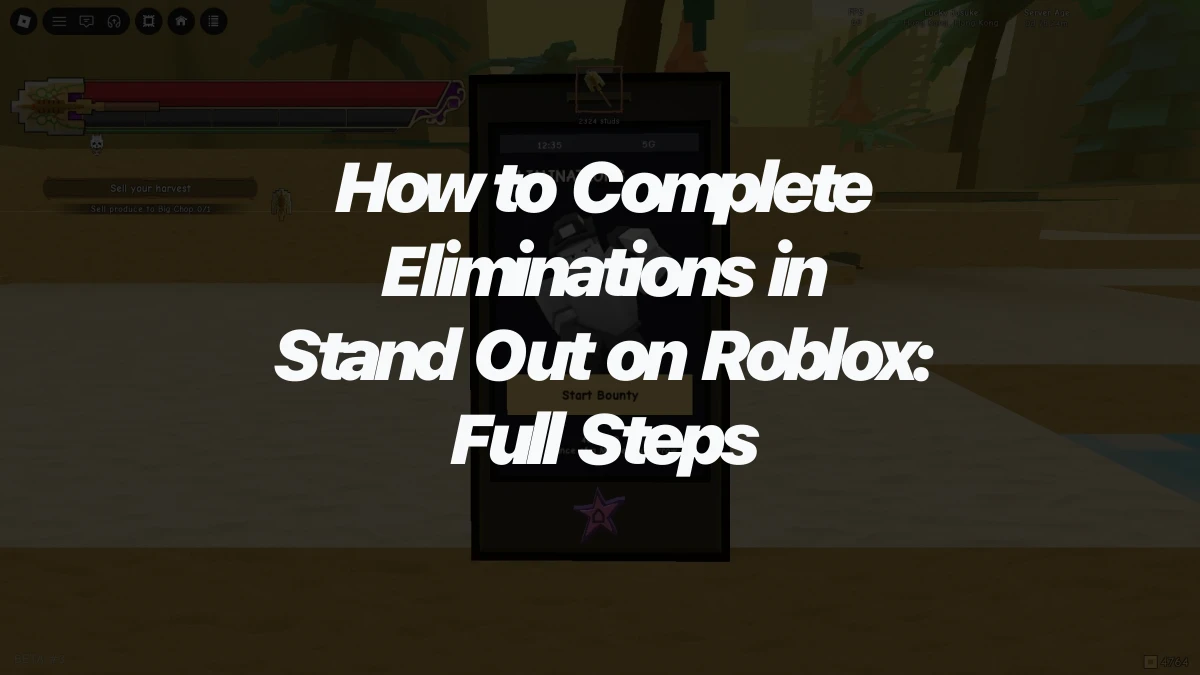
The Eliminations screen is titled ELIMINATIONS and lists takedown targets. Press Start Bounty on a card to take the job, then beat the named player or NPC. Each card's reward line shows EXP and a chance at a Mysterious Arrow; one card shows a 20% chance. The EXP changes from card to card, and the Arrow chance can shift with difficulty.
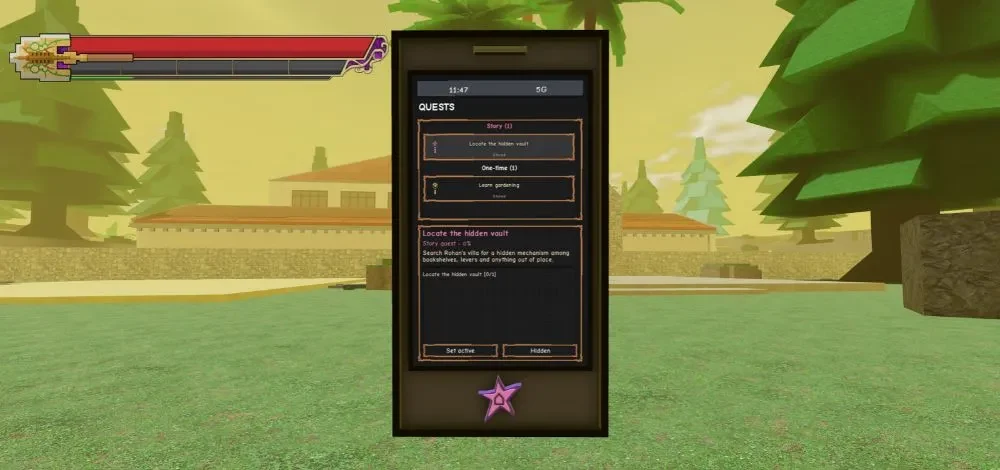
The Quests app tracks your active and available quests in Story and One-time sections. Each entry shows its progress, such as a percentage for a story quest, and has Set active and Hidden buttons. For the full list, see every quest and bounty in Stand Out.
Gangs in Stand Out: Jobs, a Base and a Bank
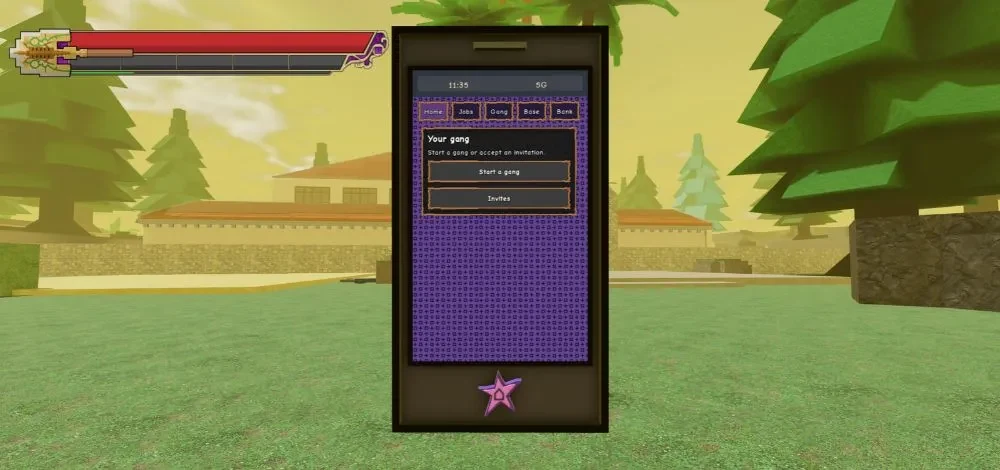
Gangs work a lot like clans. From the Gangs app you can create your own gang or accept an invite to join one. The first screen has Start a gang and Invites buttons, and the app is split into Home, Jobs, Gang, Base and Bank tabs.
Gang members get access to jobs, a base and a bank, which are the main reasons to join one. For the steps to make your own gang, see how to create a gang in Stand Out.
Alt Colors: Changing How Your Stand Looks
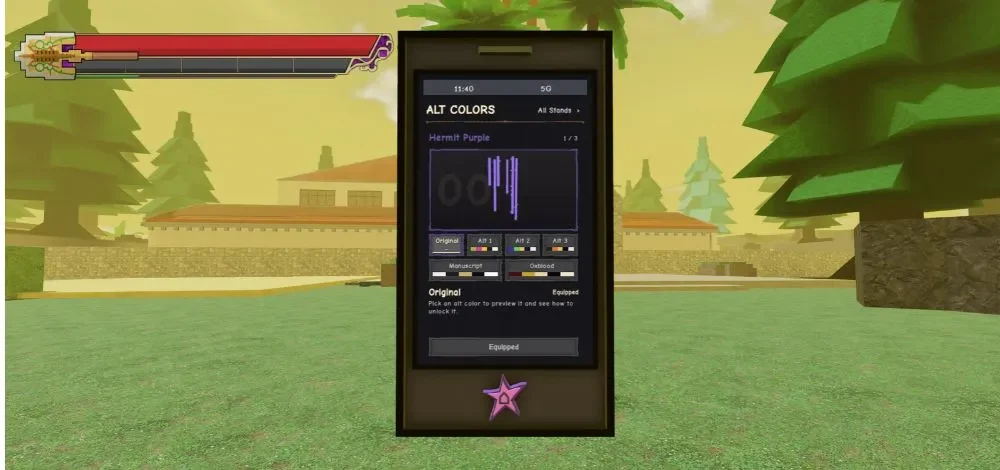
Alt Colors lets you change the color scheme of your Stand. Each Stand has Original, Alt 1, Alt 2 and Alt 3 options, and each alternate color has its own requirement, such as eliminations, ability uses or damage dealt. To change a color:
- Press Z to open the phone.
- Open the Alt Colors app.
- Pick the Stand you want from your roster.
- Choose Original, Alt 1, Alt 2 or Alt 3, then confirm.
- Press E to summon your Stand and see the new color.
Alt colors only change how your Stand looks. They do not add any combat stats.
Redeeming Codes With the Gifts App
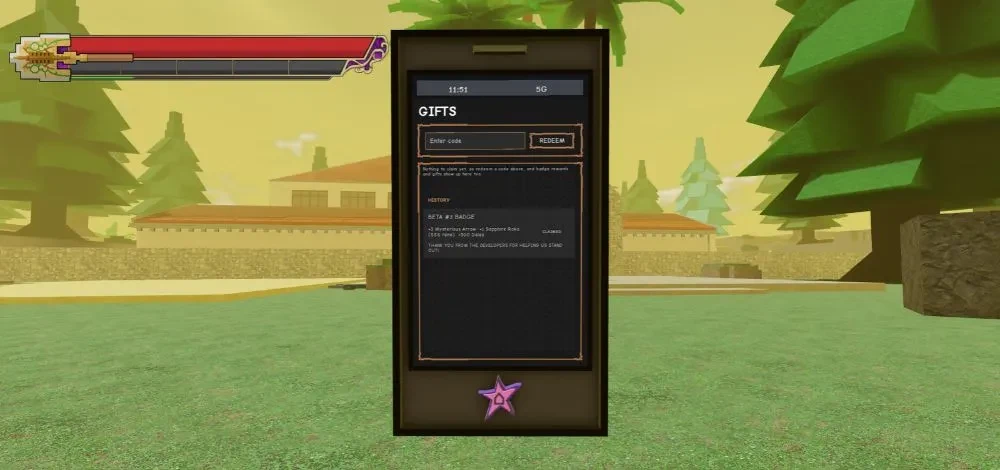
Open the Gifts app, type your code into the Enter code box, and press REDEEM. Badge rewards and gifts also show up under History. For the codes themselves, see the full code list for Stand Out.
Standify and Gallery: Music and Photos
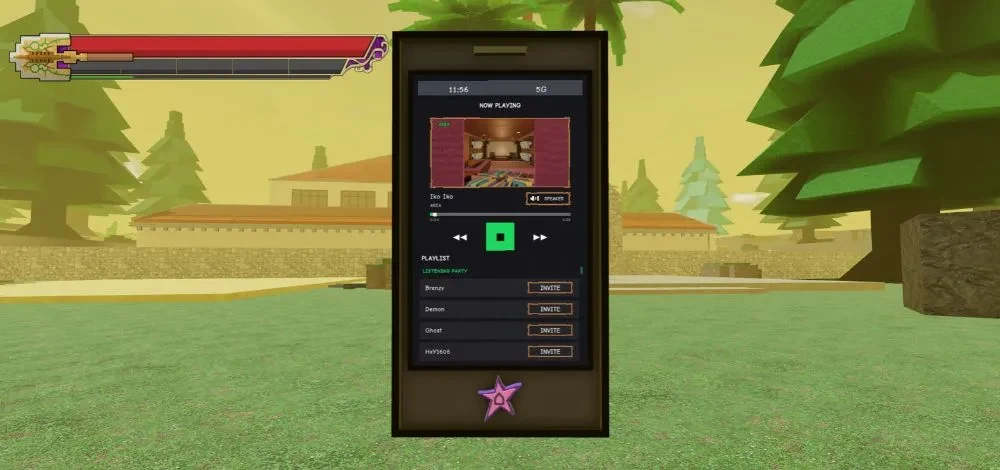
Standify is the phone's music player. The Now Playing screen has playback controls and your playlists. Its Listening Party playlist has INVITE buttons, so you can ask other players in the lobby to listen with you.
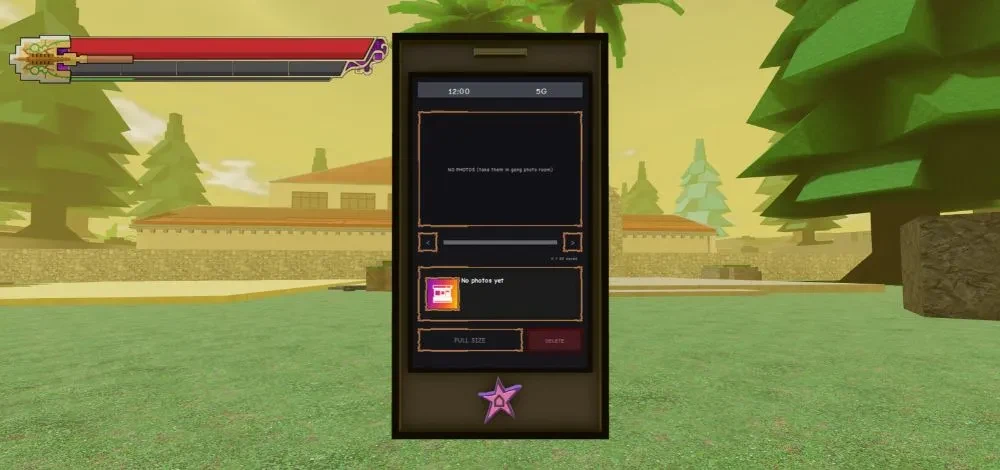
Gallery holds the photos you have taken in the game. If it is empty, the screen tells you to take photos in the gang photo room.