Stand Out is a Roblox game, and a gang is a group of players who team up on quests, take on rival gangs and share a base. To create one, you need to be level 25 and have 25,000 Dalas. You start the gang from the Gangs app on your in-game phone, then invite players to join.
| Item | Details |
|---|---|
| Level | Level 25 |
| Cost | 25,000 Dalas |
| Where to create it | The Gangs app on your in-game phone |
| Base | An available plot near the Docks |
Meet those two requirements before creating a gang. The rest of the setup happens in the Gangs app and at your base plot.
Reach Level 25 and Have 25,000 Dalas to Create a Gang
Both requirements have to be met before you can create a gang. Dalas is the in-game currency used to buy items, and a gang costs 25,000 of it. Level 25 is a separate requirement, so having the Dalas alone won't be enough if you are still under level 25.
If you're still learning the basics, how the controls and early story work is a good place to start while you work toward level 25.
Start Your Gang From the Gangs App
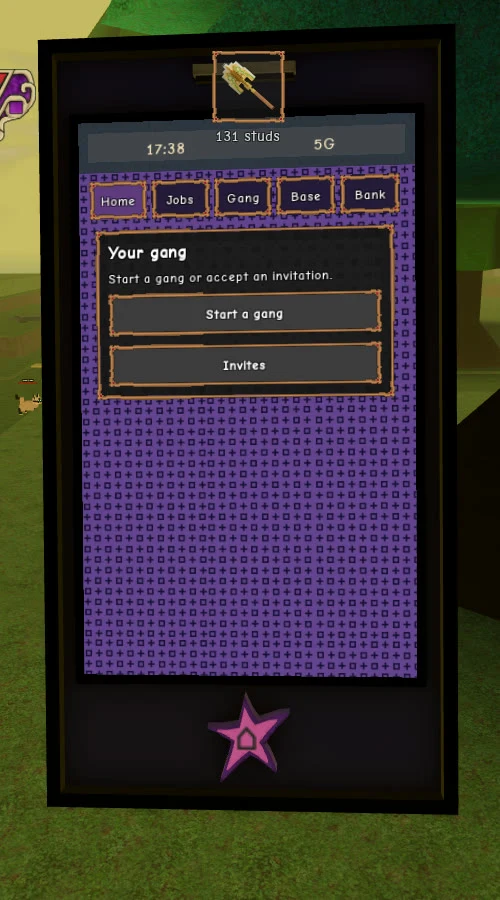
Everything about your gang starts in the Gangs app, which you open from your in-game phone. When you don't have a gang yet, the Your gang panel shows two buttons, Start a gang and Invites. Setting up a gang takes three steps:
- Tap Start a gang in the Your gang panel.
- Pick a name for your gang.
- Pick a Starter Emblem.
Your name and emblem are how other players recognize your gang. The Starter Emblem appears whenever you invite someone, so it's the first thing a player sees. The emblem is fully customizable, and you and every member can show it off.
Once the gang exists, the rest of its features sit in the app's tabs: Home, Jobs, Gang, Base and Bank. The Gang tab handles members, the Base tab is where you build, and the Bank tab holds the gang's money.
Invite Players to Your Stand Out Gang
Players can't send a request to join a gang that already exists. The gang leader sends the invite, and the player accepts it. Since you started the gang, you're the one who invites, so you decide who is in it.
- Send an invite to a player.
- The player opens the Gangs app and taps Invites in the Your gang panel.
- They accept, and they're added to your gang.
The Gang tab is also where the leader adds or removes members, so the roster stays in your hands.
Claim a Plot Near the Docks for Your Gang Base
Your base is your gang's headquarters, and it sits on a plot of land in the game. Gang plots are near the Docks, so once you have a gang, interact with a free plot there to build your base. If you can't find the Docks yet, the full list of locations shows where to find each one.
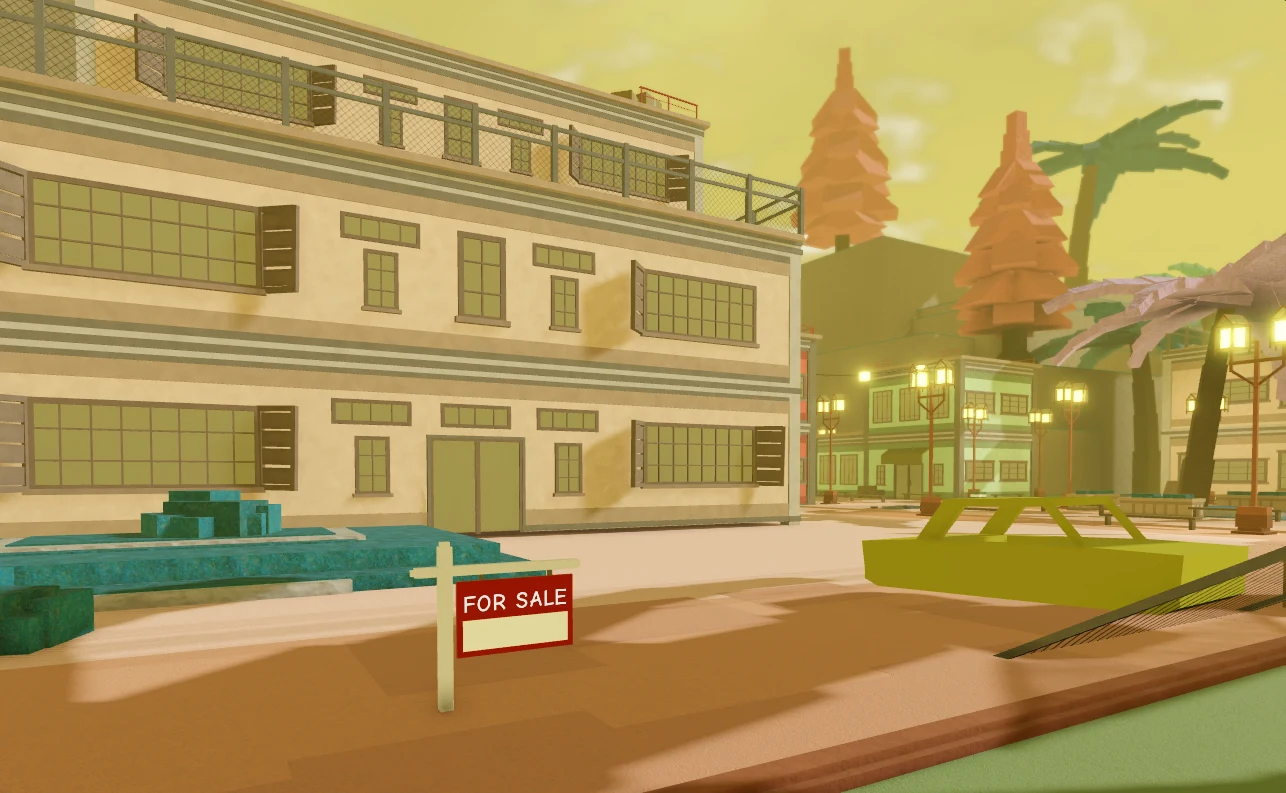
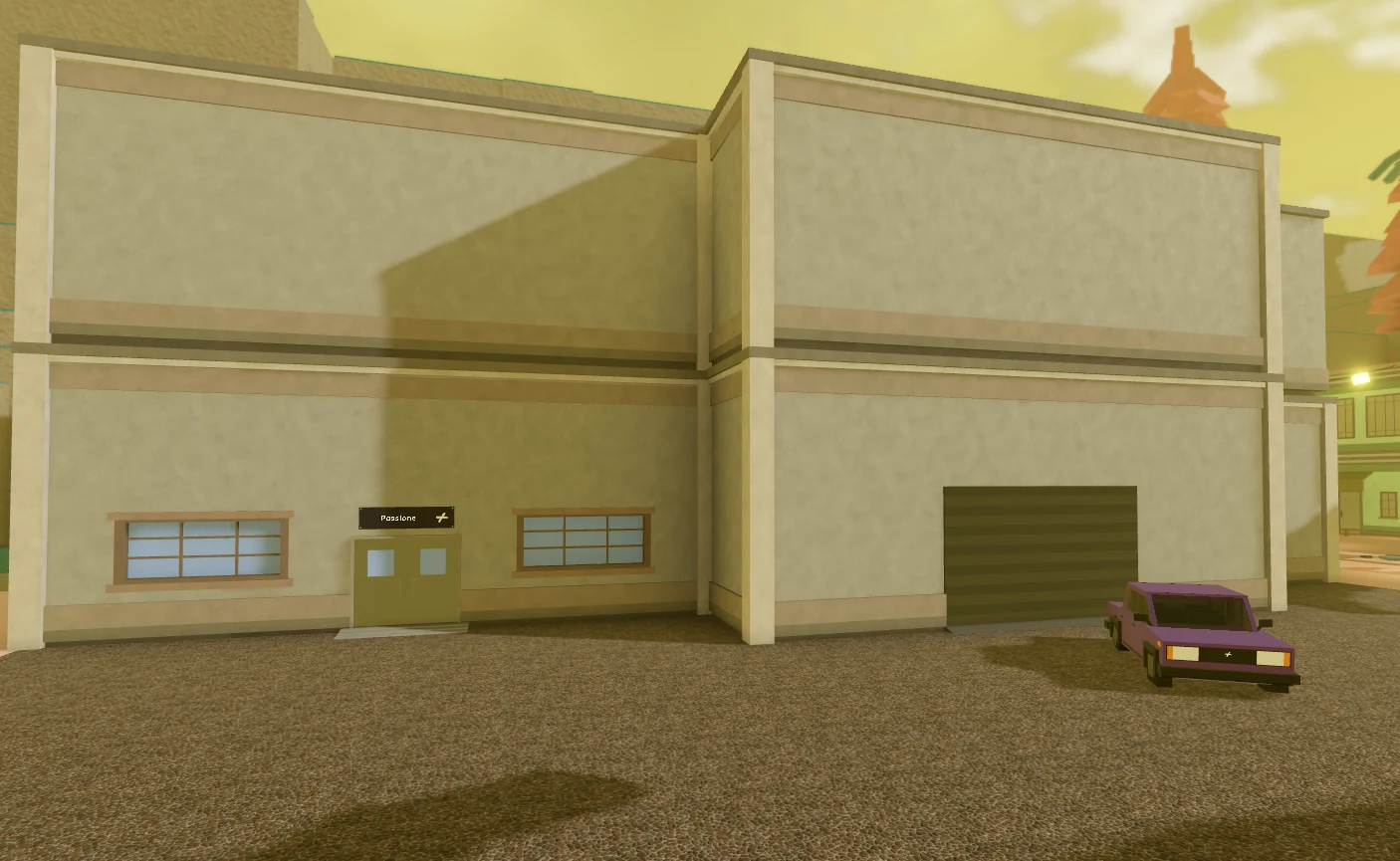
Use the Base tab to build on your plot. You can place furniture, add rooms and paint the base to make it your own. Every base also comes with a free garage for your gang's vehicle.
Use the Gang Bank and Plan for Raids
The Bank tab holds the gang's money. Every member can deposit into it, and that money pays for rooms, furniture and car upgrades. Because the whole gang can add to it, the bank works as a shared budget for the base.
The bank also makes your gang a target. Other gangs can raid yours, and getting raided means losing the money stored in the bank. The bank screen shows a potential raid loss of 25%, so a large balance is a bigger risk.
| Image | Bank screen |
|---|---|
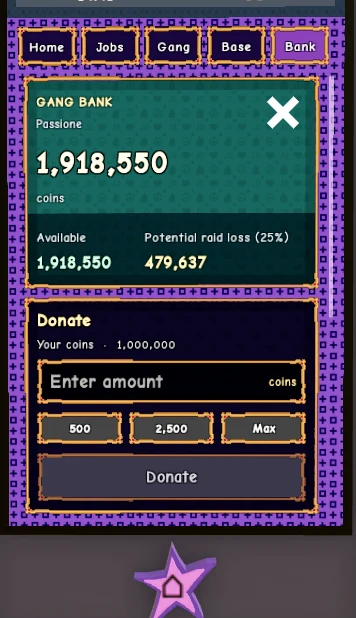 | Potential raid loss is shown above the Donate panel. |
Spending the money as you go keeps less of it sitting in the bank, where a raid can reach it.