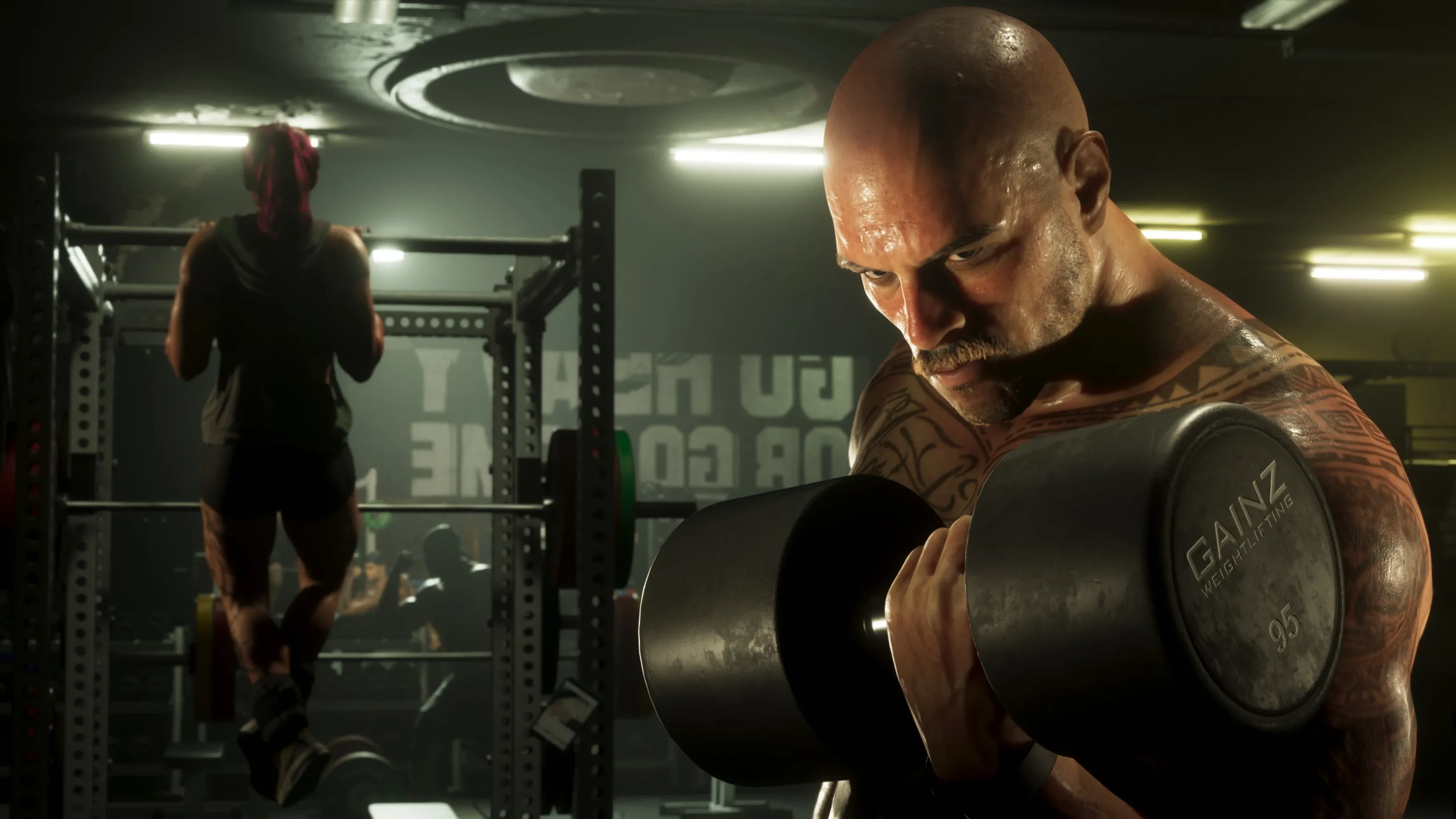
Realistic Ragdoll MMA is a physics-based fighting game on Roblox where you punch, kick, throw and launch flying knees inside a cage. Bodies react to force, so a clean hit can send an opponent to the mat. You start with Normal Career, unlock Hard Career after 30 wins, and roll for Styles with spins earned by winning fights.
| Rarity | Normal Odds | Styles |
|---|---|---|
| Rare | 55.5% | Boxer, Wrestler, Muay Thai, Kickboxer, Brawler, Grappler |
| Legendary | 40% | Power Puncher, Slugger, Philly Shell, The Dragon, One Punch |
| Godly | 4% | The Eagle, The Sniper, El Topturo, The Veteran, Stone Hands |
| Secret | 0.5% | Black Belt, The Notable, The Ruffian, Iron Knuckles |
| Unique | Not on the odds panel | Taekwondo Master |
Rarity decides how likely each tier is when you roll. Rare is the most common at 55.5%, and Secret has a 0.5% chance. Every Style inside one rarity has the same chance, and tapping a rarity on the style screen shows the Styles it holds. Taekwondo Master is the only Unique Style, and it doesn't appear on the Normal Odds panel.
How Fights Work in Realistic Ragdoll MMA
Unlike traditional Roblox fighting games, Realistic Ragdoll MMA runs on momentum, hitbox timing and ragdoll physics. Every hit can knock or daze your rival, and that's your window to close in and finish. Your rival can block your blows and start a counter sequence, or grapple you onto the mat, so timing matters on both sides.
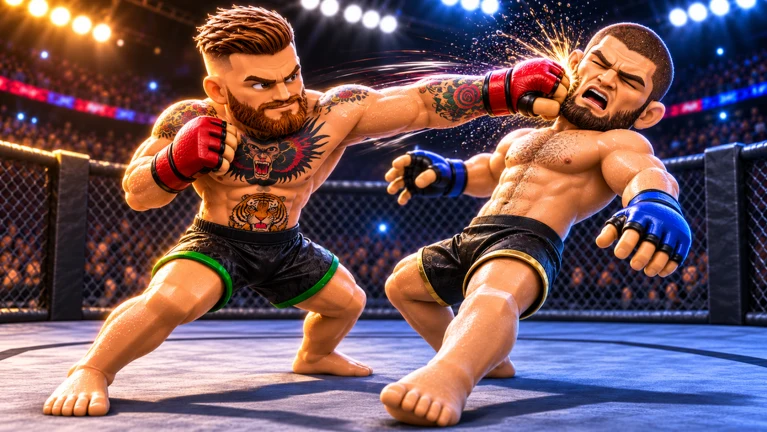
Managing distance and timing your attacks is critical. Swinging wildly leaves you open to counterattacks, especially against AI on Hard mode. Flying knees and takedowns are the most potent moves, so learn them early. They're the quickest way to finish an opponent in Career or Player vs Player (PvP) fights.
Realistic Ragdoll MMA PC Controls
These are the PC keys, so the controls are for keyboard and mouse.
- Move: WASD
- Aim: mouse
- Jab: left click
- Cross: right click
- Left hook: Q
- Right hook: E
- Lead or rear kick: R and T
- Oblique kick: R while aimed at the knee
- Flying knee: Space
- Block and check kicks: hold Left Shift
- Slip or duck: F + A or D
- Takedown: G, then spam Space to drive your opponent down
- Sprawl, get up and hold your opponent down: spam Space
- Submissions on the ground: keys 1, 2, 3 and 4
Space does a lot of the work. It's your flying knee, your takedown drive and your sprawl, so it's worth practicing the timing for each one.
How Spins, Lucky Spins and Pity Work
Styles are rolled with spins. Regular spins come from winning fights, while Lucky Spins can be bought with Robux. A Lucky Spin gives a higher chance of a Legendary, Godly or Secret Style than a regular spin, and the style screen has a separate Lucky Odds tab for it.
Pity counters add a guarantee on top of the odds. The style screen shows PITY 1/50, labelled "Godly or better guaranteed," and SECRET PITY 1/100, labelled "Secret guaranteed." The 100th spin guarantees a Secret Style if you haven't received one yet.
How to Read Style Grades
Every Style is graded in ten areas: Striking, Power, Speed, Defence, Kicks, Wrestling, TD Defence, Ground, Subs and Chin. Each grade is a letter from A to D, with A the highest. The grades show where a Style is strong and where it's weak, so you know what to lean on inside the octagon.
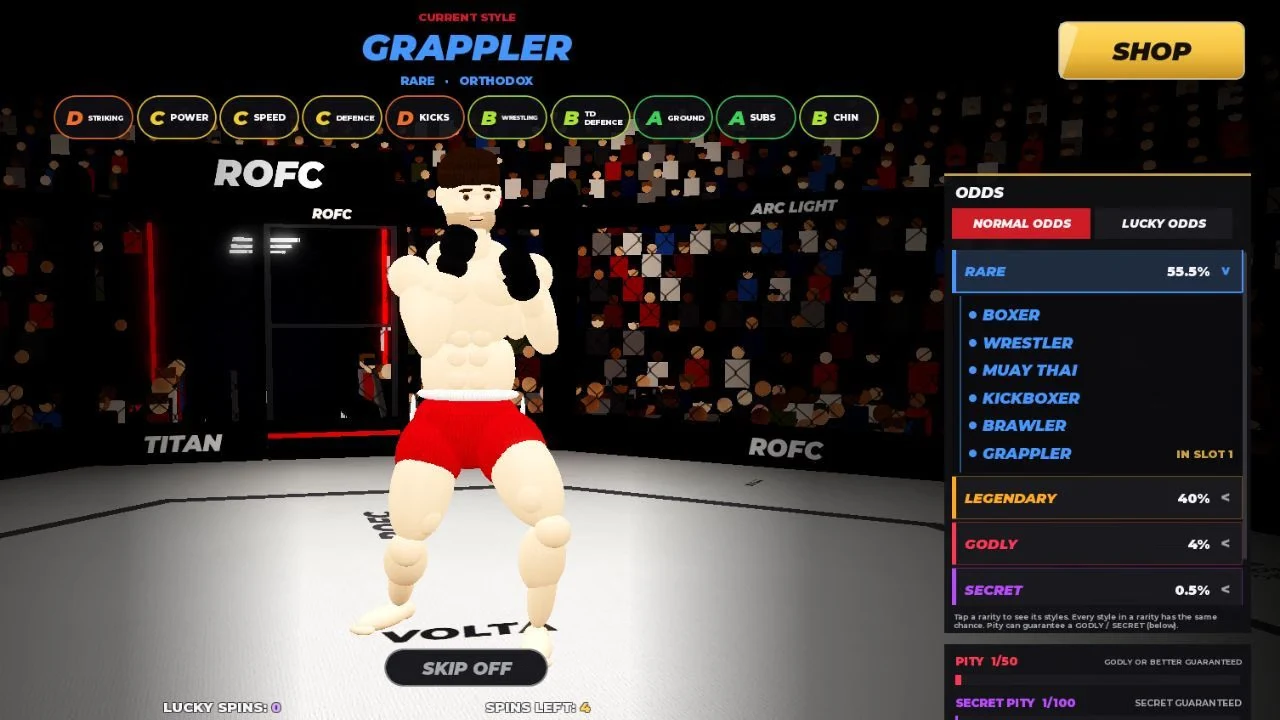
Grappler, a Rare Style with an Orthodox stance, shows the pattern well. It grades A in Ground and Subs, B in Wrestling, TD Defence and Chin, C in Power, Speed and Defence, and D in Striking and Kicks. A Style like that is built for the mat more than for trading strikes.
Career Mode: Normal and Hard Difficulty
Career has two difficulties. Normal is always unlocked, so you can start right away. Hard unlocks after 30 wins.
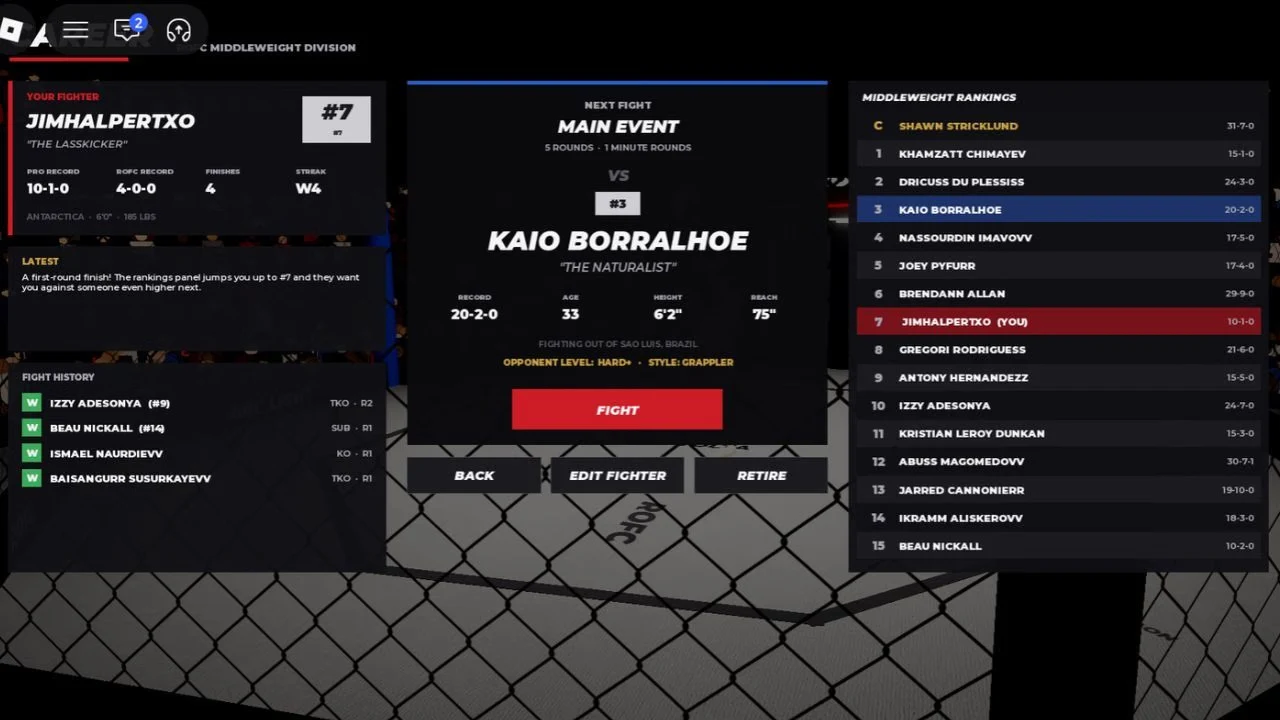
In Career, you create a fighter and battle AI opponents to climb the division rankings. Your win streak and overall performance are tracked until you fight the division champion for the championship belt.
The Career screen shows your division rankings and a Next Fight card, along with FIGHT, EDIT FIGHTER, RETIRE and BACK buttons. One Next Fight card shows a main event of 5 rounds at 1 minute each, with the opponent level listed as HARD+.
Player vs Player Fights and Invites
In Player vs Player, you invite a player in your server to fight in the octagon. Choose 3 rounds or 5 rounds, then press INVITE beside their username. The invited player has 10 seconds to accept.
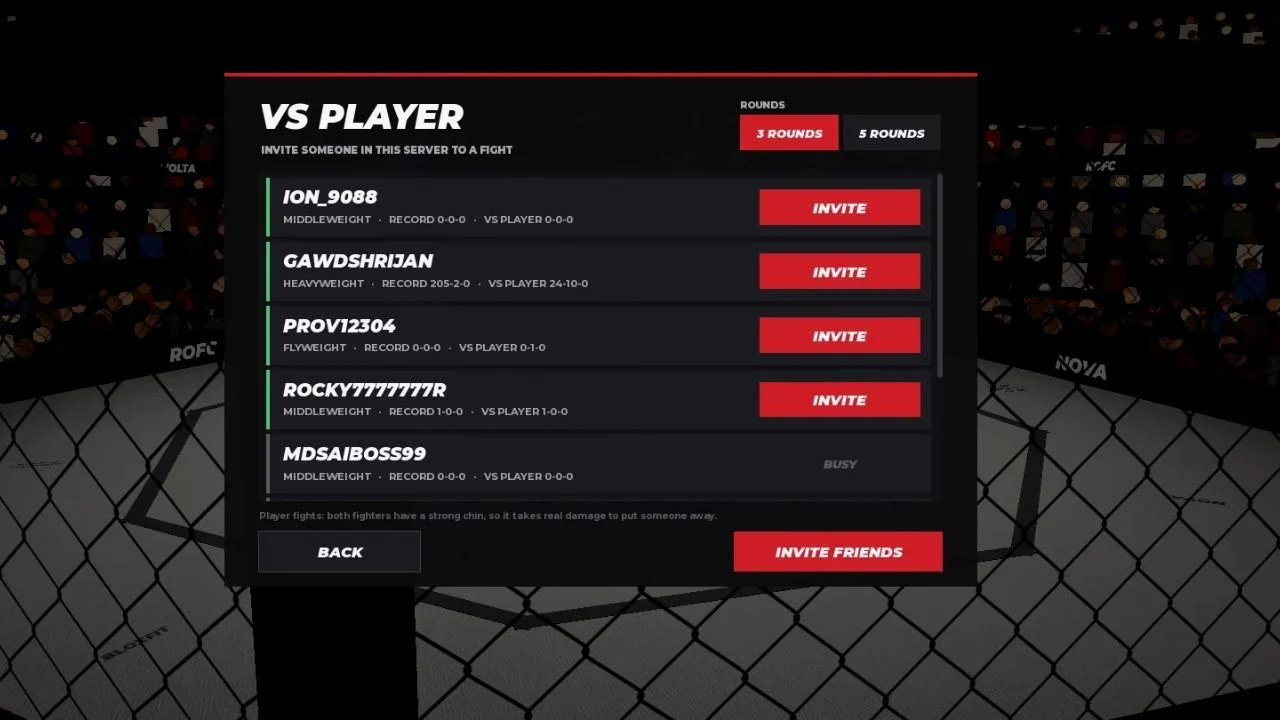
Your PvP record is separate from your Career record, but other players can see it when they challenge you. The PvP screen lists each player's weight class and record, such as middleweight, heavyweight or flyweight, and includes an INVITE FRIENDS button. The screen also notes that both fighters have a strong chin, so it takes real damage to put someone away.
Customizing Your Fighter's Look
The Customizations menu lets you change your avatar's skin tone, attire, hair and face. The menu has five tabs: BIO, BODY, HAIR, FACE and GEAR.
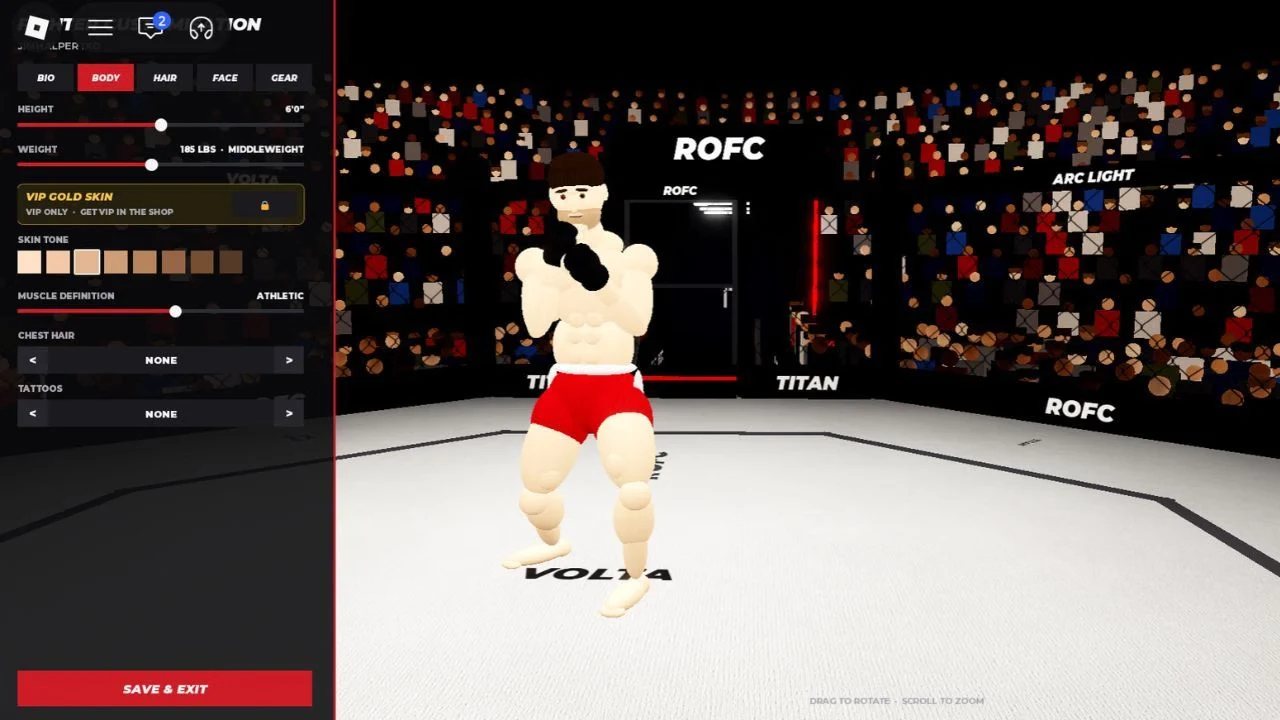
The Body tab covers height, weight, skin tone, muscle definition, chest hair and tattoos. Weight appears with its class, such as 185 LBS as MIDDLEWEIGHT. A VIP Gold Skin is marked VIP only, with a note to get VIP in the shop. When you're done, use SAVE & EXIT.